展望
Compatible Nitrokeys |
|||||||
|---|---|---|---|---|---|---|---|
✓ active |
⨯ inactive |
⨯ inactive |
✓ active |
⨯ inactive |
✓ active |
✓ active |
⨯ inactive |
备注
不幸的是,目前还没有在Outlook for macOS中使用OpenPGP的解决方案。
先决条件
If you do not have PGP-Keys on your Nitrokey yet, please look at this page first.
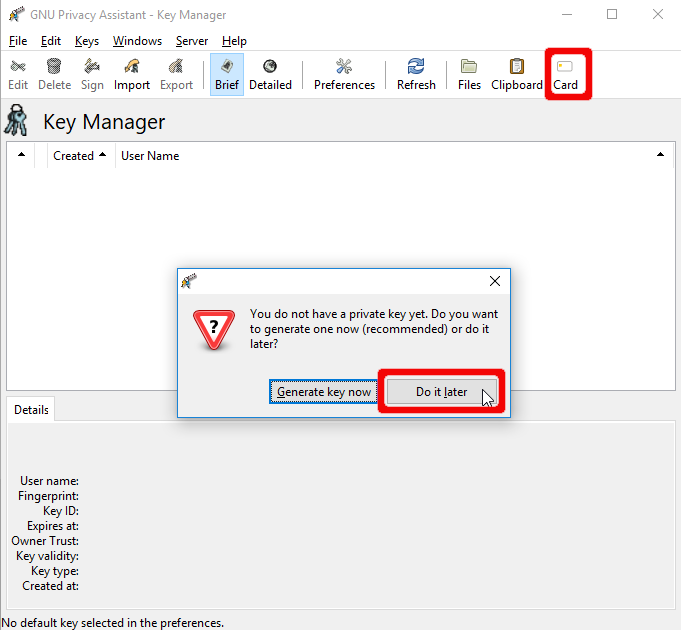
你需要在你的系统上安装GnuPG。最新的Windows版GnuPG可以在`这里找到 <https://www.gpg4win.org>`__。你需要确保在安装过程中选中 "GpgOL"(见下文)。
使用方法
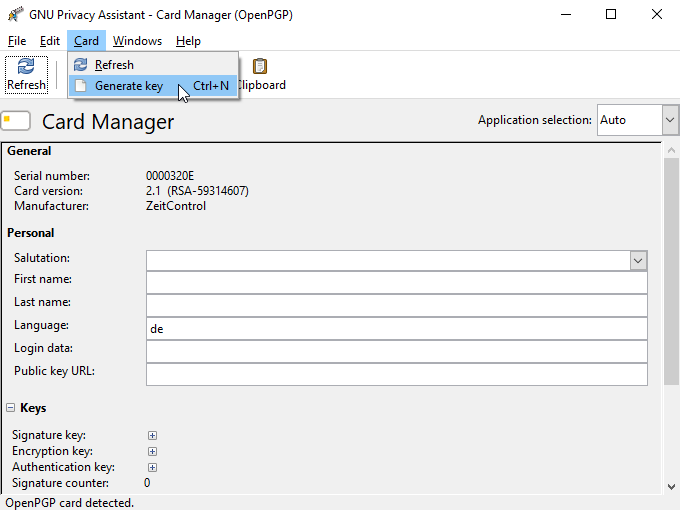
在安装了GPG4Win和GpgOL之后,你会在合成窗口中看到一个标有 "安全 "的新图标。要对邮件进行加密和签名,你只需点击下面的签名即可。
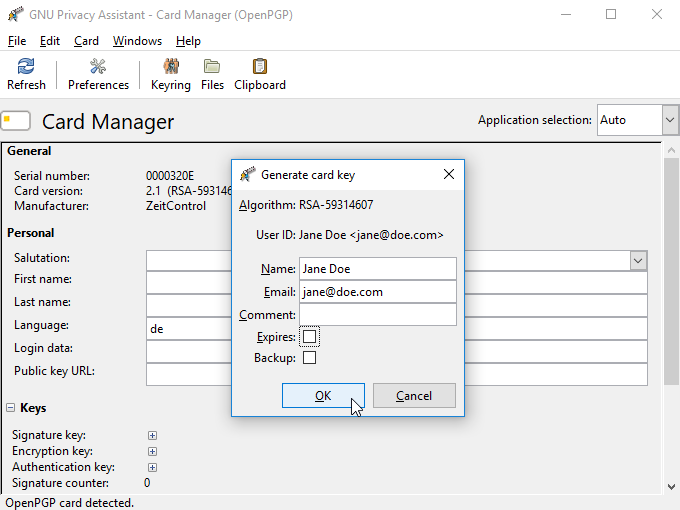
GnuPG will start signing and encrypting the mail as soon as you click on Send. You are requested to choose the identity you want to sign with and encrypt for.
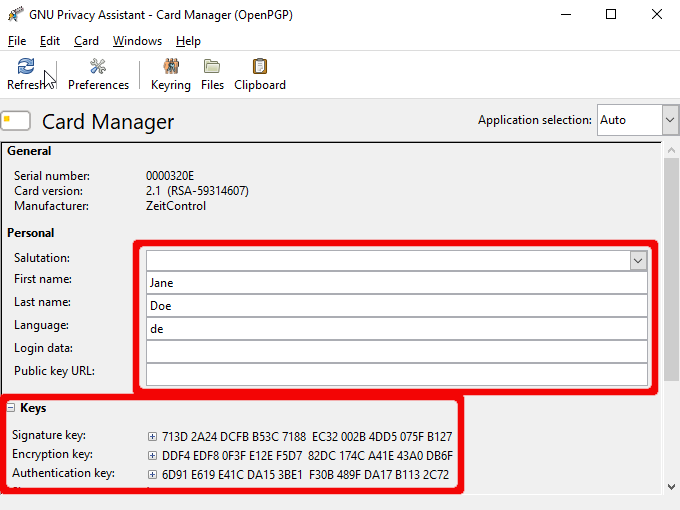
此外,还要求你输入Nitrokey的用户密码来签署邮件。
如果你想阅读加密的邮件,你会被自动要求提供你的用户密码。