Factory Reset Heads v2.0+
重置为出厂设置的原因
您的 ®Nitrokey 被锁定(例如由于多次输入错误的 PIN 码)。
你丢失了你的Nitrokey(在这种情况下,你首先需要一个新的)。
您自行安装了操作系统(如更换硬盘后)。
你的操作系统不能启动
警告
All GPG keys of your Nitrokey will be deleted during this procedure.
程序
将你的Nitrokey连接到NitroPad。
Turn on the NitroPad and interrupt the automatic boot by pressing any key.
选择 "选项"。
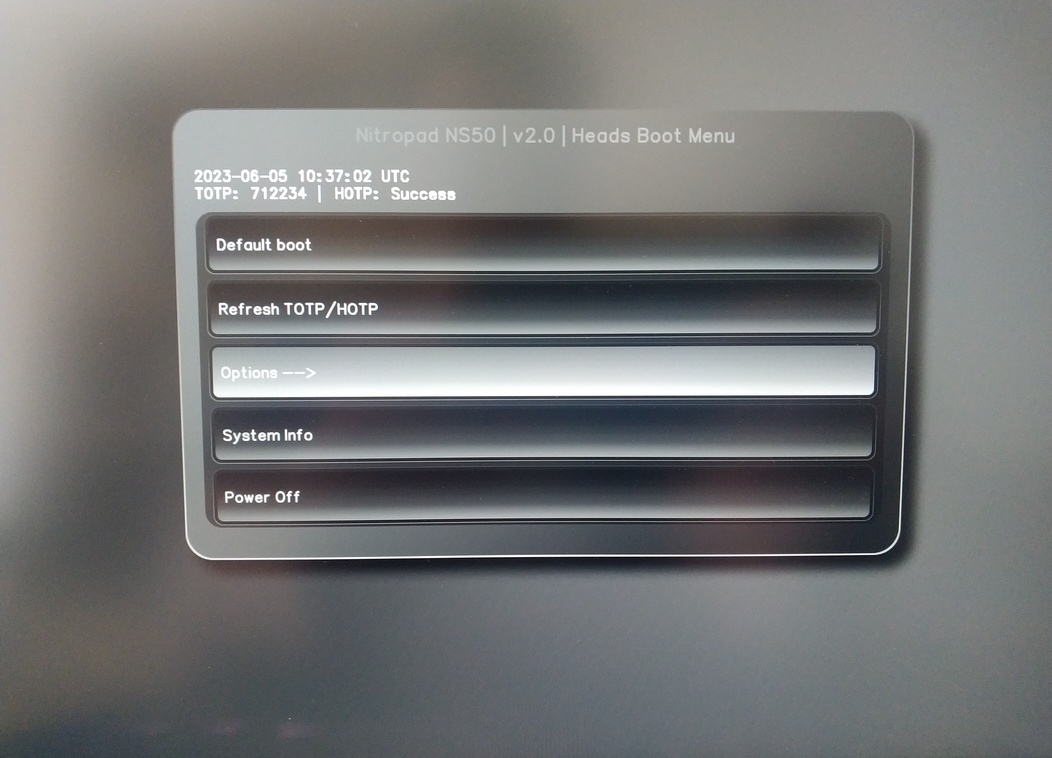
选择 "OEM-Factory Reset /Re-Ownership"。
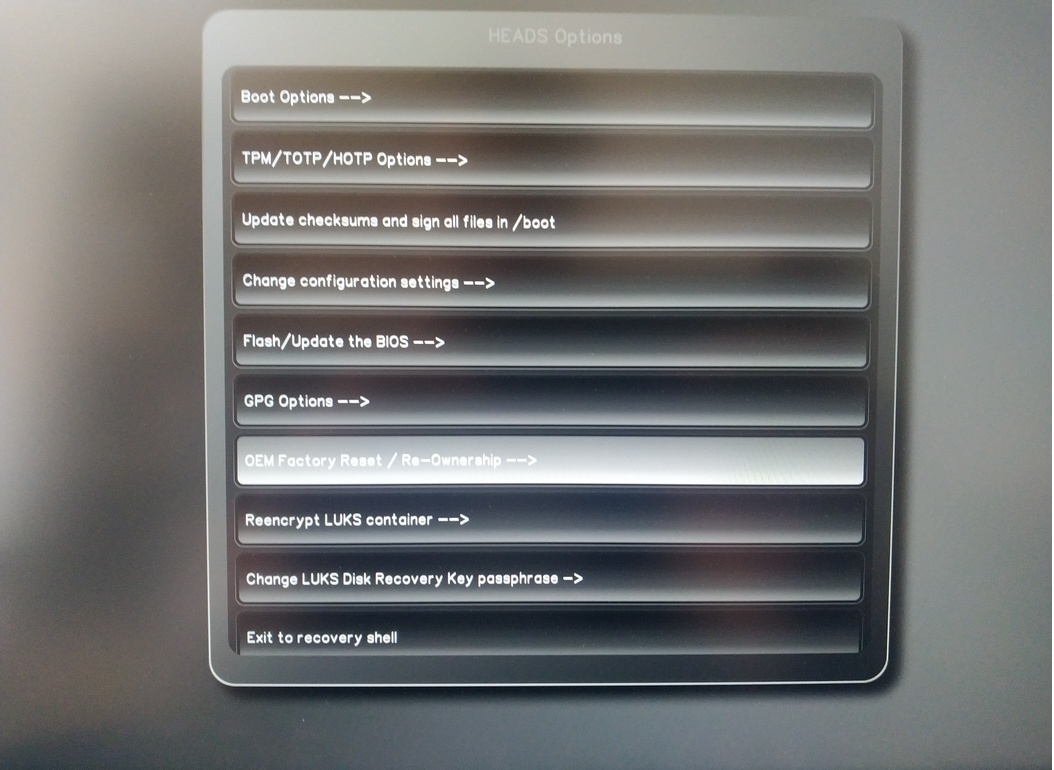
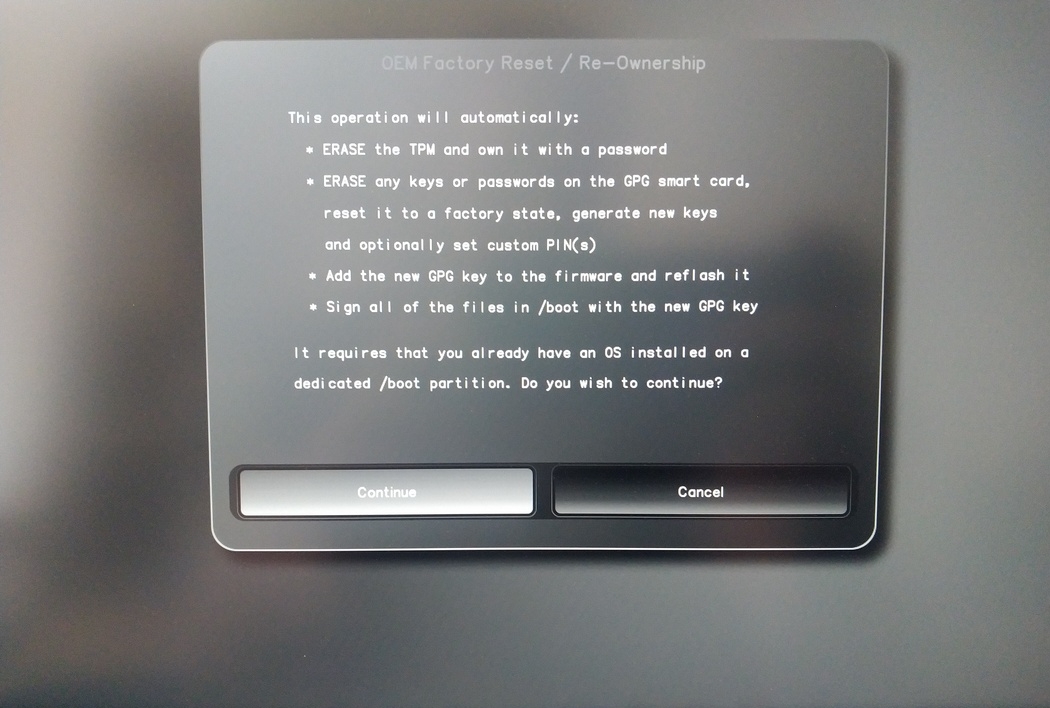
Confirm reset with “Continue”.
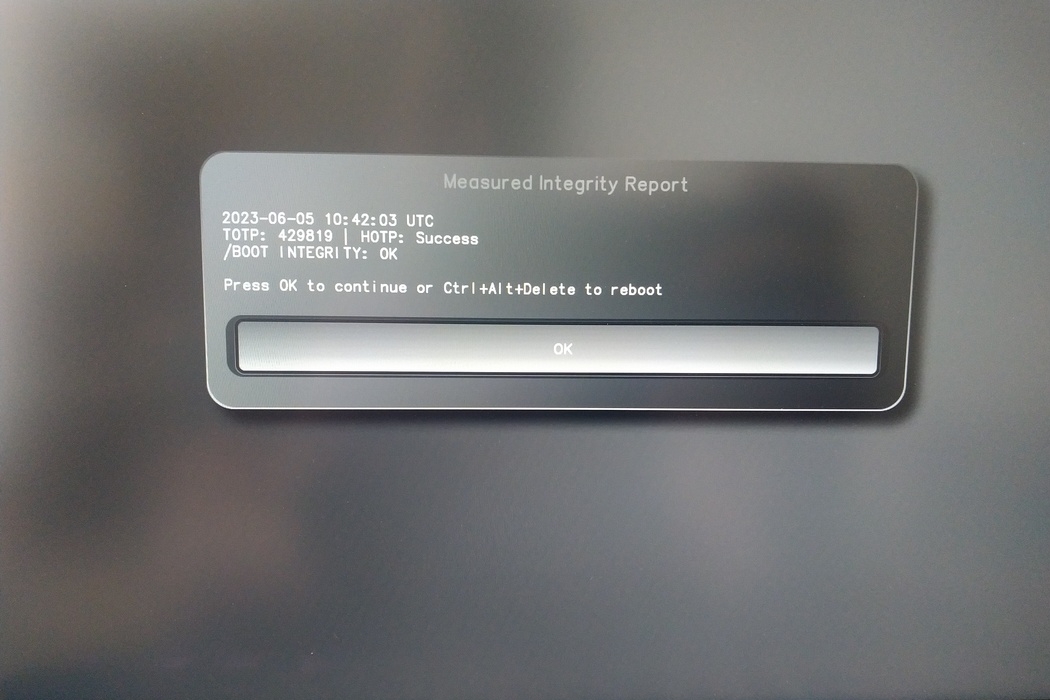
The integrity of your setup will be tested. Depending on your reason to perform the reset this can fail; continue with "OK" anyway.
You will be prompted with:
Would you like to use default configuration option?
If N, you will be prompted for each option [Y/n]:

You can hit enter for the default option (Y).
将显示第二个提示:
Would you like to export your public key to an USB drive? [y/N]:
按回车键选择默认选项(N)。
在此过程中,您需要按要求触摸您的 ® 硝基。
现在,它显示了 "人头 "使用的所有 PIN 码:
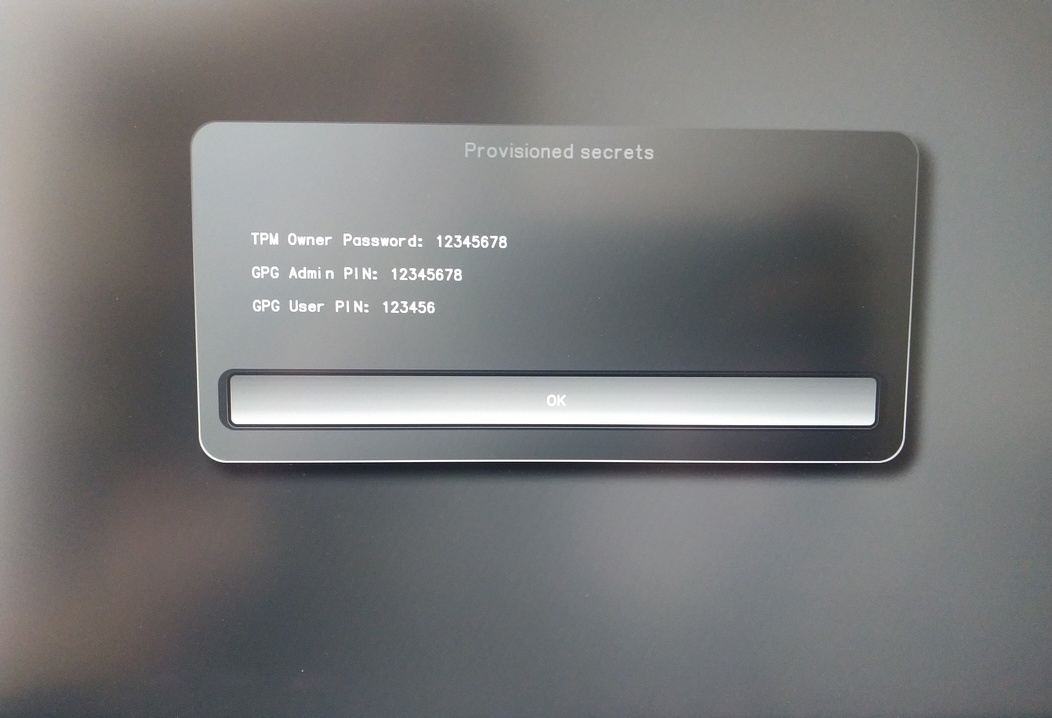
您在某些程序中会用到它们,因此请务必牢记。
Confirm the subsequent restart.
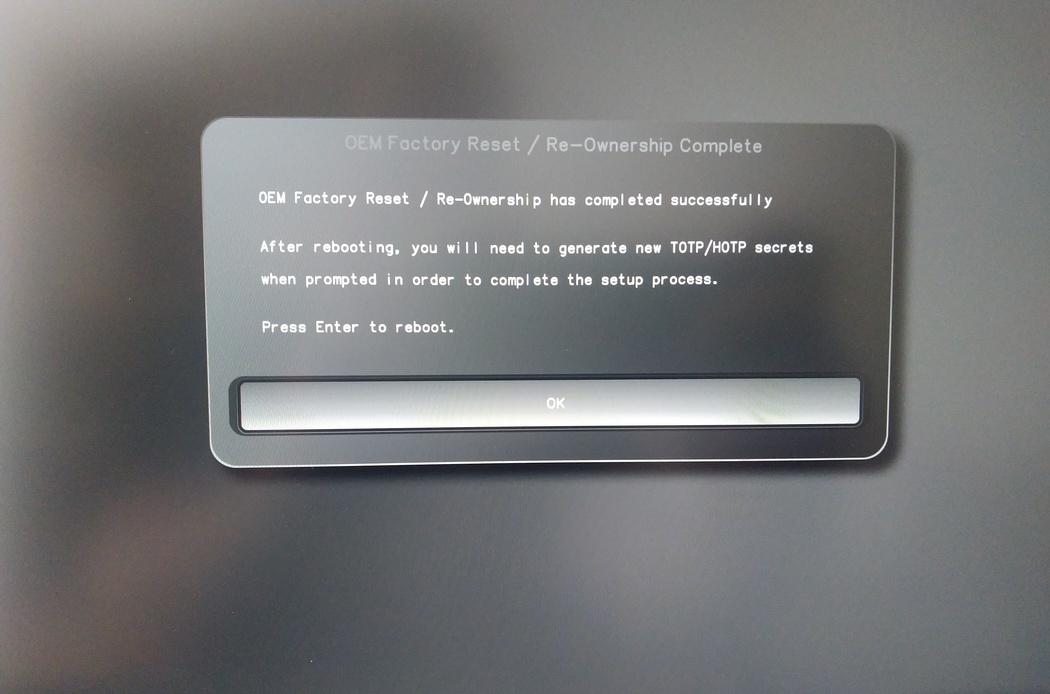
重新启动后,必须创建OTP秘密。用回车键确认该过程。
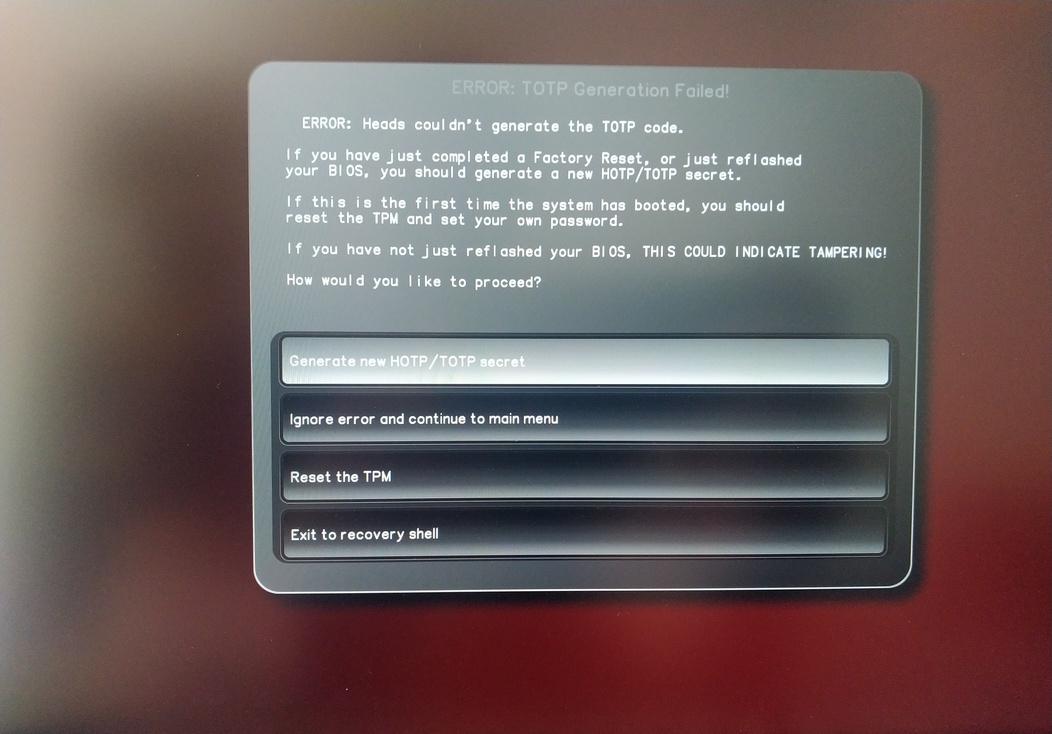
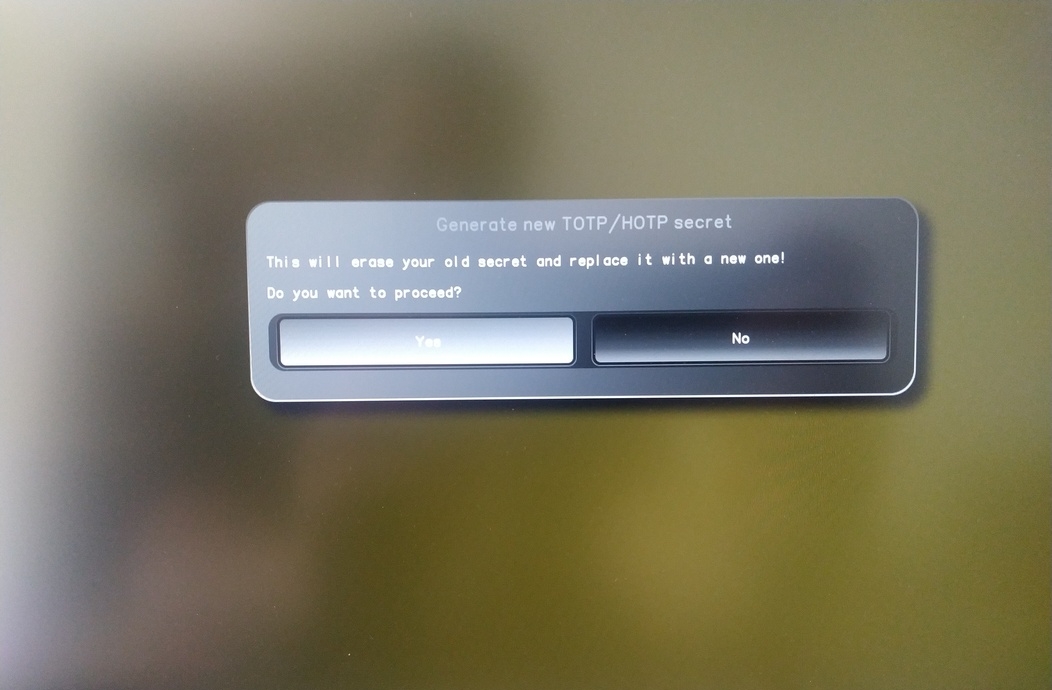
Enter TPM Owner Password (Default:
12345678)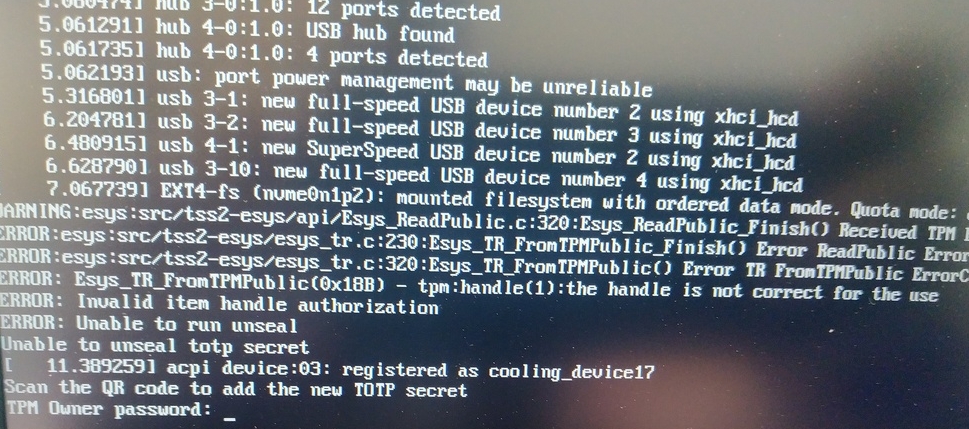
Scan QR code with Phone to import TOTP Secret (optional) and hit Enter
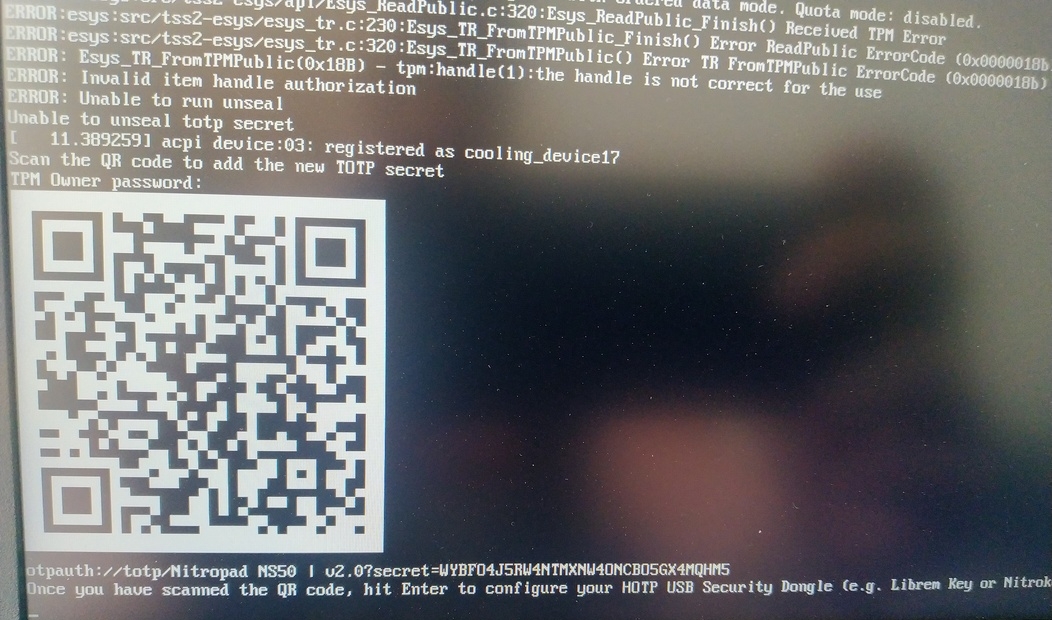
When asked touch your Nitrokey.
When prompted, enter the Secret App PIN of your Nitrokey (Default: 12345678) and hit Enter
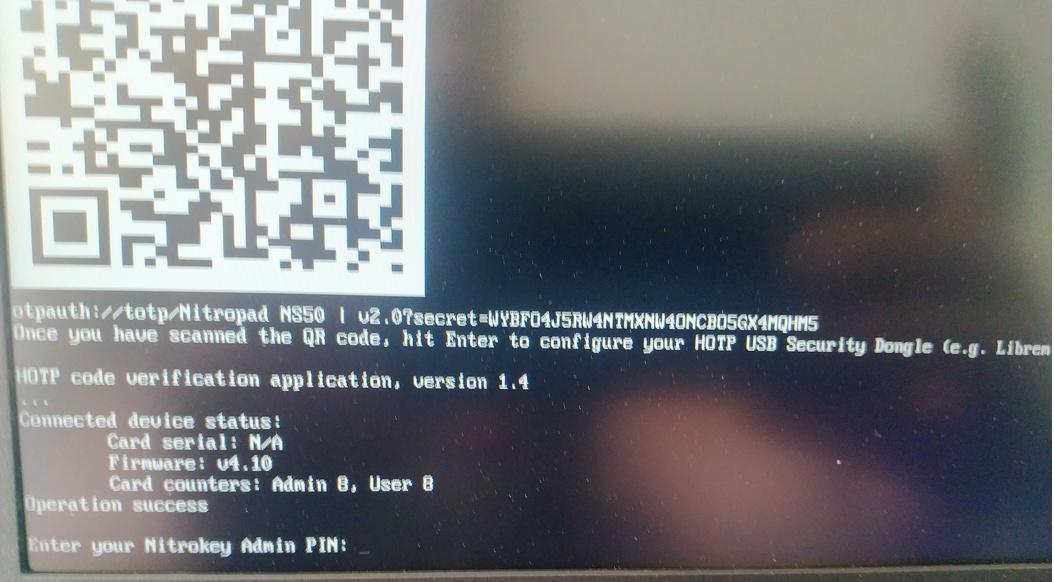
点击回车键,自动启动就会开始。
现在您需要选择默认启动,选择第一个选项并将其设为默认。
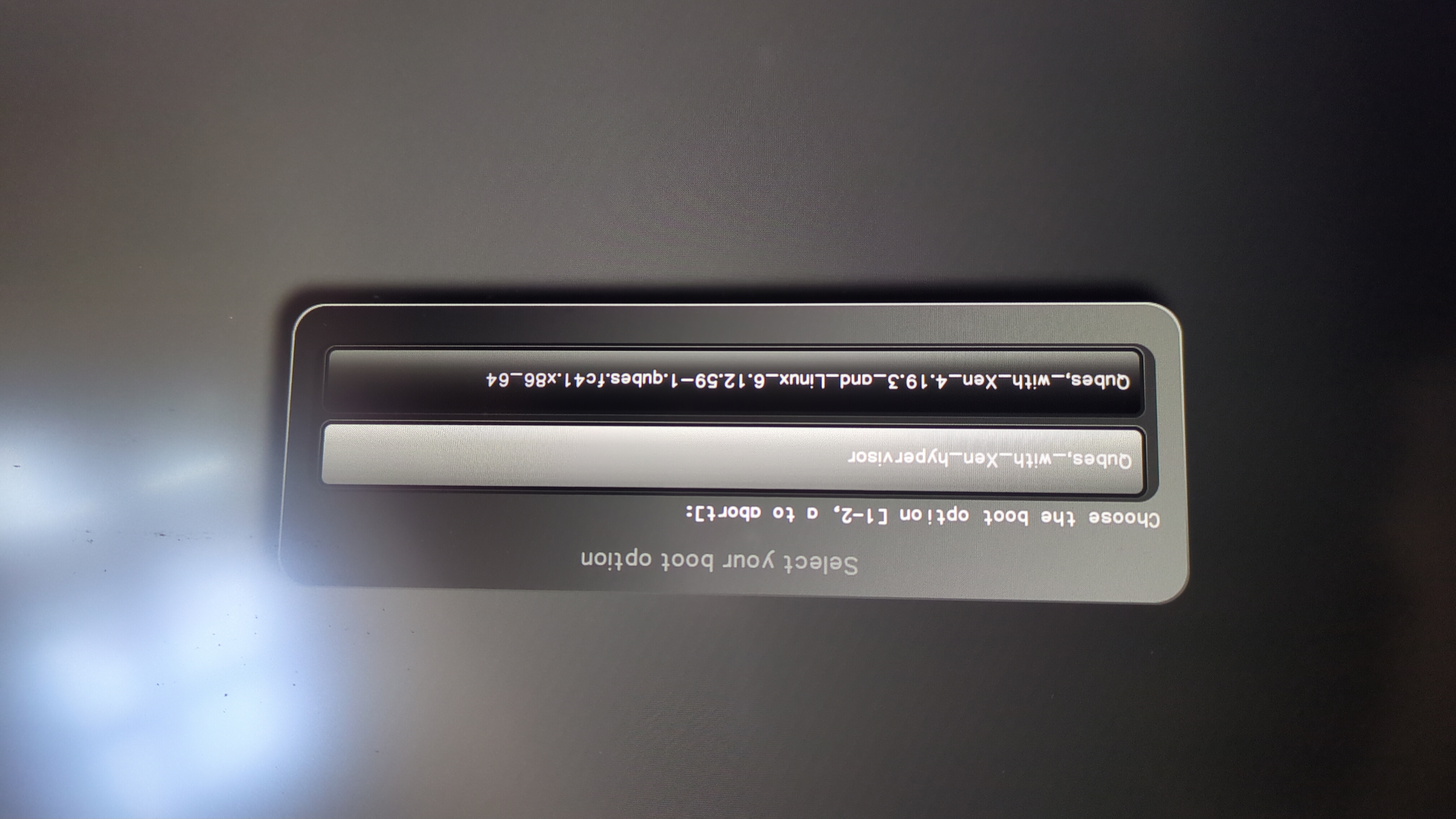
将出现此提示:
Do you wish to add a disk encryption key to the TPM [y/N]:
Hit enter to choose the default option (N).
Please confirm that your GPG card is inserted [Y/n]:
Here also hit enter for the default option (Y).
It will ask for the Admin PIN which is by default (123456).
重置完成后,即可启动已安装的操作系统。
将你的Nitrokey连接到NitroPad。
开启NitroPad。
选择 "选项"。
选择 "OEM-Factory Reset /Re-Ownership"。
用 "继续 "确认重置。
The integrity of your setup will be tested. Depending on your reason to perform the reset this can fail; continue with "OK" anyway.
下面的问题都可以用 "默认 "来回答。如果你只想重置你的设备,就按回车键。
Would you like to change the current LUKS Disk Recovery Key passphrase?
(Highly recommended if you didn't install the Operating System yourself, so that past provisioned passphrase would not permit to access content.
Note that without re-encrypting disk, a backuped header could be restored to access encrypted content with old passphrase) [y/N]: N

Would you like to re-encrypt LUKS encrypted container and generate new Disk Recovery key?
(Highly recommended if you didn't install the operating system yourself: this would prevent any LUKS backuped header to be restored to access encrypted data) [y/N]: N

The following security components will be provisioned with defaults or chosen PINs/passwords:

TPM Ownership password
GPG Admin PIN
GPG User PIN

Would you like to set a single custom password that will be provisioned to previously stated security components? [y/N]: N

Would you like to set distinct PINs/passwords to be provisioned to previously stated security components? [y/N]: N

Would you like to set custom user Information for the GnPG key?[y/N]: N

Would you like to set custom user information for the GnuPG key? [y/N]: N

Checking for USB Security Dongle...

Detecting and setting boot device...

Boot device set to /dev/nvme0n1p2

Resetting TPM...

Resetting GPG Key...
(this will take around 3 minuts...)

Changing default GPG Admin PIN

Changing default GPG User PIN

Reading current firmware
(this will take a minute or two)

Adding generated key to current firmware and re-flashing...

Signing boot files and generating checksums
它将显示默认的GPG PINS和TPM密码
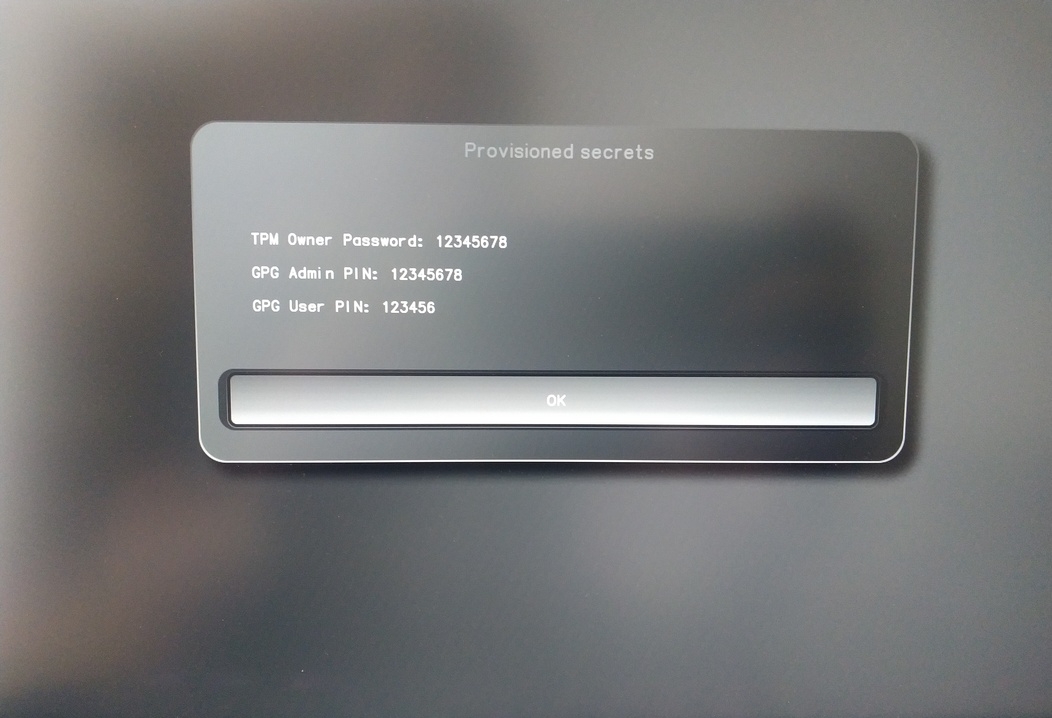
Confirm the subsequent restart.
重新启动后,必须创建OTP秘密。用回车键确认该过程。
输入TPM密码(默认:12345678)。
Scan the QR code with your phone to import the TOTP secret (optional) and hit Enter.
When prompted, enter the Admin PIN of your Nitrokey (Default:
12345678) and hit Enter.
然后你应该到达 "开始 "菜单。
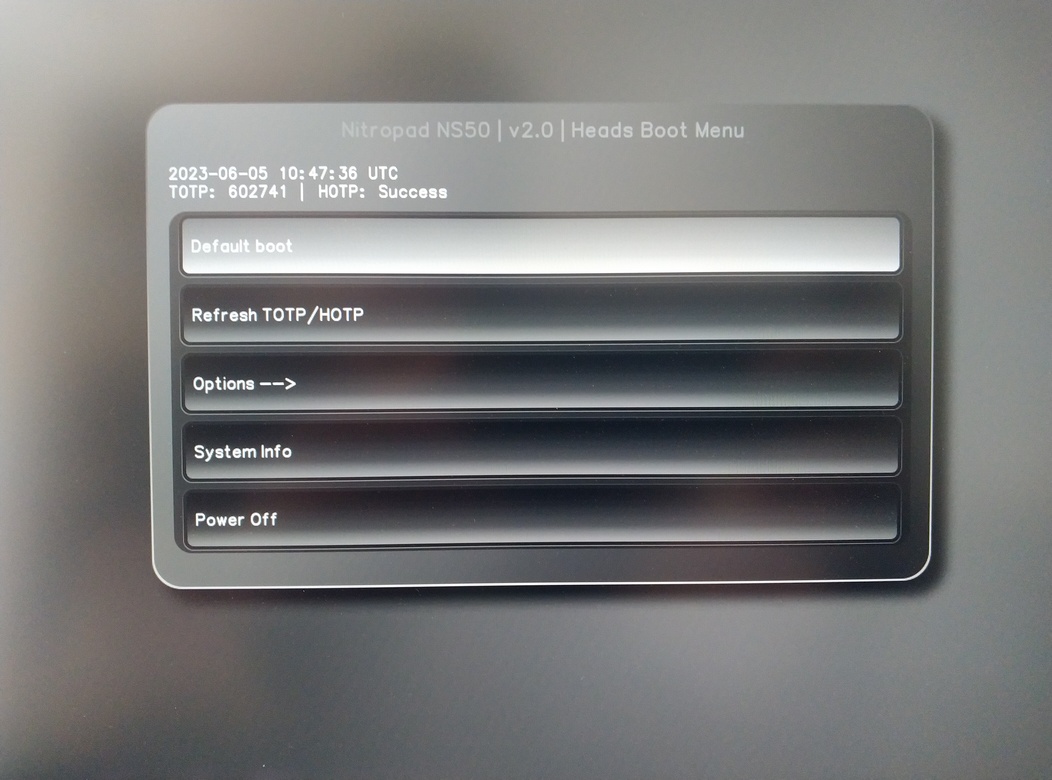
按回车键,开始 "默认启动"。
备注
If you see the message that no default exists yet, please follow the procedure described in default boot.