Firmware frissítés
Az általános firmware-frissítéshez kövesse a ezt az útmutatót. Ezt követően újra kell telepítenünk a blue-merle-t:
Make sure the NW750 has a working Internet connection.
Connect with the WiFi and login to the alternative OpenWrt web interface at https://192.168.8.1/cgi-bin/luci/ using username
rootand the same password used for the other web interface.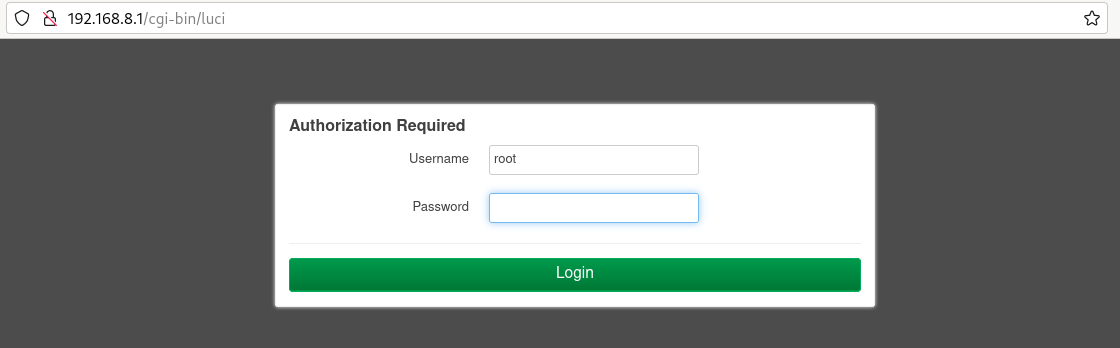
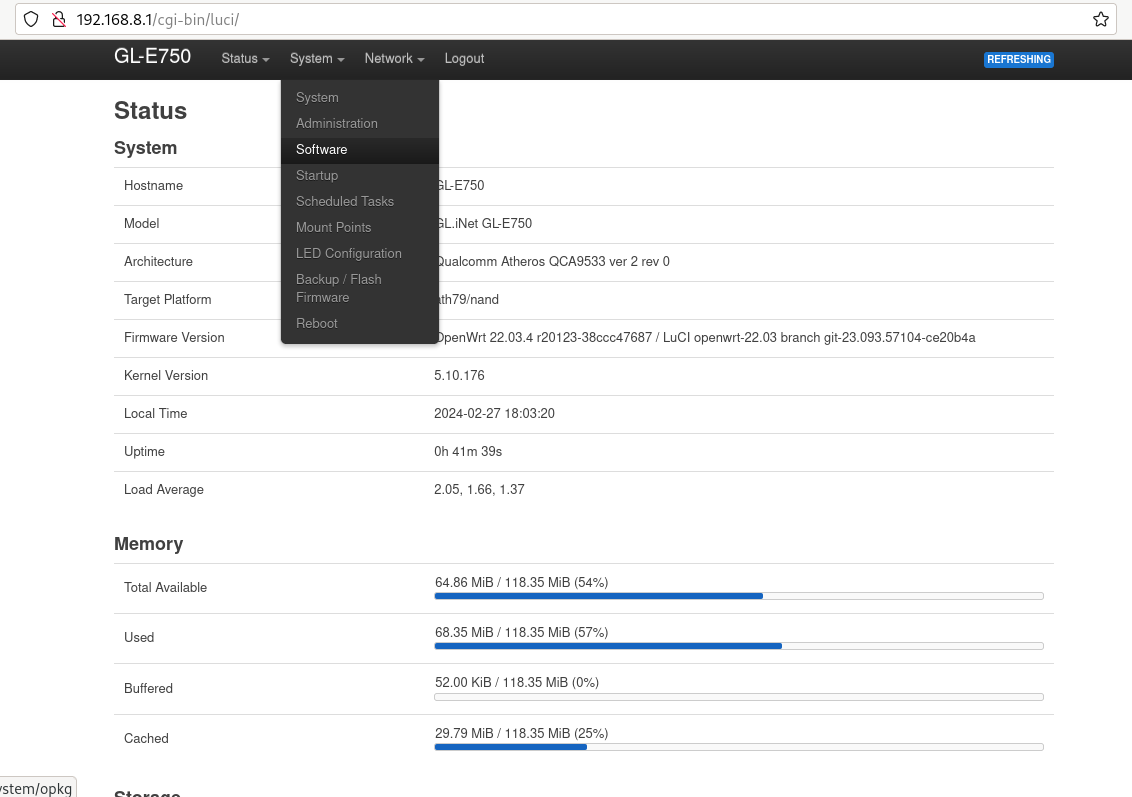
Go to „System” -> „Software”.
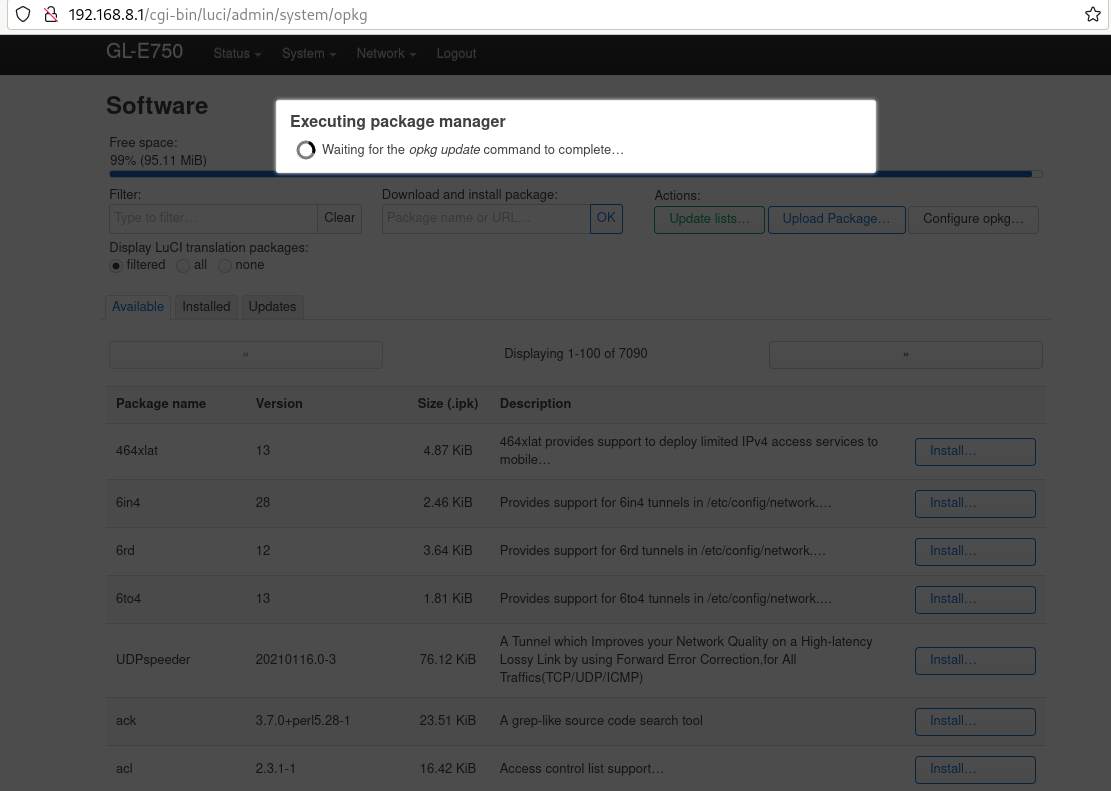
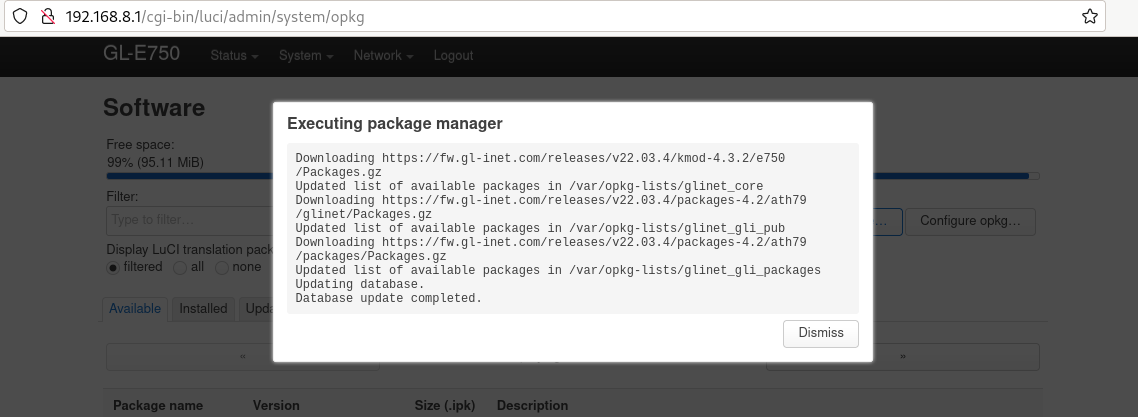
Kattintson a „lista frissítése” gombra. Ez eltarthat egy ideig, de ha nem sikerül, az azt jelenti, hogy nincs internetkapcsolat.
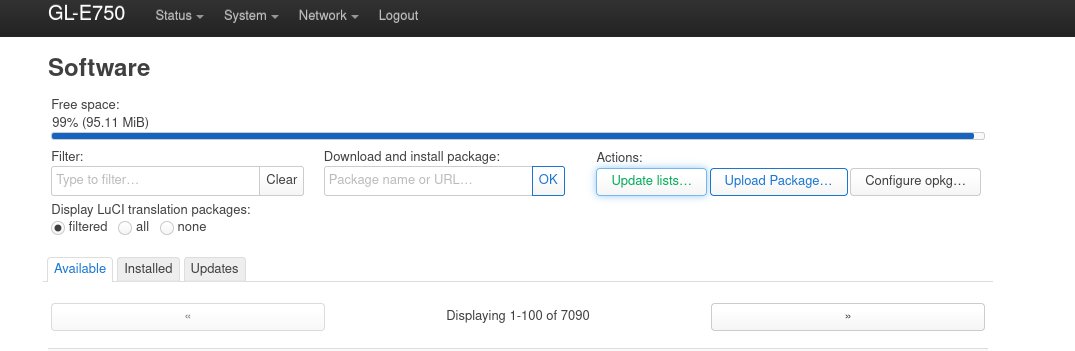
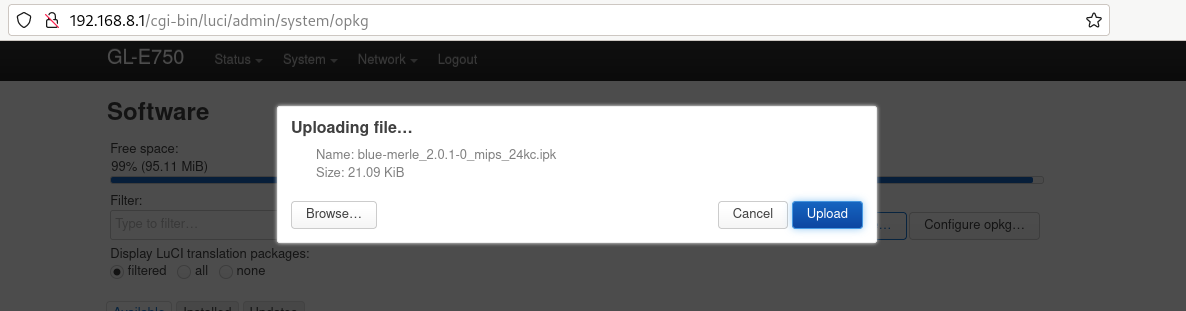
Click „upload package” and upload blue-merle.
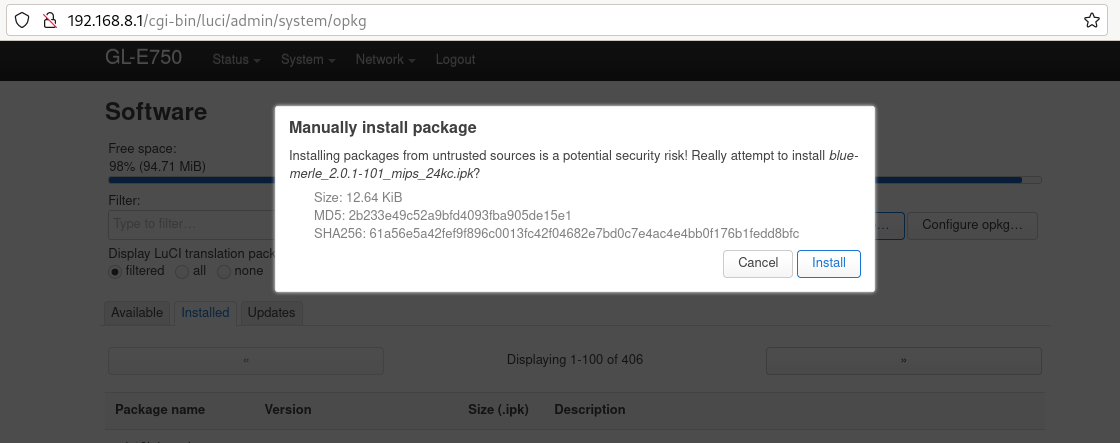
Click „install”.
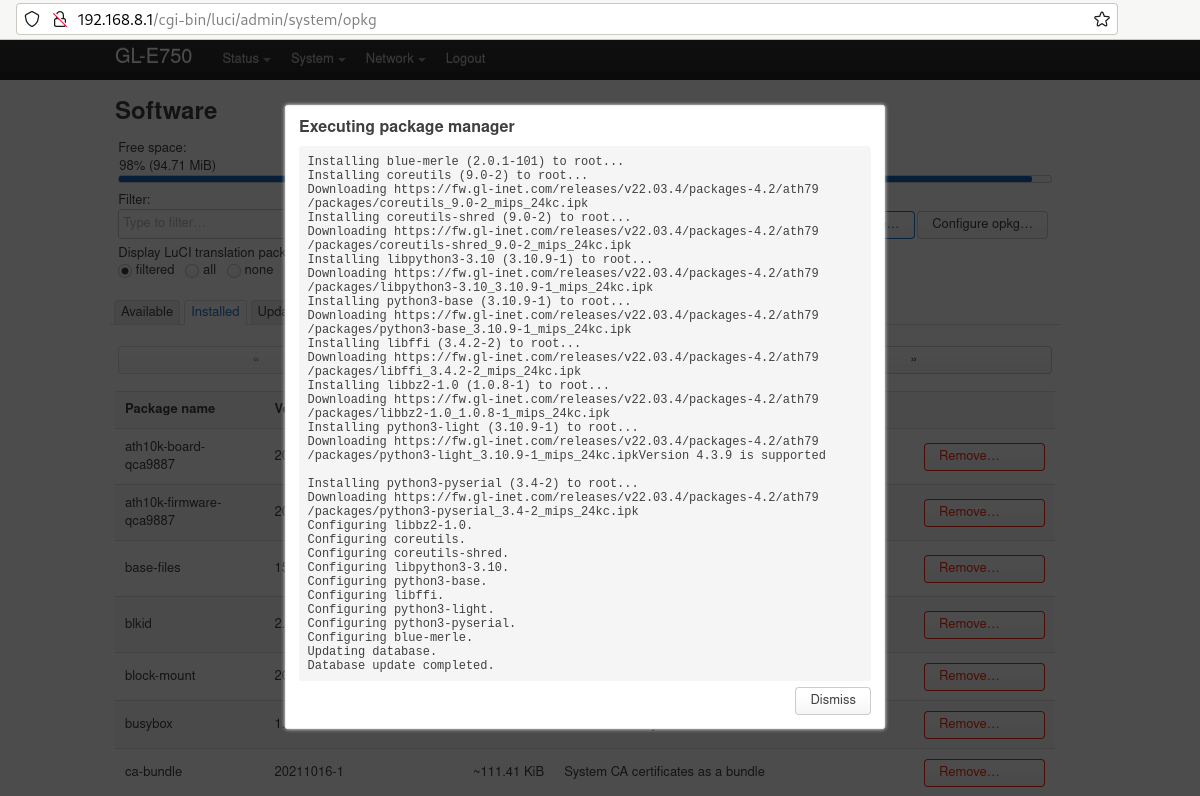
A firmware frissítése sikeresen megtörtént.