Aktualizácia firmvéru
Pre všeobecnú aktualizáciu firmvéru postupujte podľa tejto príručky. Následne musíme preinštalovať program blue-merle:
Make sure the NW750 has a working Internet connection.
Connect with the WiFi and login to the alternative OpenWrt web interface at https://192.168.8.1/cgi-bin/luci/ using username
rootand the same password used for the other web interface.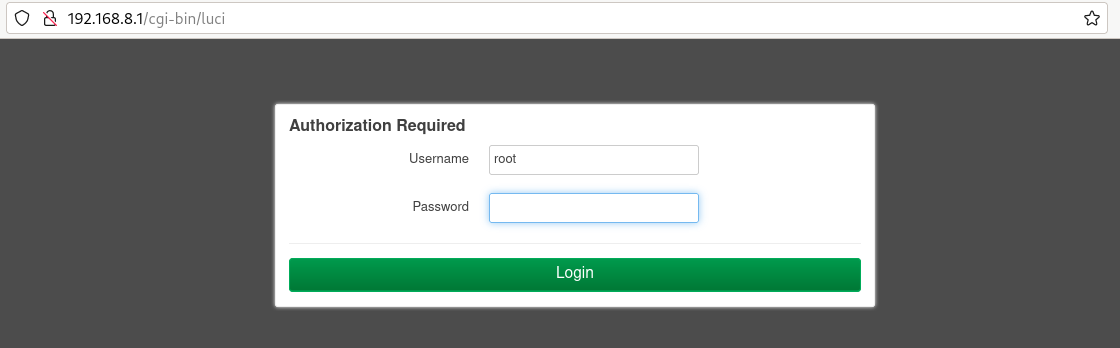
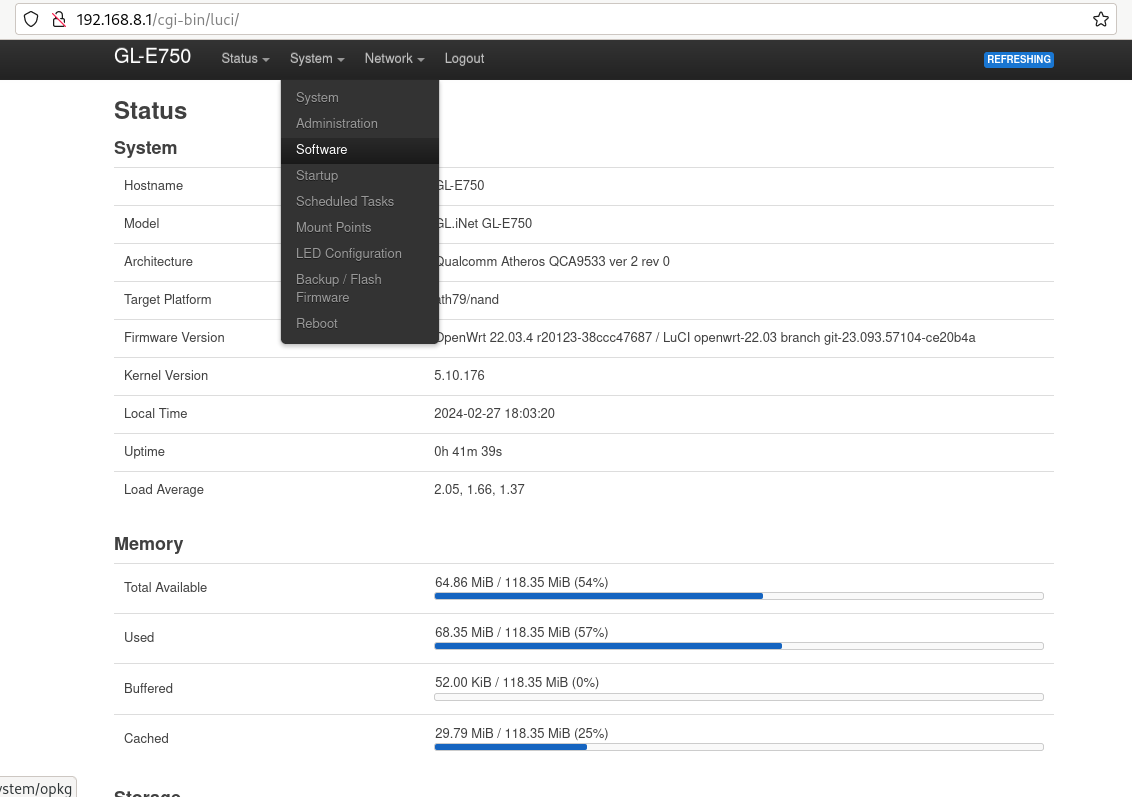
Go to „System“ -> „Software“.
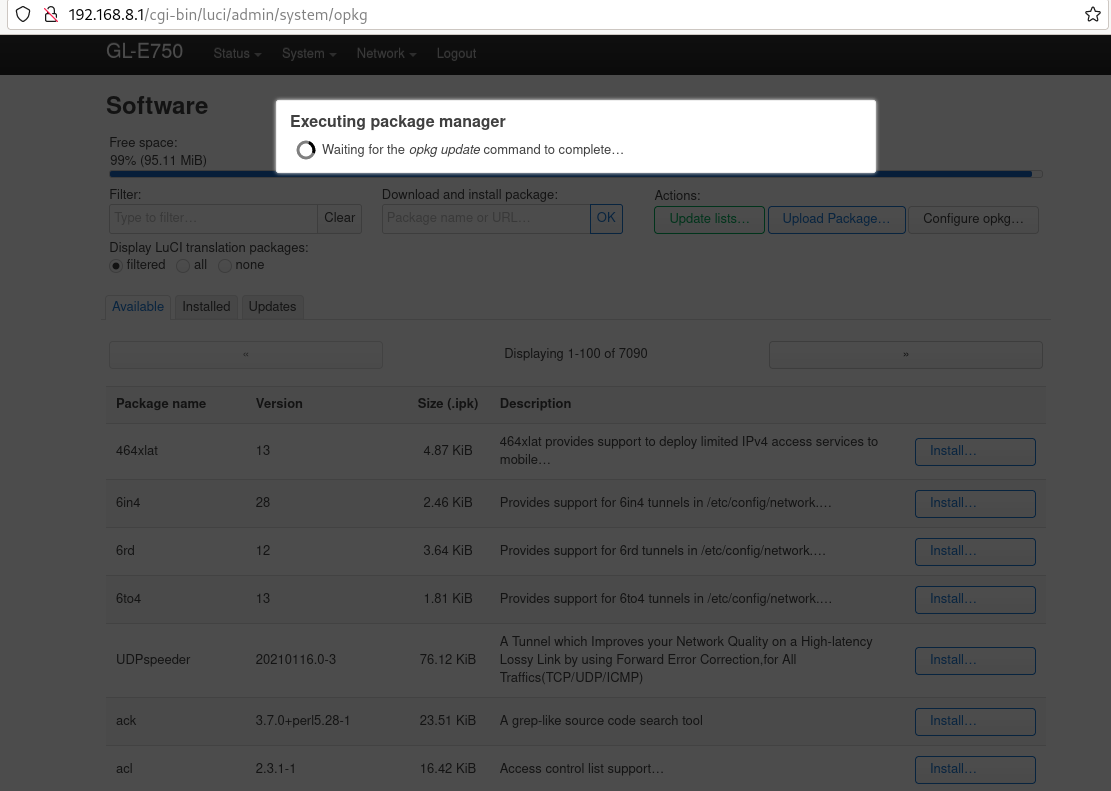
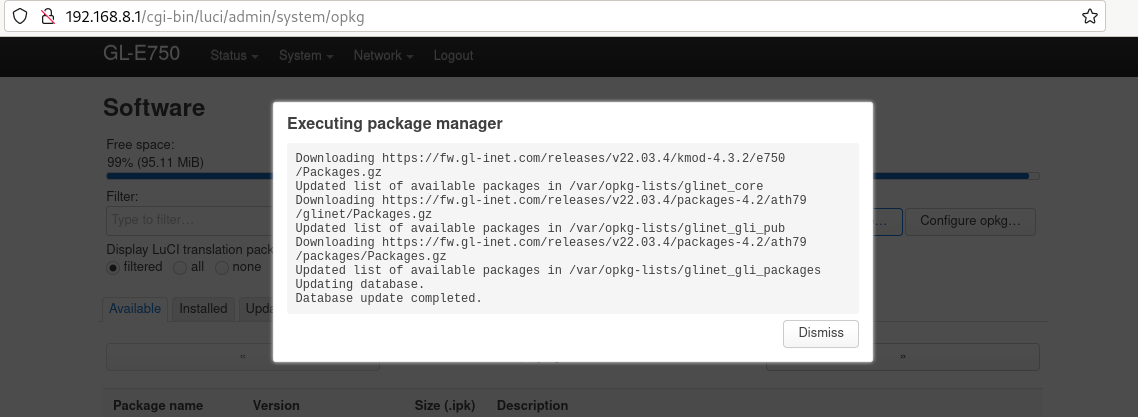
Kliknite na „aktualizovať zoznam“. Môže to chvíľu trvať, ale ak sa to nepodarí, znamená to, že nemáte internetové pripojenie.
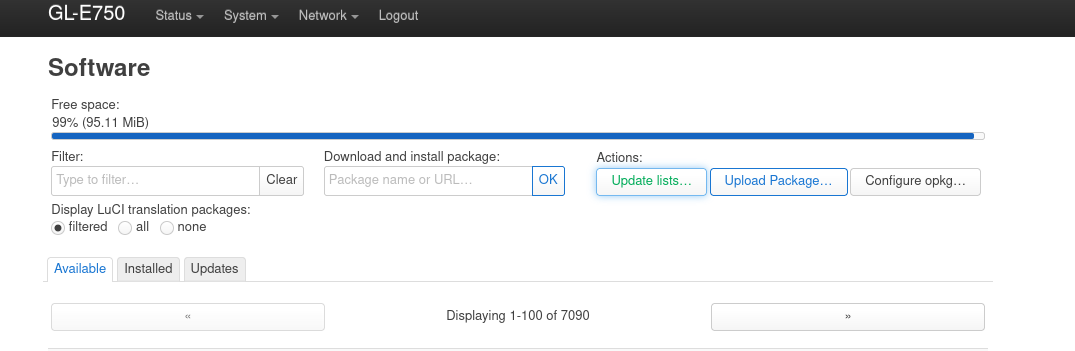
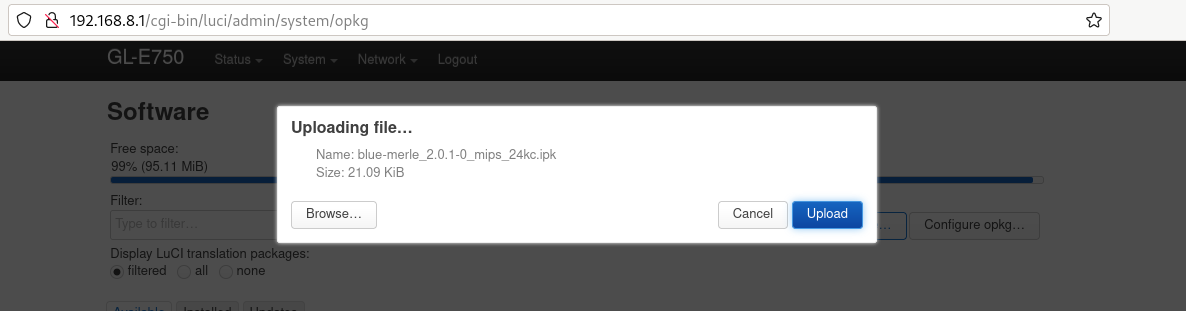
Click „upload package“ and upload blue-merle.
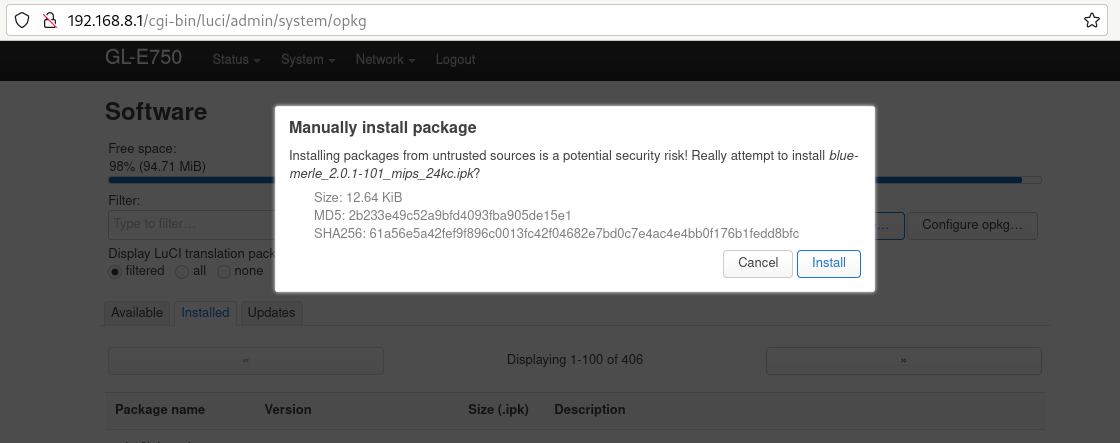
Click „install“.
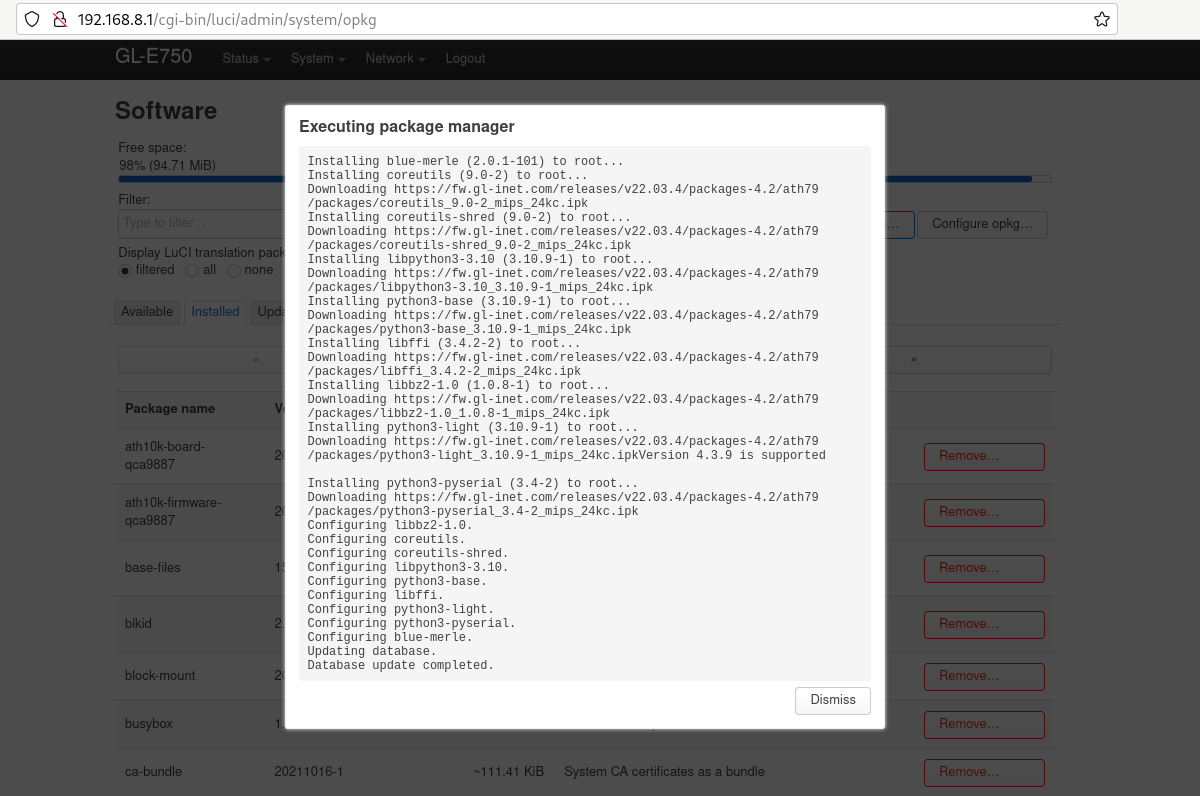
Váš firmvér bol úspešne aktualizovaný.