Firmware-Update
Für das allgemeine Firmware-Update folgen Sie dieser Anleitung. Danach müssen wir blue-merle neu installieren:
Make sure the NW750 has a working Internet connection.
Connect with the WiFi and login to the alternative OpenWrt web interface at https://192.168.8.1/cgi-bin/luci/ using username
rootand the same password used for the other web interface.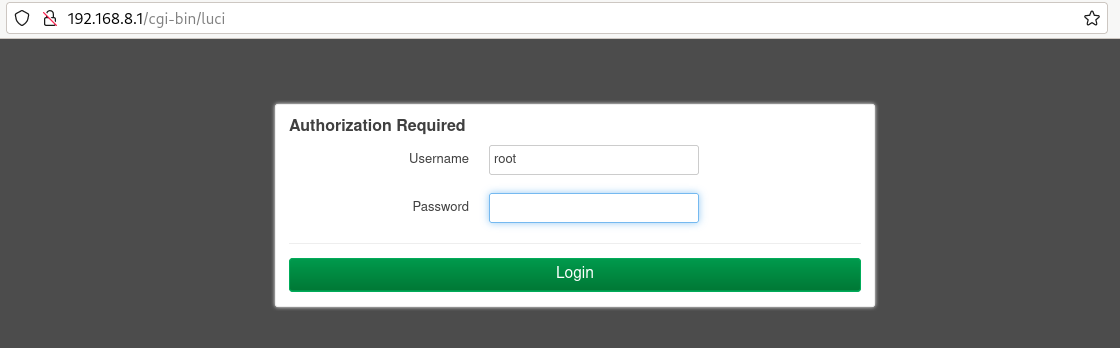
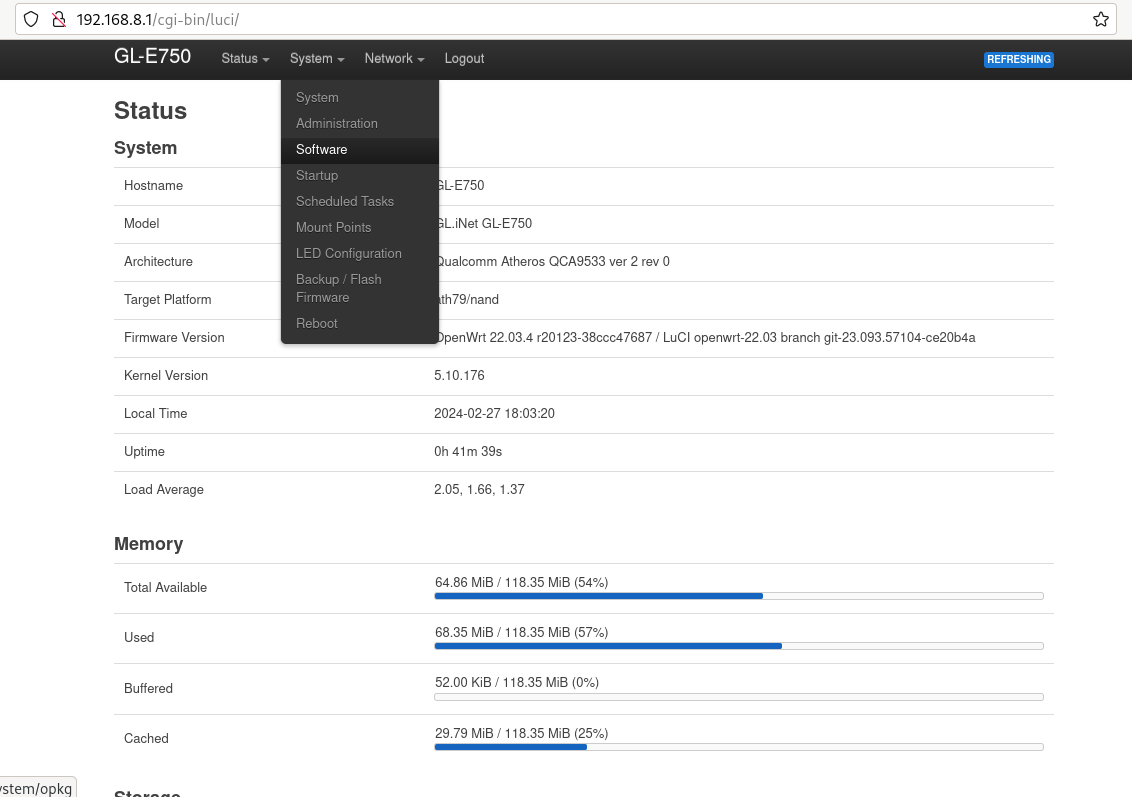
Go to „System“ -> „Software“.
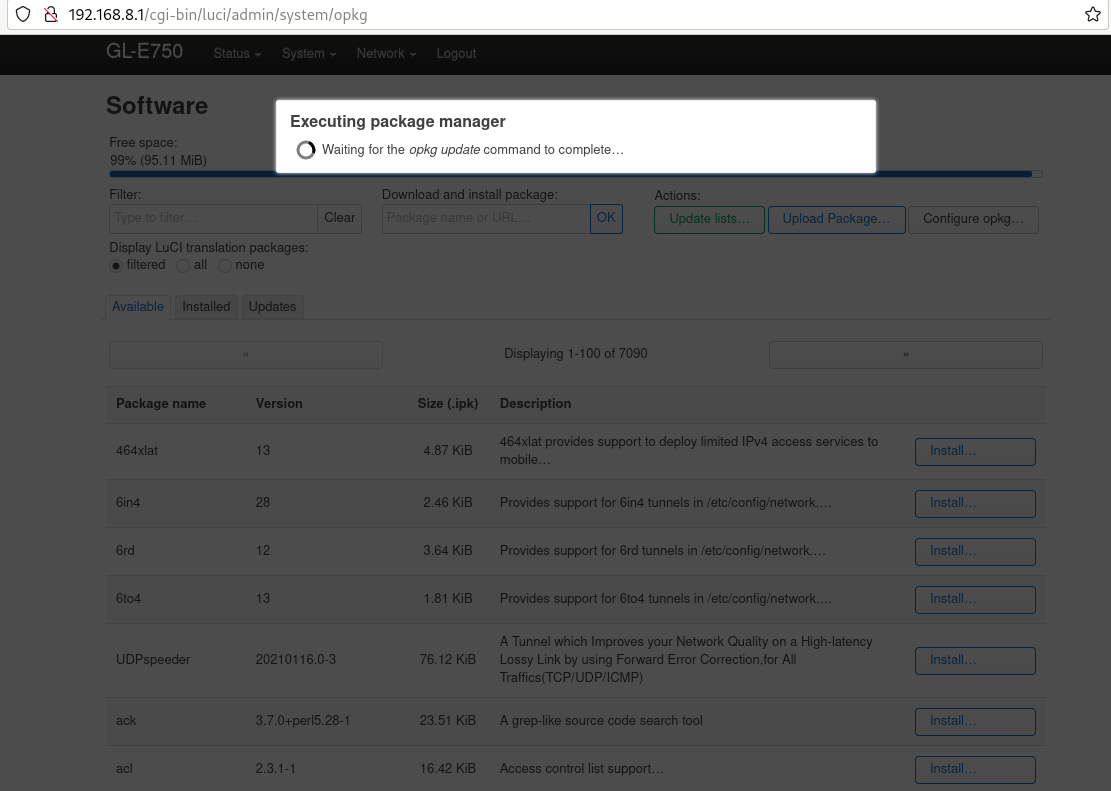
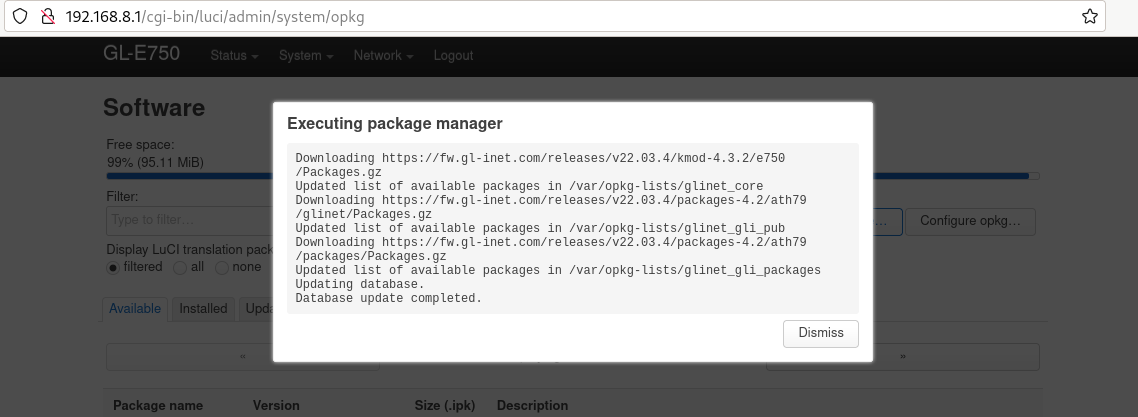
Klicken Sie auf „Liste aktualisieren“. Dies kann eine Weile dauern, aber wenn es fehlschlägt, bedeutet dies, dass Sie keine Internetverbindung haben.
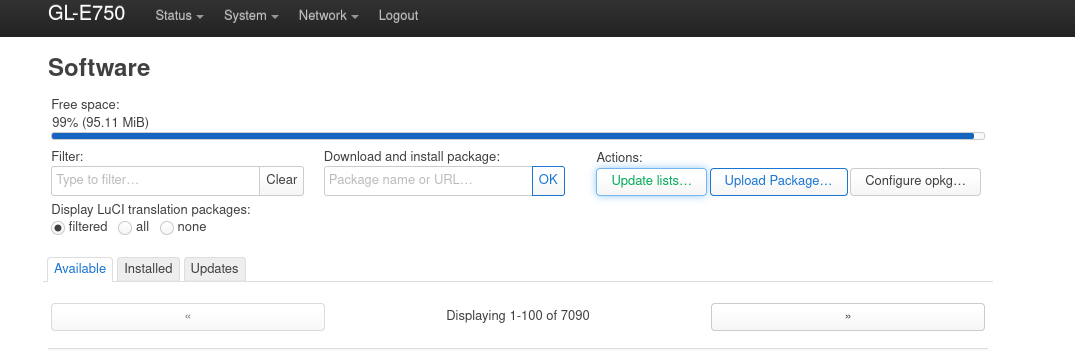
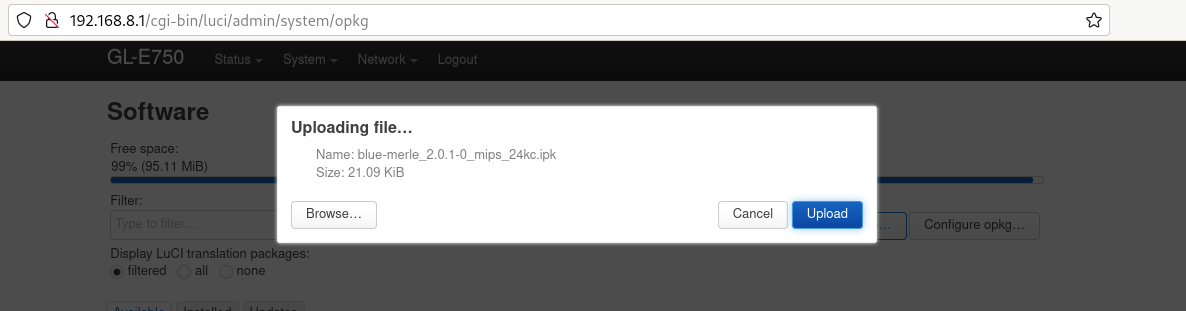
Click „upload package“ and upload blue-merle.
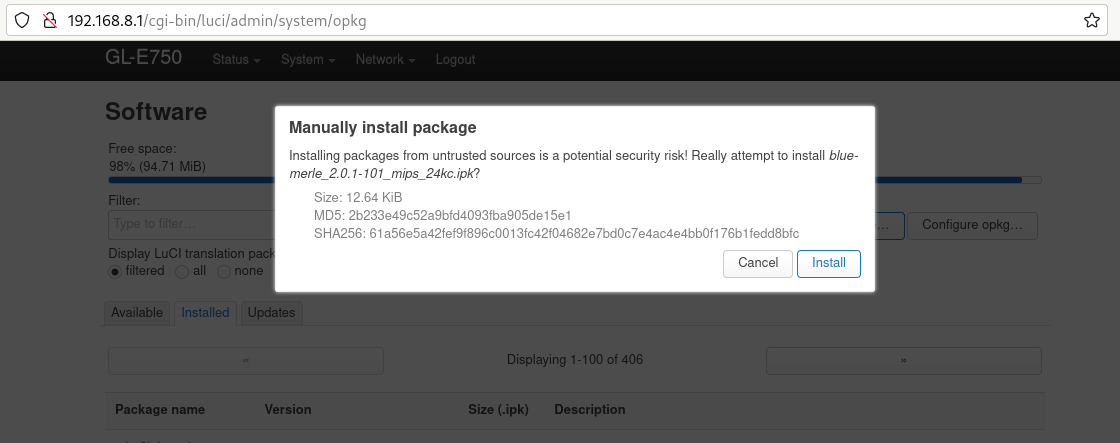
Click „install“.
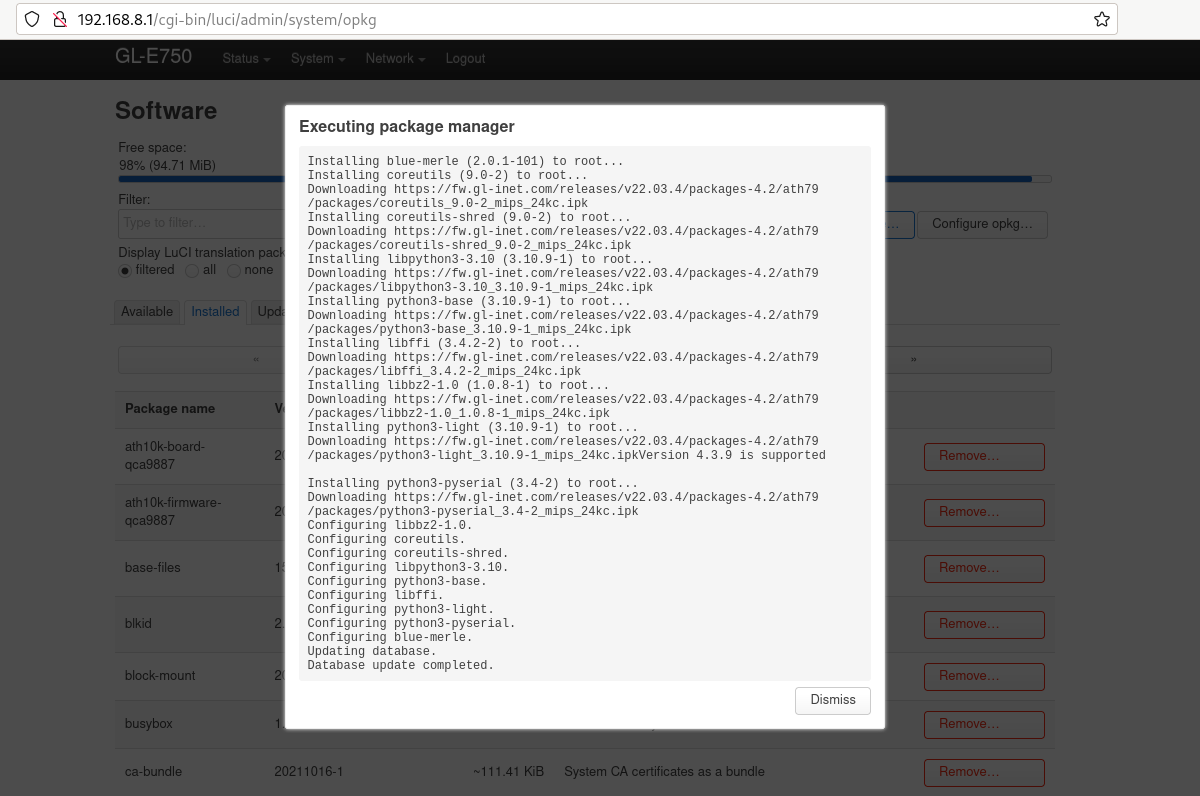
Ihre Firmware wurde erfolgreich aktualisiert.