QubesOS
Nota
A porta de áudio (jack) do NitroPad T480s não está a funcionar automaticamente. Para selecionar manualmente um auscultador ligado, instalar o programa pavucontrol e selecionar o auscultador ligado em Output Devices (Dispositivos de saída).
Verificação de Hardware Selado
If you have ordered the unit with the option “sealed screws and sealed bag”, please verify the sealing before unpacking. If you do not know what this means, skip this section.
Procedimento de início seguro
Antes do primeiro arranque, deve familiarizar-se com o procedimento de arranque seguro ` <../secure-starting-procedure.html>` __.
Como Começar
Após a compra, as senhas são definidas para um valor padrão e devem ser alteradas por você:
Prima Enter («Default Boot») após arrancar o sistema, desde que o NitroPad não tenha mostrado nenhum erro e a Nitrokey esteja acesa a verde (ver acima).
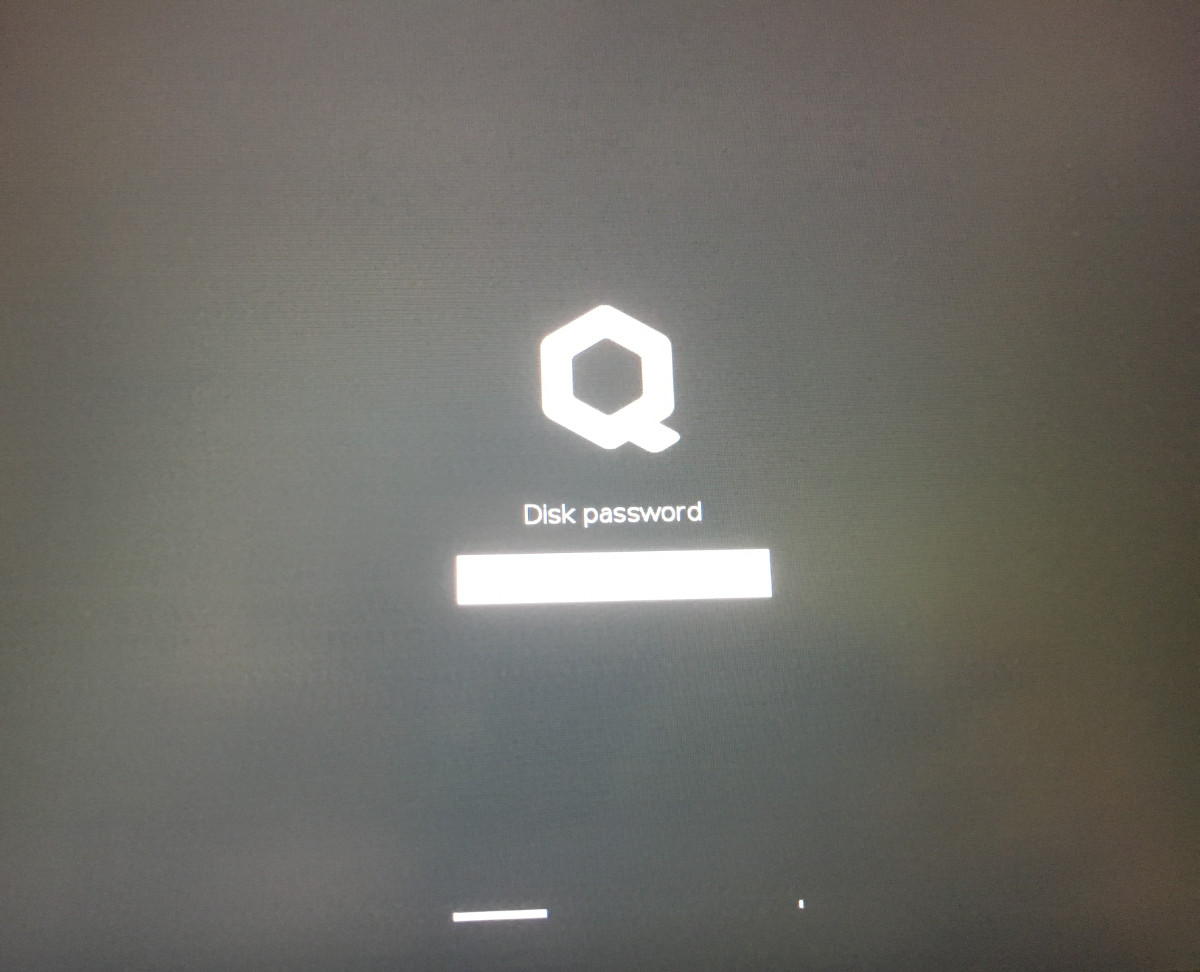
Next, the system will prompt you to enter the passphrase to decrypt the hard disk. The passphrase is initially «12345678».
O sistema irá então guiá-lo através do processo de criação de uma conta de utilizador. Depois disso, você deve ter iniciado o sistema com sucesso e já pode usá-lo normalmente.
Open the pre-installed Nitrokey App and change the PINs of your Nitrokey as described here.
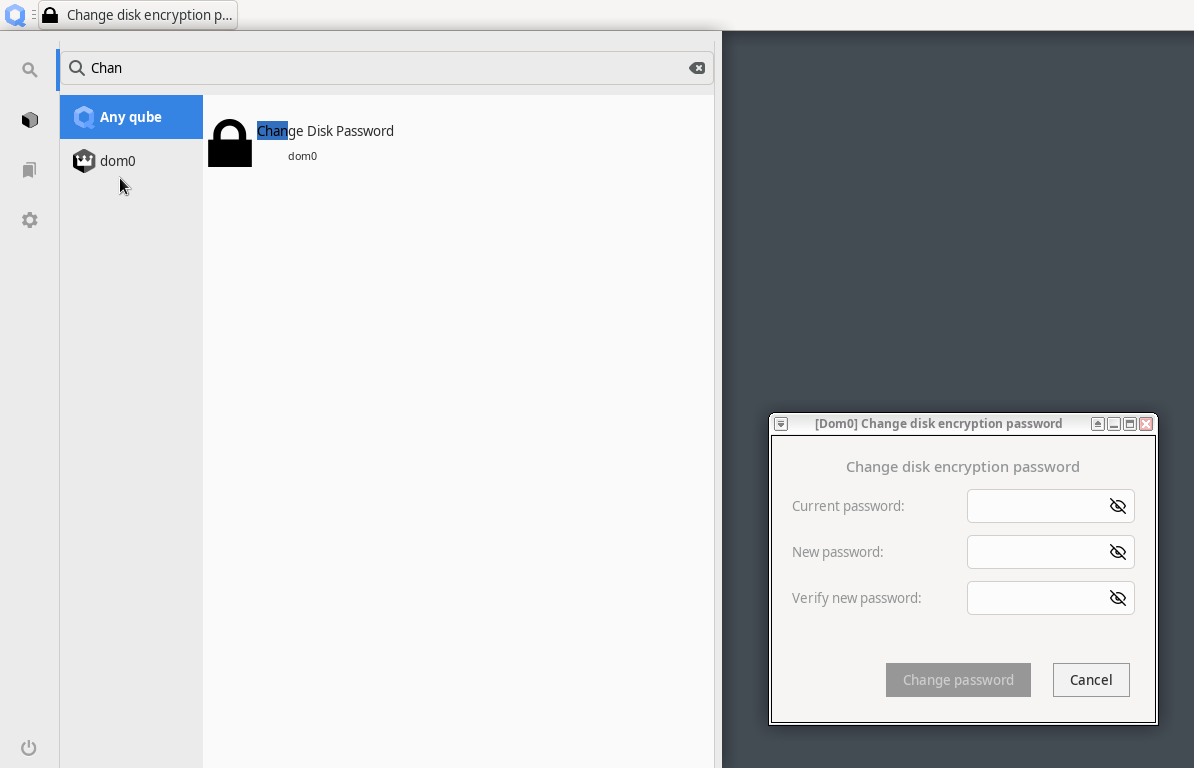
Change the passphrase for the hard disk encryption by searching in the Qubes Menu for «Change Disk Password». This passphrase is different from your user account’s passphrase.
Os NitroPads são fornecidos com a imagem de instalação mais recente do Qubes OS, que precisa de ser actualizada após a instalação porque não contém todas as correcções de segurança mais recentes. Para atualizar, utilize o Gestor de Actualizações, conforme descrito em Documentação Qubes.
Nota
Specifically for NitroPad V54 the Qubes 4.2.3 installation image contains a bug that limits to use the highest screen resolution only. This is fixed after you update dom0 and reboot.
Comportamento após uma atualização do sistema
The NitroPad and NitroPC firmware checks certain system files for changes. If your operating system has updated important components, you will be warned the next time you boot the NitroPad or NitroPC. This could look like this, for example:
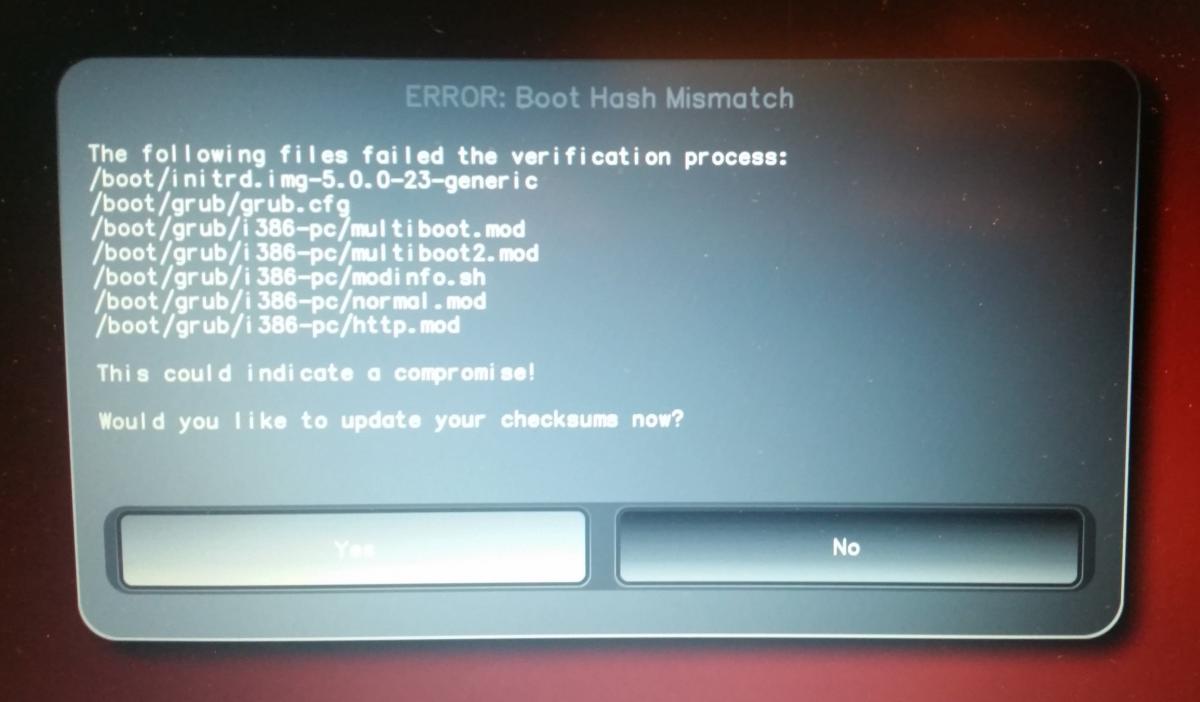
That’s why it’s important to restart your NitroPad or your NitroPC under controlled conditions after a system update. Only when the new status has been confirmed can you leave the device unattended again. Otherwise, you will not be able to distinguish a possible attack from a system update. Detailed instructions for a system update can be found here.
Failed to Start Load Kernel Modules
Durante o arranque do sistema, o erro «Falha no arranque dos Módulos de Carga do Kernel» é exibido. Esta é uma questão conhecida que não é crítica e pode ser ignorada.