S/MIME-kryptering af e-mail med Outlook
Compatible Nitrokeys |
|||||||
|---|---|---|---|---|---|---|---|
✓ active |
⨯ inactive |
⨯ inactive |
✓ active |
⨯ inactive |
✓ active |
✓ active |
⨯ inactive |
Forudsætninger
If you do not have a S/MIME key-certificate pair installed on your Nitrokey yet, please look at this page first.
Du skal have OpenSC installeret på dit system. Tag et kig på wikisiden for OpenSC-projektet.
Bemærk
Windows-brugere med 64-bit system (standard) skal installere både 32-bit og 64-bit versionen af OpenSC!
Indstillinger i Outlook
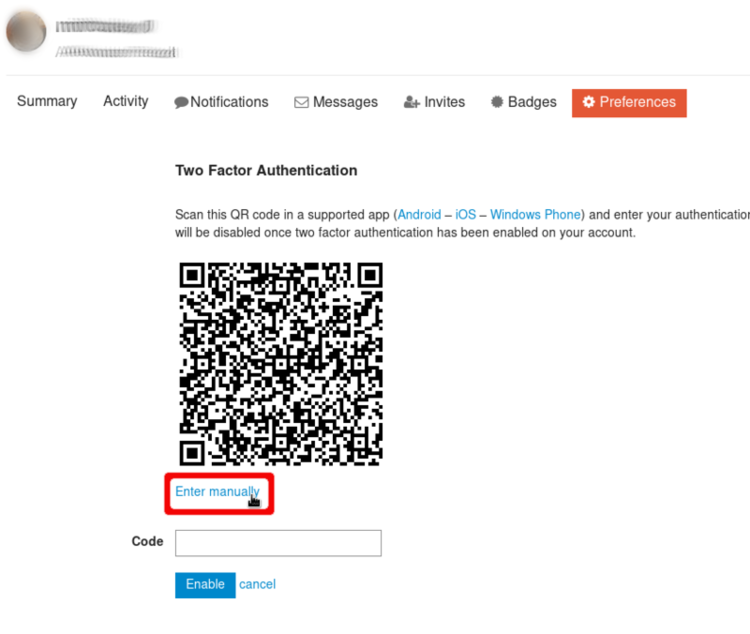
Before you can use the Nitrokey in Outlook you have to activate S/MIME encryption. You can achieve this by clicking on to Start -> Options and clicking on Trust Center in the options window. In section Email Security you can choose your S/MIME identity. Your certificate should already be recognized by Outlook.
Anvendelse
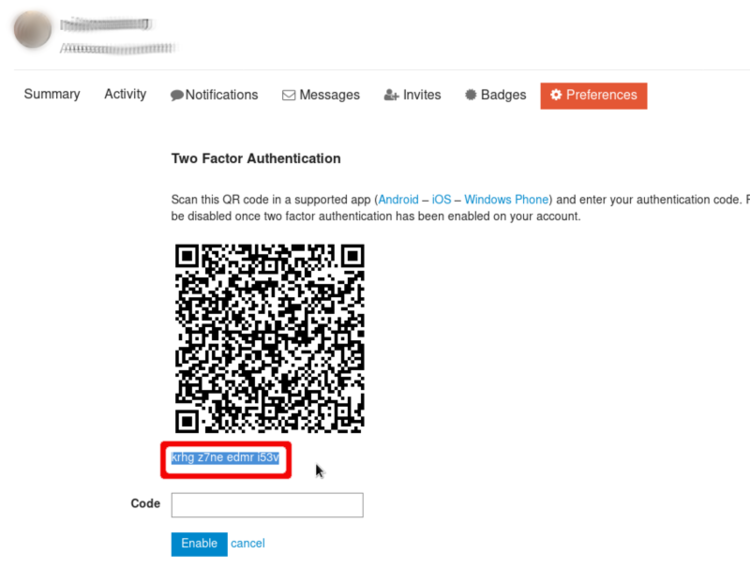
When composing a mail you can now choose to encrypt and sign the message in the Options ribbon of the compose window.
Bemærk
Outlook will only encrypt message to mail addresses which are saved in your address book. So make sure, that the persons you want to write an encrypted mail to have an entry in Outlook’s contacts. You can ask the person to write you a signed mail, so that you can import the certificate information.
Afhængigt af dit certifikat eller dine partneres certifikat skal du muligvis importere et såkaldt rodcertifikat. Dette er certifikatet fra den part, der har udstedt det certifikat, som du eller din partner bruger. Du bør normalt få besked, hvis dette er nødvendigt.