Muuta käyttäjän ja ylläpitäjän PIN-koodia
Compatible Nitrokeys |
|||||||
|---|---|---|---|---|---|---|---|
✓ active |
⨯ inactive |
⨯ inactive |
✓ active |
⨯ inactive |
✓ active |
✓ active |
⨯ inactive |
Käyttäjän PIN-koodi
The user PIN is at least 6-digits long and is used to get access to the content of the Nitrokey. This is the PIN you will use a lot in every day use e.g. for decrypting messages, for unlocking your encrypted storage (NK Storage only) etc.
You can change the user PIN with the Nitrokey App if using a Nitrokey Pro or Nitrokey Storage. In the Nitrokey App open Menu ->
Configure -> Change User PIN to open the dialog to change the PIN.
Voit nyt muuttaa käyttäjän PIN-koodia valintaikkunassa.
The user PIN can have up to 20 digits and other characters (e.g. alphabetic and special characters). But as the user PIN is blocked as soon three wrong PIN attempts were done, it is sufficiently secure to only have a 6 digits PIN. The default PIN is 123456.
Ylläpitäjän PIN-koodi
Ylläpitäjän PIN-koodi on vähintään 8-numeroinen, ja sitä käytetään Nitrokeyn sisällön/asetusten muuttamiseen. Toisin sanoen Nitrokeyn alustamisen jälkeen et luultavasti tarvitse tätä PIN-koodia kovin usein (esim. jos haluat lisätä toisen salasanan Nitrokey Pro- tai Nitrokey Storage -laitteen salasanakaappiin).
You can change the admin PIN with the Nitrokey App if using a Nitrokey Pro or Nitrokey Storage. In the Nitrokey App open Menu -> Configure ->
Change Admin PIN to open the dialog to change the PIN.
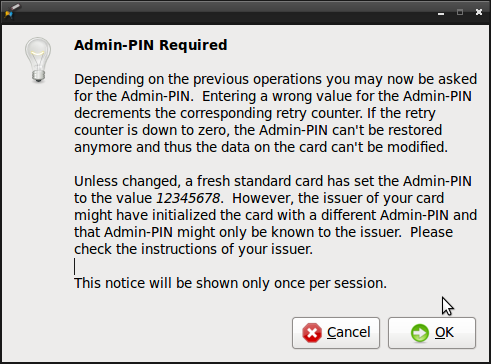
Voit nyt vaihtaa ylläpitäjän PIN-koodin valintaikkunassa.
The admin PIN can have up to 20 digits and other characters (e.g. alphabetic and special characters). But as the admin PIN is blocked as soon three wrong PIN attempts were done, it is sufficiently secure to only have 8 digits PIN. The default PIN is 12345678.