Wijzig gebruiker en beheerder PIN
Compatible Nitrokeys |
|||||||
|---|---|---|---|---|---|---|---|
✓ active |
⨯ inactive |
⨯ inactive |
✓ active |
⨯ inactive |
✓ active |
✓ active |
⨯ inactive |
Gebruiker PIN
The user PIN is at least 6-digits long and is used to get access to the content of the Nitrokey. This is the PIN you will use a lot in every day use e.g. for decrypting messages, for unlocking your encrypted storage (NK Storage only) etc.
You can change the user PIN with the Nitrokey App if using a Nitrokey Pro or Nitrokey Storage. In the Nitrokey App open Menu ->
Configure -> Change User PIN to open the dialog to change the PIN.
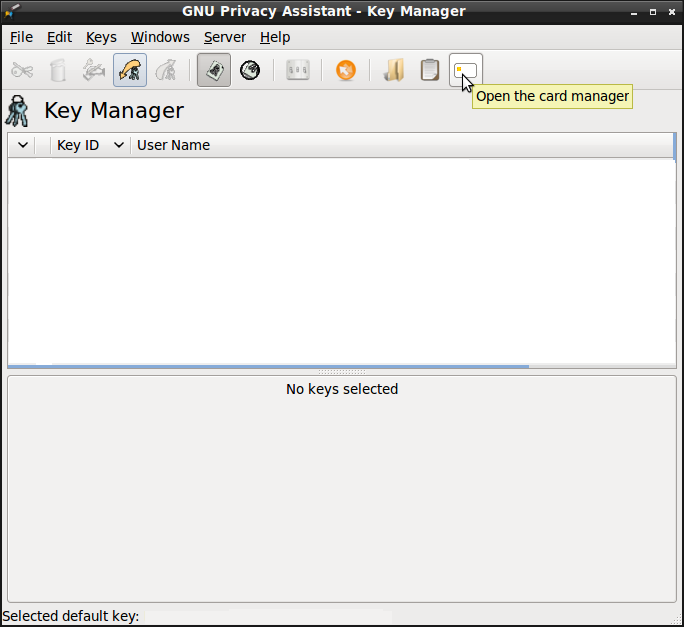
U kunt de gebruikers-PIN nu in het dialoogvenster wijzigen.
The user PIN can have up to 20 digits and other characters (e.g. alphabetic and special characters). But as the user PIN is blocked as soon three wrong PIN attempts were done, it is sufficiently secure to only have a 6 digits PIN. The default PIN is 123456.
Admin PIN
De admin PIN is minstens 8 cijfers lang en wordt gebruikt om inhoud/instellingen van de Nitrokey te wijzigen. Dat wil zeggen dat u na het initialiseren van de Nitrokey deze PIN waarschijnlijk’niet al te vaak nodig zult hebben (bijv. als u een ander wachtwoord wilt toevoegen aan de wachtwoordkluis van de Nitrokey Pro of Nitrokey Storage).
You can change the admin PIN with the Nitrokey App if using a Nitrokey Pro or Nitrokey Storage. In the Nitrokey App open Menu -> Configure ->
Change Admin PIN to open the dialog to change the PIN.
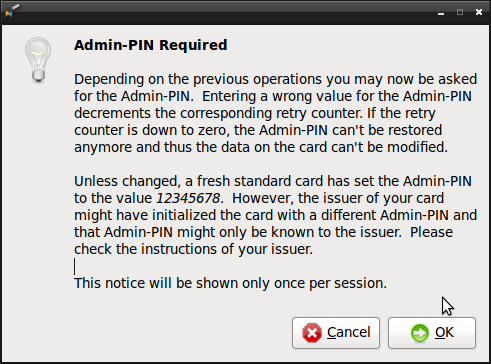
U kunt nu de admin PIN in het dialoog venster veranderen.
The admin PIN can have up to 20 digits and other characters (e.g. alphabetic and special characters). But as the admin PIN is blocked as soon three wrong PIN attempts were done, it is sufficiently secure to only have 8 digits PIN. The default PIN is 12345678.