Cambiar el PIN de usuario y de administrador
Compatible Nitrokeys |
|||||||
|---|---|---|---|---|---|---|---|
✓ active |
⨯ inactive |
⨯ inactive |
✓ active |
⨯ inactive |
✓ active |
✓ active |
⨯ inactive |
PIN de usuario
The user PIN is at least 6-digits long and is used to get access to the content of the Nitrokey. This is the PIN you will use a lot in every day use e.g. for decrypting messages, for unlocking your encrypted storage (NK Storage only) etc.
You can change the user PIN with the Nitrokey App if using a Nitrokey Pro or Nitrokey Storage. In the Nitrokey App open Menu ->
Configure -> Change User PIN to open the dialog to change the PIN.
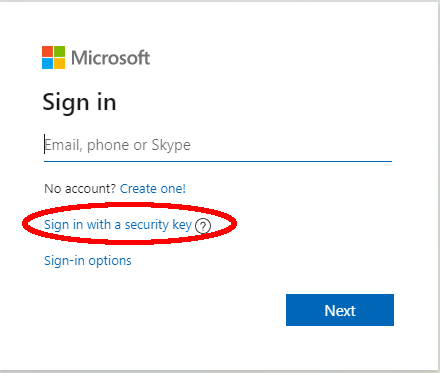
Ahora puede cambiar el PIN de usuario en la ventana de diálogo.
The user PIN can have up to 20 digits and other characters (e.g. alphabetic and special characters). But as the user PIN is blocked as soon three wrong PIN attempts were done, it is sufficiently secure to only have a 6 digits PIN. The default PIN is 123456.
PIN de administración
El PIN de administrador tiene al menos 8 dígitos y se utiliza para cambiar los contenidos/configuraciones del Nitrokey. Es decir, después de inicializar la Nitrokey, probablemente no necesitará este PIN con demasiada frecuencia (por ejemplo, si quiere añadir otra contraseña a la caja fuerte de la Nitrokey Pro o la Nitrokey Storage).
You can change the admin PIN with the Nitrokey App if using a Nitrokey Pro or Nitrokey Storage. In the Nitrokey App open Menu -> Configure ->
Change Admin PIN to open the dialog to change the PIN.
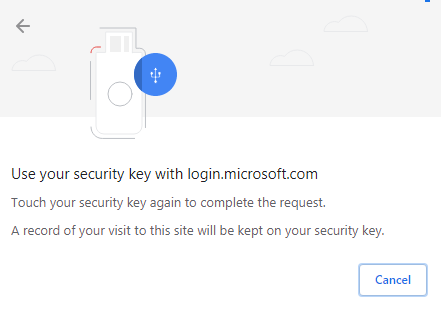
Ahora puede cambiar el PIN de administrador en la ventana de diálogo.
The admin PIN can have up to 20 digits and other characters (e.g. alphabetic and special characters). But as the admin PIN is blocked as soon three wrong PIN attempts were done, it is sufficiently secure to only have 8 digits PIN. The default PIN is 12345678.