Püsivara uuendamine
Üldise püsivara uuendamiseks järgige seda juhendit. Pärast seda tuleb blue-merle uuesti paigaldada:
Make sure the NW750 has a working Internet connection.
Connect with the WiFi and login to the alternative OpenWrt web interface at https://192.168.8.1/cgi-bin/luci/ using username
rootand the same password used for the other web interface.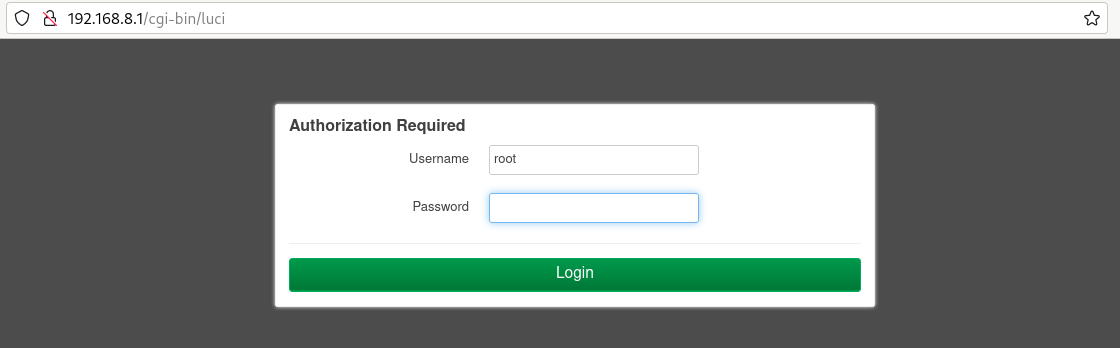
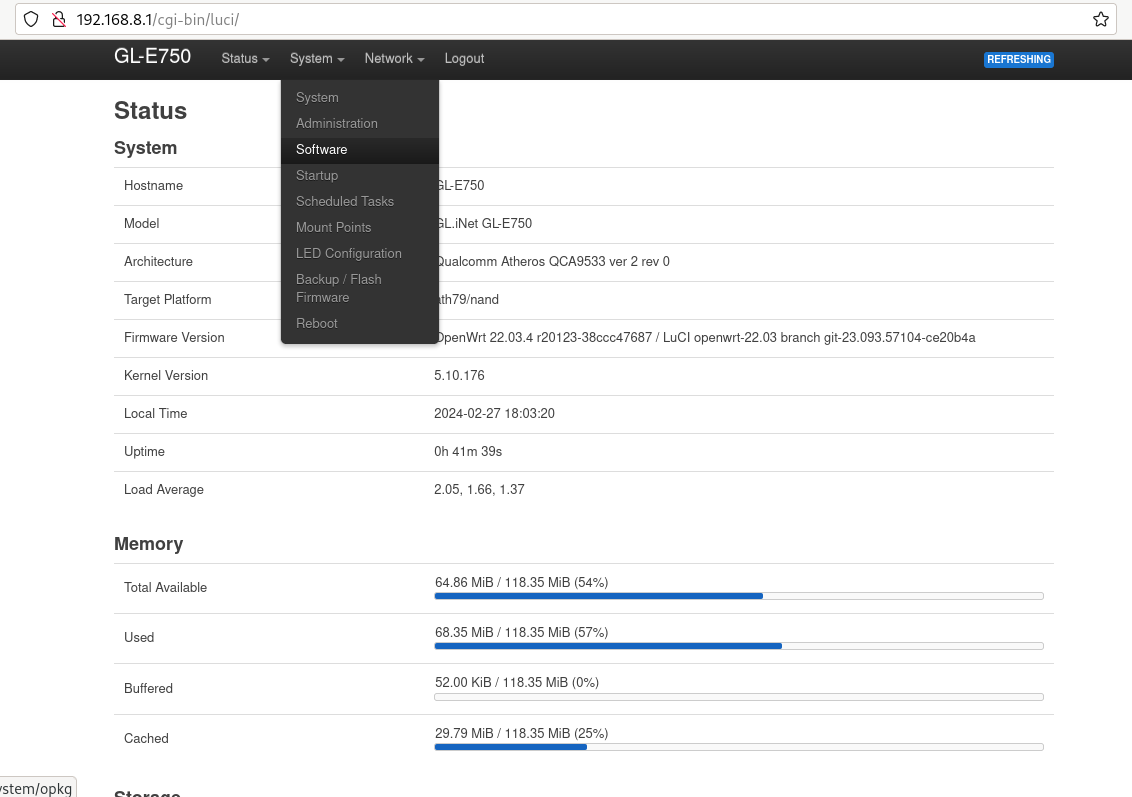
Go to „System“ -> „Software“.
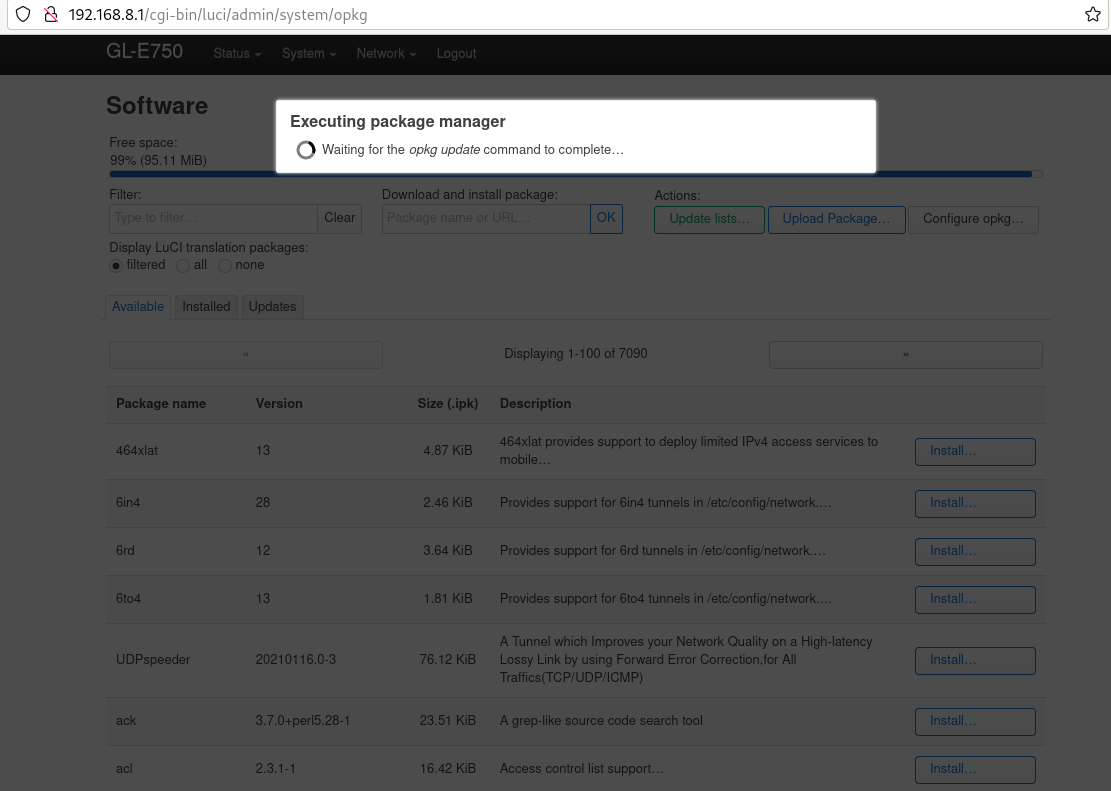
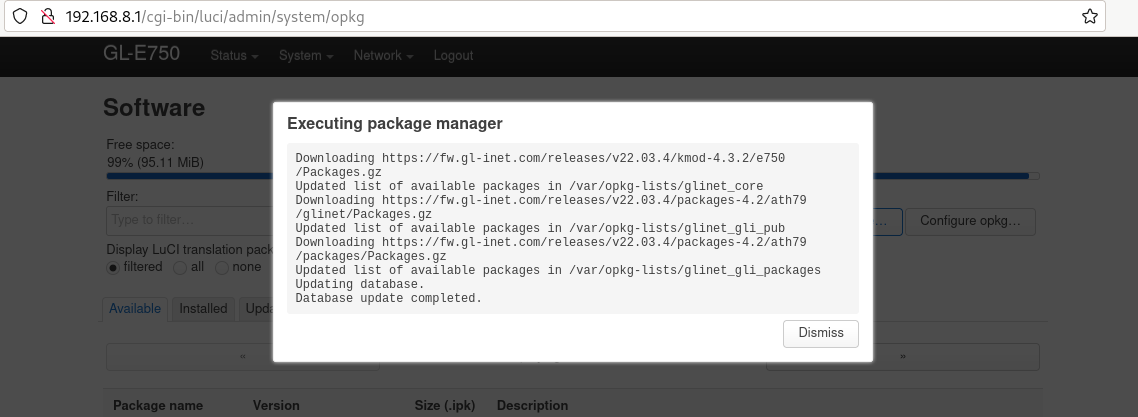
Klõpsake nuppu „nimekirja uuendamine“. See võib võtta aega, kuid kui see ei õnnestu, tähendab see, et teil ei ole internetiühendust.
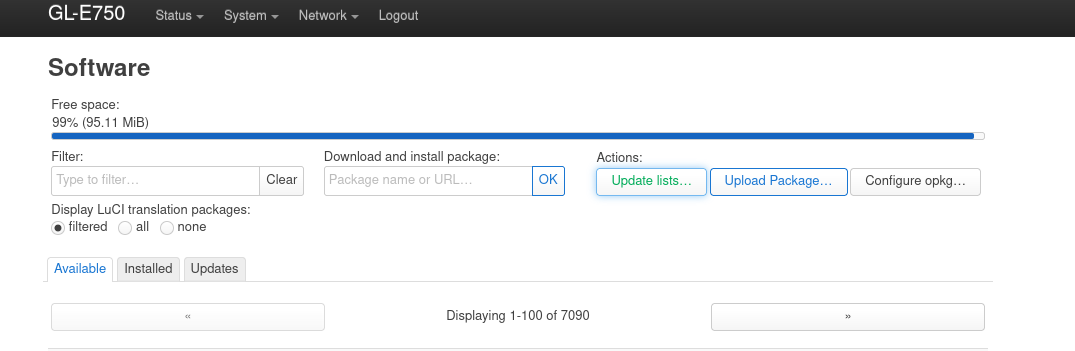
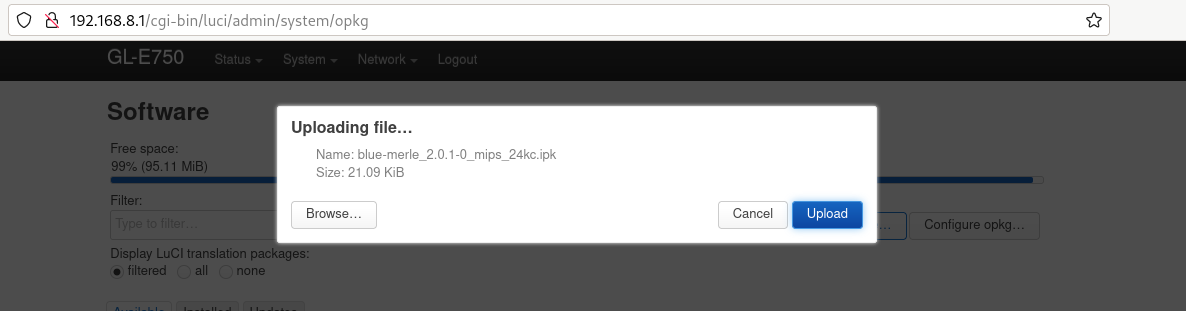
Click „upload package“ and upload blue-merle.
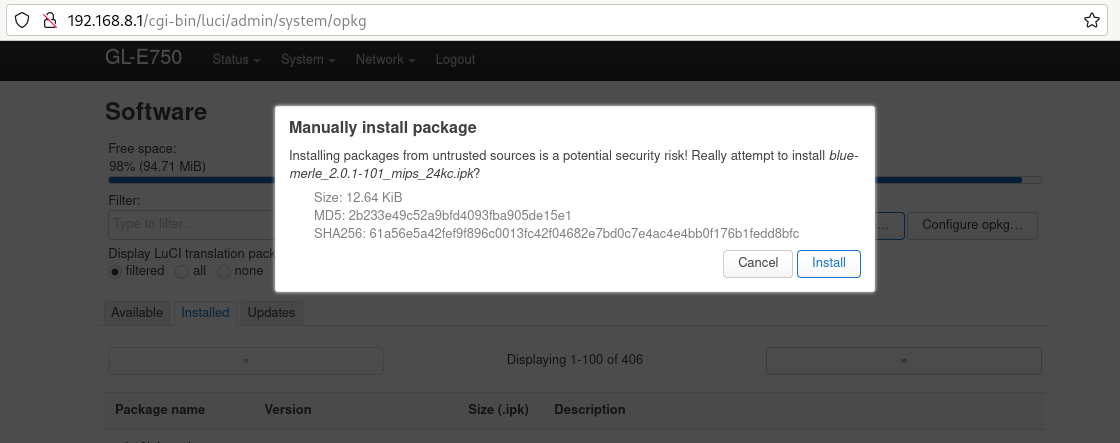
Click „install“.
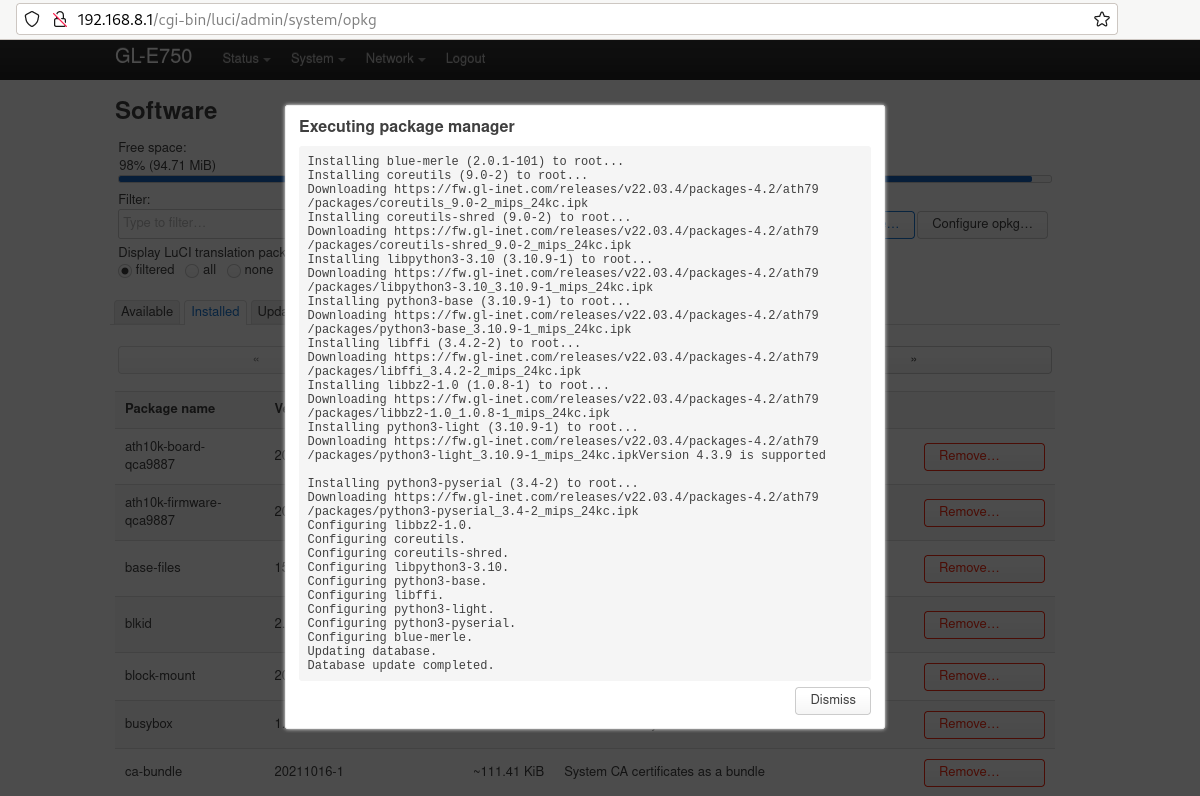
Teie püsivara on edukalt uuendatud.