Firmware bijwerken
Belangrijk
Verwijder tijdens het updaten van je apparaat alle andere Nitrokey 3 apparaten, behalve degene die wordt bijgewerkt.
Automatic Update
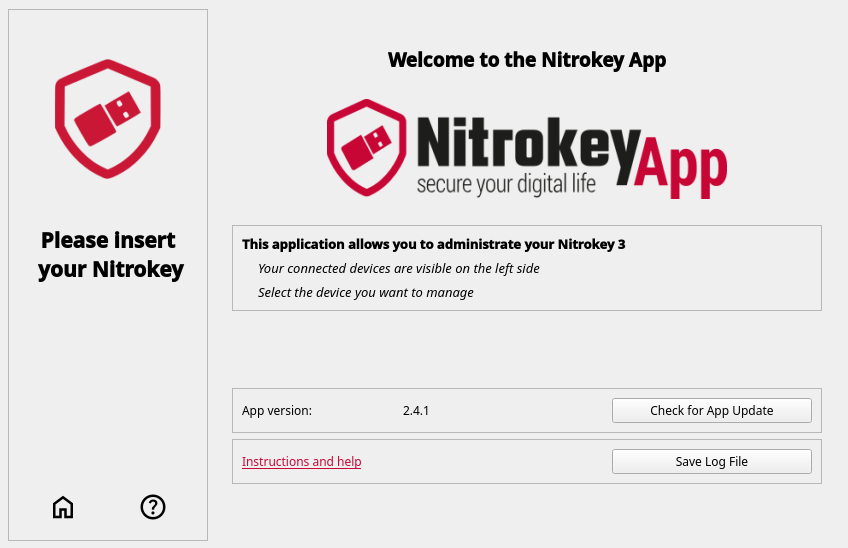
Open het tabblad “overzicht” om je apparaat automatisch en handmatig bij te werken. Klik op de knop “Controleren op update” om het automatische updateproces te starten. De firmwarebestanden worden gedownload en gebruikt om je Nitrokey bij te werken.
Manual (Local) Update
If you have the firmware file already on your computer, click “Update with local Firmware” in the “overview” tab to update the device with your local firmware.