Factory Reset Heads v2.0+
Powody przywracania ustawień fabrycznych
Nitrokey jest zablokowany (np. z powodu wielokrotnego wprowadzenia nieprawidłowego kodu PIN).
Zgubiłeś swój Nitrokey (w takim przypadku musisz najpierw uzyskać nowy Nitrokey)
Samodzielnie zainstalowałeś system operacyjny (np. po wymianie dysku twardego).
System operacyjny nie uruchamia się
Ostrzeżenie
All GPG keys of your Nitrokey will be deleted during this procedure.
Procedura
Podłącz swój Nitrokey do NitroPada.
Turn on the NitroPad and interrupt the automatic boot by pressing any key.
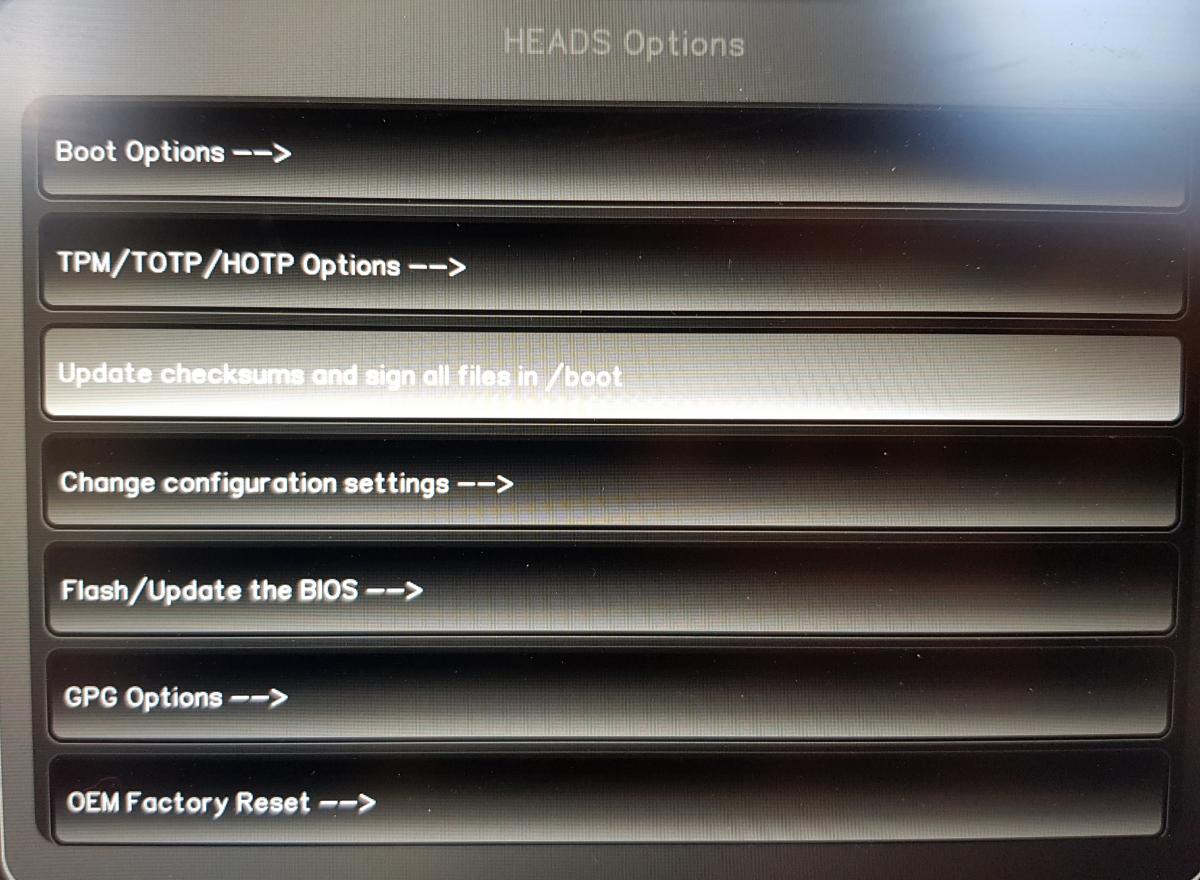
Wybierz „Opcje”.
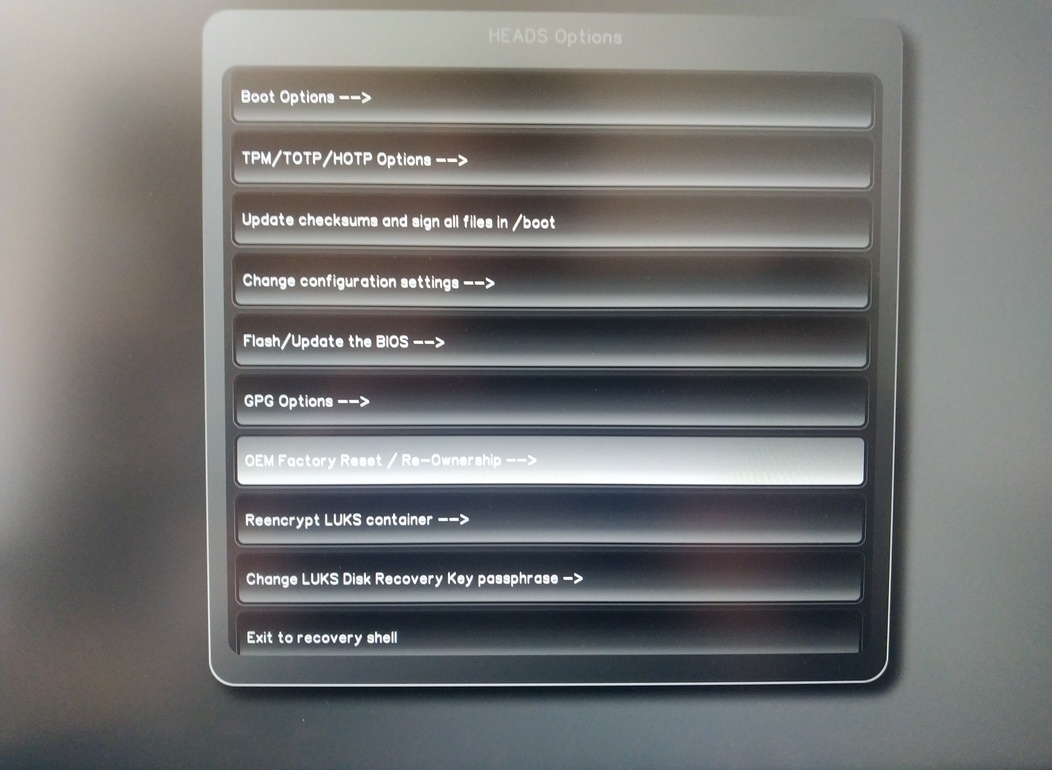
Wybierz opcję „OEM-Factory Reset /Re-Ownership”.
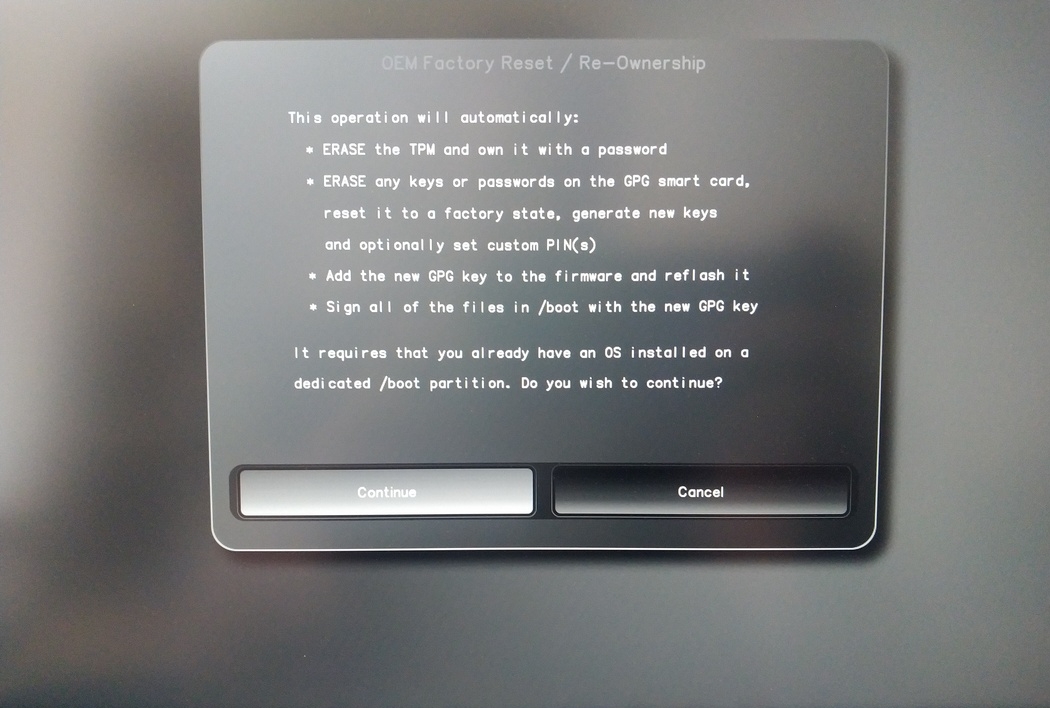
Confirm reset with “Continue”.
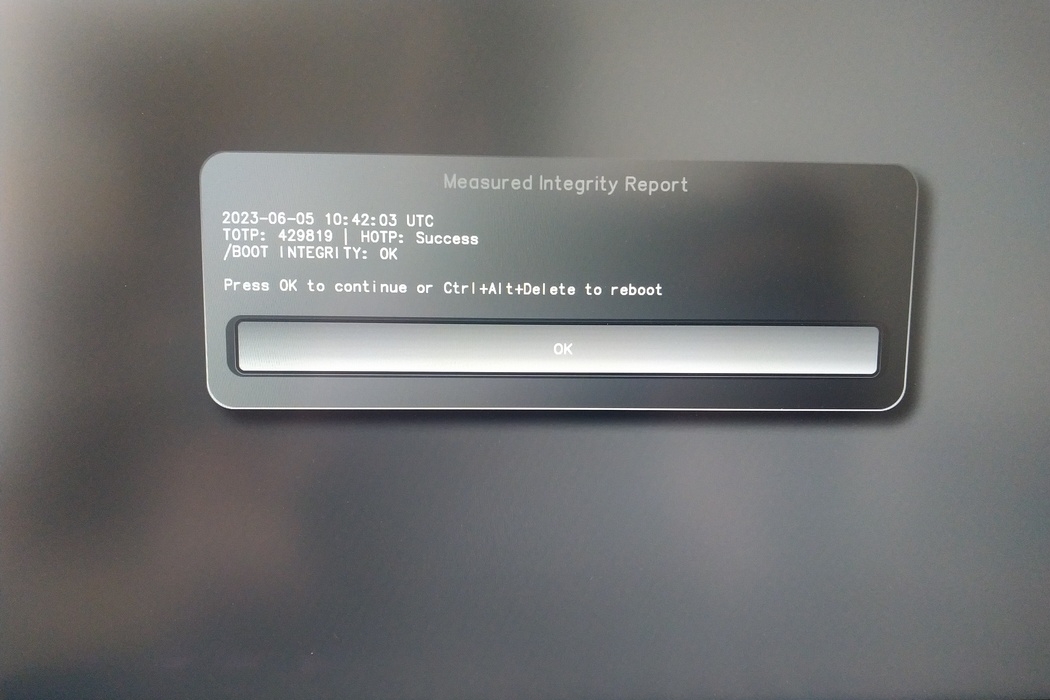
The integrity of your setup will be tested. Depending on your reason to perform the reset this can fail; continue with „OK” anyway.
You will be prompted with:
Would you like to use default configuration option?
If N, you will be prompted for each option [Y/n]:

You can hit enter for the default option (Y).
Pojawi się drugi monit:
Would you like to export your public key to an USB drive? [y/N]:
Wybierz również opcję domyślną (N), naciskając enter.
Będziesz musiał dotknąć Nitrokey podczas tego procesu, gdy zostaniesz o to poproszony.
Teraz pokazuje wszystkie kody PIN używane przez Heads:
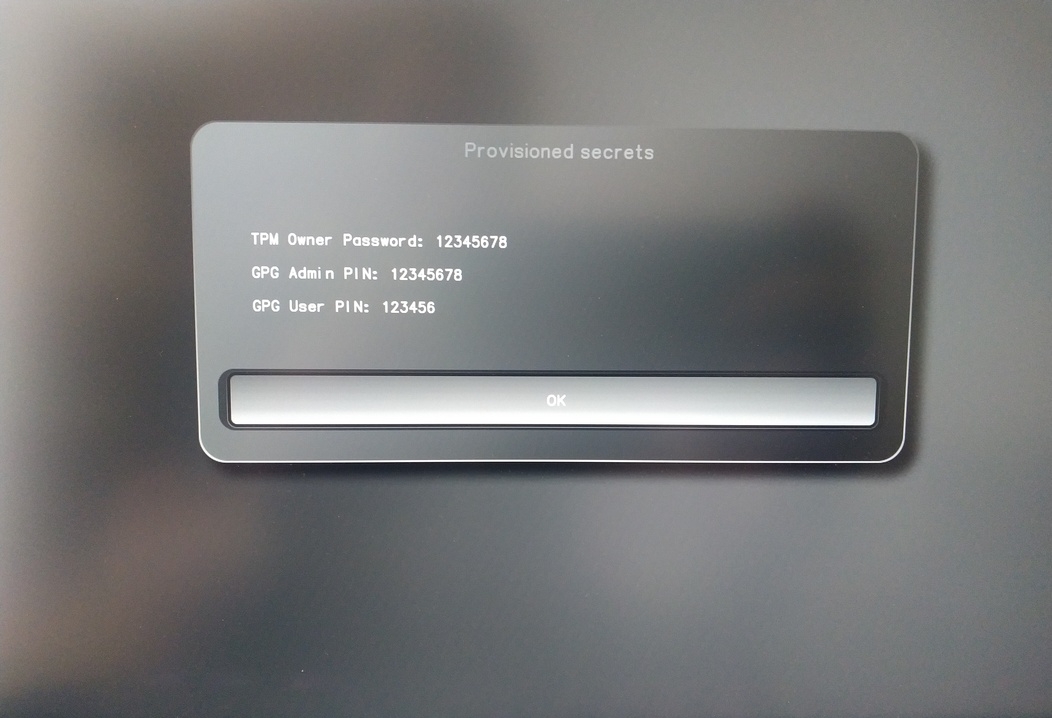
Będą one potrzebne do wykonania określonych procedur, więc pamiętaj o ich zapamiętaniu.
Confirm the subsequent restart.
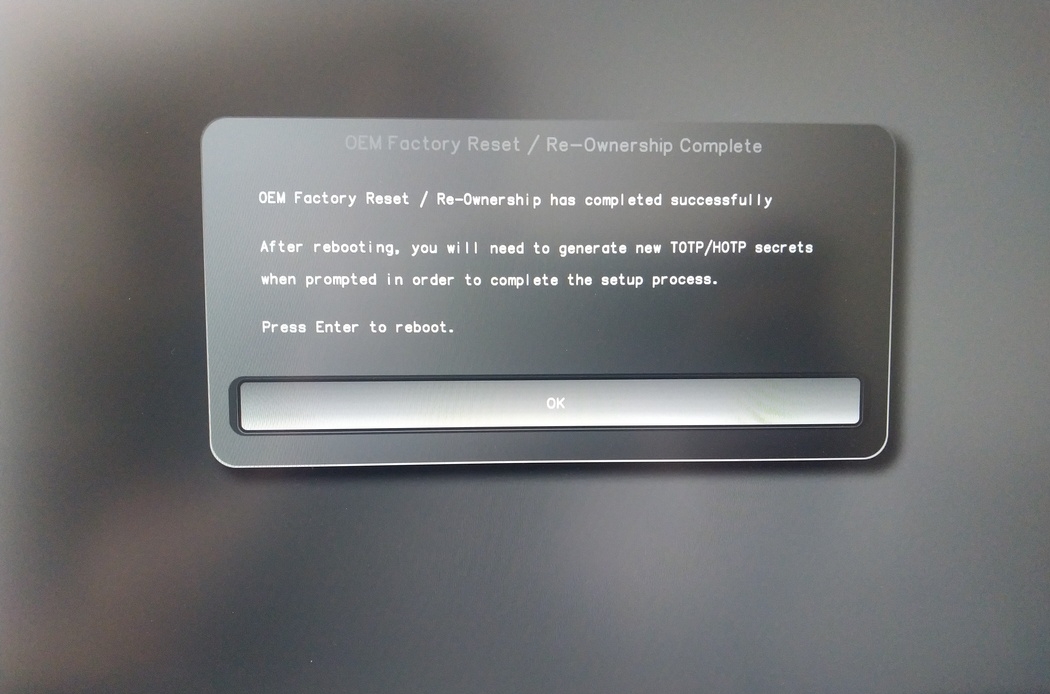
Po ponownym uruchomieniu należy utworzyć sekret OTP. Potwierdź proces klawiszem Enter.
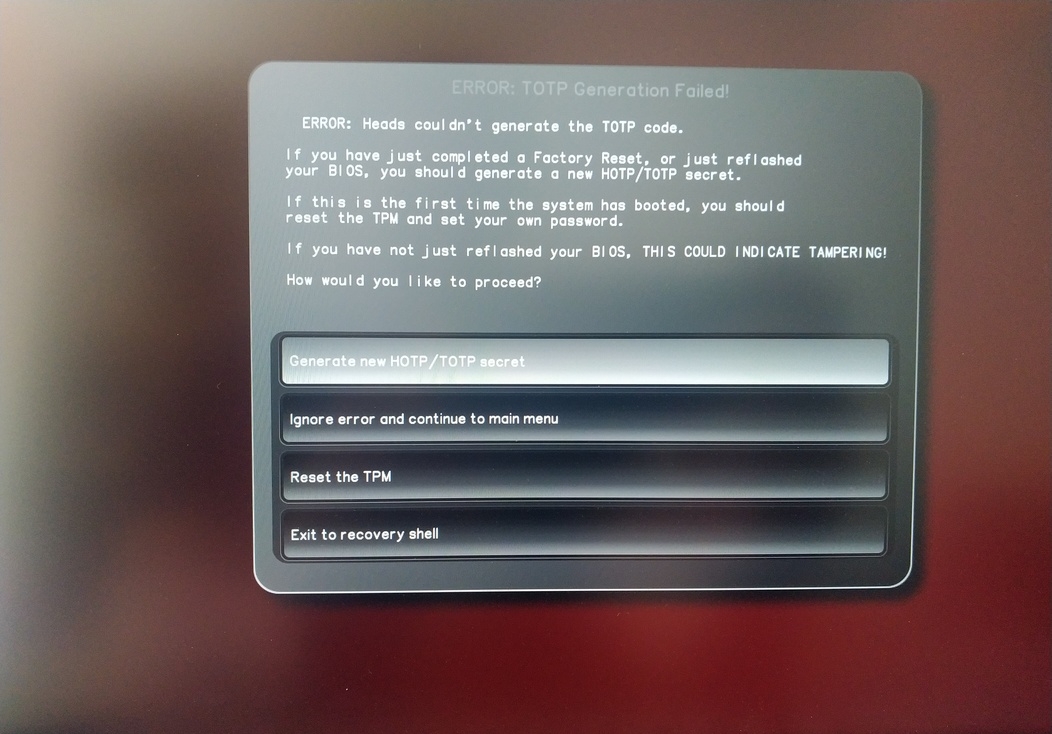
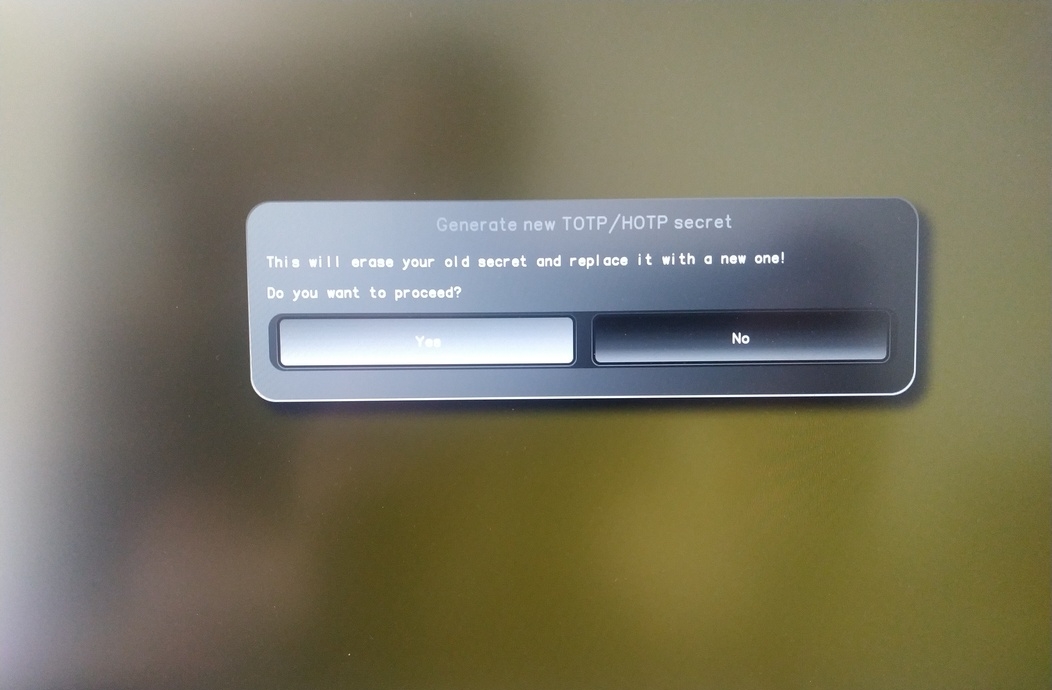
Enter TPM Owner Password (Default:
12345678)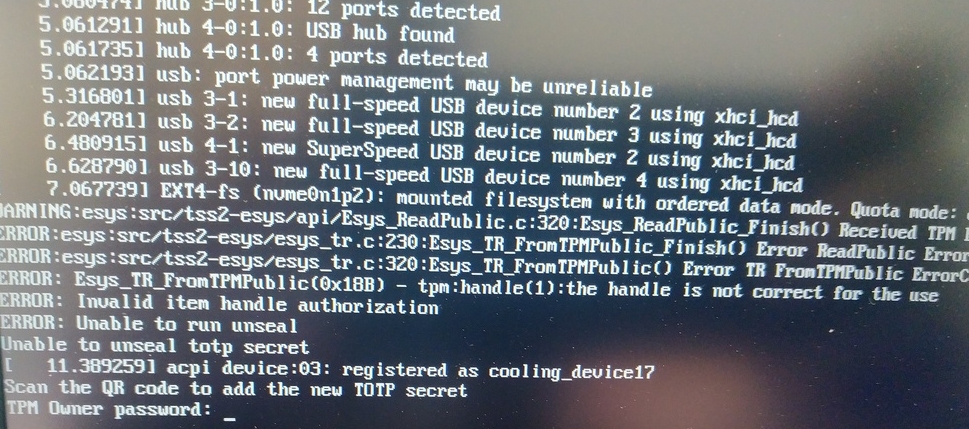
Scan QR code with Phone to import TOTP Secret (optional) and hit Enter
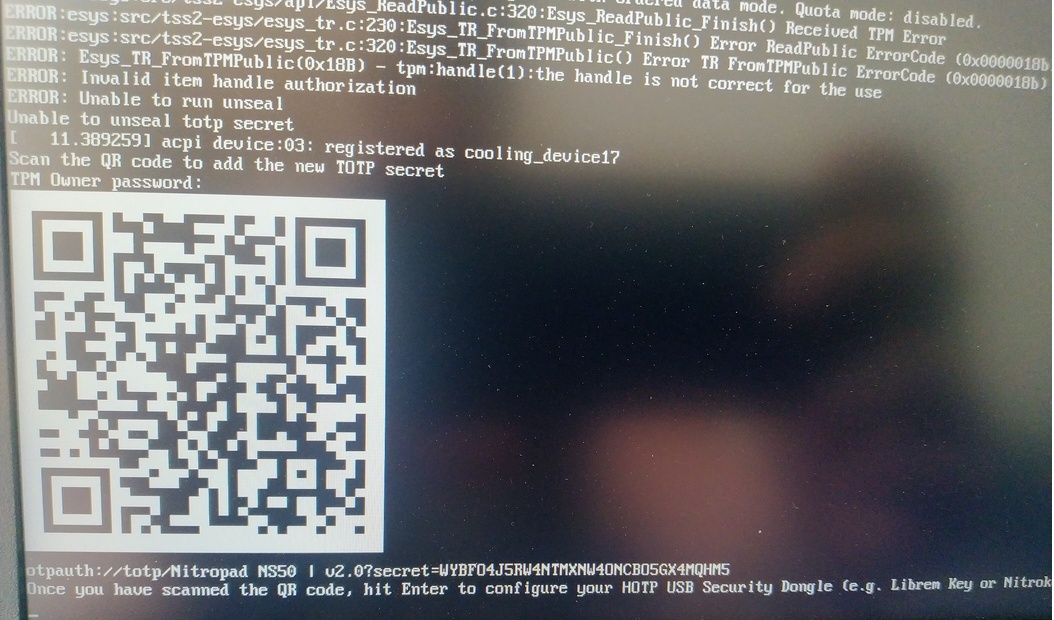
When asked touch your Nitrokey.
When prompted, enter the Secret App PIN of your Nitrokey (Default: 12345678) and hit Enter
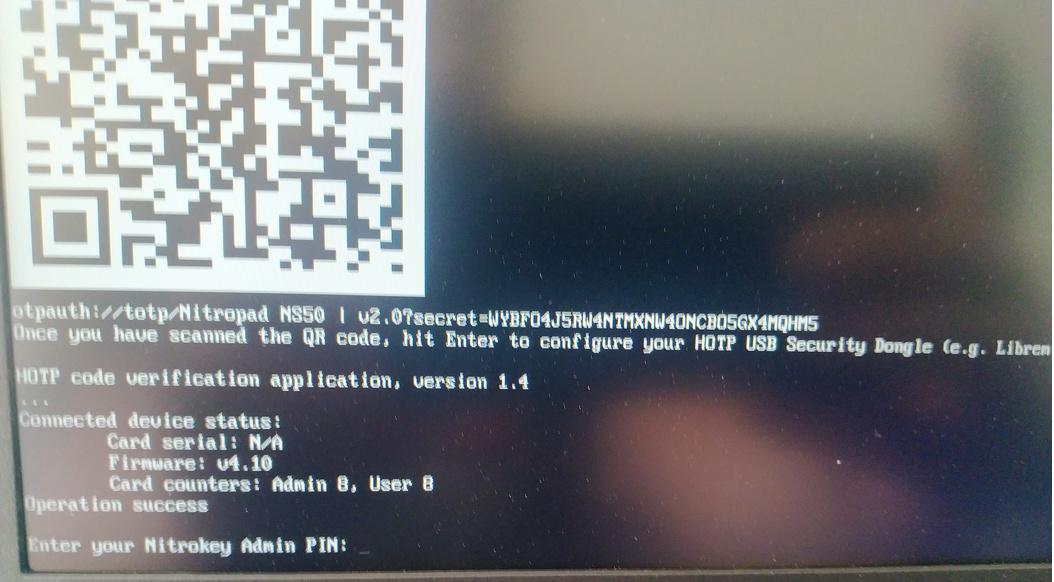
Naciśnij enter, a rozpocznie się automatyczne uruchamianie.
Będziesz teraz musiał wybrać domyślny rozruch, wybrać pierwszą opcję i ustawić ją jako domyślną.

Zostanie wyświetlony monit:
Do you wish to add a disk encryption key to the TPM [y/N]:
Hit enter to choose the default option (N).
Please confirm that your GPG card is inserted [Y/n]:
Here also hit enter for the default option (Y).
It will ask for the Admin PIN which is by default (123456).
Reset jest zakończony i następuje uruchomienie zainstalowanego systemu operacyjnego.
Podłącz swój Nitrokey do NitroPada.
Włącz NitroPad.
Wybierz „Opcje”.
Wybierz opcję „OEM-Factory Reset /Re-Ownership”.
Potwierdź reset przyciskiem „Kontynuuj”.
The integrity of your setup will be tested. Depending on your reason to perform the reset this can fail; continue with „OK” anyway.
Na poniższe pytanie można odpowiedzieć za pomocą opcji Domyślne. Naciśnij Enter, jeśli chcesz tylko zresetować urządzenie.
Would you like to change the current LUKS Disk Recovery Key passphrase?
(Highly recommended if you didn't install the Operating System yourself, so that past provisioned passphrase would not permit to access content.
Note that without re-encrypting disk, a backuped header could be restored to access encrypted content with old passphrase) [y/N]: N

Would you like to re-encrypt LUKS encrypted container and generate new Disk Recovery key?
(Highly recommended if you didn't install the operating system yourself: this would prevent any LUKS backuped header to be restored to access encrypted data) [y/N]: N

The following security components will be provisioned with defaults or chosen PINs/passwords:

TPM Ownership password
GPG Admin PIN
GPG User PIN

Would you like to set a single custom password that will be provisioned to previously stated security components? [y/N]: N

Would you like to set distinct PINs/passwords to be provisioned to previously stated security components? [y/N]: N

Would you like to set custom user Information for the GnPG key?[y/N]: N

Would you like to set custom user information for the GnuPG key? [y/N]: N

Checking for USB Security Dongle...

Detecting and setting boot device...

Boot device set to /dev/nvme0n1p2

Resetting TPM...

Resetting GPG Key...
(this will take around 3 minuts...)

Changing default GPG Admin PIN

Changing default GPG User PIN

Reading current firmware
(this will take a minute or two)

Adding generated key to current firmware and re-flashing...

Signing boot files and generating checksums
Wyświetlone zostaną domyślne kody PIN GPG i hasło TPM

Confirm the subsequent restart.
Po ponownym uruchomieniu należy utworzyć sekret OTP. Potwierdź proces klawiszem Enter.
Wprowadź hasło TPM (domyślnie: 12345678)
Scan the QR code with your phone to import the TOTP secret (optional) and hit Enter.
When prompted, enter the Admin PIN of your Nitrokey (Default:
12345678) and hit Enter.
Następnie należy przejść do menu Start.
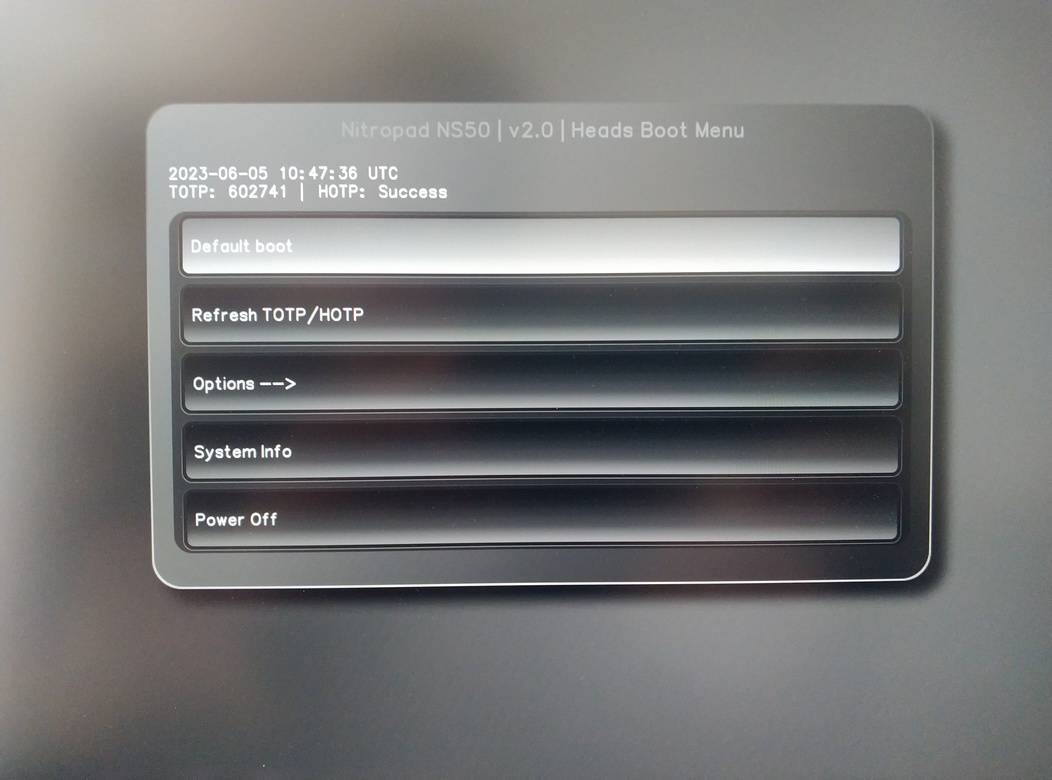
Naciśnij Enter, aby uruchomić „Default Boot”.
Informacja
If you see the message that no default exists yet, please follow the procedure described in default boot.