Factory Reset Heads v2.0+
Причины сброса к заводским настройкам
Ваш Nitrokey заблокирован (например, из-за нескольких неправильных вводов PIN-кода)
Вы потеряли свой Nitrokey (в этом случае вам сначала нужно получить новый)
Вы сами установили операционную систему (например, после замены жесткого диска).
Ваша операционная система не запускается
Предупреждение
All GPG keys of your Nitrokey will be deleted during this procedure.
Процедура
Подключите Nitrokey к NitroPad.
Turn on the NitroPad and interrupt the automatic boot by pressing any key.
Выберите «Опции».
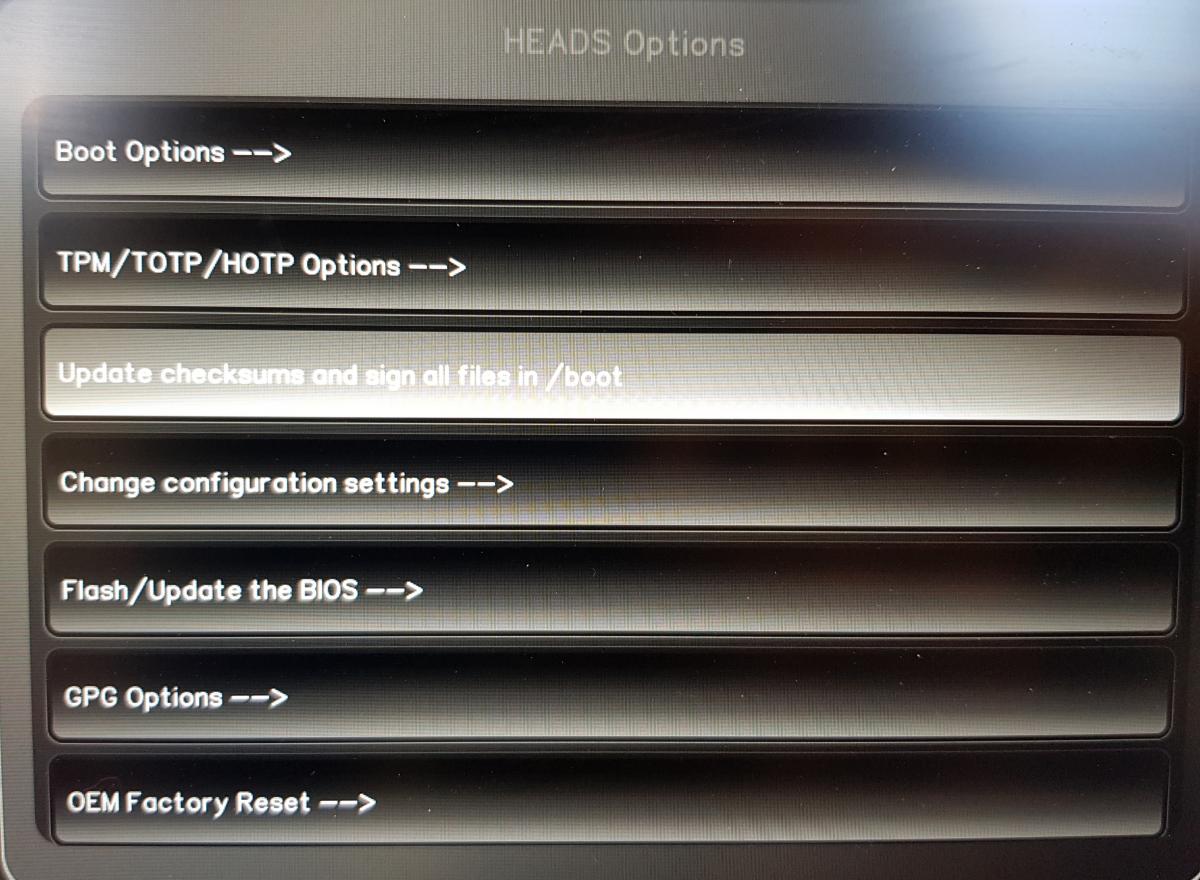
Выберите «OEM-Factory Reset /Re-Ownership».
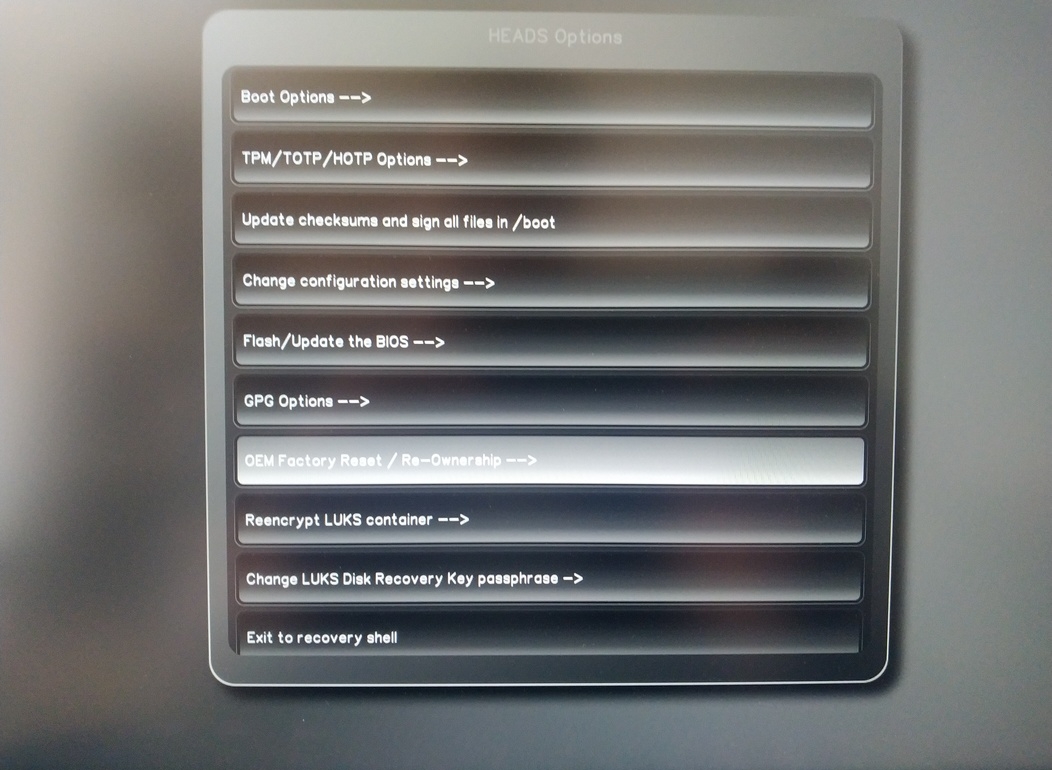
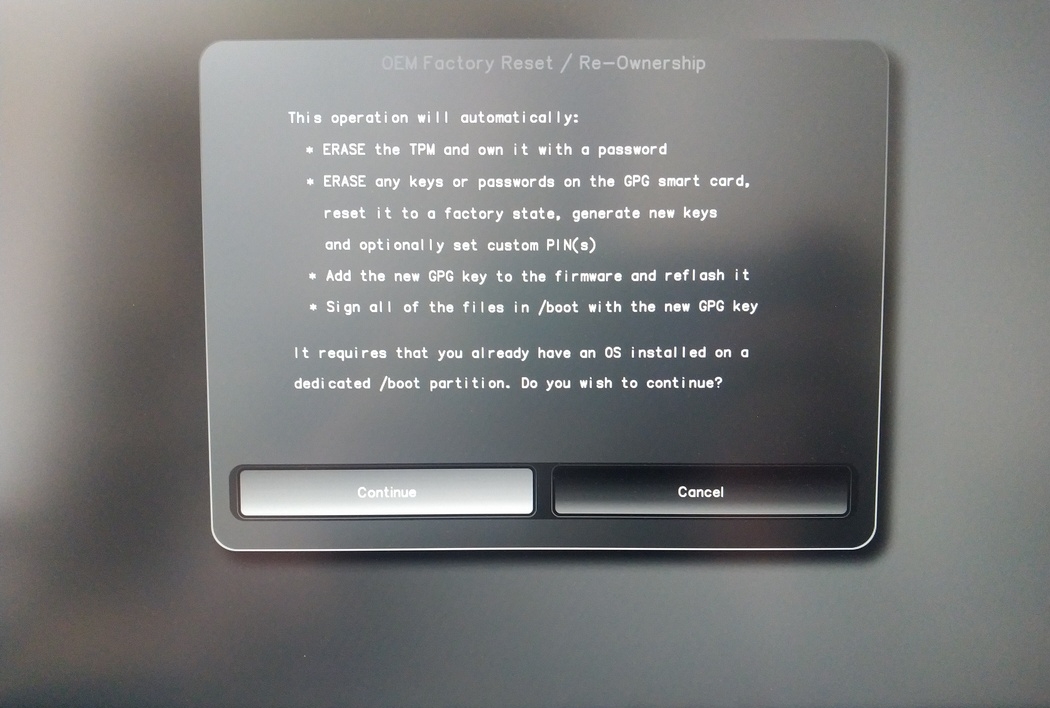
Confirm reset with “Continue”.
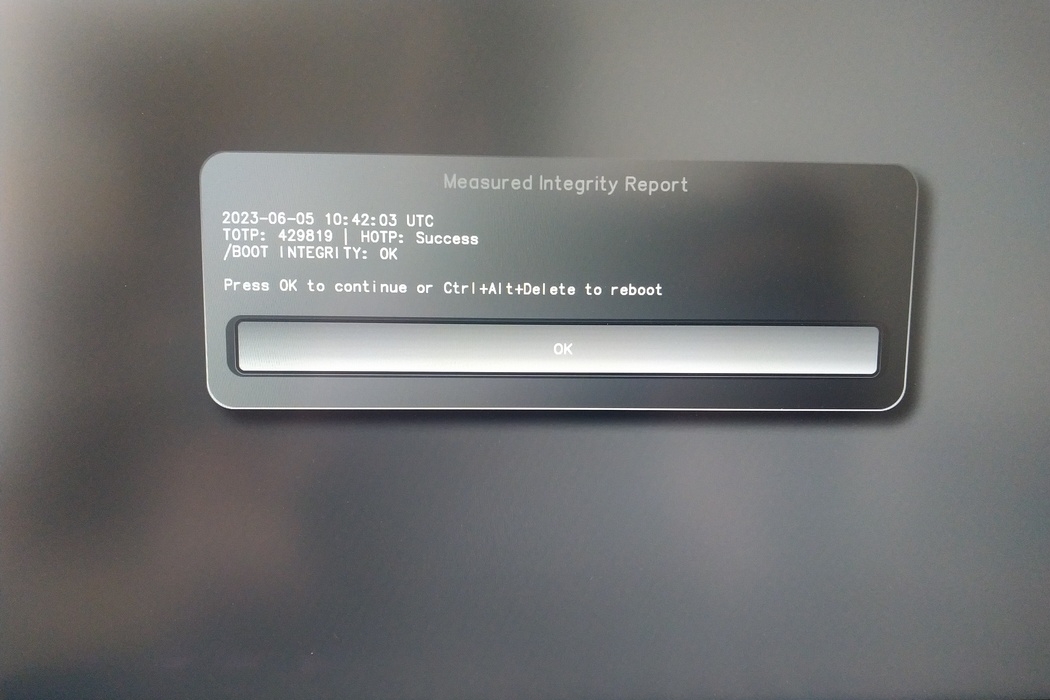
The integrity of your setup will be tested. Depending on your reason to perform the reset this can fail; continue with «OK» anyway.
You will be prompted with:
Would you like to use default configuration option?
If N, you will be prompted for each option [Y/n]:

You can hit enter for the default option (Y).
Появится второе приглашение:
Would you like to export your public key to an USB drive? [y/N]:
Также выберите вариант по умолчанию (N), нажав клавишу Enter.
Во время этого процесса вам нужно будет коснуться Nitrokey, когда вас об этом попросят.
Теперь он показывает все PIN-коды, используемые Головой:
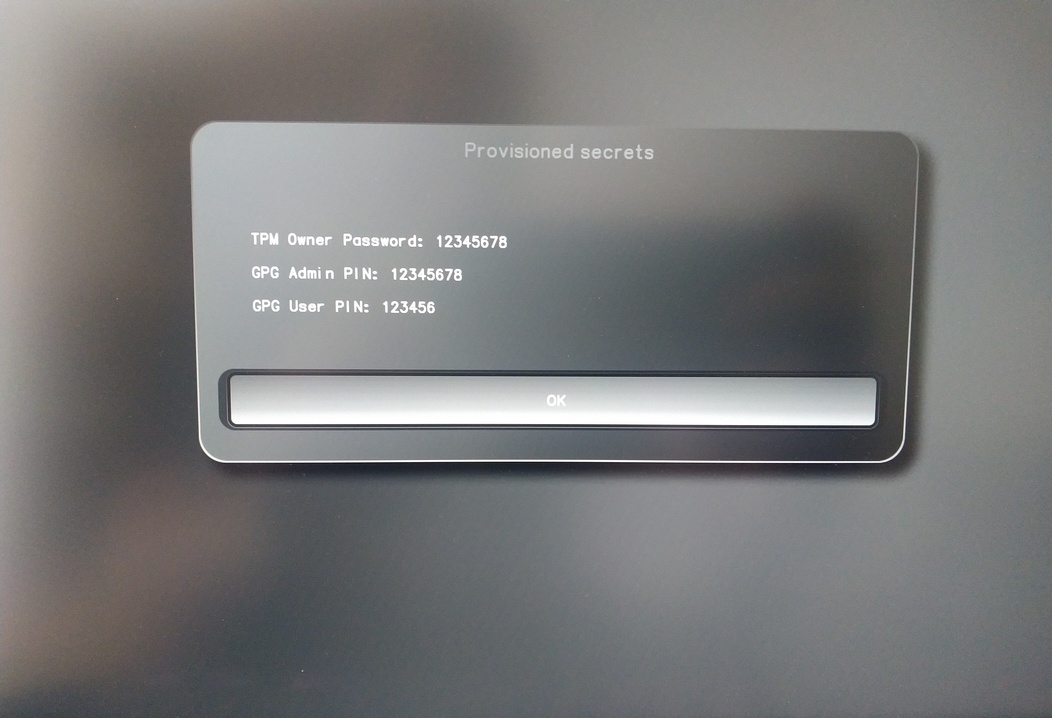
Они понадобятся вам для определенных процедур, поэтому не забудьте их запомнить.
Confirm the subsequent restart.
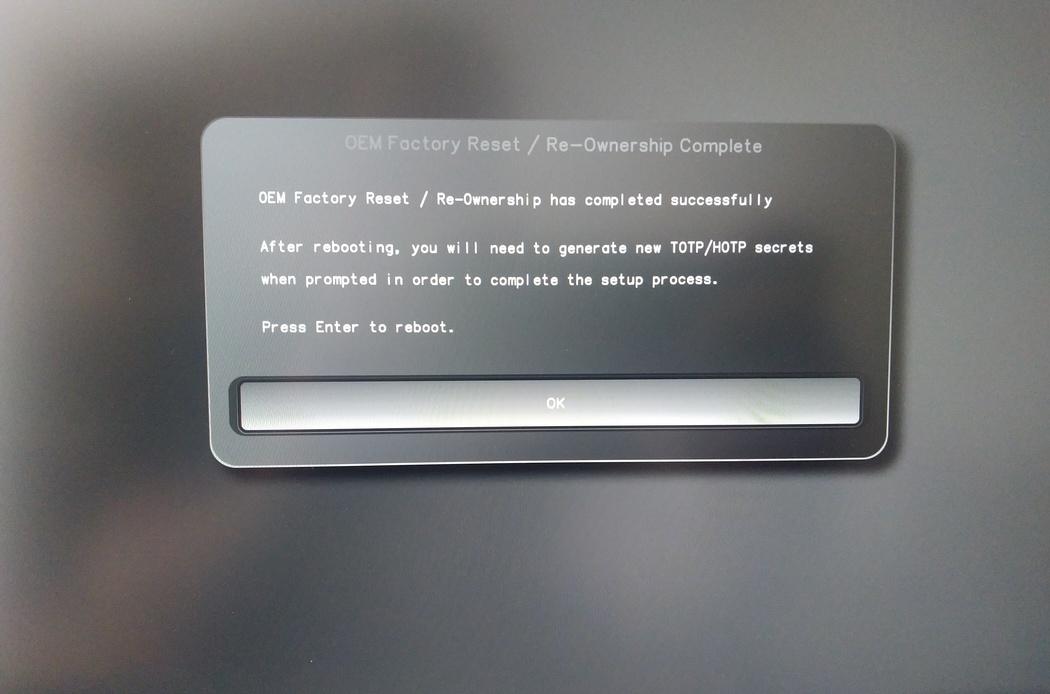
После перезапуска необходимо создать секрет OTP. Подтвердите процесс нажатием Enter.
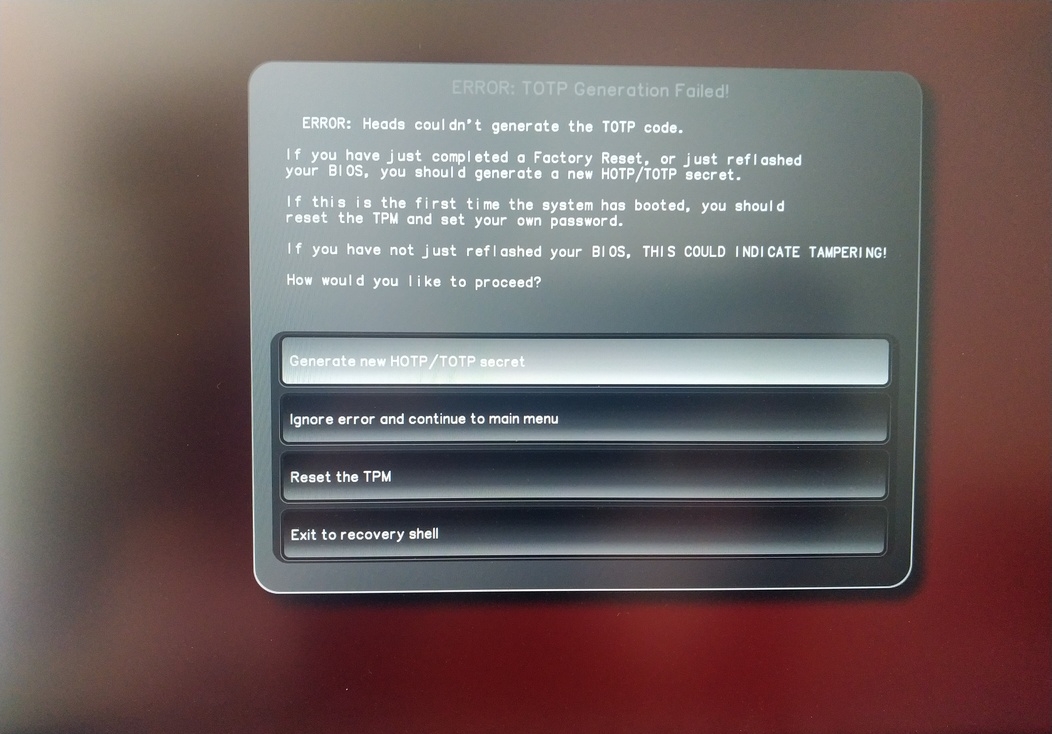
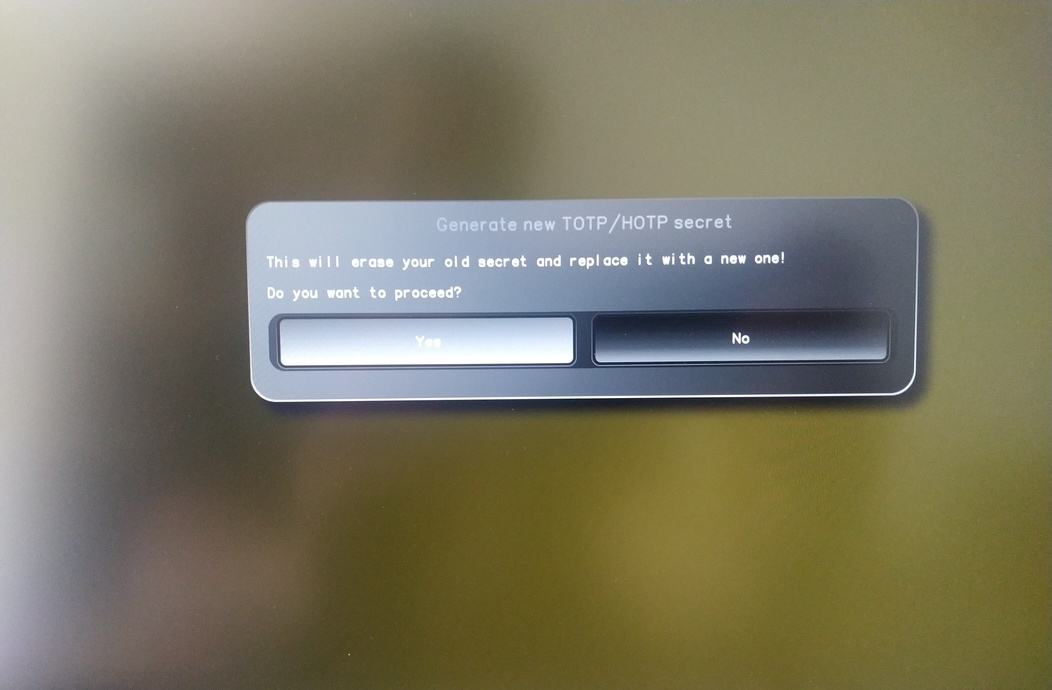
Enter TPM Owner Password (Default:
12345678)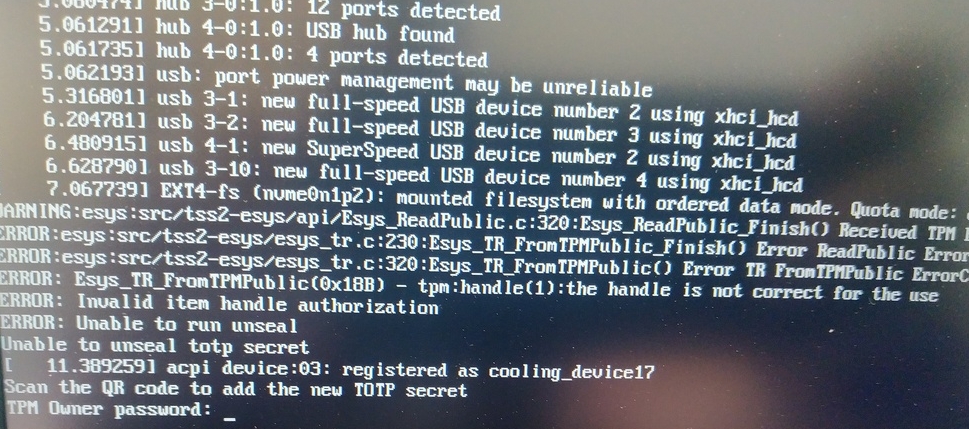
Scan QR code with Phone to import TOTP Secret (optional) and hit Enter
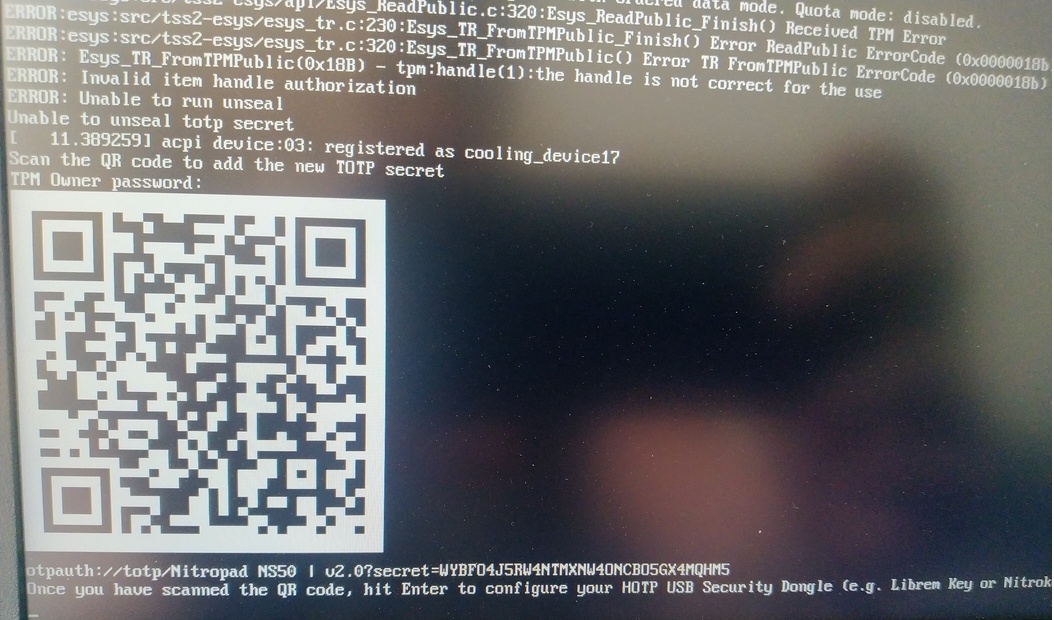
When asked touch your Nitrokey.
When prompted, enter the Secret App PIN of your Nitrokey (Default: 12345678) and hit Enter
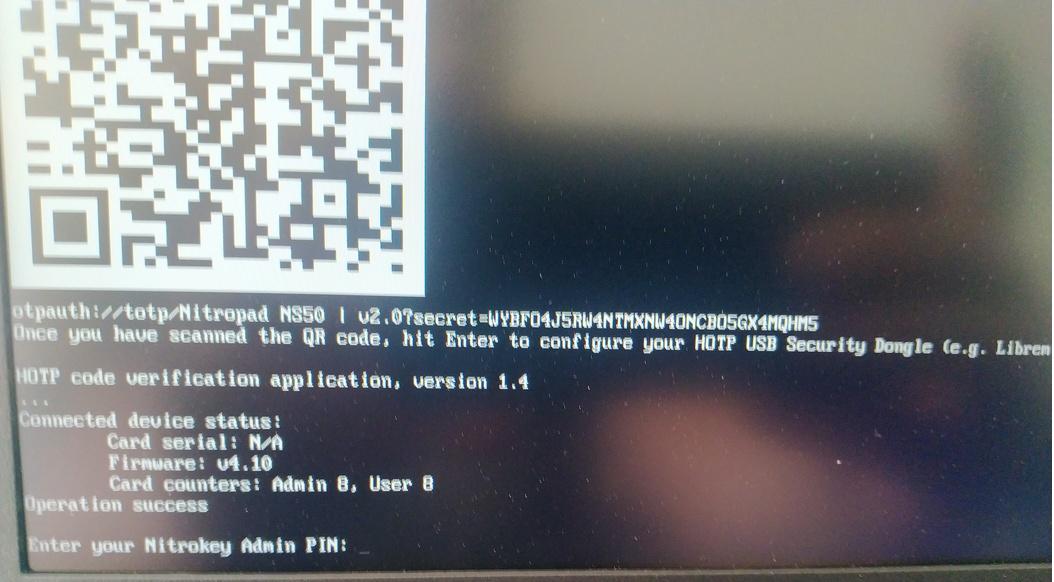
Нажмите Enter, и начнется автоматическая загрузка.
Теперь вам нужно выбрать загрузку по умолчанию, выберите первый вариант и сделайте его стандартным.

На экране появится подсказка:
Do you wish to add a disk encryption key to the TPM [y/N]:
Hit enter to choose the default option (N).
Please confirm that your GPG card is inserted [Y/n]:
Here also hit enter for the default option (Y).
It will ask for the Admin PIN which is by default (123456).
Сброс настроек завершен, и вы загружаетесь в установленную операционную систему.
Подключите Nitrokey к NitroPad.
Включите NitroPad.
Выберите «Опции».
Выберите «OEM-Factory Reset /Re-Ownership».
Подтвердите сброс нажатием кнопки «Продолжить».
The integrity of your setup will be tested. Depending on your reason to perform the reset this can fail; continue with «OK» anyway.
На все следующие вопросы можно ответить с помощью Default. Просто нажмите Enter, если вы хотите только сбросить устройство.
Would you like to change the current LUKS Disk Recovery Key passphrase?
(Highly recommended if you didn't install the Operating System yourself, so that past provisioned passphrase would not permit to access content.
Note that without re-encrypting disk, a backuped header could be restored to access encrypted content with old passphrase) [y/N]: N

Would you like to re-encrypt LUKS encrypted container and generate new Disk Recovery key?
(Highly recommended if you didn't install the operating system yourself: this would prevent any LUKS backuped header to be restored to access encrypted data) [y/N]: N

The following security components will be provisioned with defaults or chosen PINs/passwords:

TPM Ownership password
GPG Admin PIN
GPG User PIN

Would you like to set a single custom password that will be provisioned to previously stated security components? [y/N]: N

Would you like to set distinct PINs/passwords to be provisioned to previously stated security components? [y/N]: N

Would you like to set custom user Information for the GnPG key?[y/N]: N

Would you like to set custom user information for the GnuPG key? [y/N]: N

Checking for USB Security Dongle...

Detecting and setting boot device...

Boot device set to /dev/nvme0n1p2

Resetting TPM...

Resetting GPG Key...
(this will take around 3 minuts...)

Changing default GPG Admin PIN

Changing default GPG User PIN

Reading current firmware
(this will take a minute or two)

Adding generated key to current firmware and re-flashing...

Signing boot files and generating checksums
Он покажет стандартные GPG PINS и пароль TPM.

Confirm the subsequent restart.
После перезапуска необходимо создать секрет OTP. Подтвердите процесс нажатием Enter.
Введите пароль TPM (по умолчанию: 12345678).
Scan the QR code with your phone to import the TOTP secret (optional) and hit Enter.
When prompted, enter the Admin PIN of your Nitrokey (Default:
12345678) and hit Enter.
После этого вы попадете в меню «Пуск».
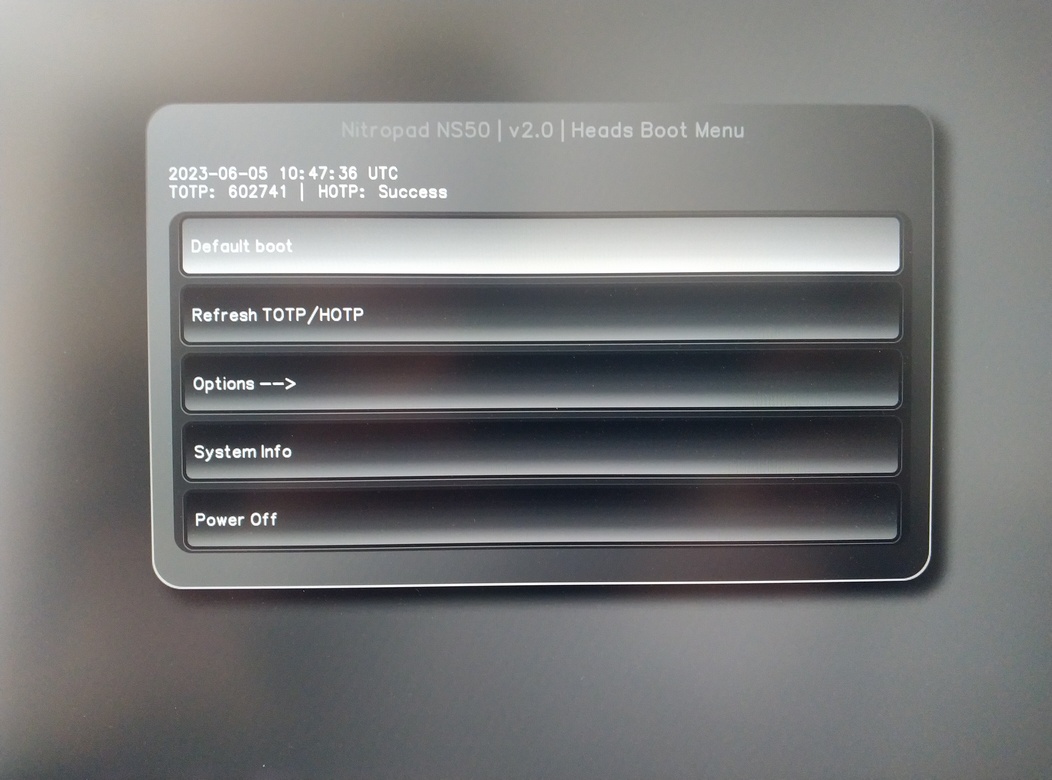
Нажмите Enter, чтобы запустить «Загрузка по умолчанию».
Примечание
If you see the message that no default exists yet, please follow the procedure described in default boot.