Factory Reset Heads v2.0+
Причини за възстановяване на фабричните настройки
Your Nitrokey is locked (e.g. due to multiple incorrect PIN entries)
Загубили сте своя ключ Nitrokey (в този случай първо ще ви е необходим нов ключ).
You have installed an operating system yourself (e.g. after changing the hard disk)
Операционната ви система не се стартира
Warning
All GPG keys of your Nitrokey will be deleted during this procedure.
Процедура
Свържете своя Nitrokey към NitroPad.
Turn on the NitroPad and interrupt the automatic boot by pressing any key.
Изберете „Опции“.
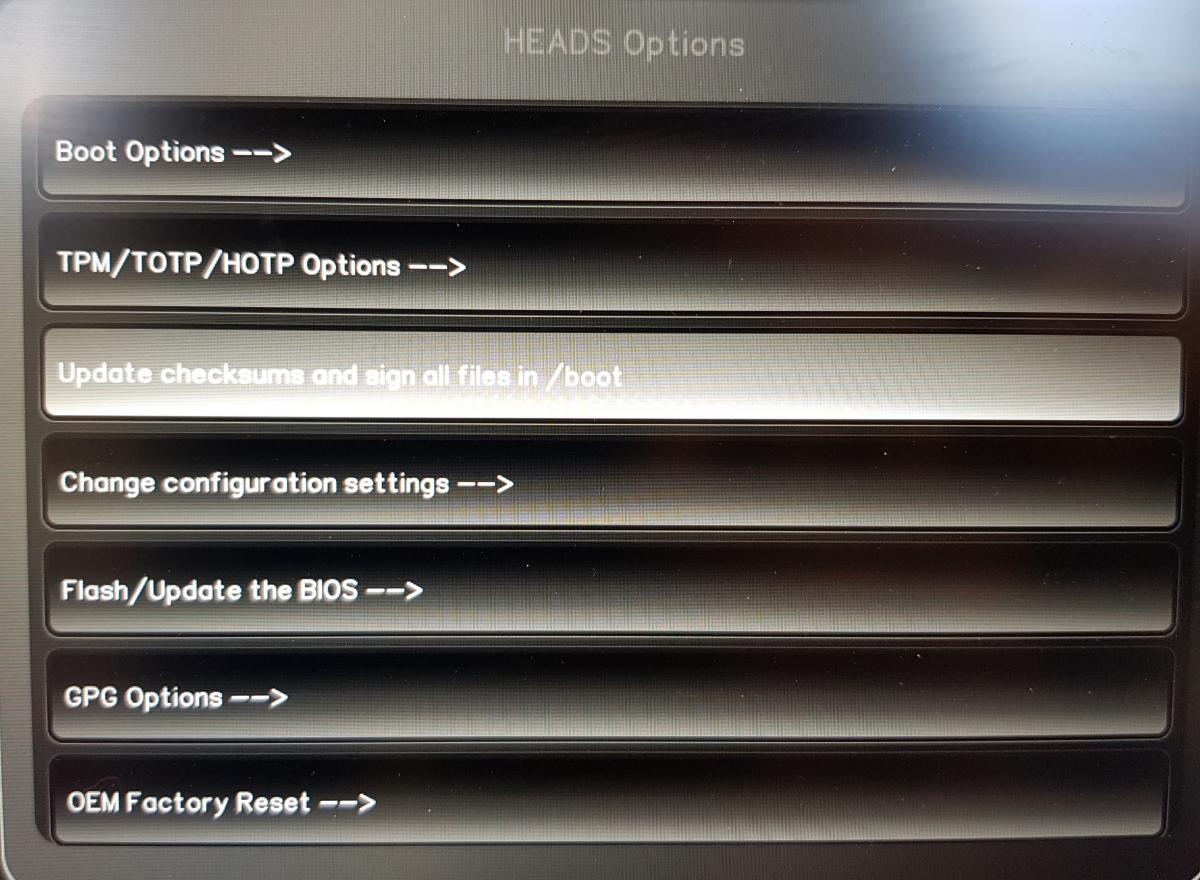
Изберете „OEM-Factory Reset /Re-Ownership“.
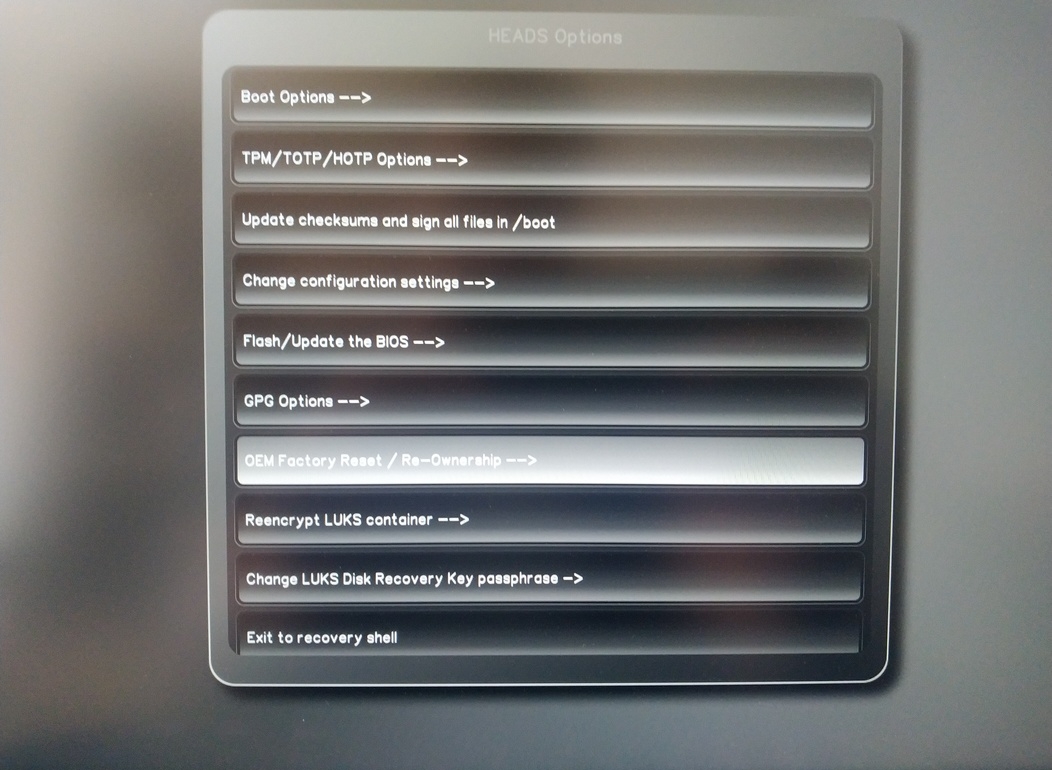
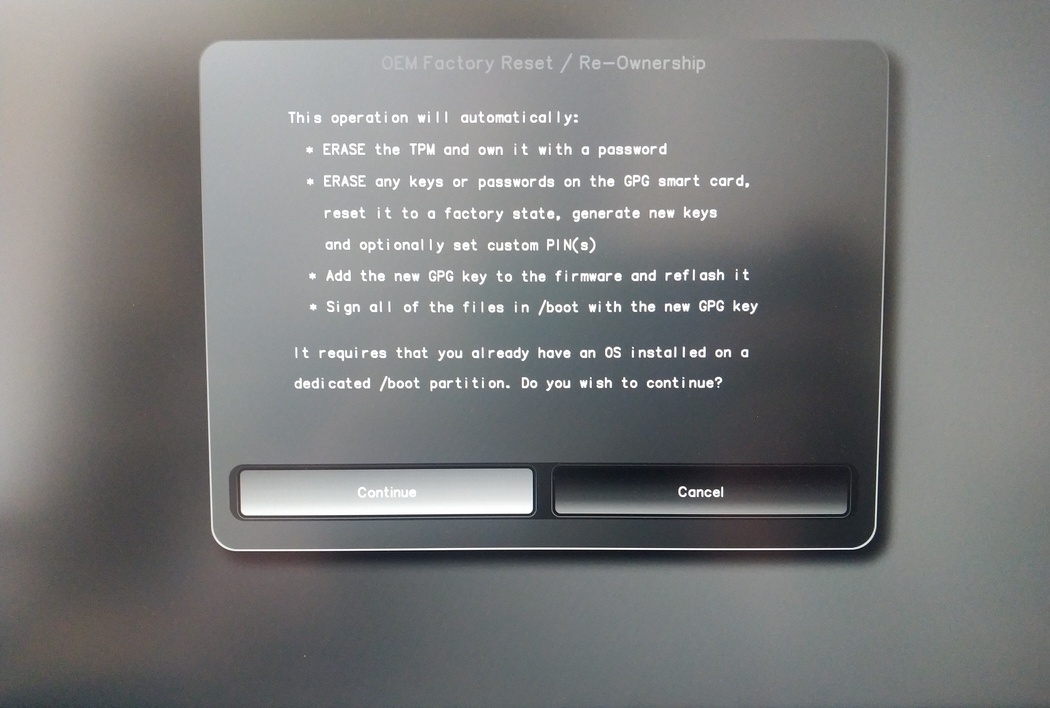
Confirm reset with “Continue”.
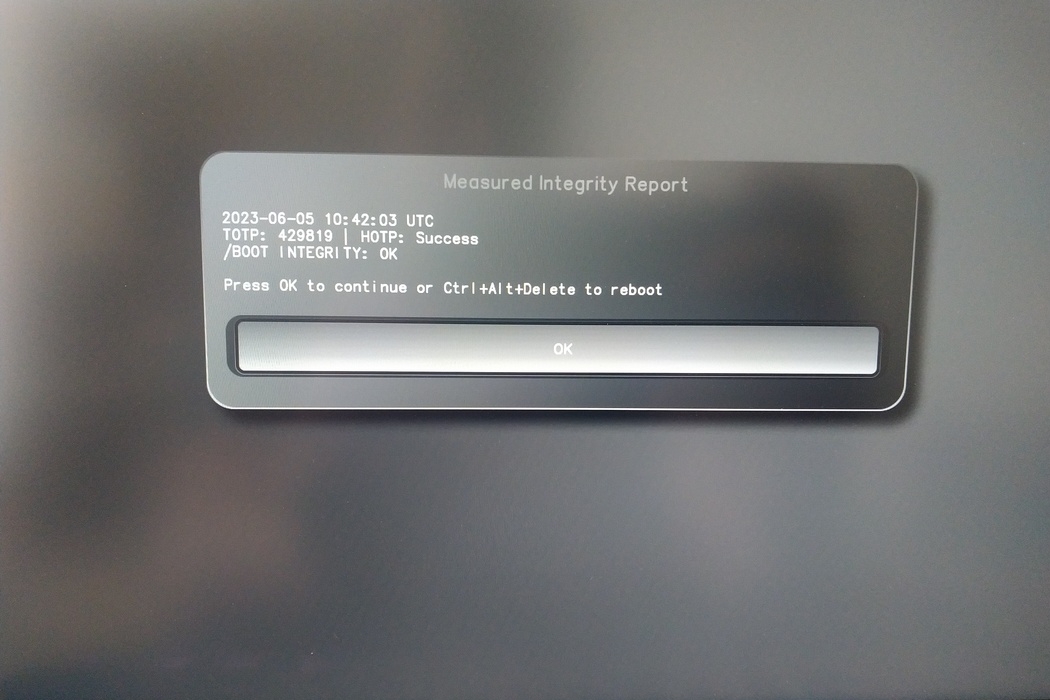
The integrity of your setup will be tested. Depending on your reason to perform the reset this can fail; continue with „OK“ anyway.
You will be prompted with:
Would you like to use default configuration option?
If N, you will be prompted for each option [Y/n]:

You can hit enter for the default option (Y).
Ще се появи втори сигнал:
Would you like to export your public key to an USB drive? [y/N]:
Също така изберете опцията по подразбиране (N), като натиснете Enter.
По време на този процес ще трябва да докоснете своя Nitrokey, когато бъдете помолени.
Сега тя показва всички ПИН кодове, използвани от Heads:
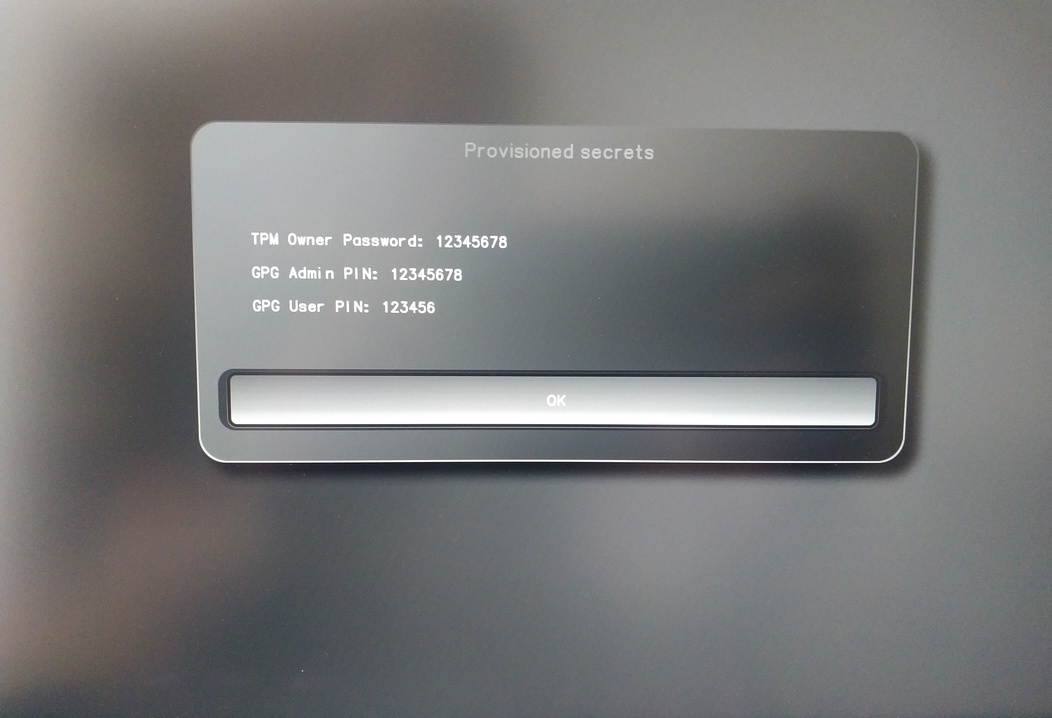
Те ще са ви необходими за определена процедура, затова не забравяйте да ги запомните.
Confirm the subsequent restart.
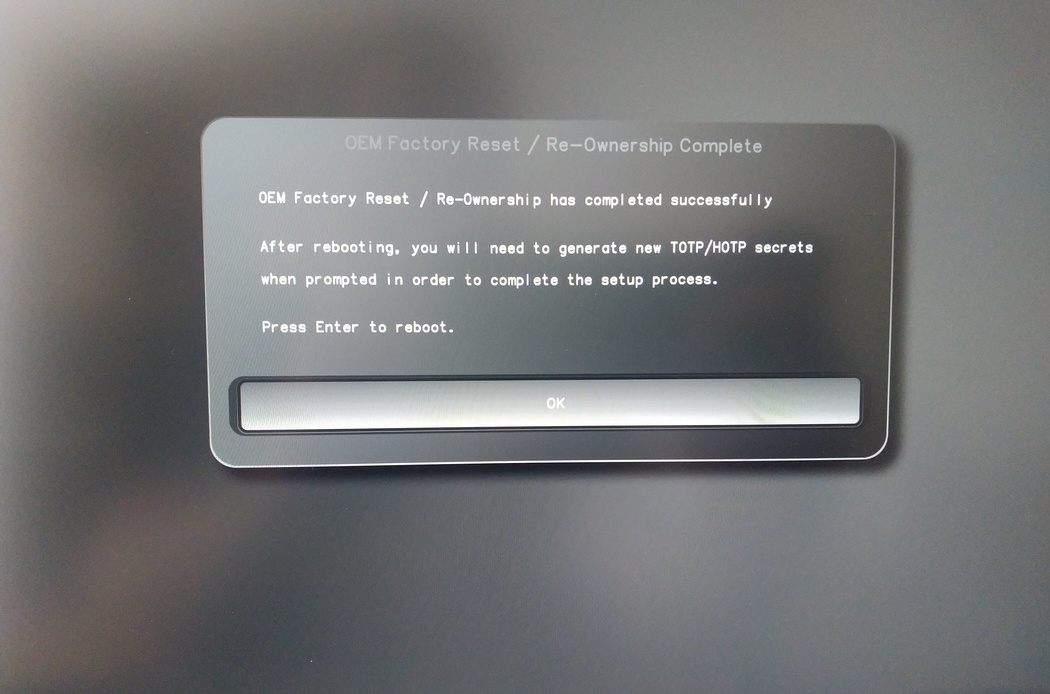
След рестартирането трябва да се създаде тайната на OTP. Потвърдете процеса с Enter.
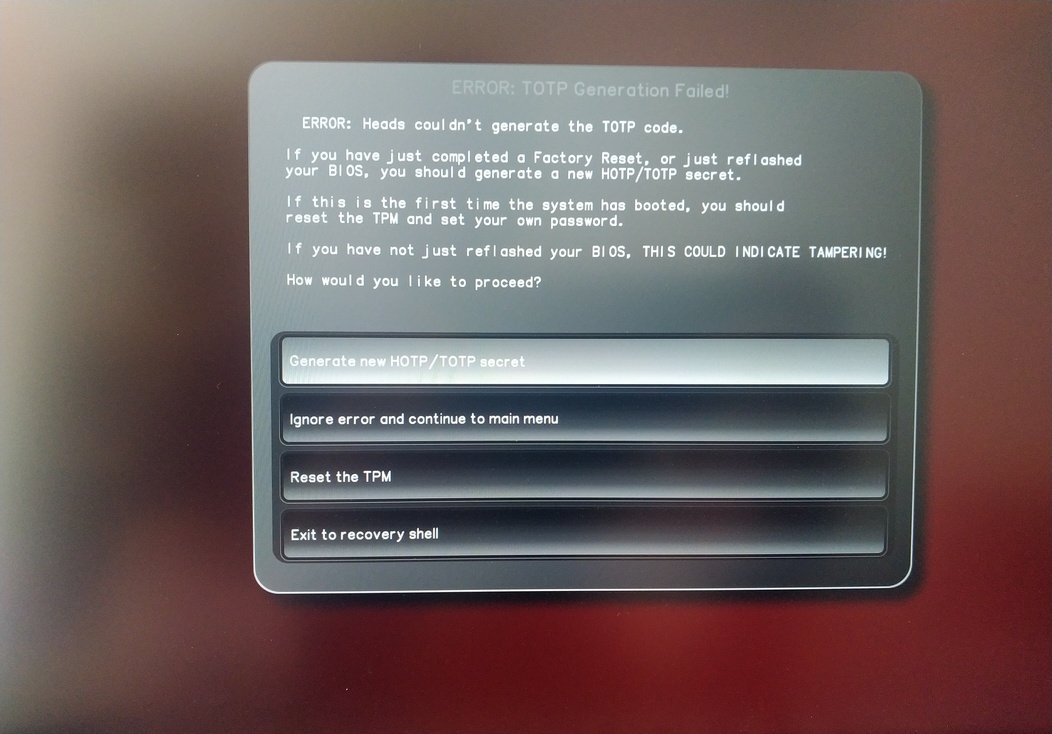
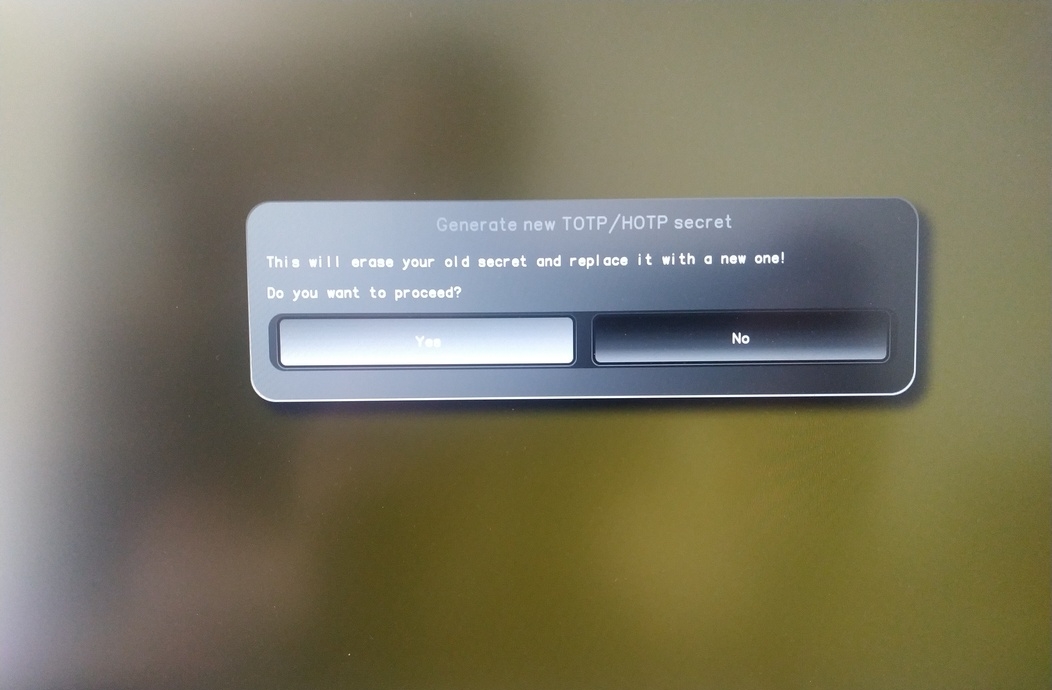
Enter TPM Owner Password (Default:
12345678)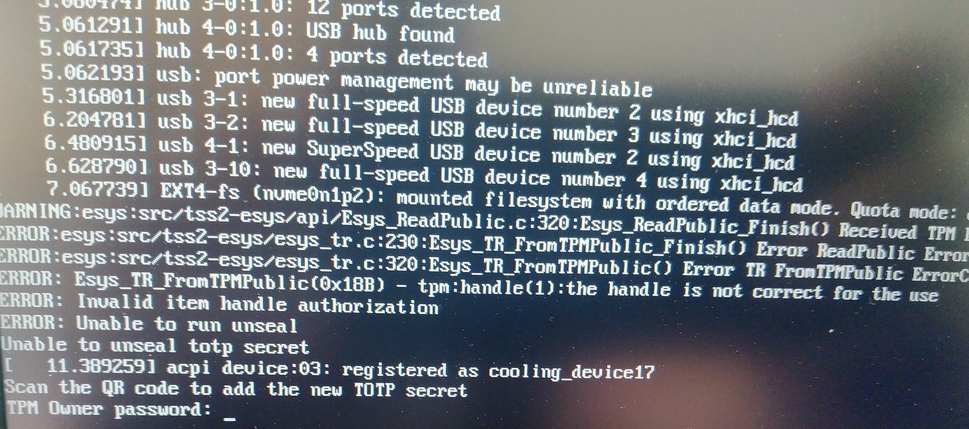
Scan QR code with Phone to import TOTP Secret (optional) and hit Enter
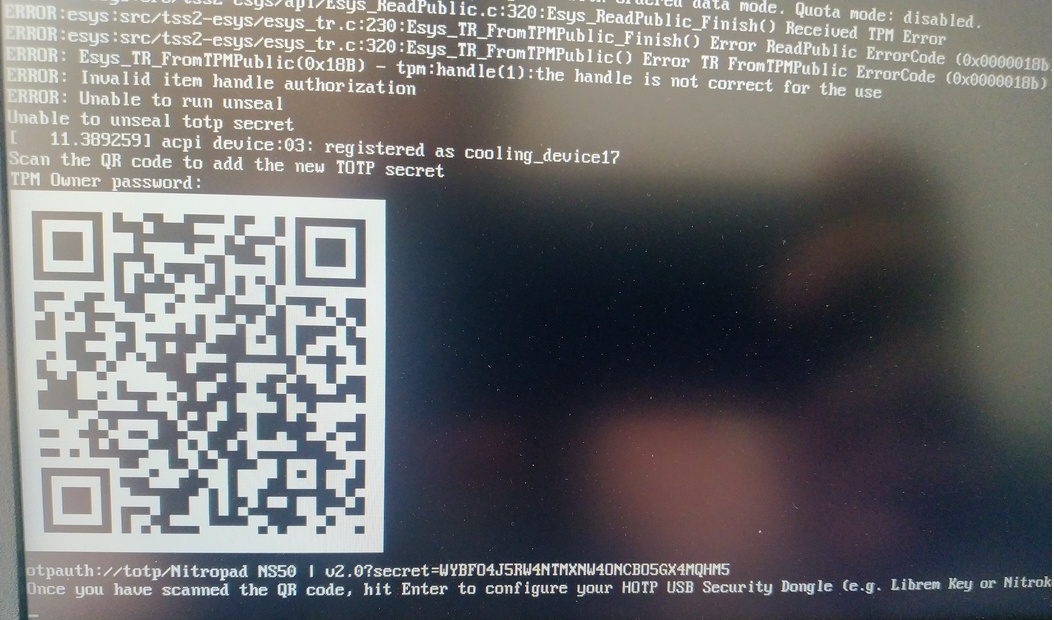
When asked touch your Nitrokey.
When prompted, enter the Secret App PIN of your Nitrokey (Default: 12345678) and hit Enter
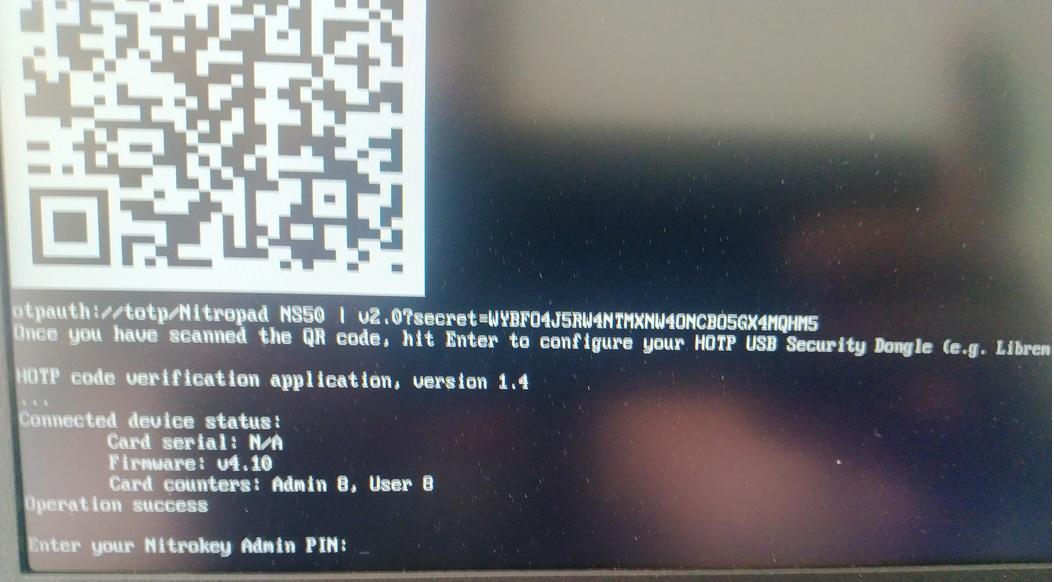
Натиснете Enter и автоматичното зареждане ще започне.
Сега ще трябва да изберете зареждане по подразбиране, да изберете първата опция и да я направите по подразбиране.

Ще се появи това съобщение:
Do you wish to add a disk encryption key to the TPM [y/N]:
Hit enter to choose the default option (N).
Please confirm that your GPG card is inserted [Y/n]:
Here also hit enter for the default option (Y).
It will ask for the Admin PIN which is by default (123456).
Нулирането е извършено и се стартира инсталираната операционна система.
Свържете своя Nitrokey към NitroPad.
Включете устройството NitroPad.
Изберете „Опции“.
Изберете „OEM-Factory Reset /Re-Ownership“.
Потвърдете нулирането с „Продължи“.
The integrity of your setup will be tested. Depending on your reason to perform the reset this can fail; continue with „OK“ anyway.
На следните въпроси може да се отговори с Default. Просто натиснете Enter, ако искате само да нулирате устройството си.
Would you like to change the current LUKS Disk Recovery Key passphrase?
(Highly recommended if you didn't install the Operating System yourself, so that past provisioned passphrase would not permit to access content.
Note that without re-encrypting disk, a backuped header could be restored to access encrypted content with old passphrase) [y/N]: N

Would you like to re-encrypt LUKS encrypted container and generate new Disk Recovery key?
(Highly recommended if you didn't install the operating system yourself: this would prevent any LUKS backuped header to be restored to access encrypted data) [y/N]: N

The following security components will be provisioned with defaults or chosen PINs/passwords:

TPM Ownership password
GPG Admin PIN
GPG User PIN

Would you like to set a single custom password that will be provisioned to previously stated security components? [y/N]: N

Would you like to set distinct PINs/passwords to be provisioned to previously stated security components? [y/N]: N

Would you like to set custom user Information for the GnPG key?[y/N]: N

Would you like to set custom user information for the GnuPG key? [y/N]: N

Checking for USB Security Dongle...

Detecting and setting boot device...

Boot device set to /dev/nvme0n1p2

Resetting TPM...

Resetting GPG Key...
(this will take around 3 minuts...)

Changing default GPG Admin PIN

Changing default GPG User PIN

Reading current firmware
(this will take a minute or two)

Adding generated key to current firmware and re-flashing...

Signing boot files and generating checksums
Ще се покажат GPG PINS по подразбиране и TPM паролата.

Confirm the subsequent restart.
След рестартирането трябва да се създаде тайната на OTP. Потвърдете процеса с Enter.
Въведете паролата на TPM (по подразбиране: 12345678)
Scan the QR code with your phone to import the TOTP secret (optional) and hit Enter.
When prompted, enter the Admin PIN of your Nitrokey (Default:
12345678) and hit Enter.
След това трябва да влезете в менюто Start.
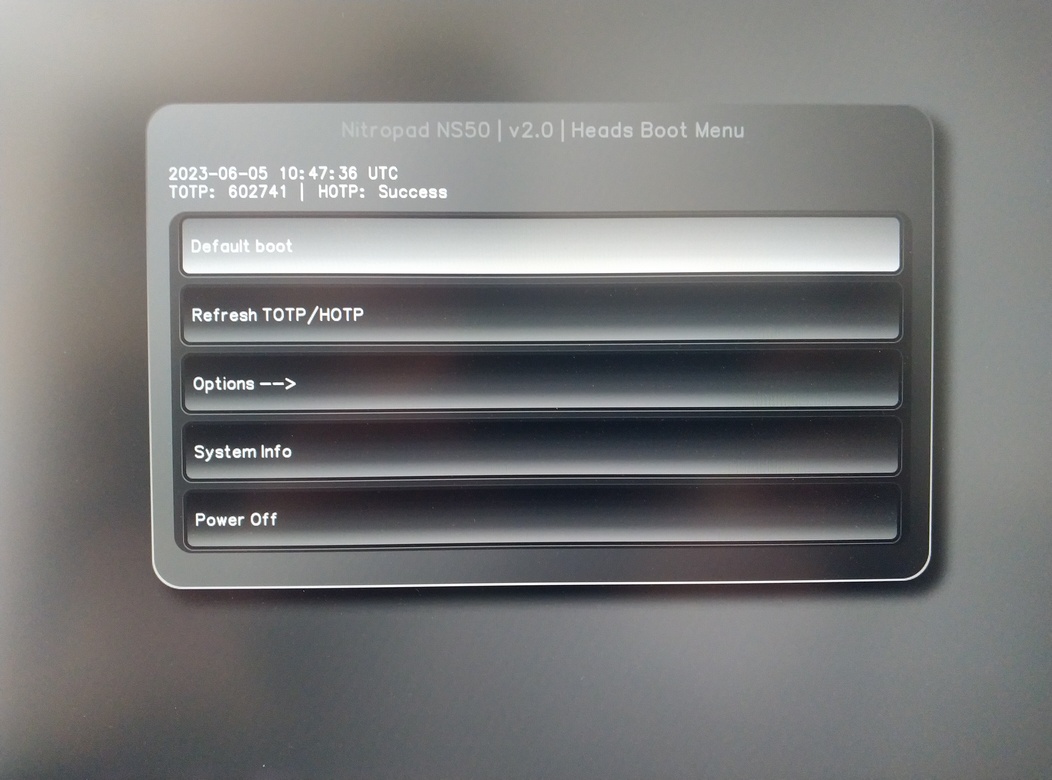
Натиснете Enter, за да стартирате „Default Boot“.
Note
If you see the message that no default exists yet, please follow the procedure described in default boot.