Factory Reset Heads v2.0+
Motive pentru resetarea la setările din fabrică
Your Nitrokey is locked (e.g. due to multiple incorrect PIN entries)
V-ați pierdut Nitrokey (caz în care veți avea nevoie mai întâi de una nouă).
You have installed an operating system yourself (e.g. after changing the hard disk)
Sistemul de operare nu pornește
Atenționare
All GPG keys of your Nitrokey will be deleted during this procedure.
Procedura
Conectați Nitrokey la NitroPad.
Turn on the NitroPad and interrupt the automatic boot by pressing any key.
Selectați „Options” (Opțiuni).
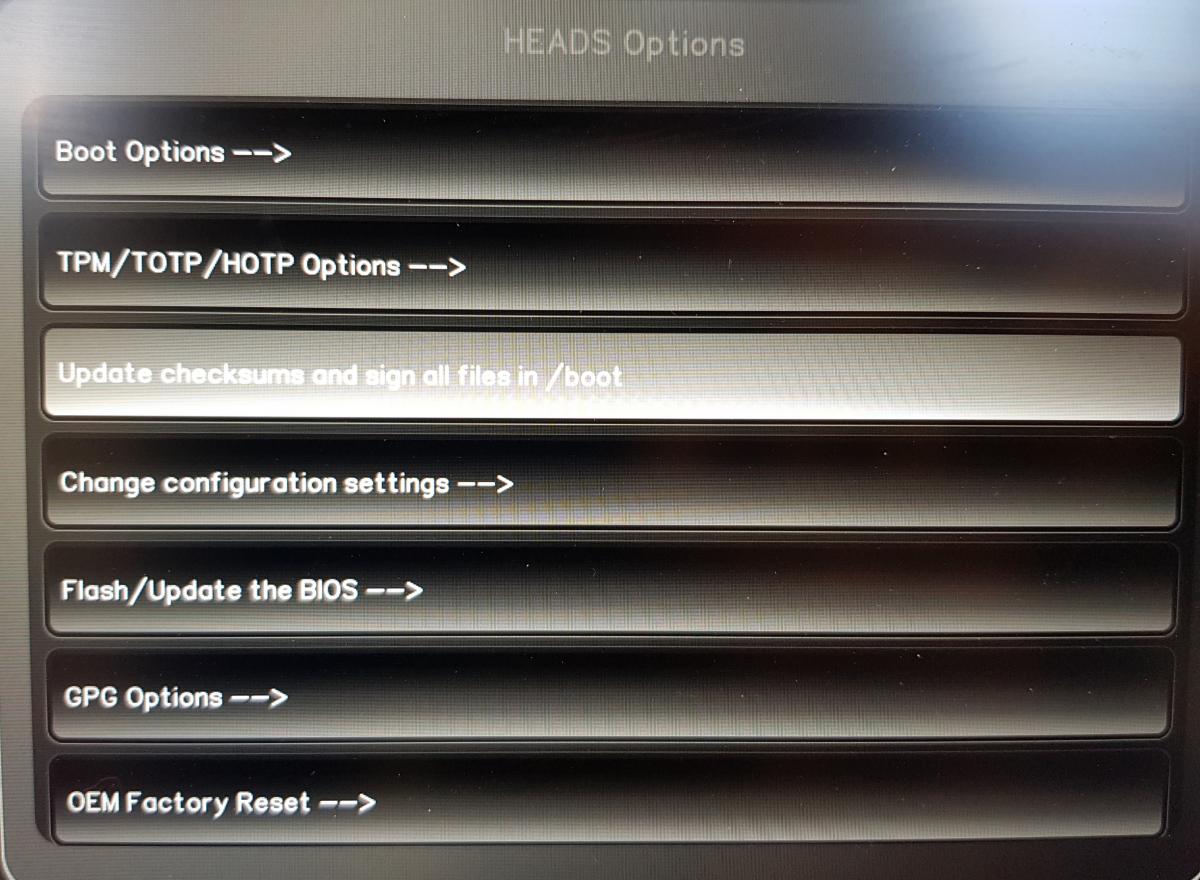
Selectați „OEM-Factory Reset /Re-Ownership”.
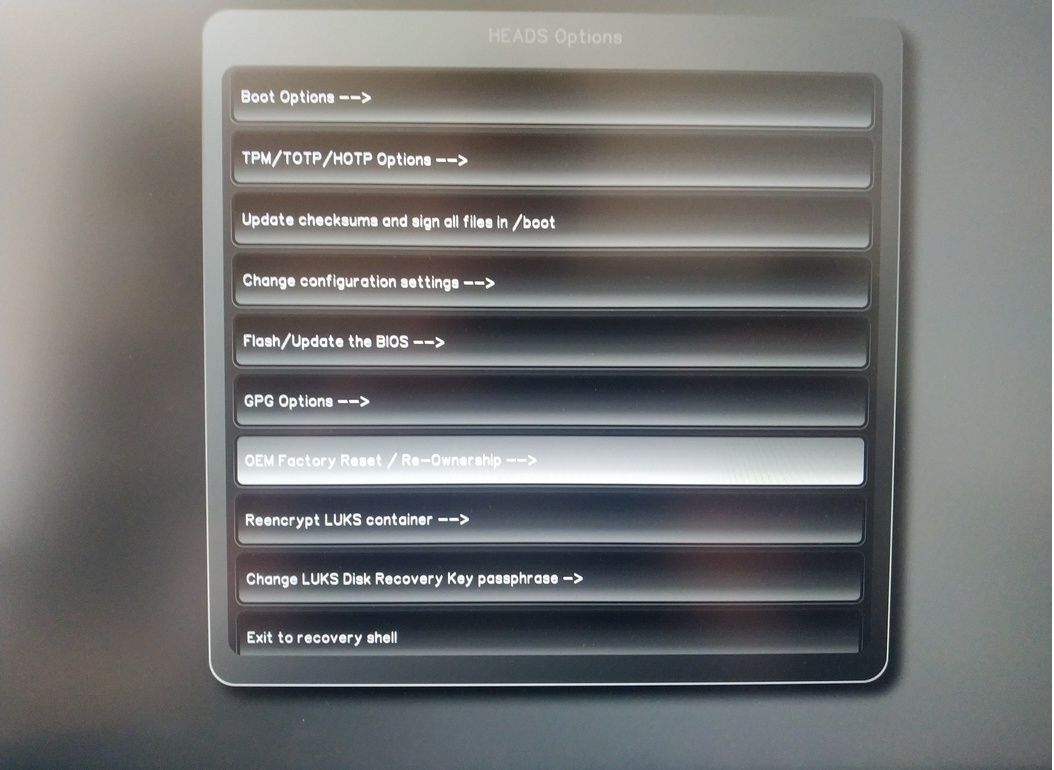
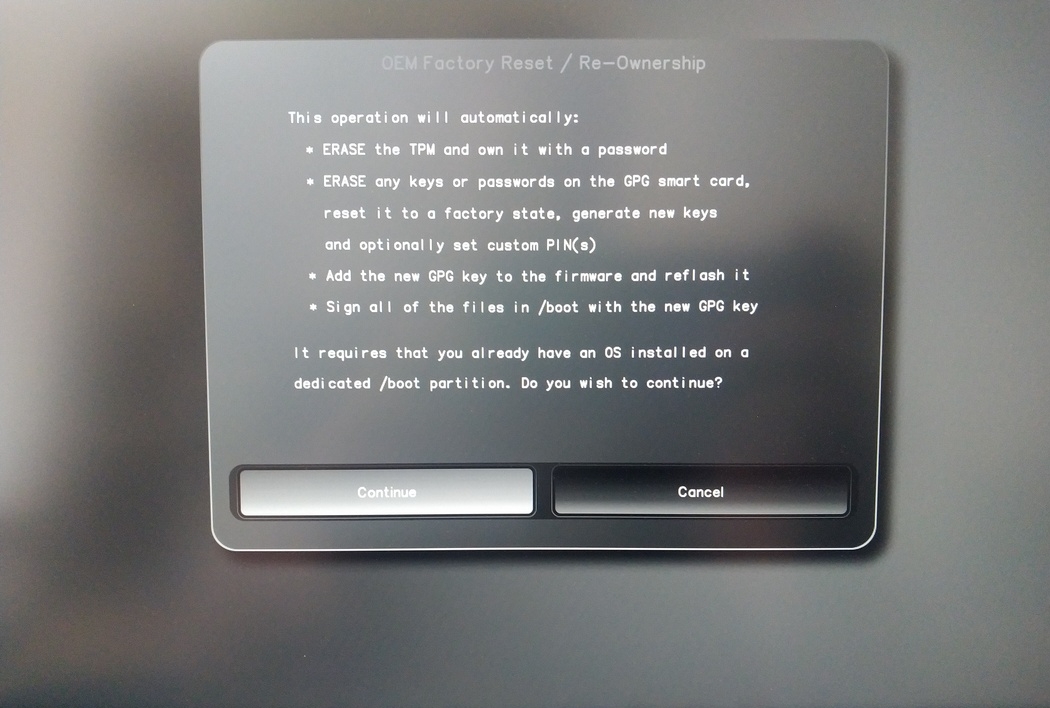
Confirm reset with “Continue”.
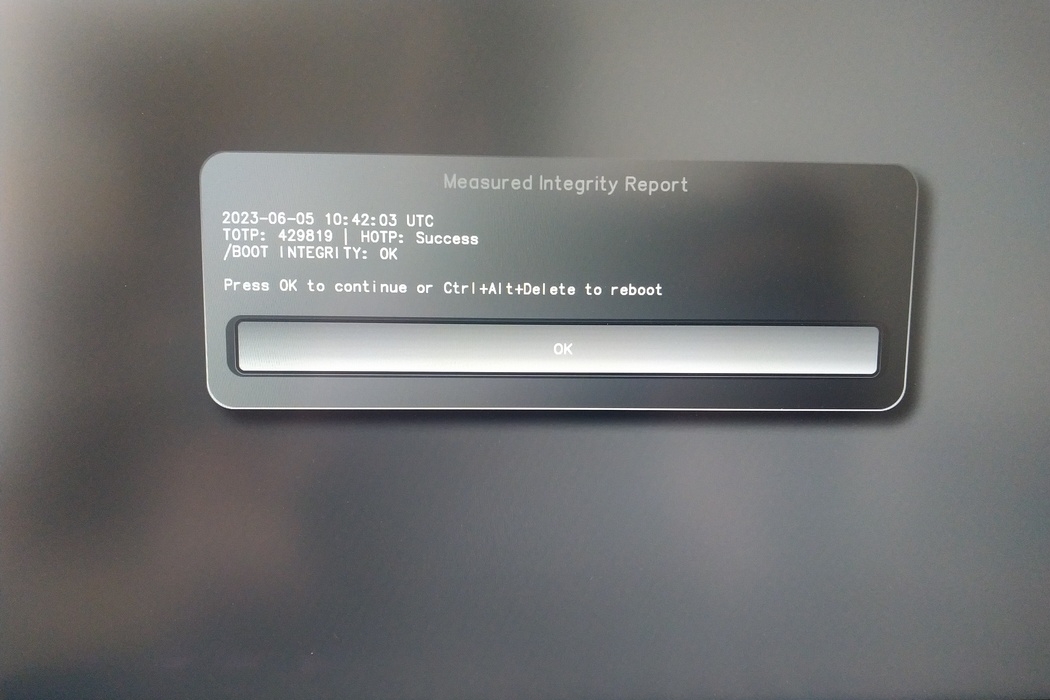
The integrity of your setup will be tested. Depending on your reason to perform the reset this can fail; continue with „OK” anyway.
You will be prompted with:
Would you like to use default configuration option?
If N, you will be prompted for each option [Y/n]:

You can hit enter for the default option (Y).
Va apărea un al doilea mesaj:
Would you like to export your public key to an USB drive? [y/N]:
De asemenea, alegeți opțiunea implicită (N) apăsând tasta Enter.
Va trebui să atingeți Nitrokey-ul în timpul acestui proces atunci când vi se va cere.
Acum se afișează toate codurile PIN utilizate de Heads:
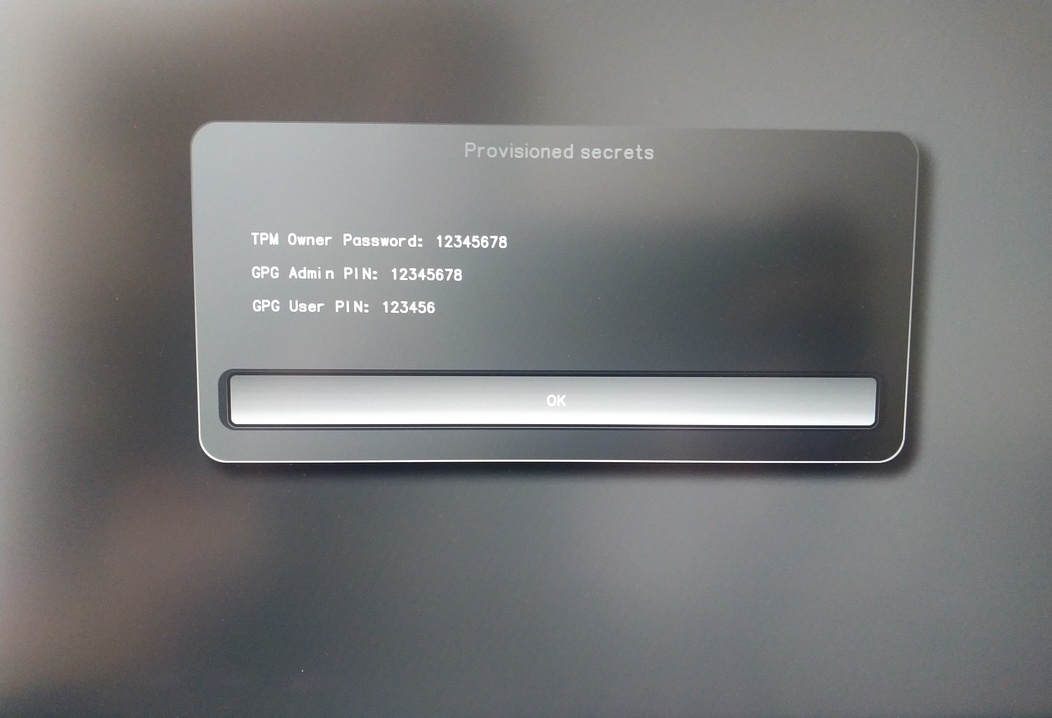
Veți avea nevoie de ele pentru anumite proceduri, așa că asigurați-vă că le țineți minte.
Confirm the subsequent restart.
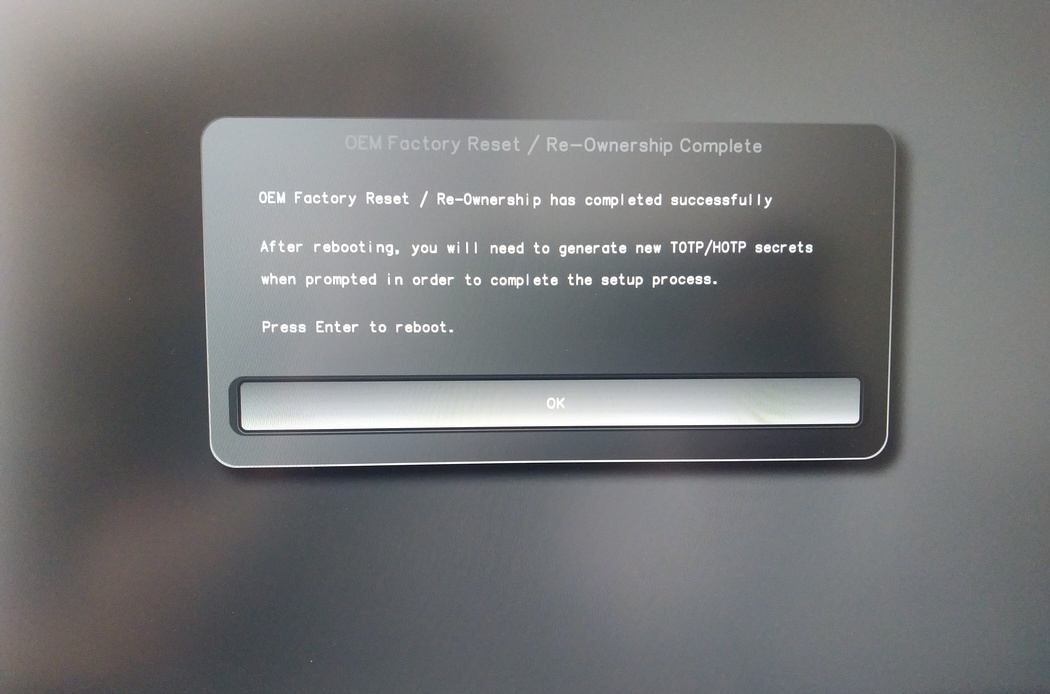
După repornire, trebuie creat secretul OTP. Confirmați procesul cu Enter.
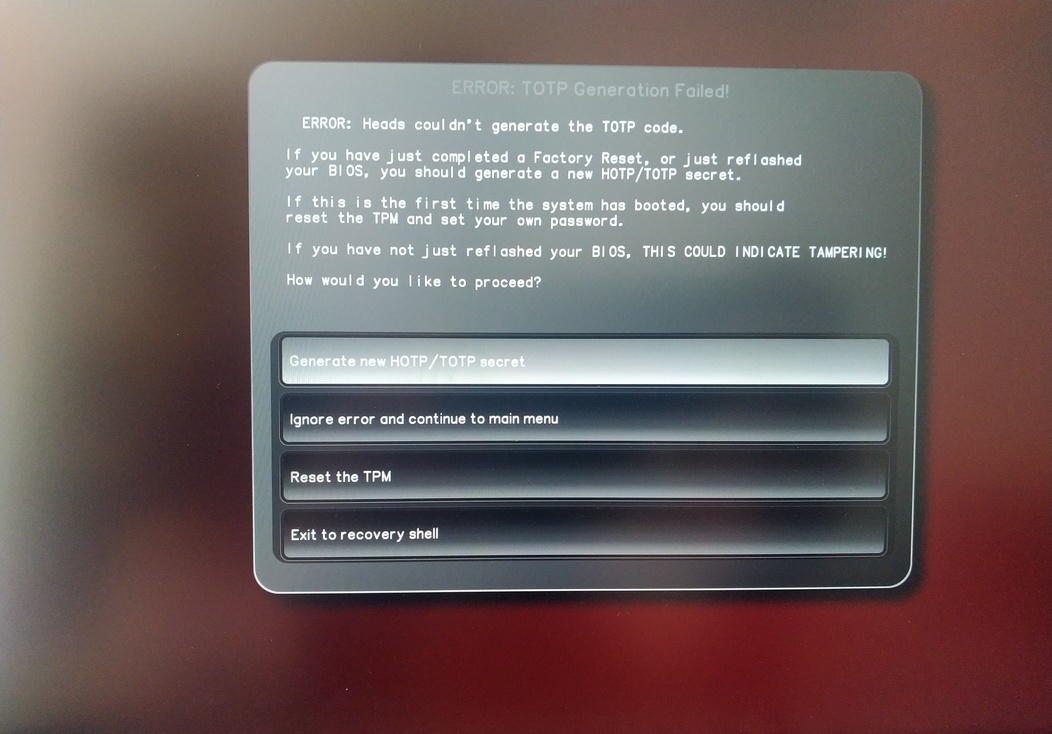
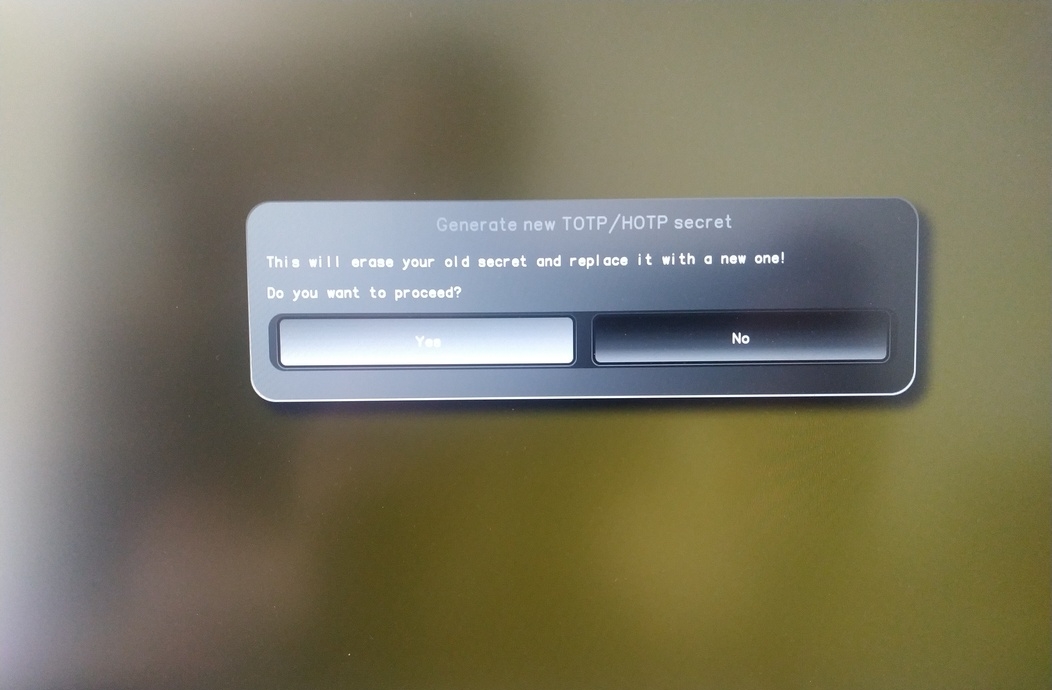
Enter TPM Owner Password (Default:
12345678)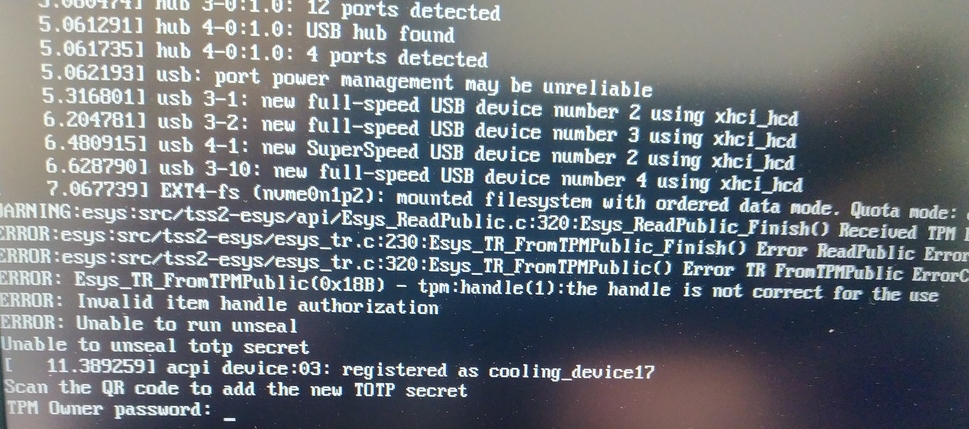
Scan QR code with Phone to import TOTP Secret (optional) and hit Enter
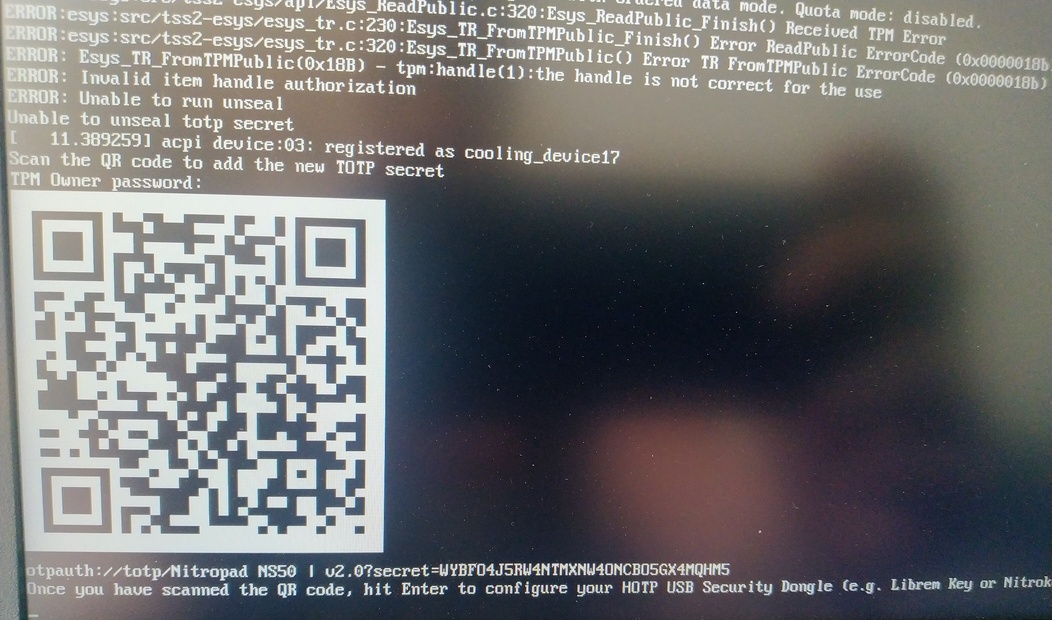
When asked touch your Nitrokey.
When prompted, enter the Secret App PIN of your Nitrokey (Default: 12345678) and hit Enter
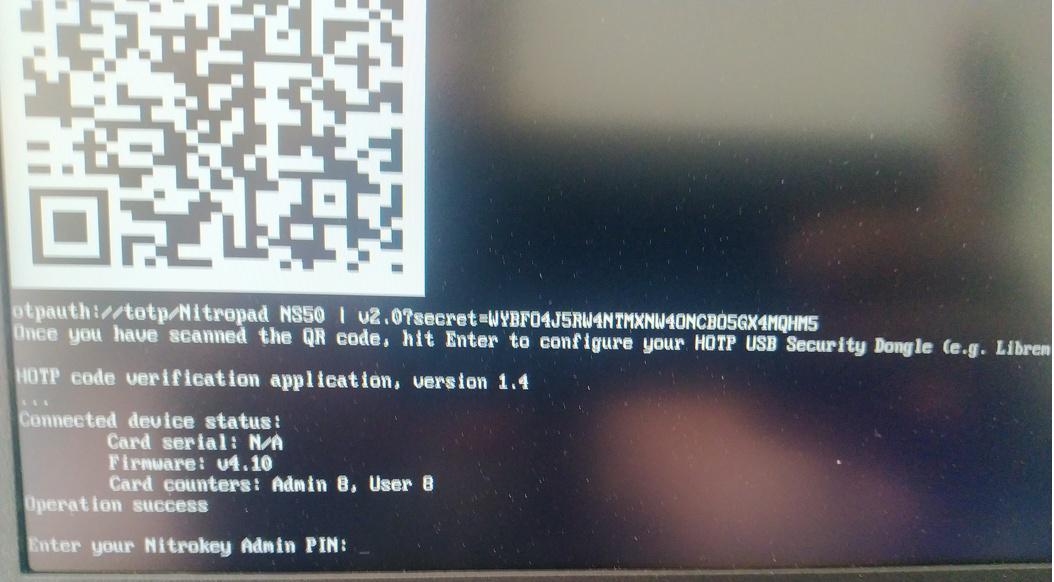
Apăsați Enter și boot-ul automat va începe.
Acum va trebui să selectați boot-ul implicit, alegeți prima opțiune și faceți-o implicită.

Va apărea această solicitare:
Do you wish to add a disk encryption key to the TPM [y/N]:
Hit enter to choose the default option (N).
Please confirm that your GPG card is inserted [Y/n]:
Here also hit enter for the default option (Y).
It will ask for the Admin PIN which is by default (123456).
Resetarea este terminată și porniți în sistemul de operare instalat.
Conectați Nitrokey la NitroPad.
Porniți NitroPad.
Selectați „Options” (Opțiuni).
Selectați „OEM-Factory Reset /Re-Ownership”.
Confirmați resetarea cu „Continue”.
The integrity of your setup will be tested. Depending on your reason to perform the reset this can fail; continue with „OK” anyway.
La următoarele întrebări se poate răspunde cu ajutorul întrebării implicite. Apăsați Enter dacă doriți doar să resetați dispozitivul.
Would you like to change the current LUKS Disk Recovery Key passphrase?
(Highly recommended if you didn't install the Operating System yourself, so that past provisioned passphrase would not permit to access content.
Note that without re-encrypting disk, a backuped header could be restored to access encrypted content with old passphrase) [y/N]: N

Would you like to re-encrypt LUKS encrypted container and generate new Disk Recovery key?
(Highly recommended if you didn't install the operating system yourself: this would prevent any LUKS backuped header to be restored to access encrypted data) [y/N]: N

The following security components will be provisioned with defaults or chosen PINs/passwords:

TPM Ownership password
GPG Admin PIN
GPG User PIN

Would you like to set a single custom password that will be provisioned to previously stated security components? [y/N]: N

Would you like to set distinct PINs/passwords to be provisioned to previously stated security components? [y/N]: N

Would you like to set custom user Information for the GnPG key?[y/N]: N

Would you like to set custom user information for the GnuPG key? [y/N]: N

Checking for USB Security Dongle...

Detecting and setting boot device...

Boot device set to /dev/nvme0n1p2

Resetting TPM...

Resetting GPG Key...
(this will take around 3 minuts...)

Changing default GPG Admin PIN

Changing default GPG User PIN

Reading current firmware
(this will take a minute or two)

Adding generated key to current firmware and re-flashing...

Signing boot files and generating checksums
Se vor afișa PIN-urile GPG și parola TPM implicite.

Confirm the subsequent restart.
După repornire, trebuie creat secretul OTP. Confirmați procesul cu Enter.
Introduceți parola TPM (implicită: 12345678)
Scan the QR code with your phone to import the TOTP secret (optional) and hit Enter.
When prompted, enter the Admin PIN of your Nitrokey (Default:
12345678) and hit Enter.
Ar trebui să ajungeți apoi la meniul Start.
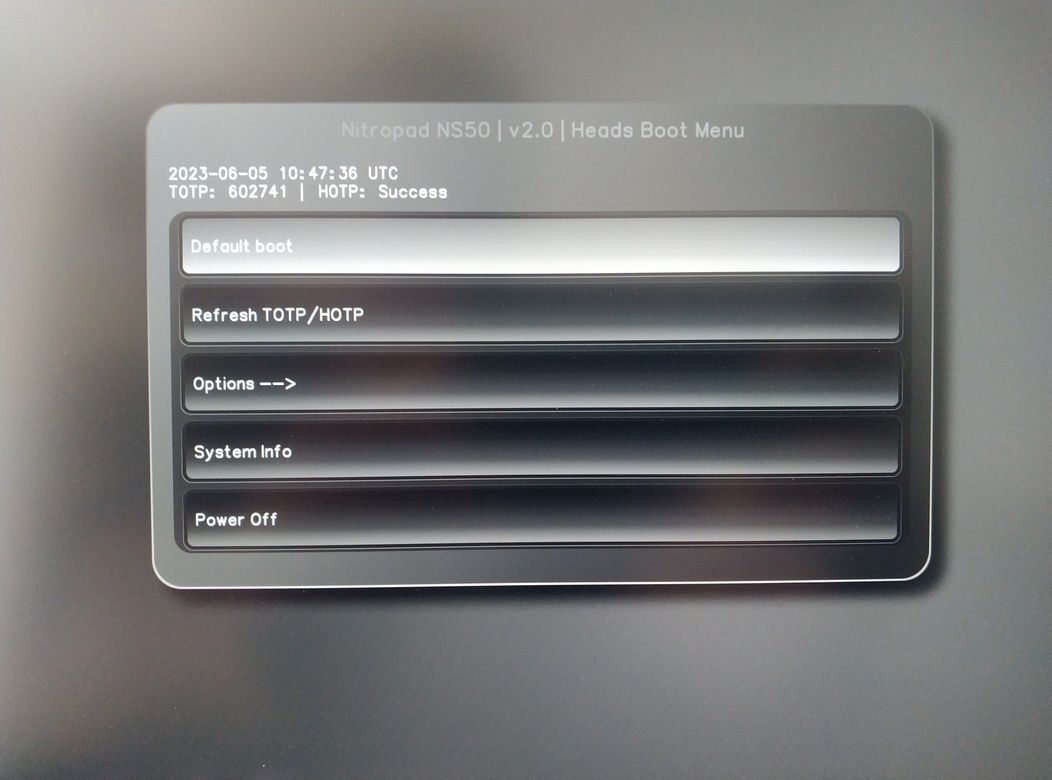
Apăsați Enter pentru a porni „Default Boot”.
Notă
If you see the message that no default exists yet, please follow the procedure described in default boot.