Factory Reset Heads v2.0+
Gründe für das Zurücksetzen auf Werkseinstellungen
Your Nitrokey is locked (e.g. due to multiple incorrect PIN entries)
Sie haben Ihren Nitrokey verloren (in diesem Fall benötigen Sie zunächst einen neuen)
You have installed an operating system yourself (e.g. after changing the hard disk)
Ihr Betriebssystem startet nicht
Warnung
All GPG keys of your Nitrokey will be deleted during this procedure.
Verfahren
Verbinden Sie Ihren Nitrokey mit dem NitroPad.
Turn on the NitroPad and interrupt the automatic boot by pressing any key.
Wählen Sie „Optionen“.
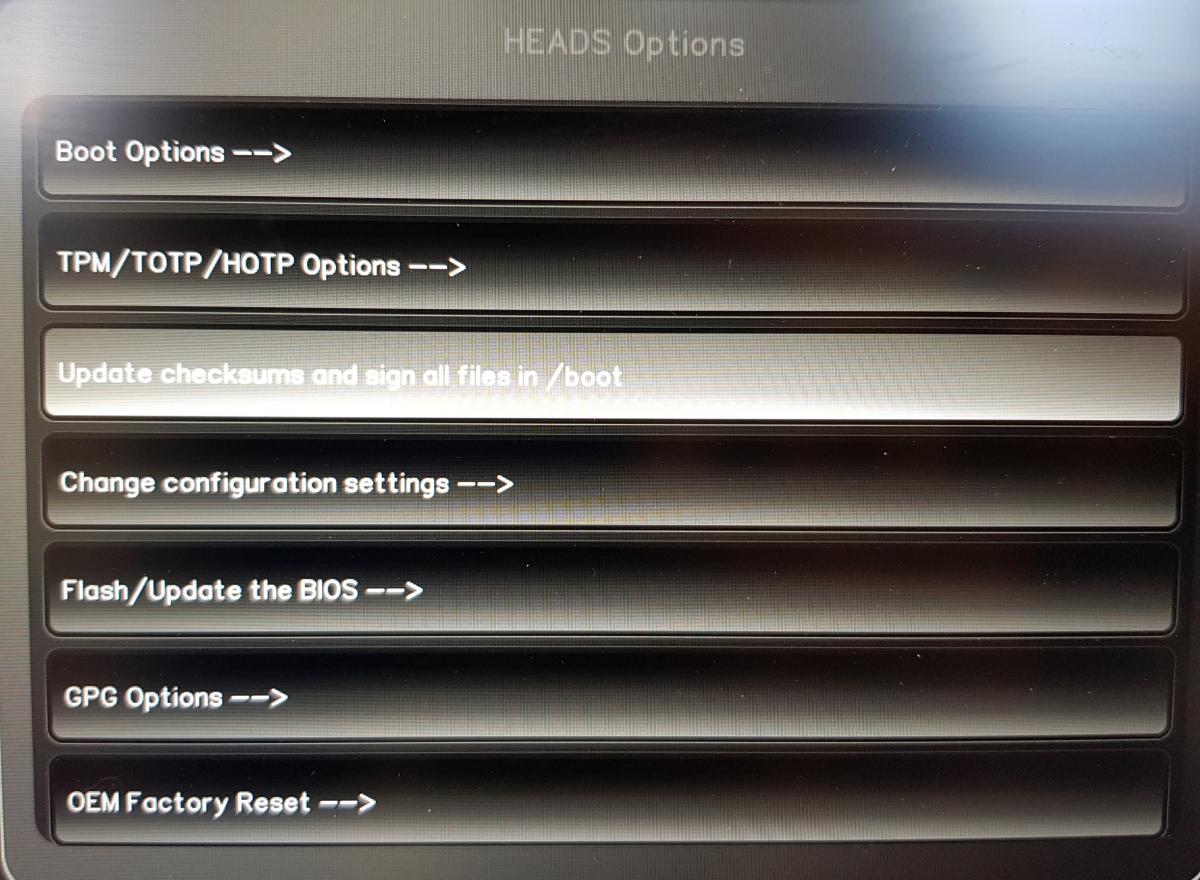
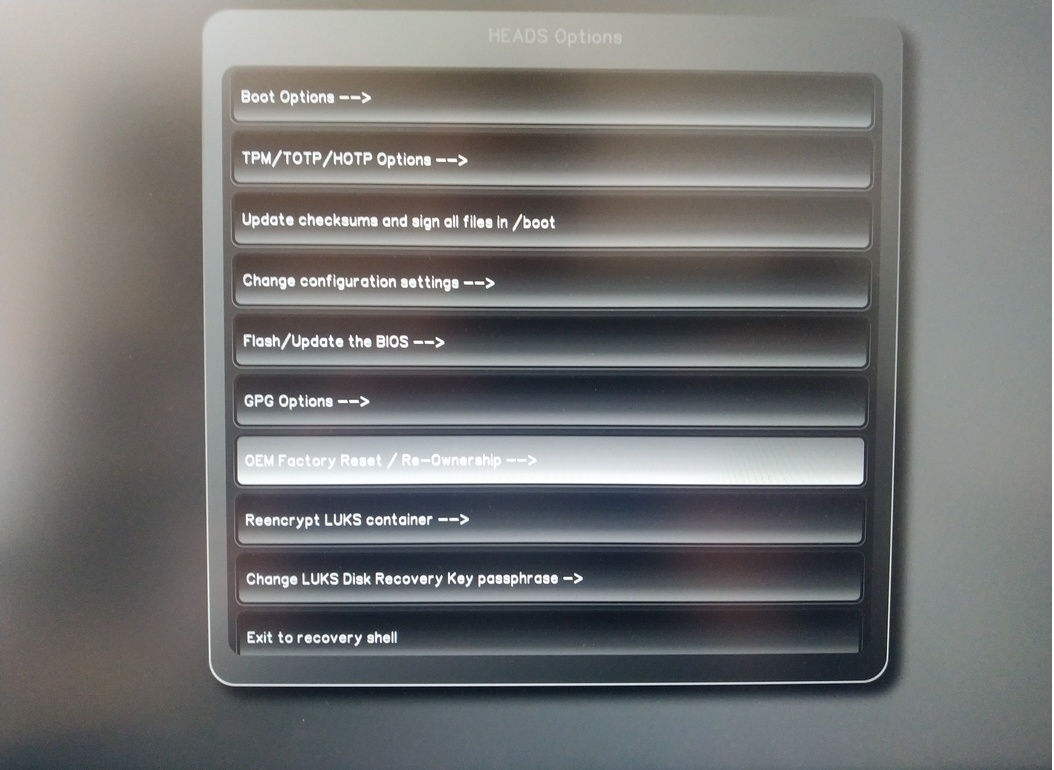
Wählen Sie „OEM-Factory Reset /Re-Ownership“.
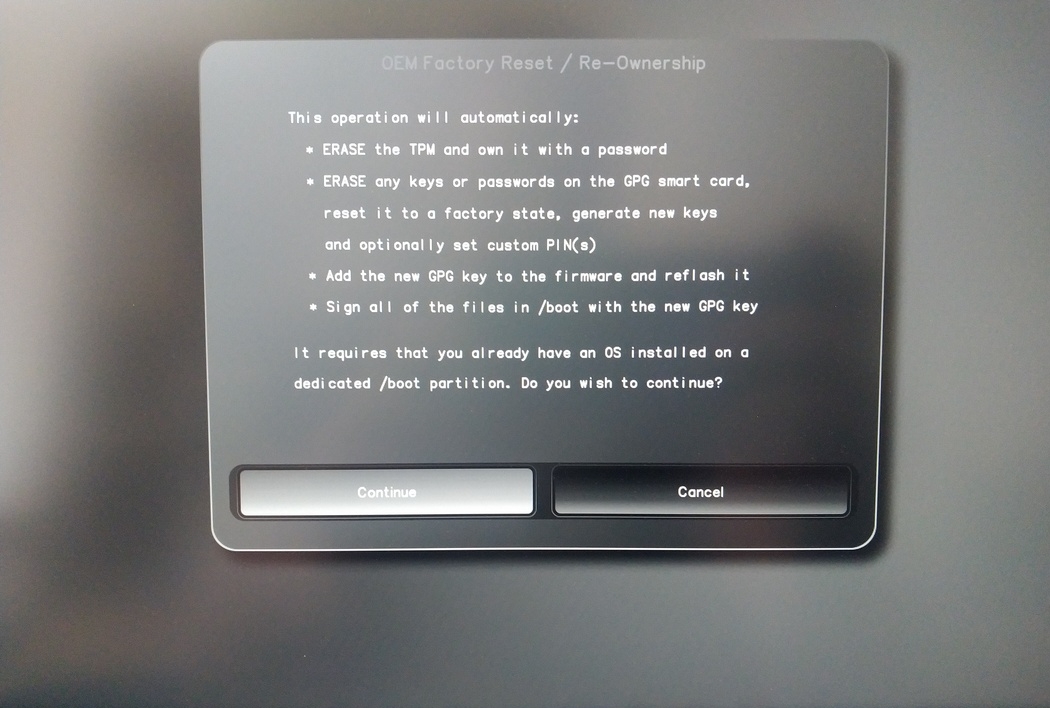
Confirm reset with “Continue”.
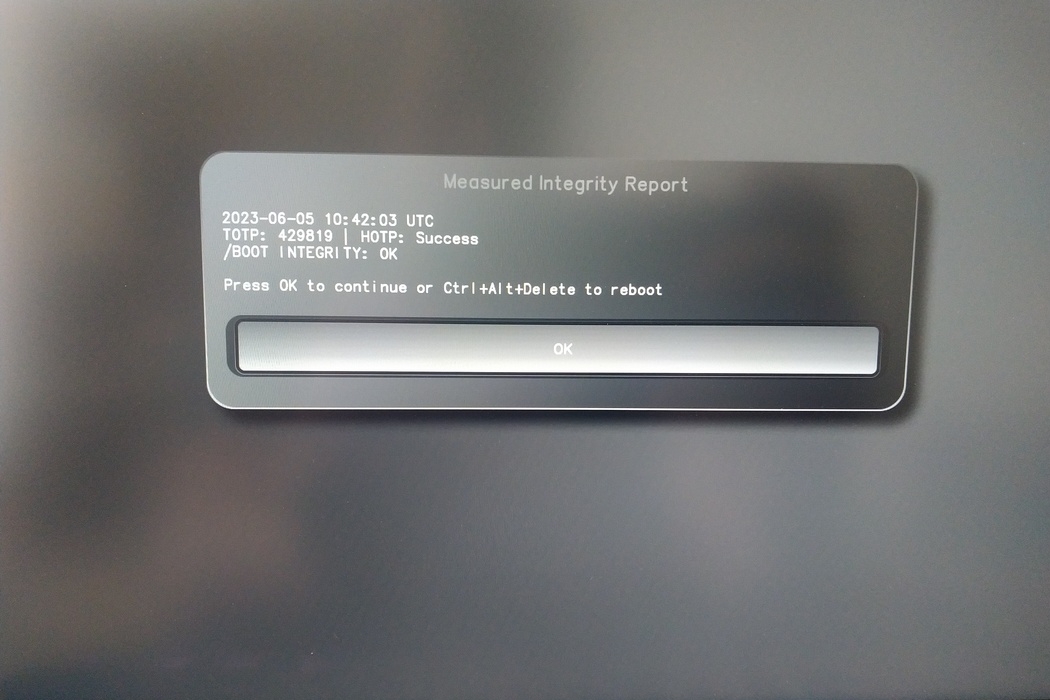
The integrity of your setup will be tested. Depending on your reason to perform the reset this can fail; continue with „OK“ anyway.
You will be prompted with:
Would you like to use default configuration option?
If N, you will be prompted for each option [Y/n]:

You can hit enter for the default option (Y).
Eine zweite Aufforderung wird angezeigt:
Would you like to export your public key to an USB drive? [y/N]:
Wählen Sie auch die Standardoption (N), indem Sie die Eingabetaste drücken.
Während dieses Vorgangs müssen Sie Ihren Nitrokey berühren, wenn Sie dazu aufgefordert werden.
Jetzt werden alle von Heads verwendeten PINs angezeigt:
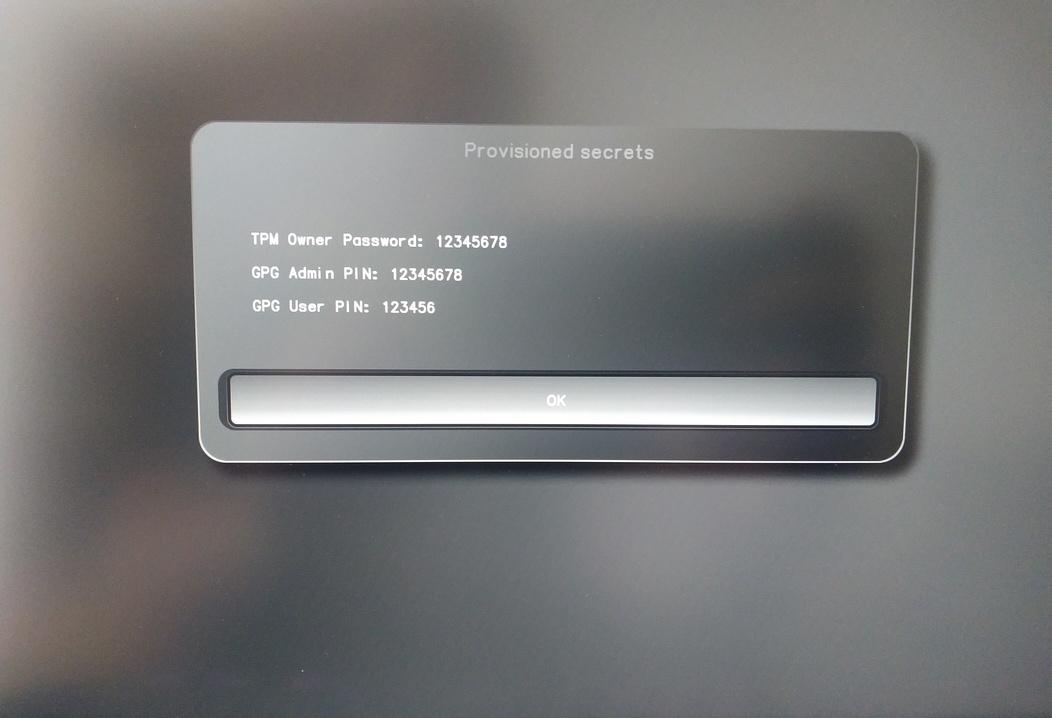
Sie werden sie für bestimmte Verfahren benötigen, also merken Sie sie sich gut.
Confirm the subsequent restart.
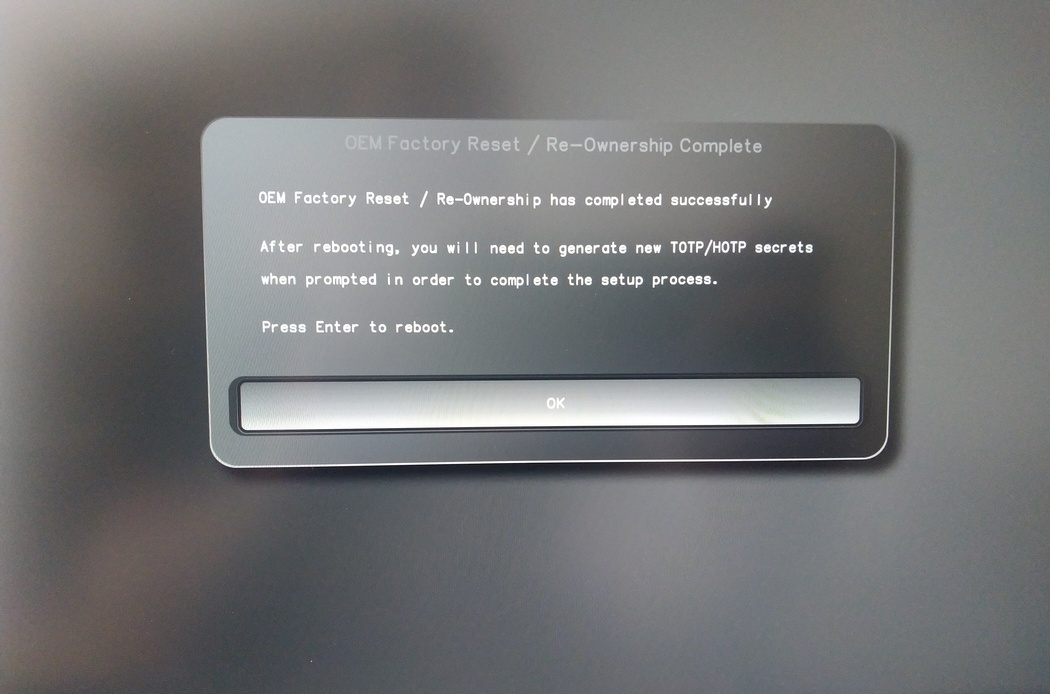
Nach dem Neustart muss das OTP-Geheimnis erstellt werden. Bestätigen Sie den Vorgang mit Enter.
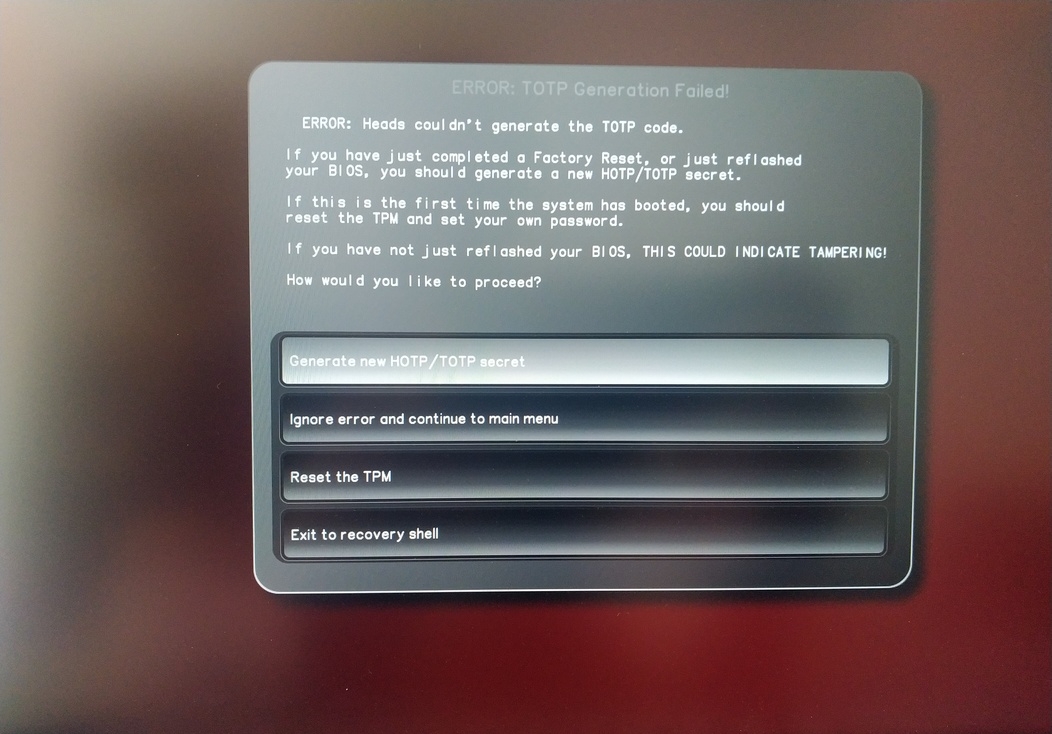
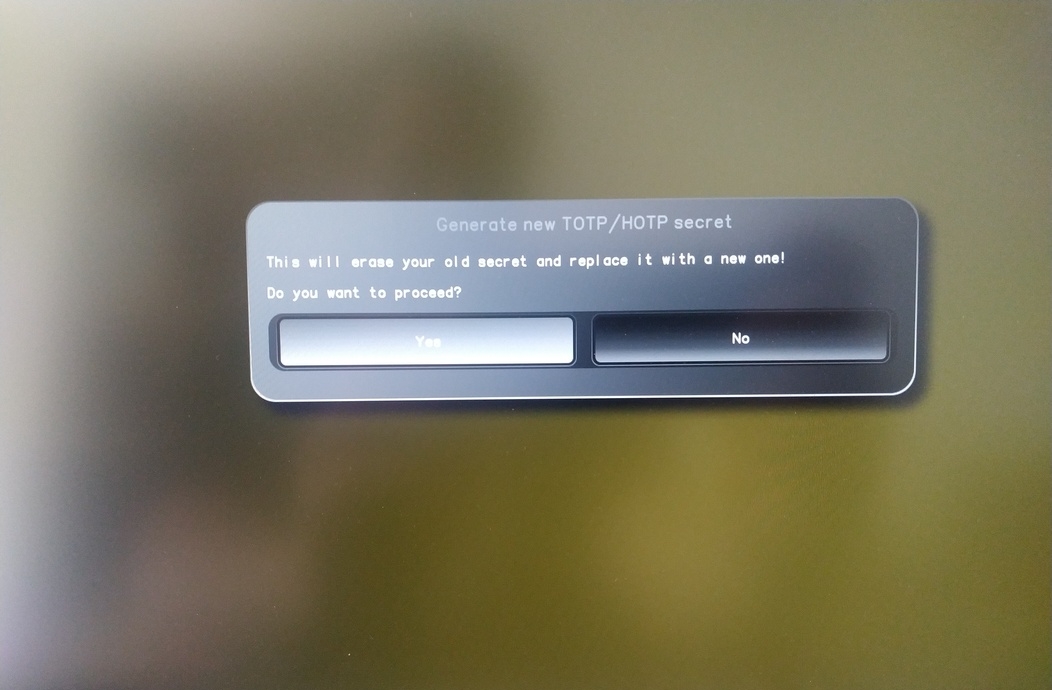
Enter TPM Owner Password (Default:
12345678)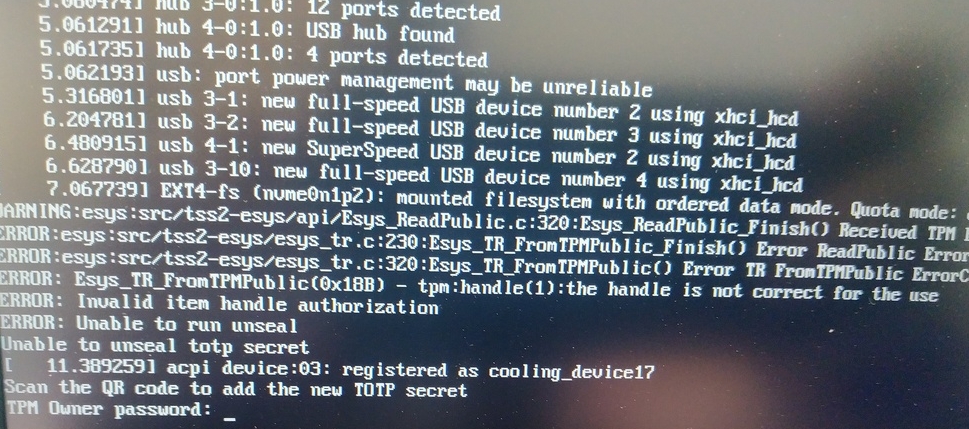
Scan QR code with Phone to import TOTP Secret (optional) and hit Enter
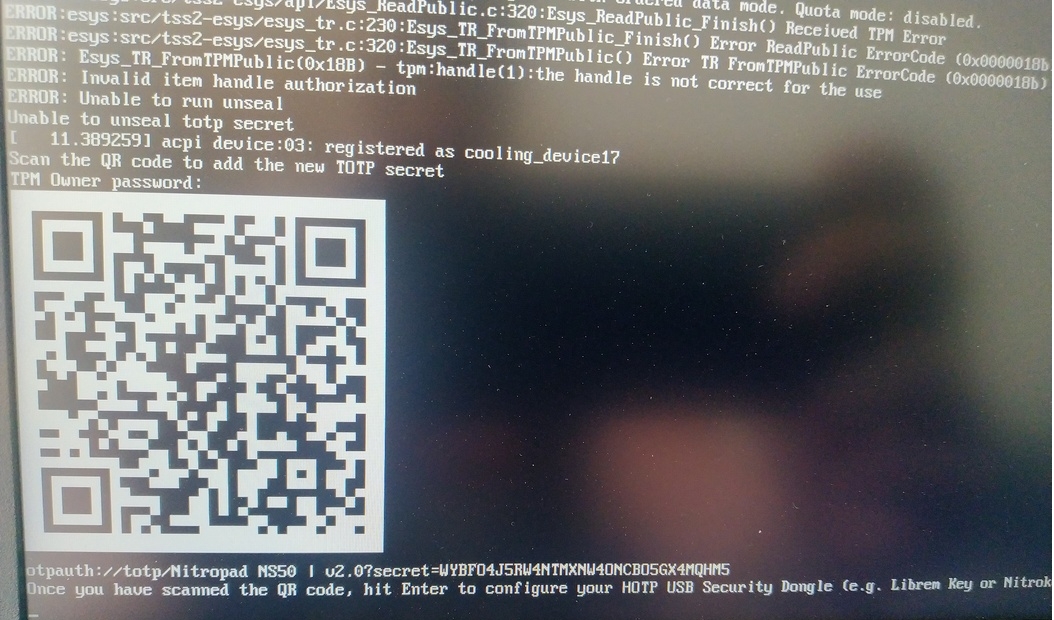
When asked touch your Nitrokey.
When prompted, enter the Secret App PIN of your Nitrokey (Default: 12345678) and hit Enter
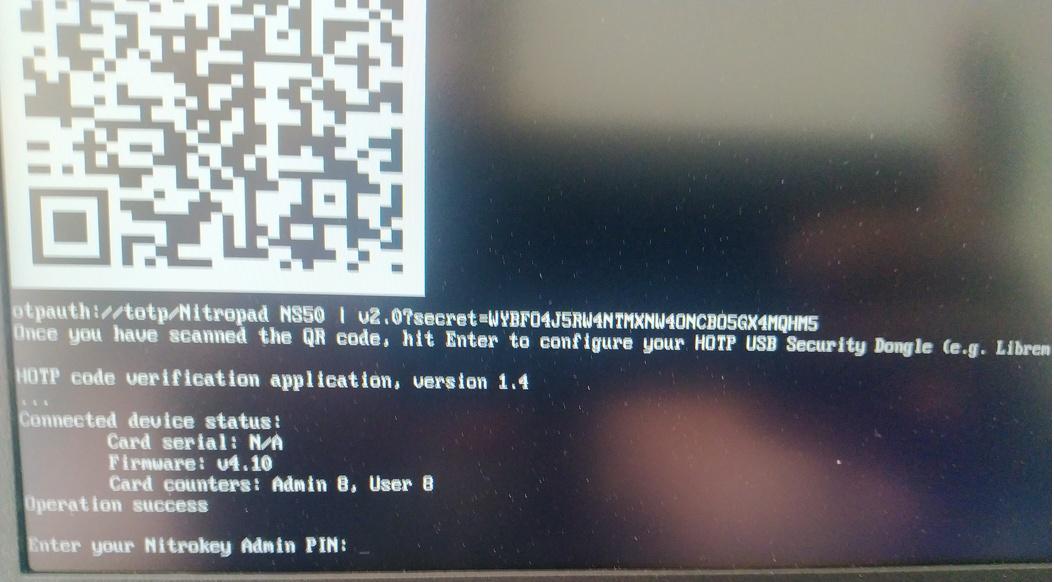
Drücken Sie die Eingabetaste und der automatische Bootvorgang beginnt.
Sie müssen nun Ihren Standard-Boot auswählen, die erste Option wählen und diese als Standard festlegen.

Diese Aufforderung wird angezeigt:
Do you wish to add a disk encryption key to the TPM [y/N]:
Hit enter to choose the default option (N).
Please confirm that your GPG card is inserted [Y/n]:
Here also hit enter for the default option (Y).
It will ask for the Admin PIN which is by default (123456).
Das Zurücksetzen ist abgeschlossen und Sie booten in Ihrem installierten Betriebssystem.
Verbinden Sie Ihren Nitrokey mit dem NitroPad.
Schalten Sie das NitroPad ein.
Wählen Sie „Optionen“.
Wählen Sie „OEM-Factory Reset /Re-Ownership“.
Bestätigen Sie Reset mit „Weiter“.
The integrity of your setup will be tested. Depending on your reason to perform the reset this can fail; continue with „OK“ anyway.
Die folgenden Fragen können alle mit der Standardeinstellung beantwortet werden. Drücken Sie einfach die Eingabetaste, wenn Sie Ihr Gerät nur zurücksetzen möchten.
Would you like to change the current LUKS Disk Recovery Key passphrase?
(Highly recommended if you didn't install the Operating System yourself, so that past provisioned passphrase would not permit to access content.
Note that without re-encrypting disk, a backuped header could be restored to access encrypted content with old passphrase) [y/N]: N

Would you like to re-encrypt LUKS encrypted container and generate new Disk Recovery key?
(Highly recommended if you didn't install the operating system yourself: this would prevent any LUKS backuped header to be restored to access encrypted data) [y/N]: N

The following security components will be provisioned with defaults or chosen PINs/passwords:

TPM Ownership password
GPG Admin PIN
GPG User PIN

Would you like to set a single custom password that will be provisioned to previously stated security components? [y/N]: N

Would you like to set distinct PINs/passwords to be provisioned to previously stated security components? [y/N]: N

Would you like to set custom user Information for the GnPG key?[y/N]: N

Would you like to set custom user information for the GnuPG key? [y/N]: N

Checking for USB Security Dongle...

Detecting and setting boot device...

Boot device set to /dev/nvme0n1p2

Resetting TPM...

Resetting GPG Key...
(this will take around 3 minuts...)

Changing default GPG Admin PIN

Changing default GPG User PIN

Reading current firmware
(this will take a minute or two)

Adding generated key to current firmware and re-flashing...

Signing boot files and generating checksums
Es werden die Standard-GPG-PINs und das TPM-Passwort angezeigt

Confirm the subsequent restart.
Nach dem Neustart muss das OTP-Geheimnis erstellt werden. Bestätigen Sie den Vorgang mit Enter.
TPM-Passwort eingeben (Standard: 12345678)
Scan the QR code with your phone to import the TOTP secret (optional) and hit Enter.
When prompted, enter the Admin PIN of your Nitrokey (Default:
12345678) and hit Enter.
Sie sollten dann das Startmenü erreichen.
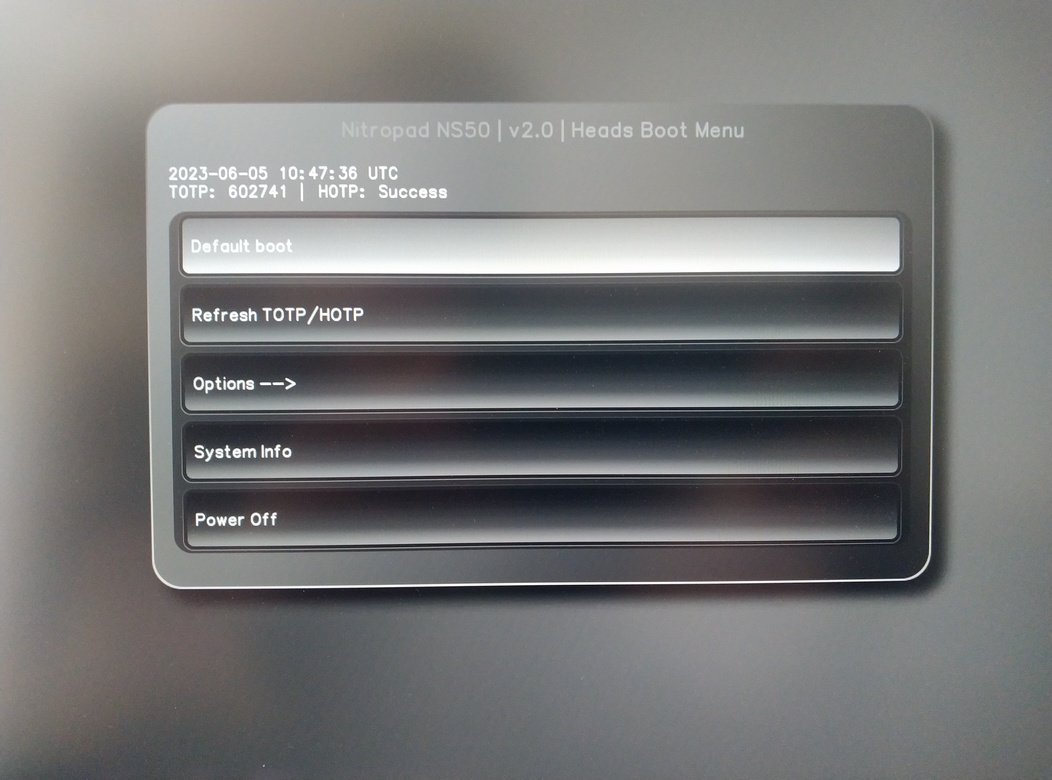
Drücken Sie die Eingabetaste, um den „Default Boot“ zu starten.
Bemerkung
If you see the message that no default exists yet, please follow the procedure described in default boot.