Factory Reset Heads v2.0+
工場出荷時設定へのリセットを行う理由
Your Nitrokey is locked (e.g. due to multiple incorrect PIN entries)
Nitrokeyを紛失した場合(この場合、まず新しいNitrokeyが必要となります。)
You have installed an operating system yourself (e.g. after changing the hard disk)
オペレーティングシステムが起動しない
警告
All GPG keys of your Nitrokey will be deleted during this procedure.
手順
NitrokeyをNitroPadに接続します。
Turn on the NitroPad and interrupt the automatic boot by pressing any key.
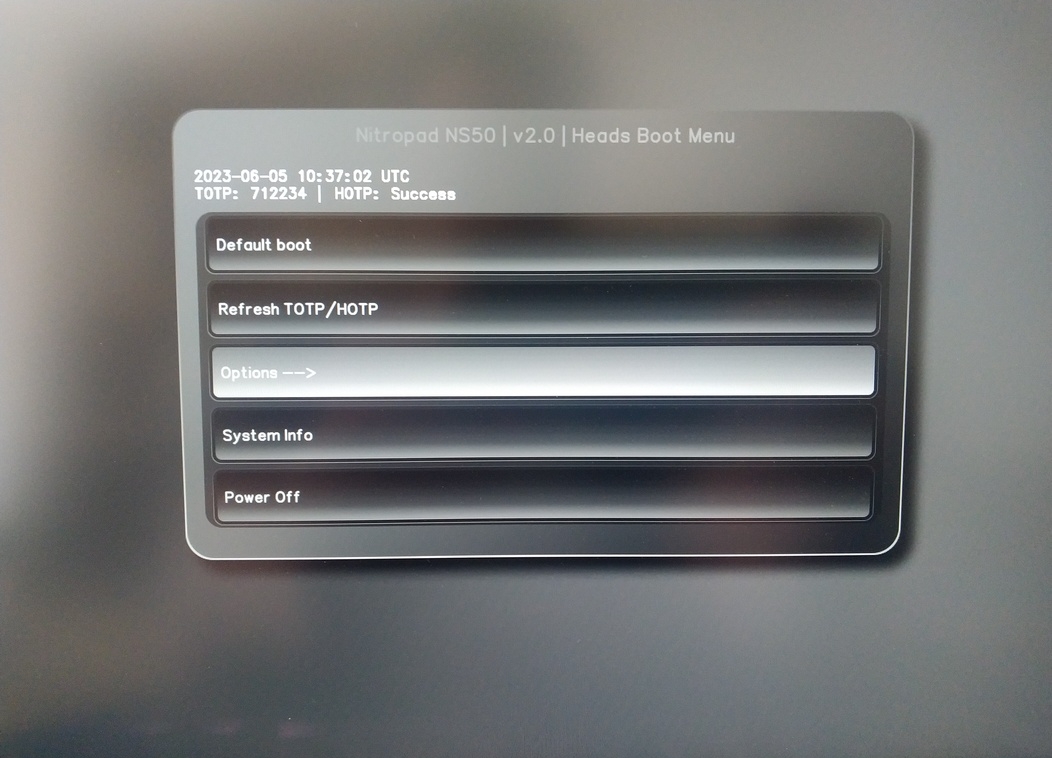
オプション」を選択します。
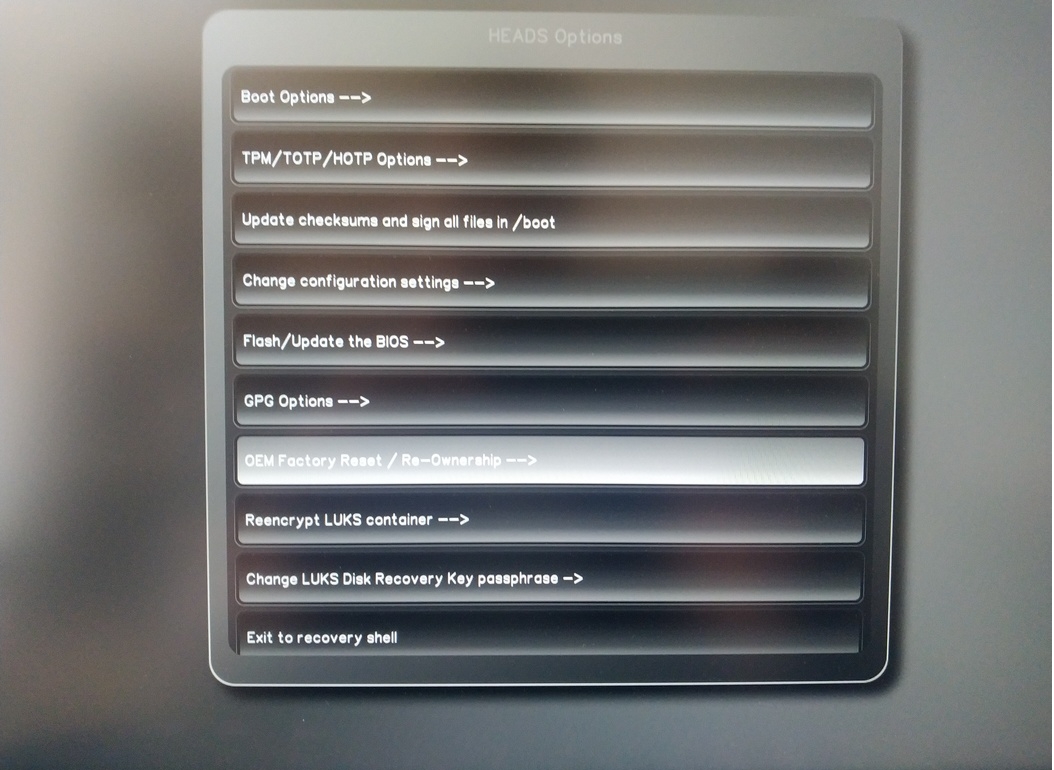
OEM-Factory Reset /Re-Ownership」を選択します。
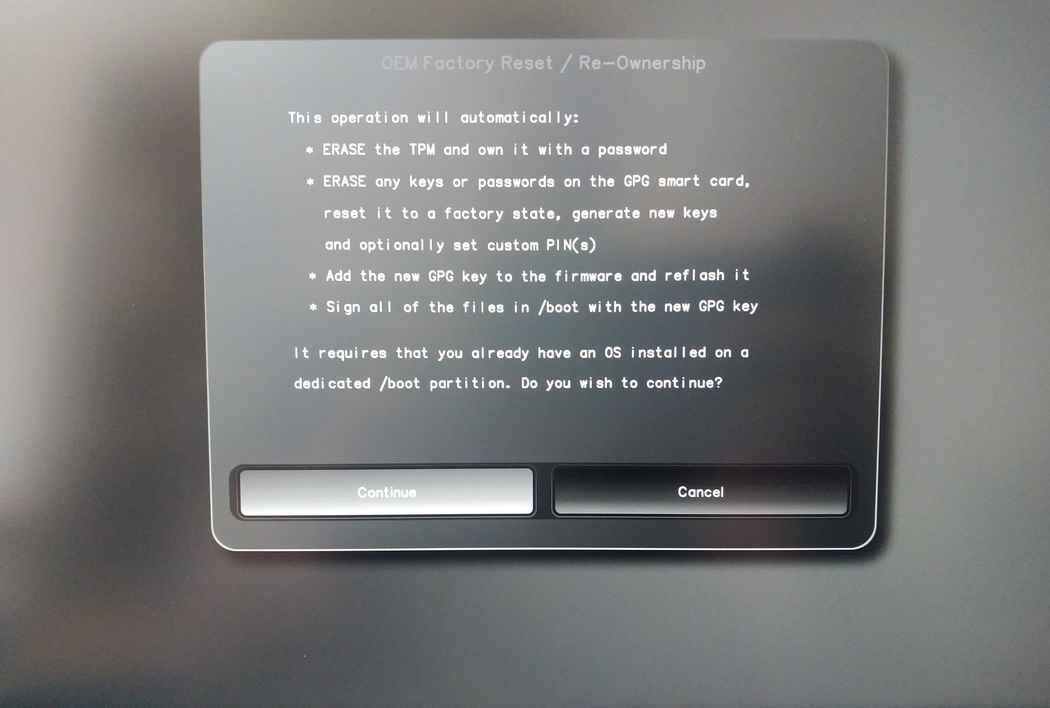
Confirm reset with “Continue”.
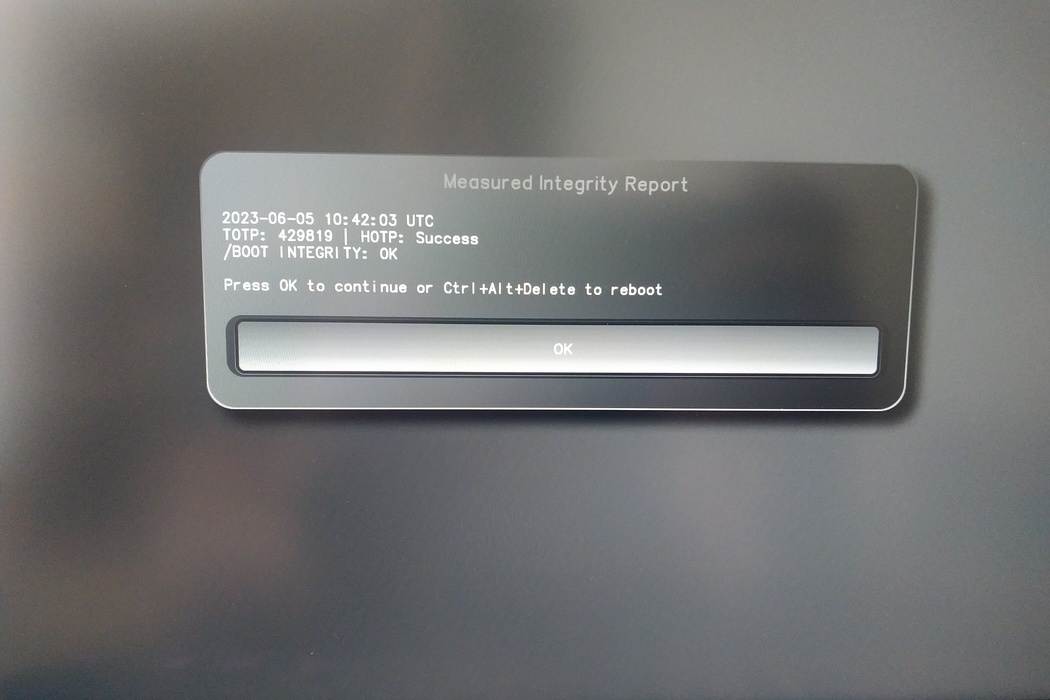
The integrity of your setup will be tested. Depending on your reason to perform the reset this can fail; continue with "OK" anyway.
You will be prompted with:
Would you like to use default configuration option?
If N, you will be prompted for each option [Y/n]:

You can hit enter for the default option (Y).
2回目のプロンプトが表示される:
Would you like to export your public key to an USB drive? [y/N]:
また、エンターキーを押してデフォルトのオプション(N)を選択する。
ニトロキーをタッチしてください。
これでヘッズが使用したすべてのPINが表示されるようになった:
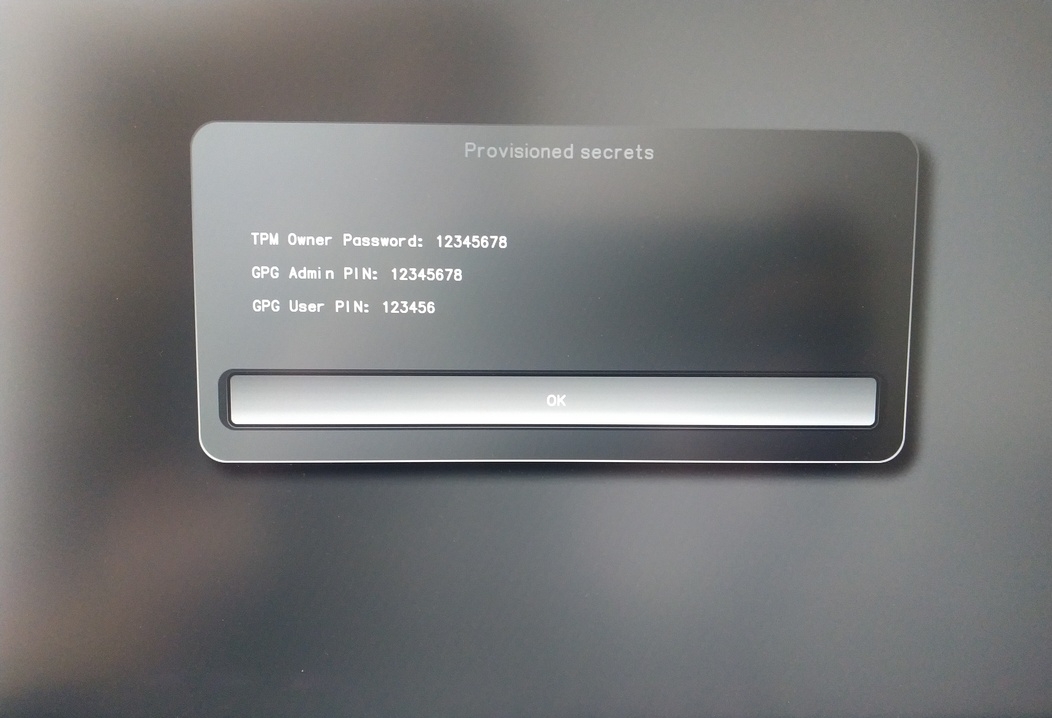
特定の手続きで必要になるので、必ず覚えておくこと。
Confirm the subsequent restart.
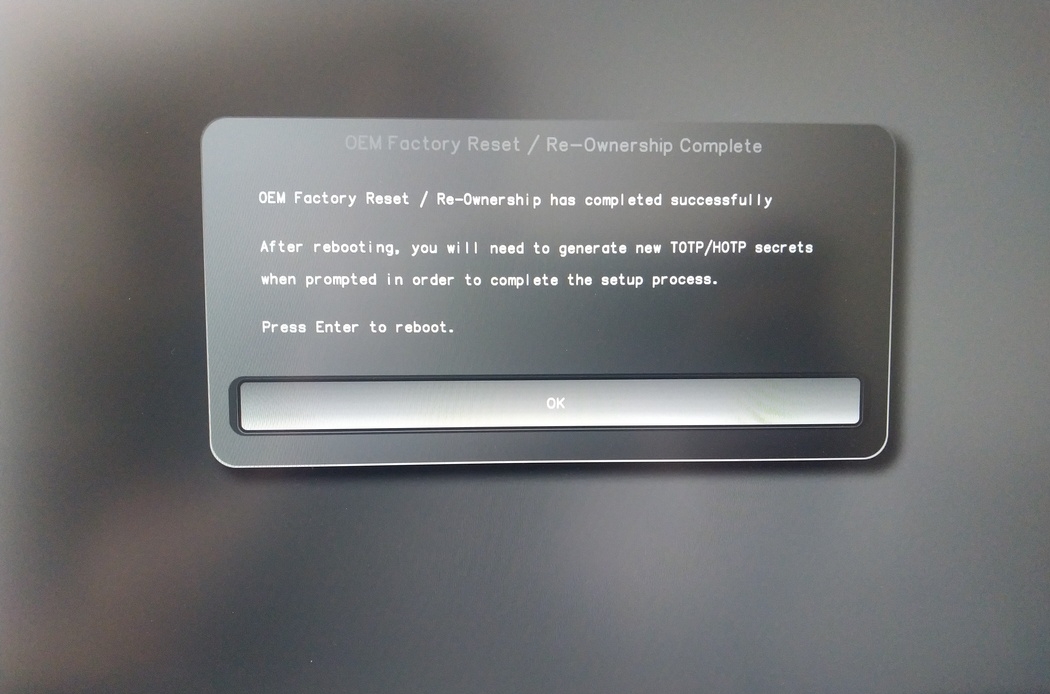
再起動後、OTPシークレットを作成する必要があります。Enterキーで処理を確認してください。
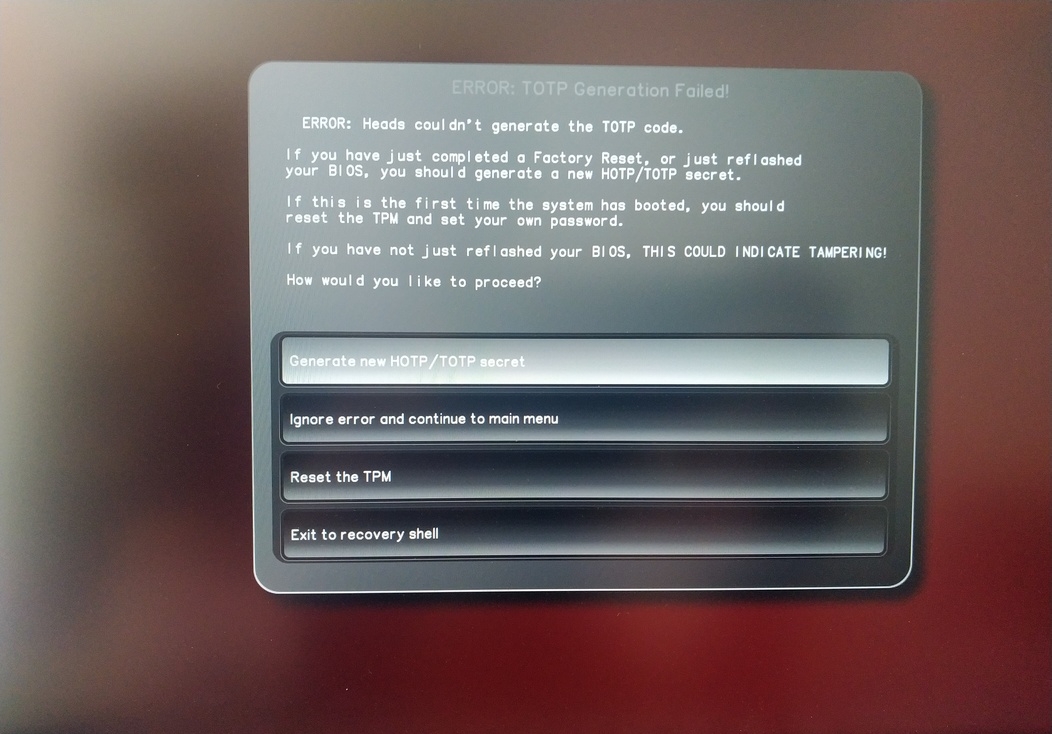
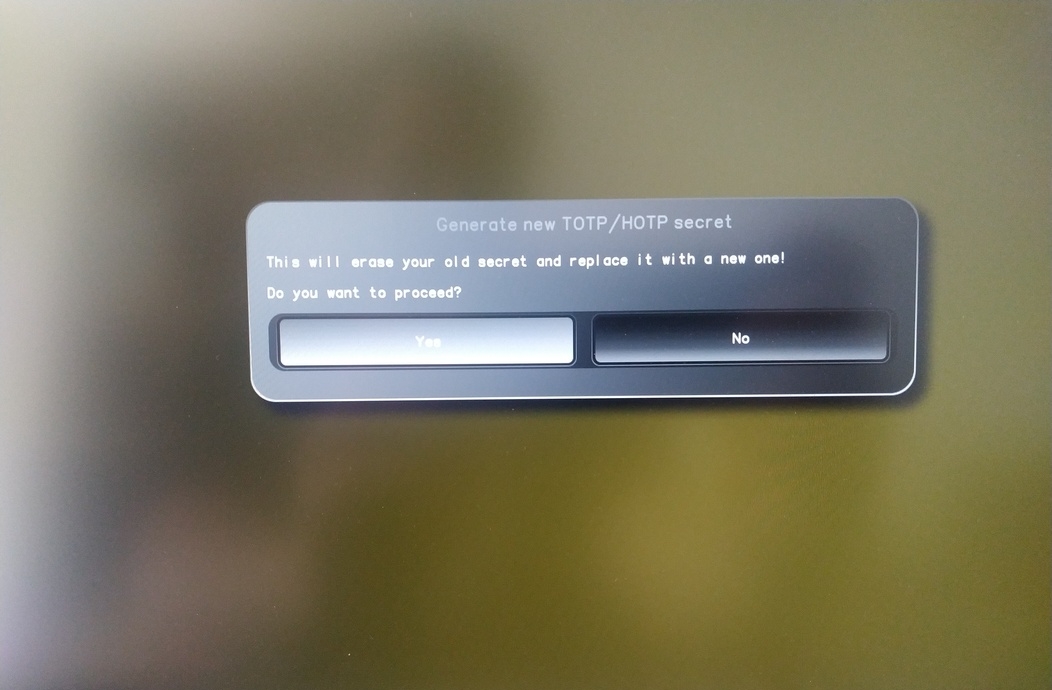
Enter TPM Owner Password (Default:
12345678)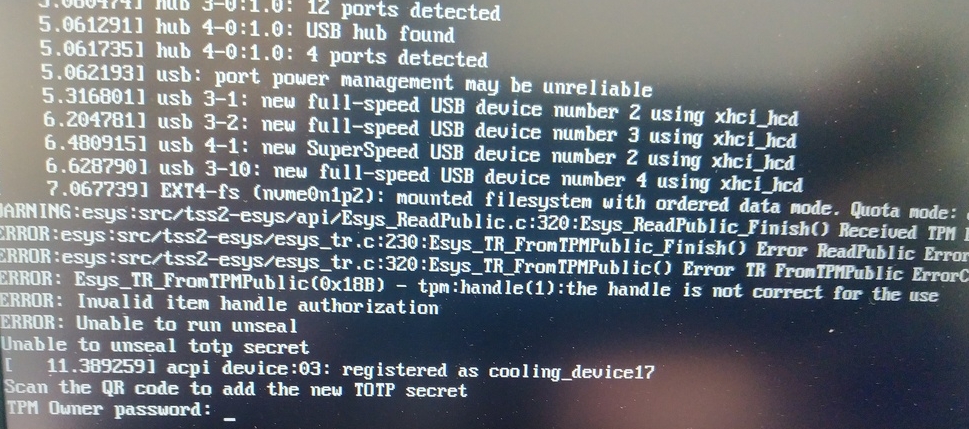
Scan QR code with Phone to import TOTP Secret (optional) and hit Enter
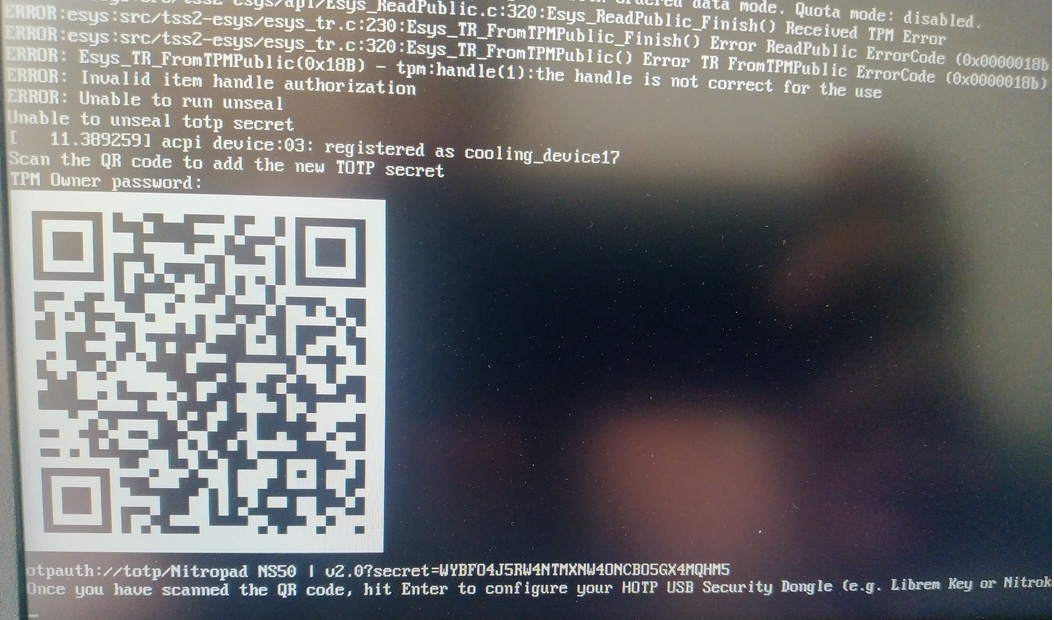
When asked touch your Nitrokey.
When prompted, enter the Secret App PIN of your Nitrokey (Default: 12345678) and hit Enter
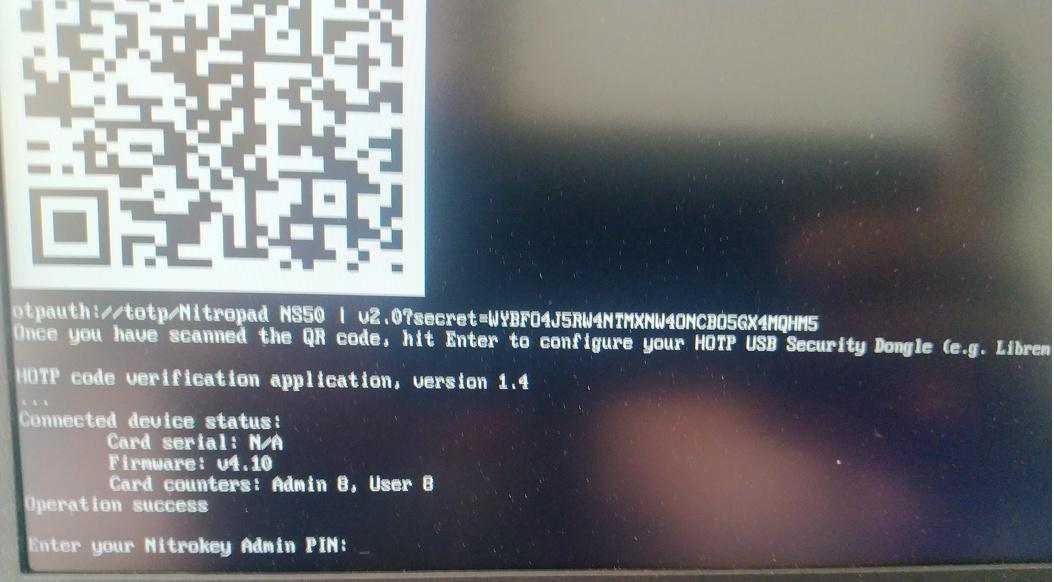
エンターキーを押すと、自動ブートが始まります。
デフォルトのブートを選択し、最初のオプションを選んでデフォルトにする必要があります。

このプロンプトが表示されます:
Do you wish to add a disk encryption key to the TPM [y/N]:
Hit enter to choose the default option (N).
Please confirm that your GPG card is inserted [Y/n]:
Here also hit enter for the default option (Y).
It will ask for the Admin PIN which is by default (123456).
リセットが完了し、インストールしたオペレーティング・システムで起動します。
NitrokeyをNitroPadに接続します。
NitroPadの電源を入れる。
オプション」を選択します。
OEM-Factory Reset /Re-Ownership」を選択します。
Continue(続行)」でリセットを確認します。
The integrity of your setup will be tested. Depending on your reason to perform the reset this can fail; continue with "OK" anyway.
以下の質問は、すべて「初期設定」で回答できます。デバイスをリセットしたいだけなら、Enterを押すだけです。
Would you like to change the current LUKS Disk Recovery Key passphrase?
(Highly recommended if you didn't install the Operating System yourself, so that past provisioned passphrase would not permit to access content.
Note that without re-encrypting disk, a backuped header could be restored to access encrypted content with old passphrase) [y/N]: N

Would you like to re-encrypt LUKS encrypted container and generate new Disk Recovery key?
(Highly recommended if you didn't install the operating system yourself: this would prevent any LUKS backuped header to be restored to access encrypted data) [y/N]: N

The following security components will be provisioned with defaults or chosen PINs/passwords:

TPM Ownership password
GPG Admin PIN
GPG User PIN

Would you like to set a single custom password that will be provisioned to previously stated security components? [y/N]: N

Would you like to set distinct PINs/passwords to be provisioned to previously stated security components? [y/N]: N

Would you like to set custom user Information for the GnPG key?[y/N]: N

Would you like to set custom user information for the GnuPG key? [y/N]: N

Checking for USB Security Dongle...

Detecting and setting boot device...

Boot device set to /dev/nvme0n1p2

Resetting TPM...

Resetting GPG Key...
(this will take around 3 minuts...)

Changing default GPG Admin PIN

Changing default GPG User PIN

Reading current firmware
(this will take a minute or two)

Adding generated key to current firmware and re-flashing...

Signing boot files and generating checksums
デフォルトのGPG PINSとTPMパスワードが表示されます。

Confirm the subsequent restart.
再起動後、OTPシークレットを作成する必要があります。Enterキーで処理を確認してください。
TPMパスワードの入力(初期値:12345678)
Scan the QR code with your phone to import the TOTP secret (optional) and hit Enter.
When prompted, enter the Admin PIN of your Nitrokey (Default:
12345678) and hit Enter.
すると、スタートメニューが表示されます。
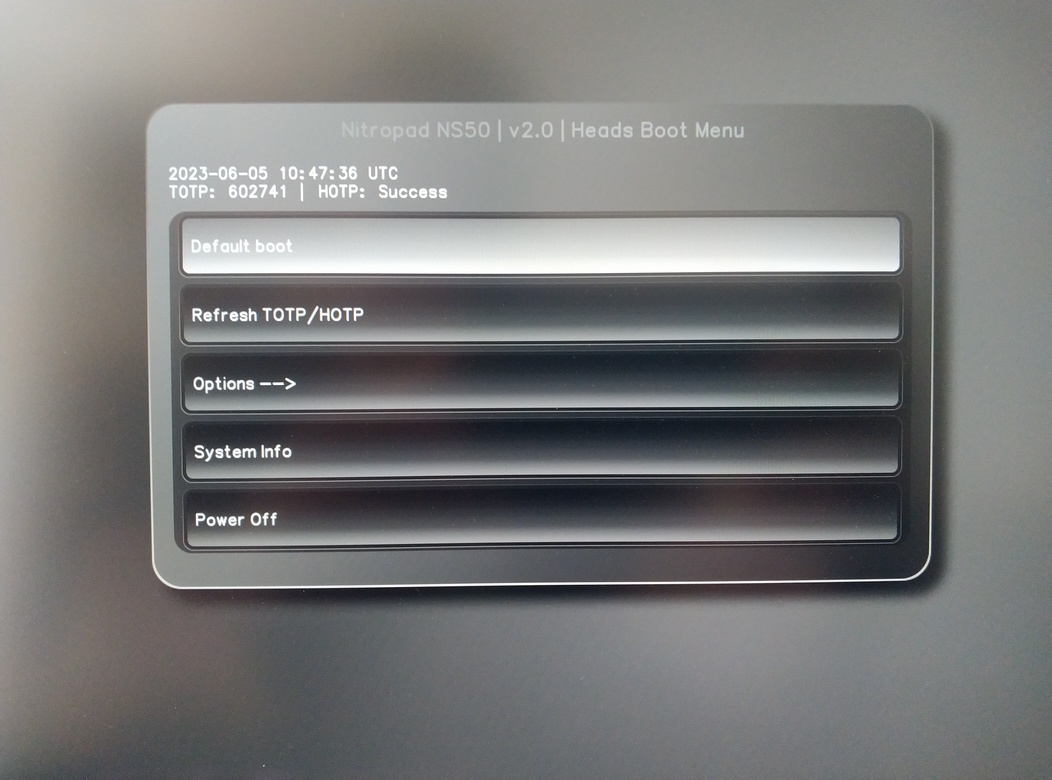
Enterを押すと「Default Boot」が開始されます。
注釈
If you see the message that no default exists yet, please follow the procedure described in default boot.