Factory Reset Heads v2.0+
Syyt tehdasasetusten palauttamiseen
Nitrokey-avaimesi on lukittu (esim. useiden virheellisten PIN-koodien syöttämisen vuoksi).
Olet hukannut Nitrokey-avaimesi (siinä tapauksessa tarvitset ensin uuden).
Olet asentanut käyttöjärjestelmän itse (esim. kiintolevyn vaihdon jälkeen).
Käyttöjärjestelmä ei käynnisty
Varoitus
All GPG keys of your Nitrokey will be deleted during this procedure.
Menettely
Liitä Nitrokey NitroPadiin.
Turn on the NitroPad and interrupt the automatic boot by pressing any key.
Valitse ”Valinnat”.
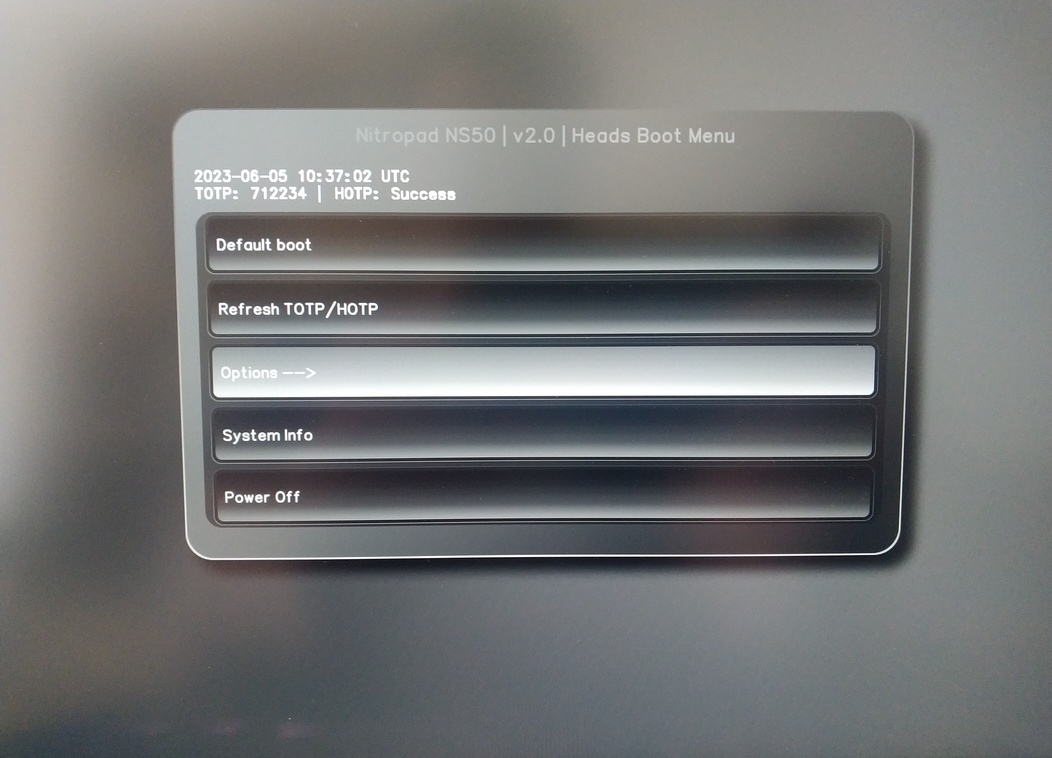
Valitse ”OEM-Factory Reset /Re-Ownership”.
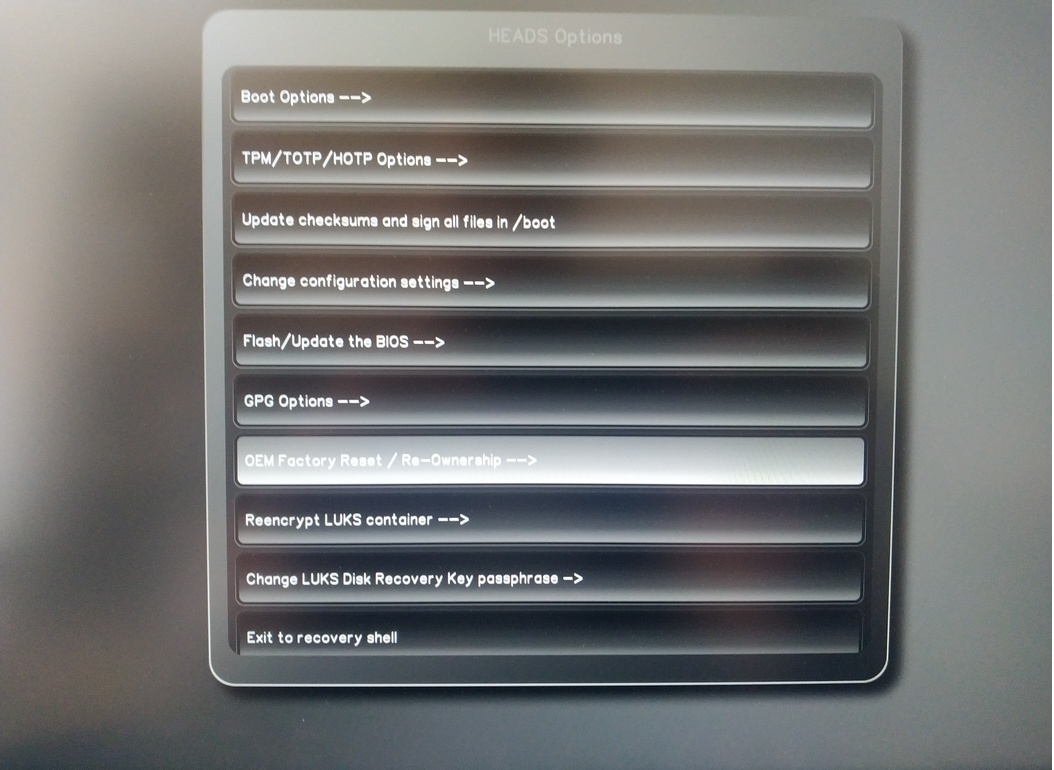
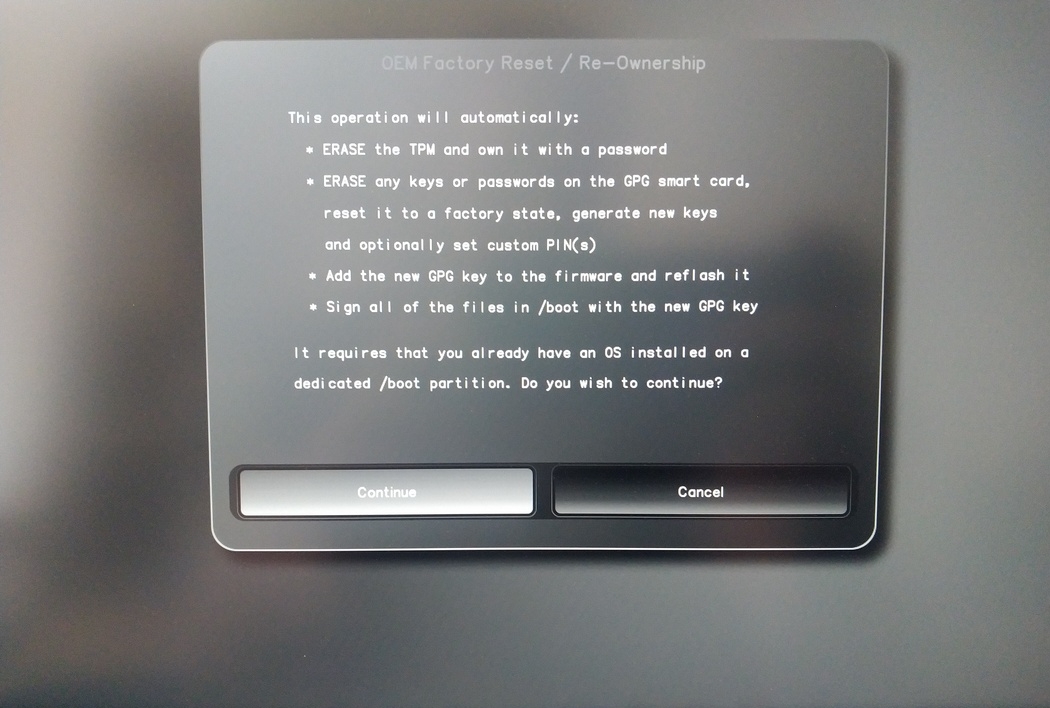
Confirm reset with “Continue”.
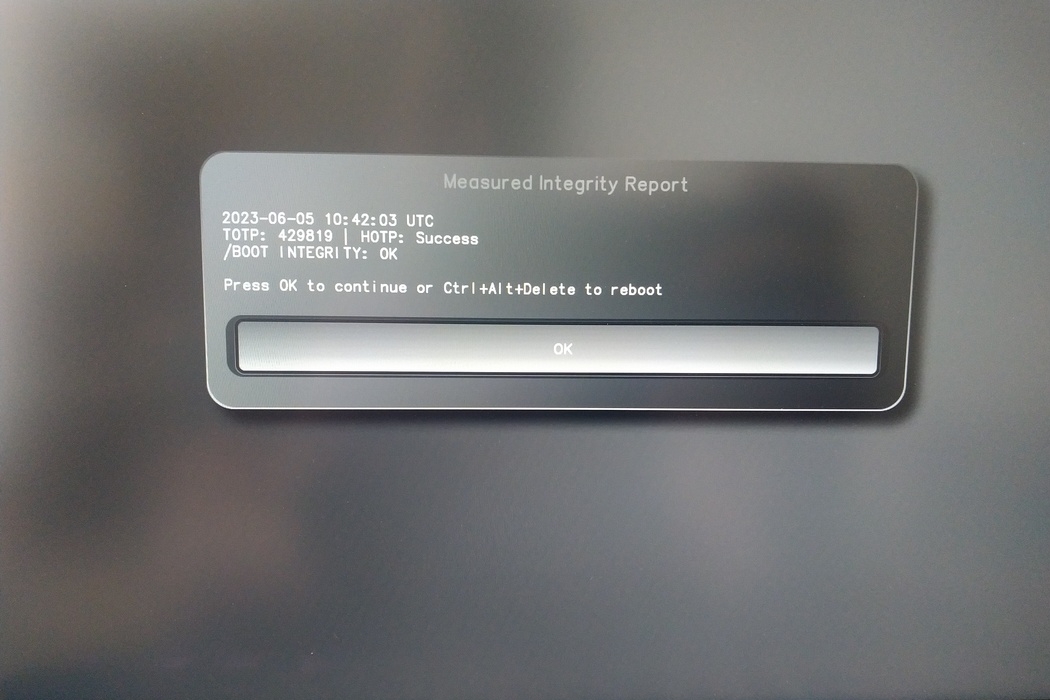
The integrity of your setup will be tested. Depending on your reason to perform the reset this can fail; continue with ”OK” anyway.
You will be prompted with:
Would you like to use default configuration option?
If N, you will be prompted for each option [Y/n]:

You can hit enter for the default option (Y).
Näyttöön tulee toinen kehote:
Would you like to export your public key to an USB drive? [y/N]:
Valitse myös oletusvaihtoehto (N) painamalla enter-näppäintä.
Sinun täytyy koskettaa Nitrokey-avainta tämän prosessin aikana, kun sitä pyydetään.
Nyt se näyttää kaikki Pään käyttämät PIN-koodit:
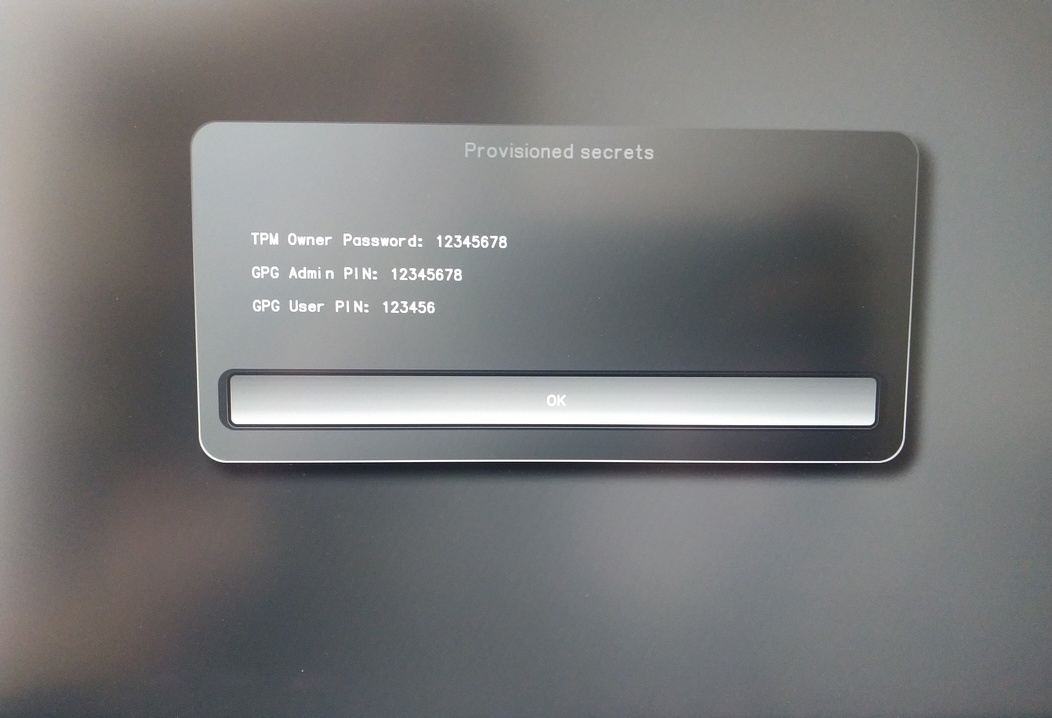
Tarvitset niitä tietyissä menettelyissä, joten muista ne.
Confirm the subsequent restart.
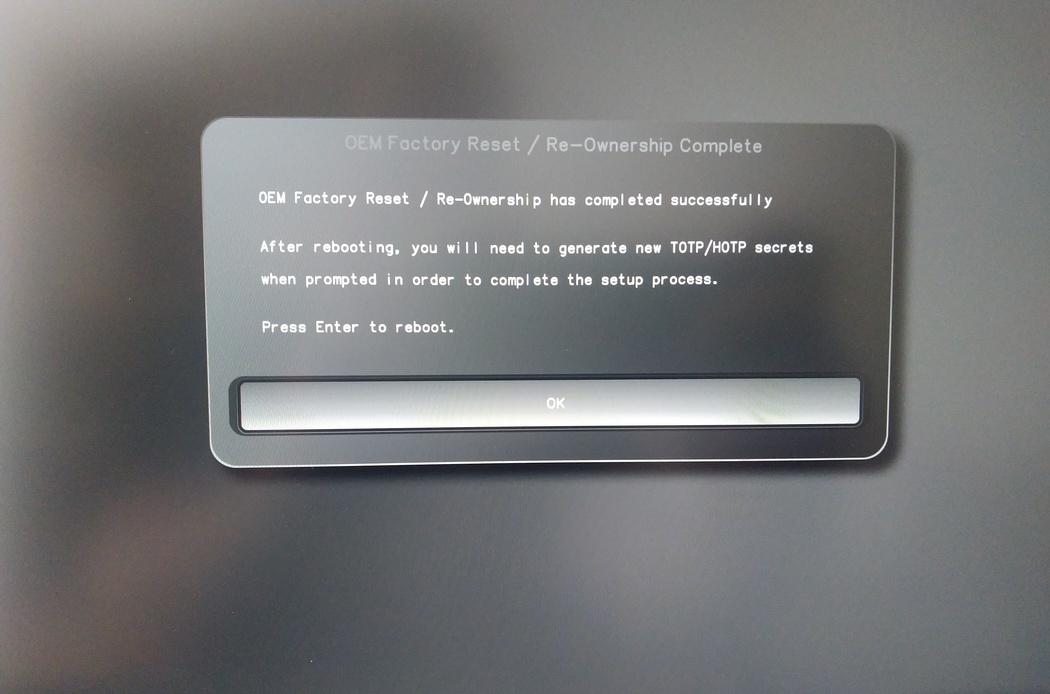
Uudelleenkäynnistyksen jälkeen OTP-salaisuus on luotava. Vahvista prosessi Enter-näppäimellä.
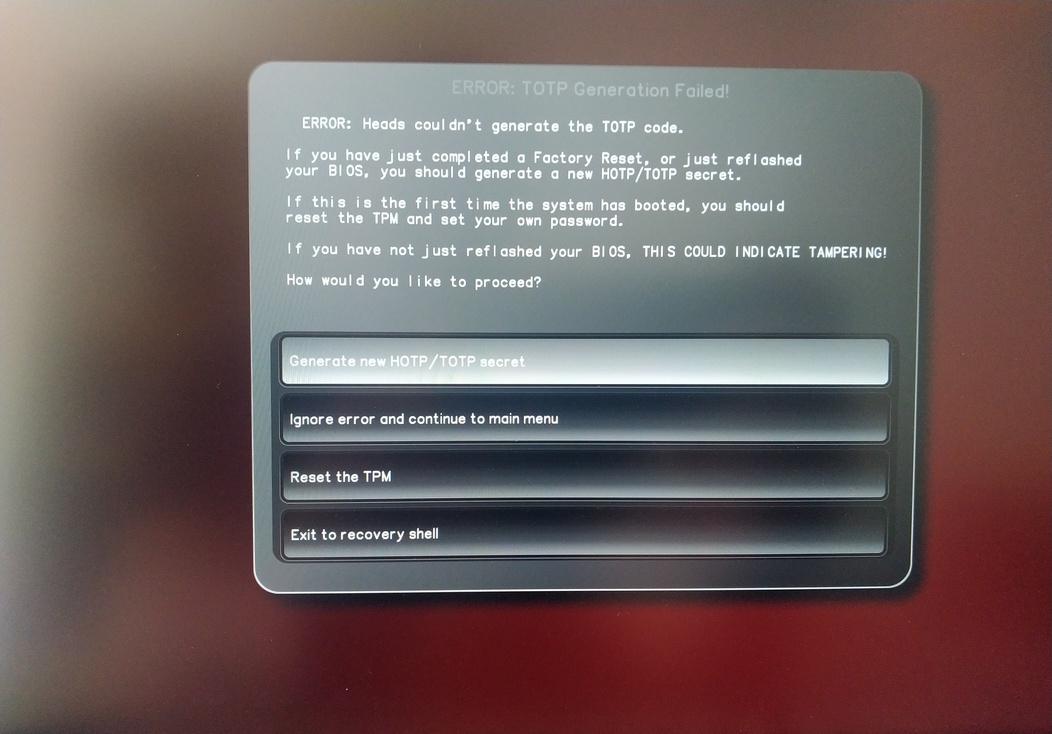
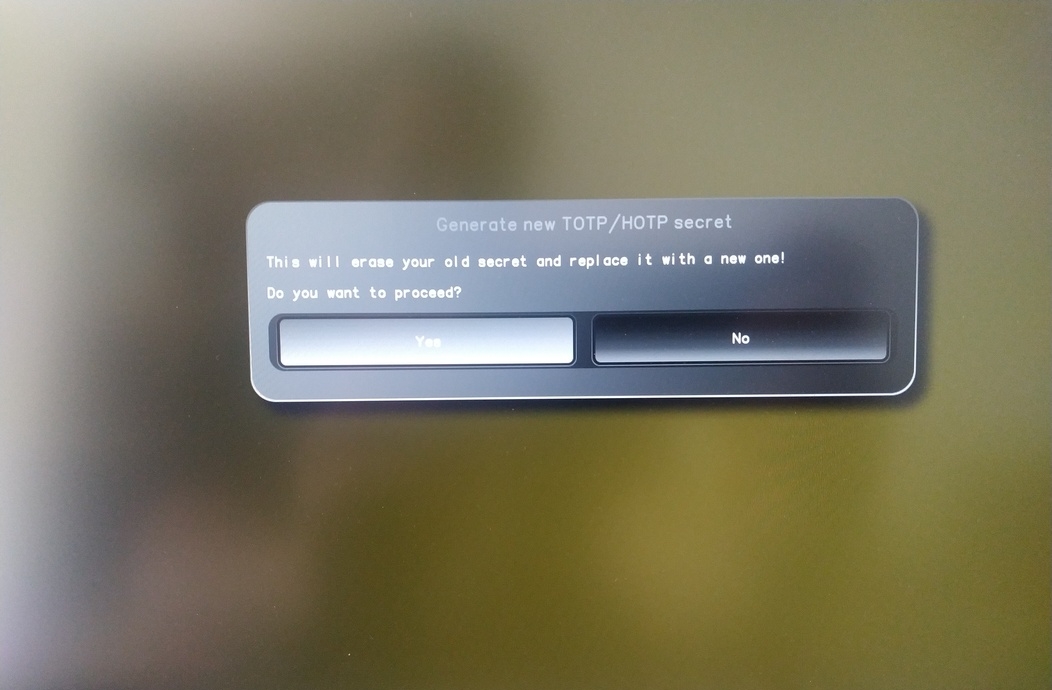
Enter TPM Owner Password (Default:
12345678)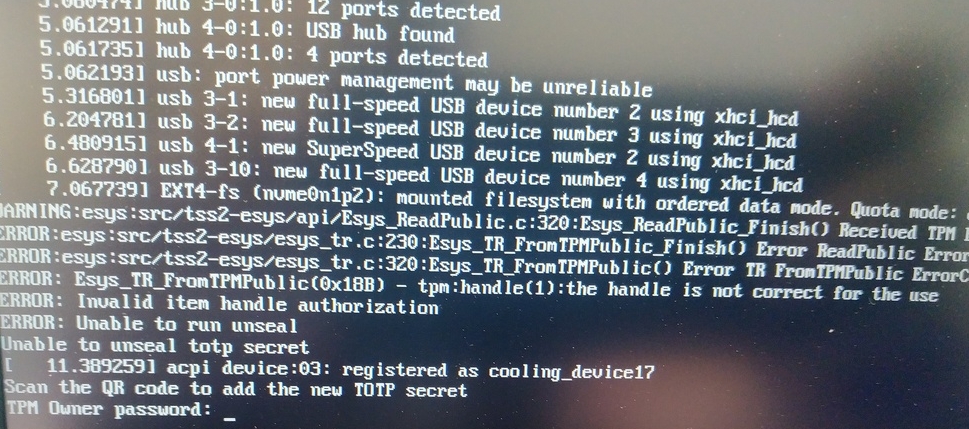
Scan QR code with Phone to import TOTP Secret (optional) and hit Enter
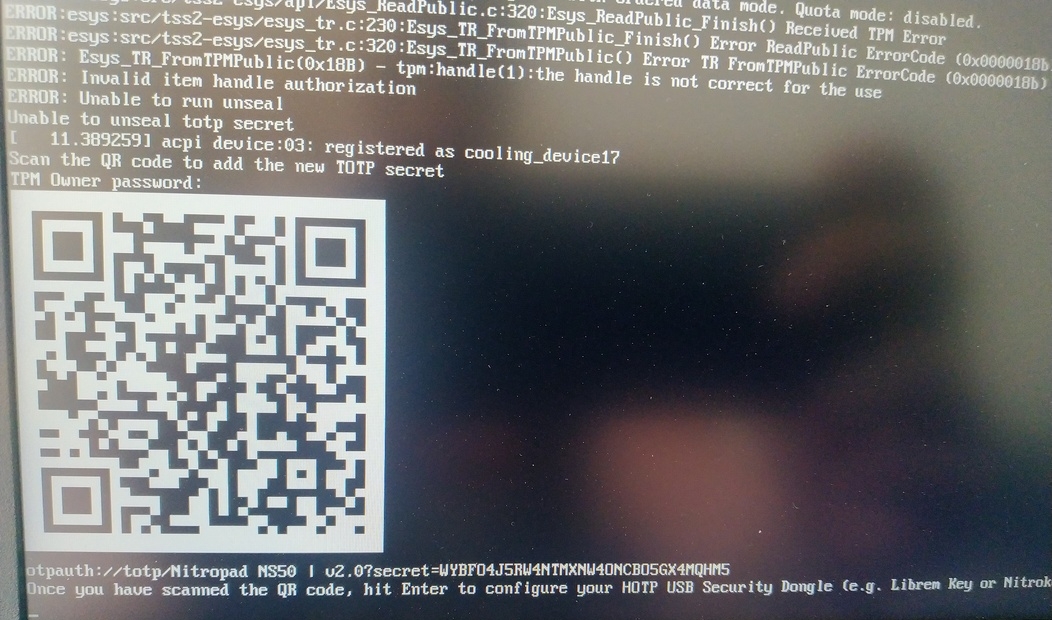
When asked touch your Nitrokey.
When prompted, enter the Secret App PIN of your Nitrokey (Default: 12345678) and hit Enter
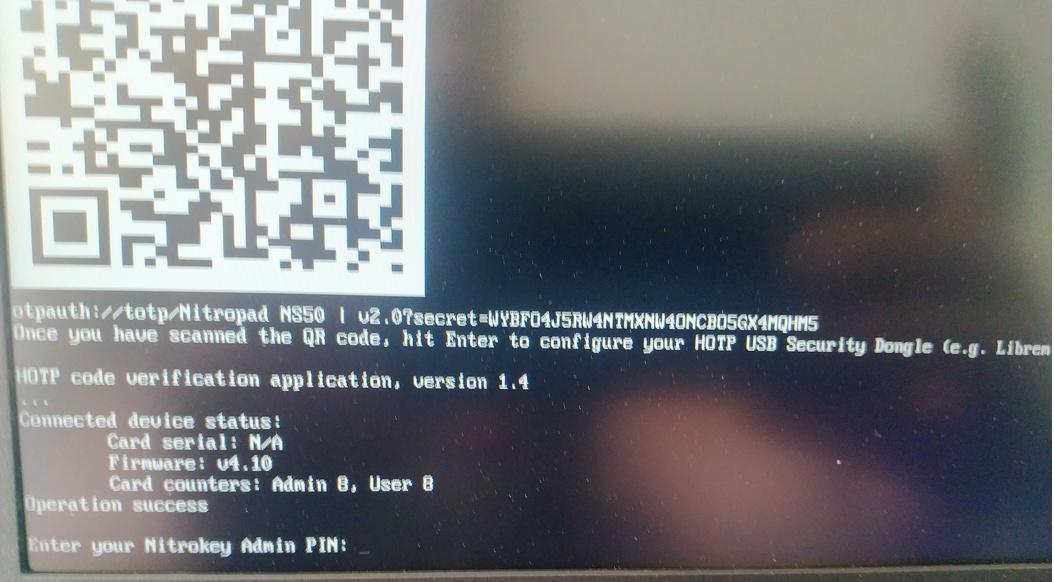
Paina enter-näppäintä ja automaattinen käynnistys käynnistyy.
Sinun on nyt valittava oletuskäynnistys, valitse ensimmäinen vaihtoehto ja tee siitä oletusasetus.
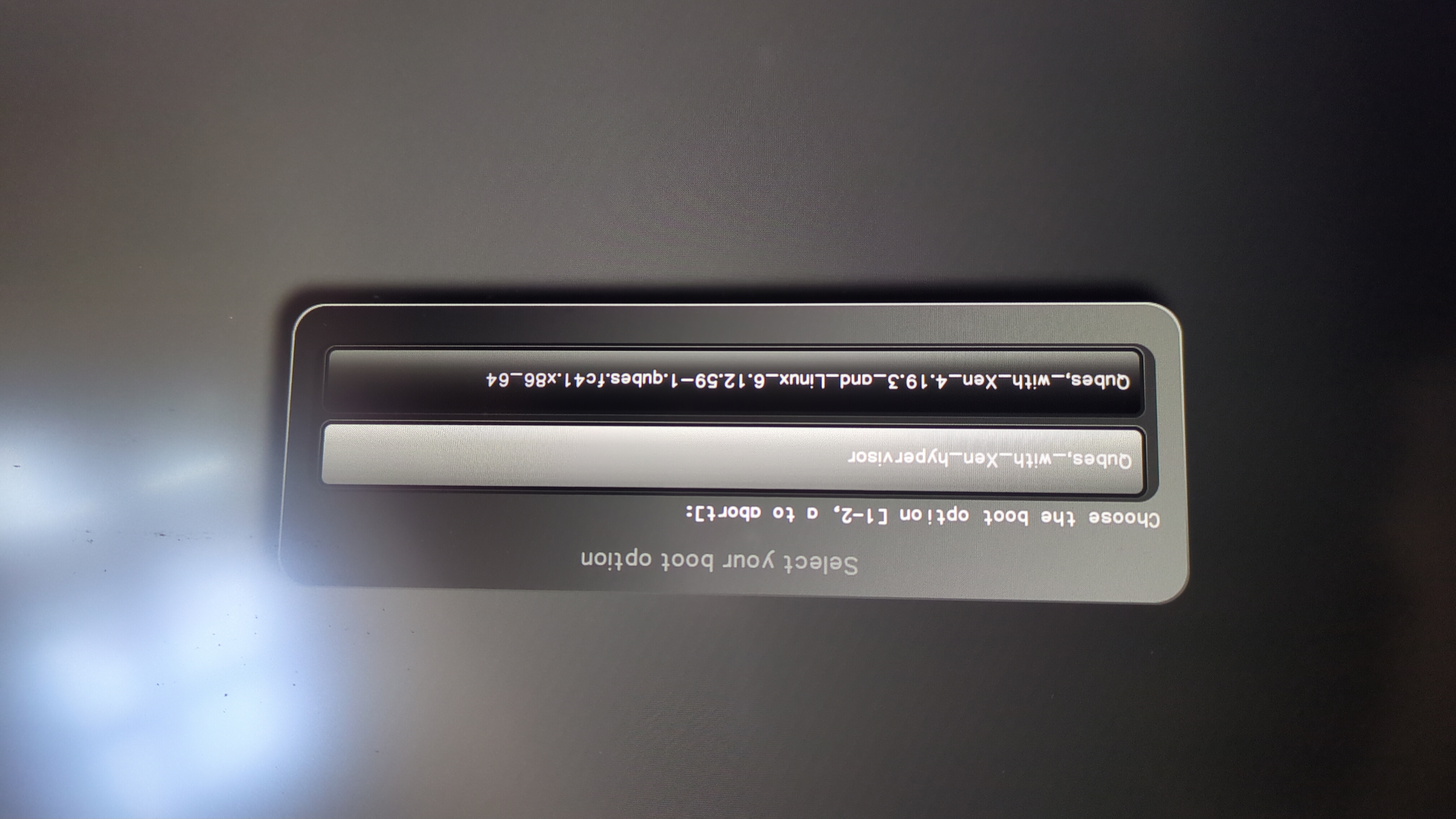
Tämä kehote tulee näkyviin:
Do you wish to add a disk encryption key to the TPM [y/N]:
Hit enter to choose the default option (N).
Please confirm that your GPG card is inserted [Y/n]:
Here also hit enter for the default option (Y).
It will ask for the Admin PIN which is by default (123456).
Nollaus on tehty ja käynnistät asennetun käyttöjärjestelmän.
Liitä Nitrokey NitroPadiin.
Kytke NitroPad päälle.
Valitse ”Valinnat”.
Valitse ”OEM-Factory Reset /Re-Ownership”.
Vahvista nollaus valitsemalla ”Jatka”.
The integrity of your setup will be tested. Depending on your reason to perform the reset this can fail; continue with ”OK” anyway.
Seuraavaan kysymykseen voidaan vastata oletusarvolla. Paina enteriä, jos haluat vain nollata laitteen.
Would you like to change the current LUKS Disk Recovery Key passphrase?
(Highly recommended if you didn't install the Operating System yourself, so that past provisioned passphrase would not permit to access content.
Note that without re-encrypting disk, a backuped header could be restored to access encrypted content with old passphrase) [y/N]: N

Would you like to re-encrypt LUKS encrypted container and generate new Disk Recovery key?
(Highly recommended if you didn't install the operating system yourself: this would prevent any LUKS backuped header to be restored to access encrypted data) [y/N]: N

The following security components will be provisioned with defaults or chosen PINs/passwords:

TPM Ownership password
GPG Admin PIN
GPG User PIN

Would you like to set a single custom password that will be provisioned to previously stated security components? [y/N]: N

Would you like to set distinct PINs/passwords to be provisioned to previously stated security components? [y/N]: N

Would you like to set custom user Information for the GnPG key?[y/N]: N

Would you like to set custom user information for the GnuPG key? [y/N]: N

Checking for USB Security Dongle...

Detecting and setting boot device...

Boot device set to /dev/nvme0n1p2

Resetting TPM...

Resetting GPG Key...
(this will take around 3 minuts...)

Changing default GPG Admin PIN

Changing default GPG User PIN

Reading current firmware
(this will take a minute or two)

Adding generated key to current firmware and re-flashing...

Signing boot files and generating checksums
Se näyttää oletusarvoiset GPG PIN- ja TPM-salasanat.
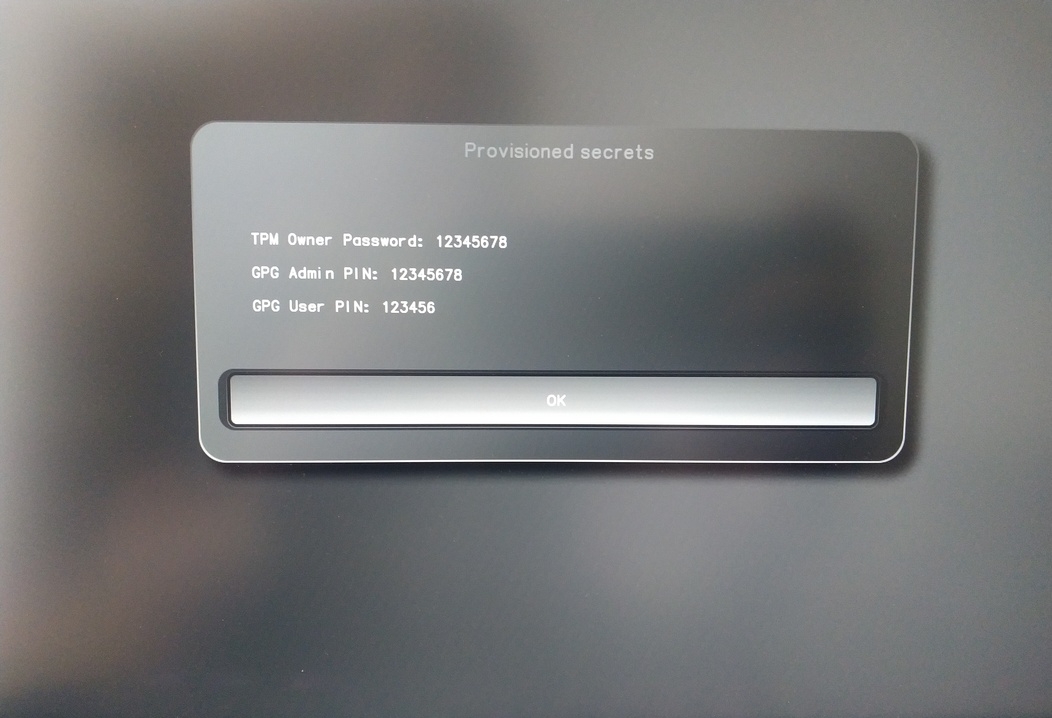
Confirm the subsequent restart.
Uudelleenkäynnistyksen jälkeen OTP-salaisuus on luotava. Vahvista prosessi Enter-näppäimellä.
Syötä TPM-salasana (oletusasetus: 12345678).
Scan the QR code with your phone to import the TOTP secret (optional) and hit Enter.
When prompted, enter the Admin PIN of your Nitrokey (Default:
12345678) and hit Enter.
Tämän jälkeen sinun pitäisi päästä Käynnistä-valikkoon.
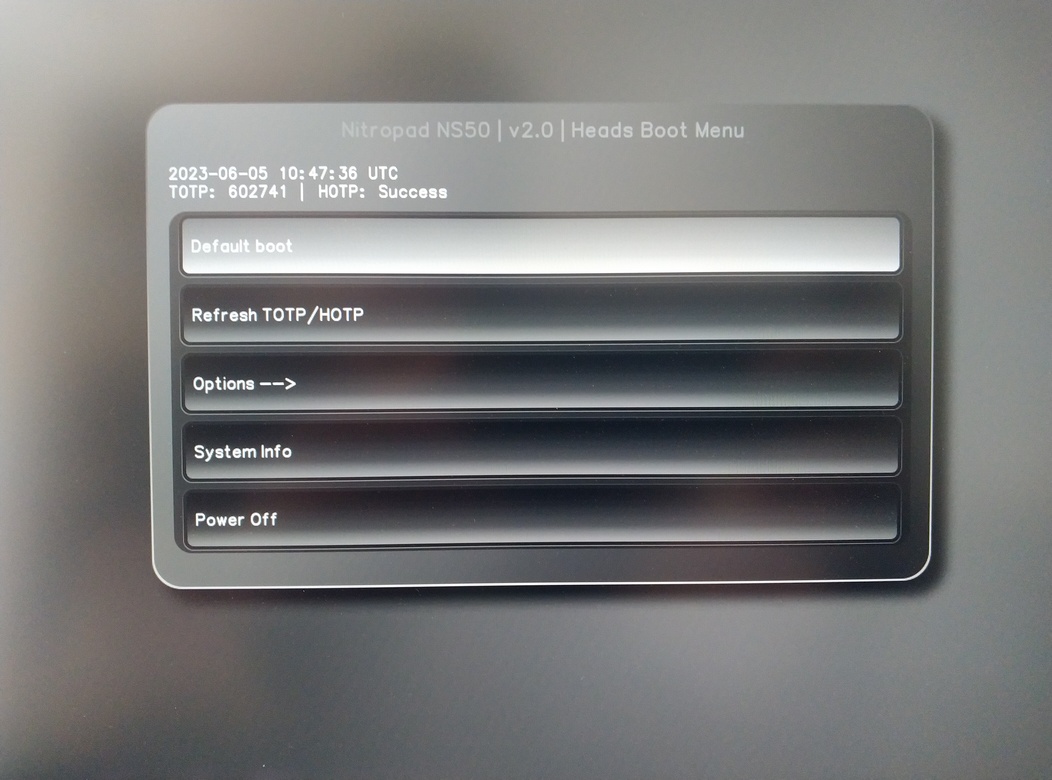
Paina Enter käynnistääksesi ”Default Boot”.
Muista
If you see the message that no default exists yet, please follow the procedure described in default boot.