Factory Reset Heads v2.0+
Gamyklinių nustatymų atkūrimo priežastys
Your Nitrokey is locked (e.g. due to multiple incorrect PIN entries)
pametėte „Nitrokey“ raktą (tokiu atveju pirmiausia reikės naujo rakto).
You have installed an operating system yourself (e.g. after changing the hard disk)
Operacinė sistema neįsijungia
Įspėjimas
All GPG keys of your Nitrokey will be deleted during this procedure.
Procedūra
Prijunkite „Nitrokey“ prie „NitroPad“.
Turn on the NitroPad and interrupt the automatic boot by pressing any key.
Pasirinkite „Parinktys“.
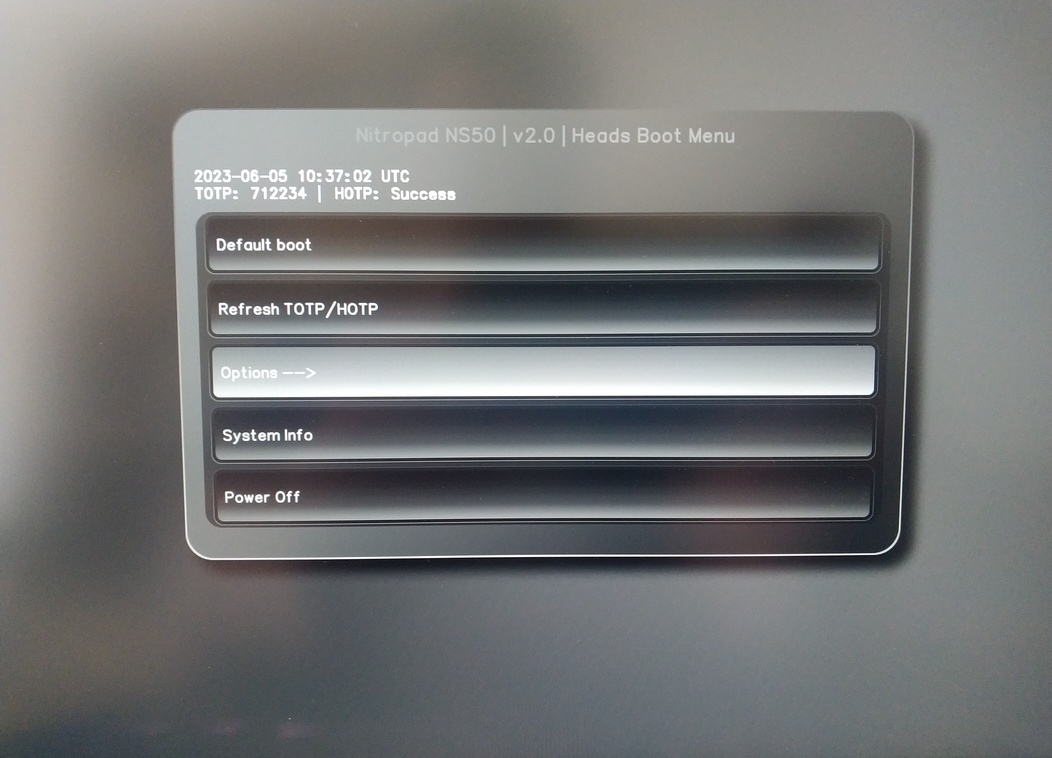
Pasirinkite „OEM-Factory Reset /Re-Ownership“.
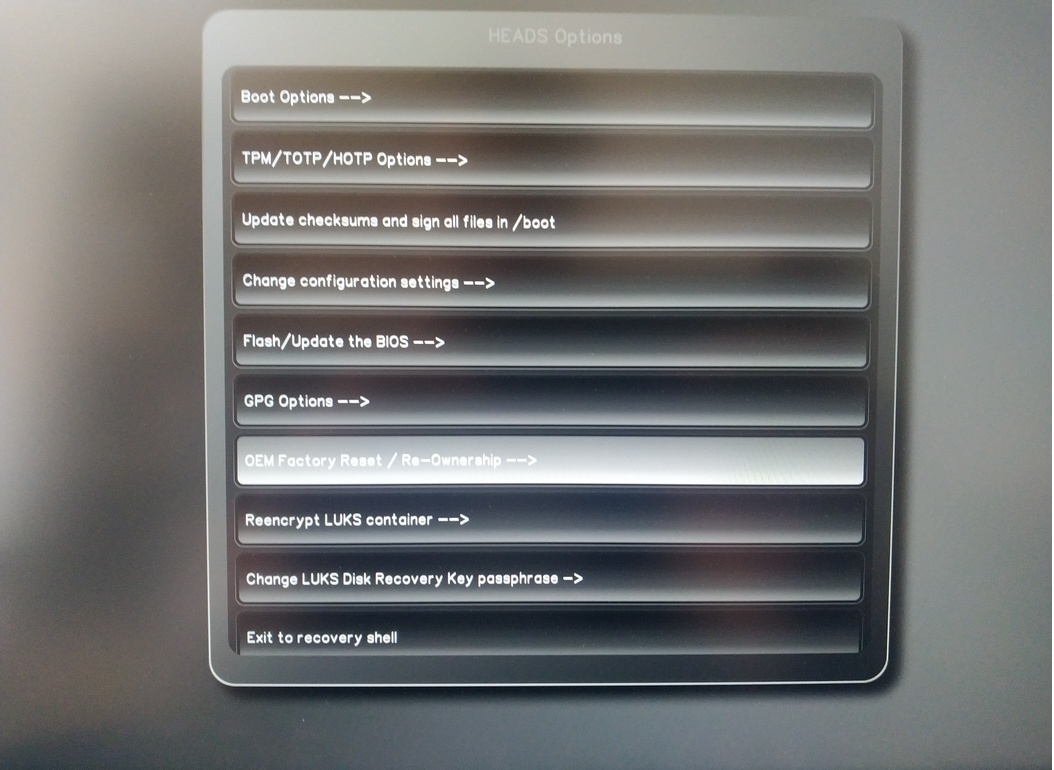
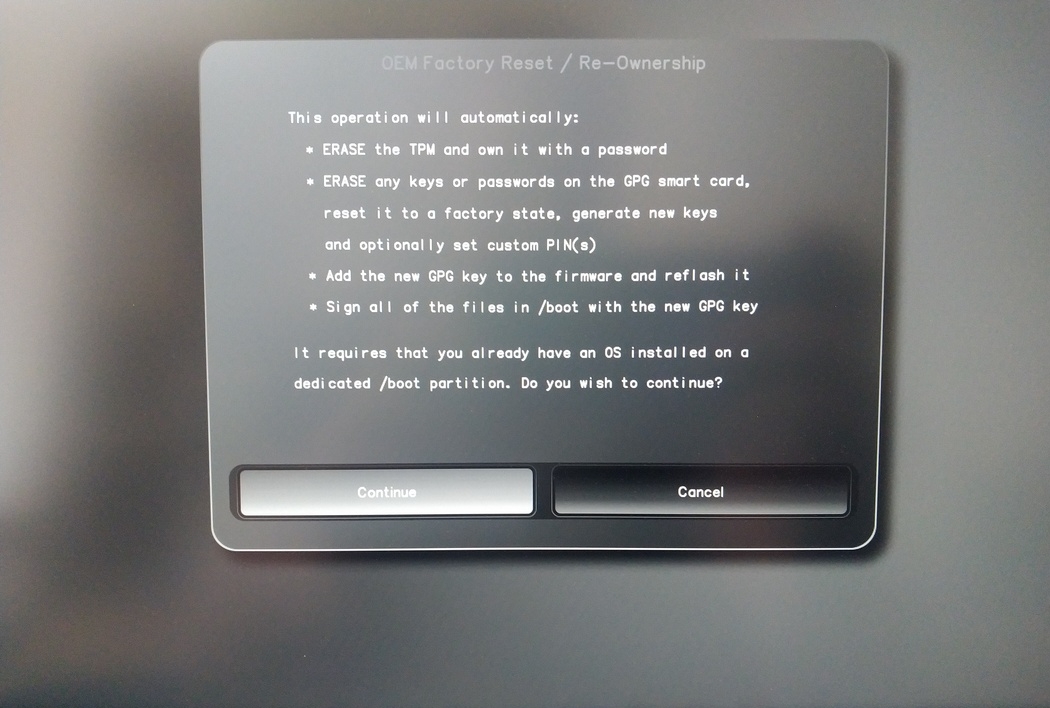
Confirm reset with “Continue”.
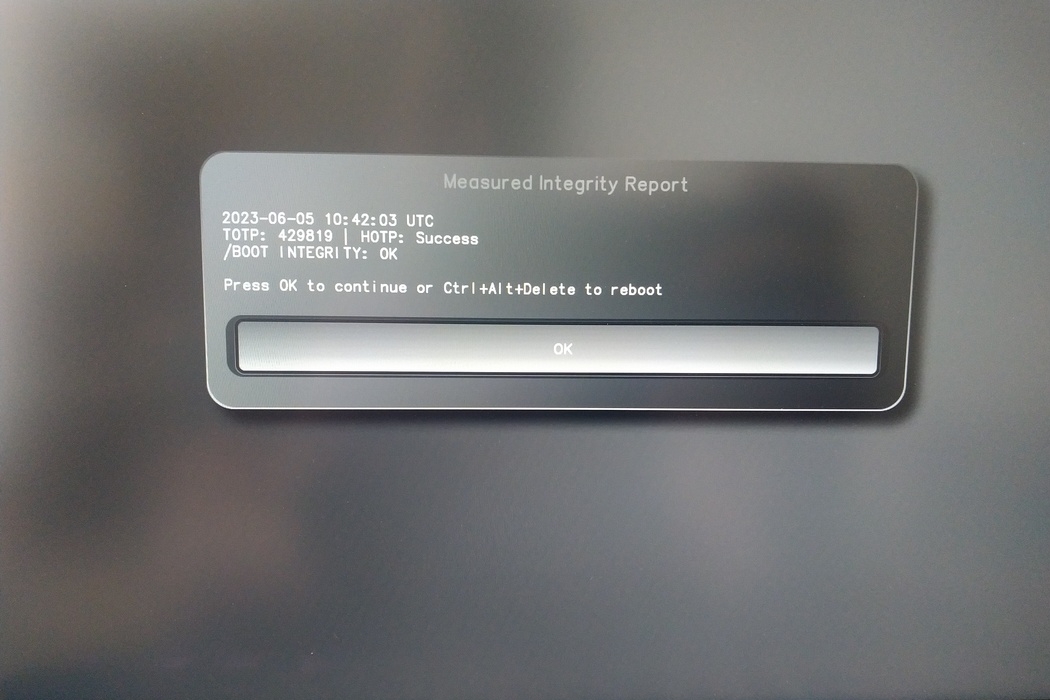
The integrity of your setup will be tested. Depending on your reason to perform the reset this can fail; continue with „OK“ anyway.
You will be prompted with:
Would you like to use default configuration option?
If N, you will be prompted for each option [Y/n]:

You can hit enter for the default option (Y).
Bus parodytas antras raginimas:
Would you like to export your public key to an USB drive? [y/N]:
Taip pat pasirinkite numatytąją parinktį (N) paspausdami Enter.
Šio proceso metu turėsite paliesti savo Nitrokey raktą, kai būsite paprašyti.
Dabar rodomi visi „Heads“ naudojami PIN kodai:
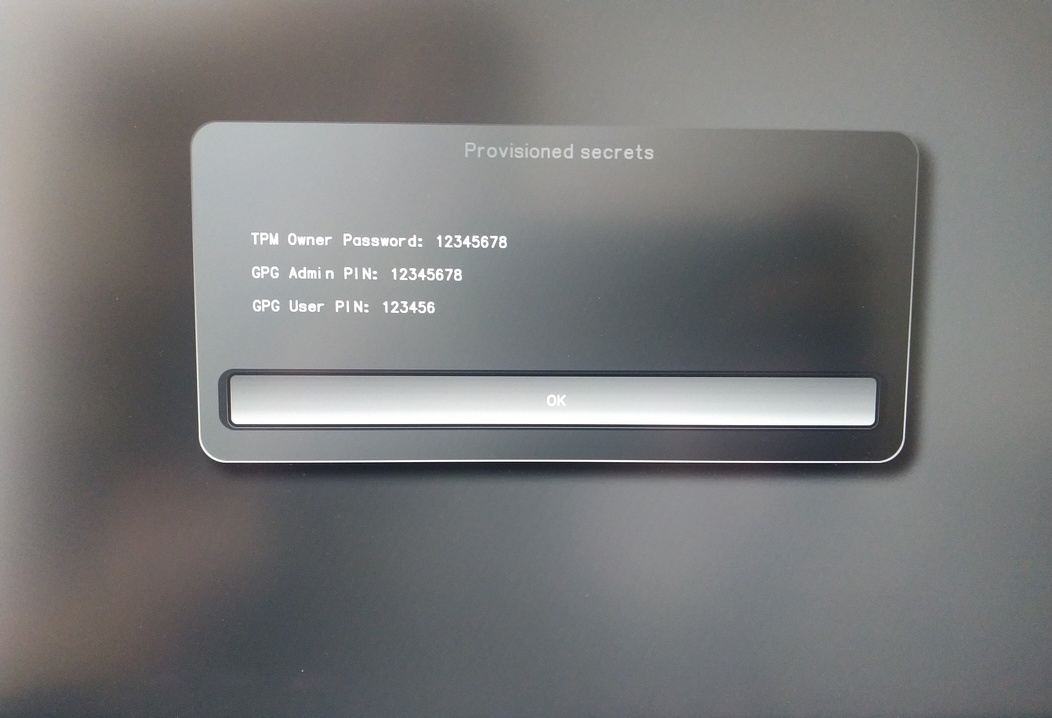
Jų prireiks tam tikroms procedūroms, todėl būtinai juos prisiminkite.
Confirm the subsequent restart.
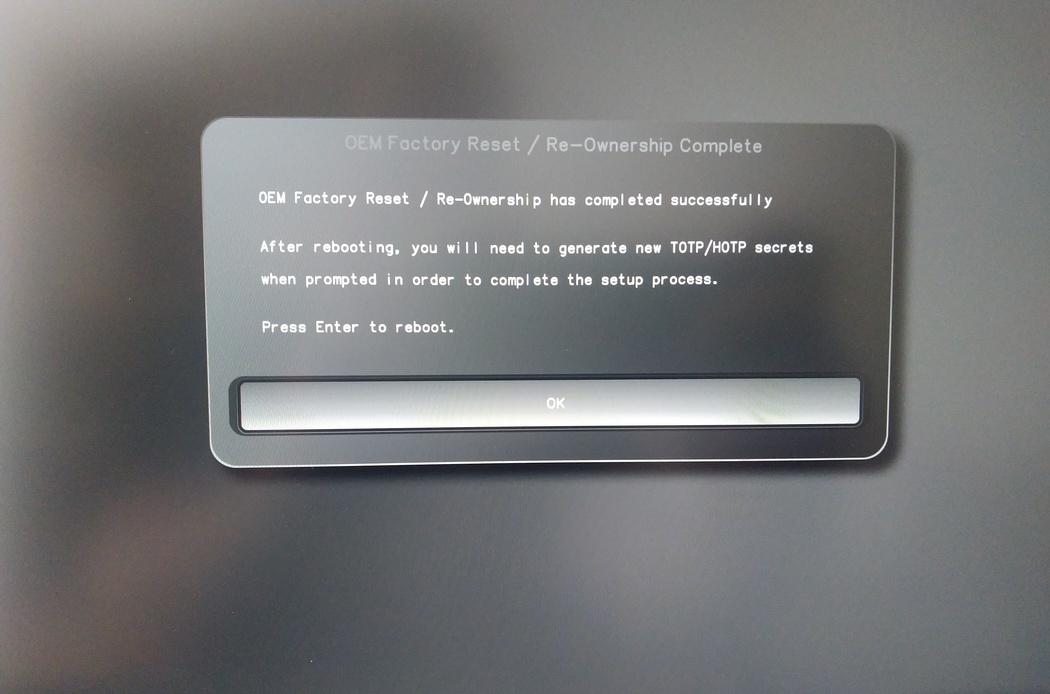
Iš naujo paleidus turi būti sukurta OTP paslaptis. Procesą patvirtinkite klavišu Enter.
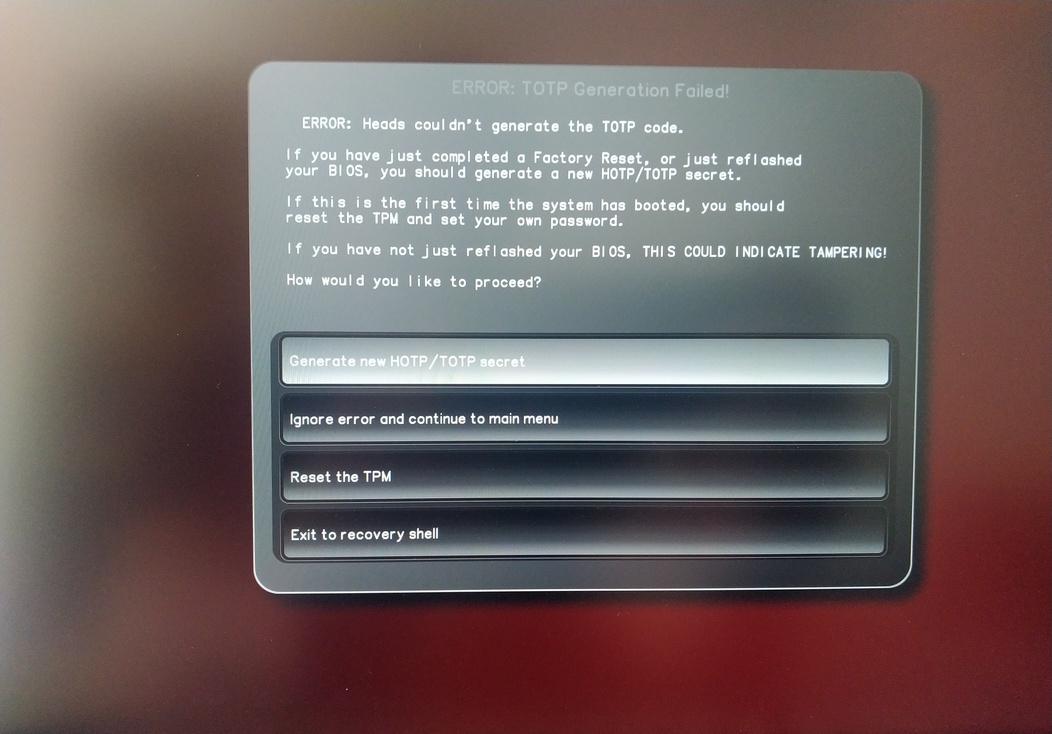
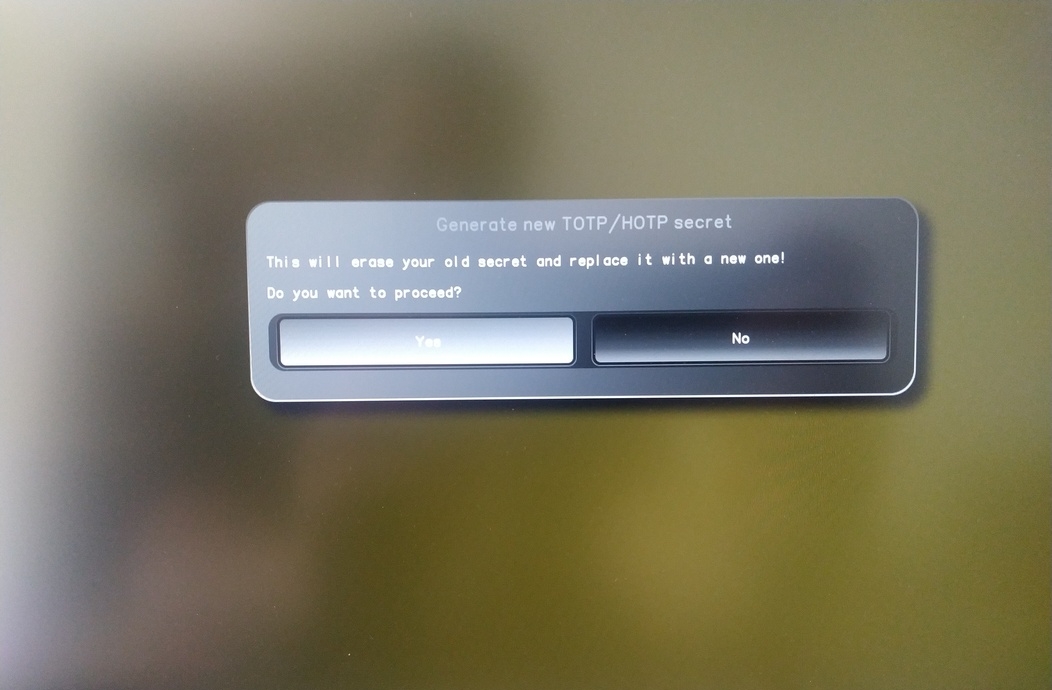
Enter TPM Owner Password (Default:
12345678)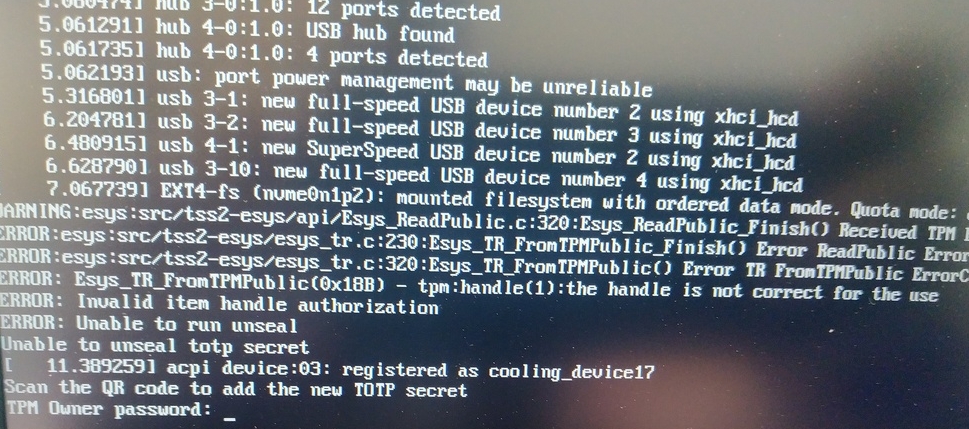
Scan QR code with Phone to import TOTP Secret (optional) and hit Enter
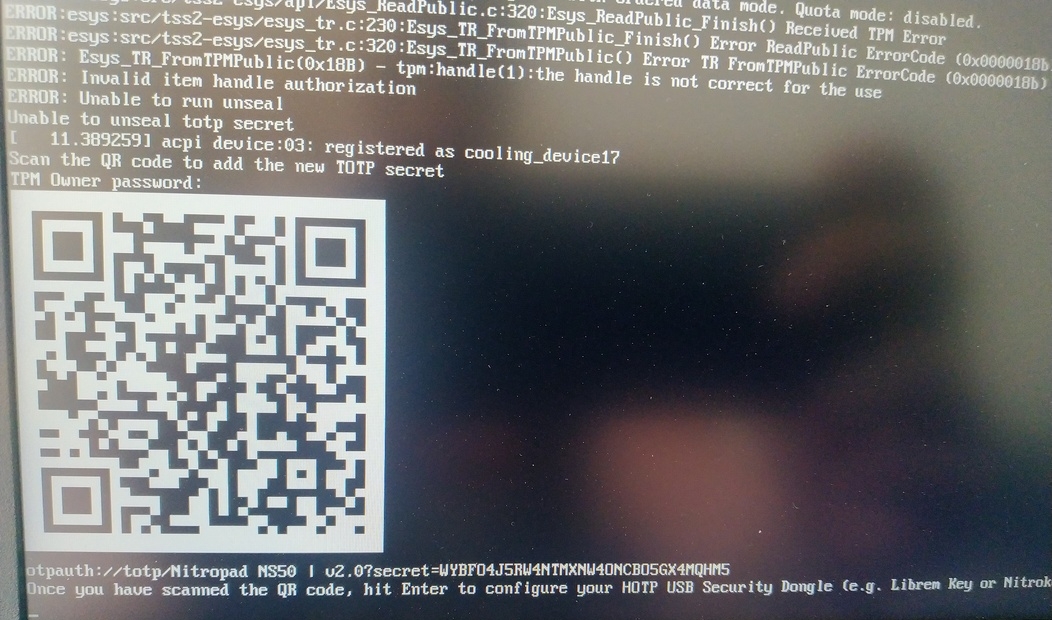
When asked touch your Nitrokey.
When prompted, enter the Secret App PIN of your Nitrokey (Default: 12345678) and hit Enter
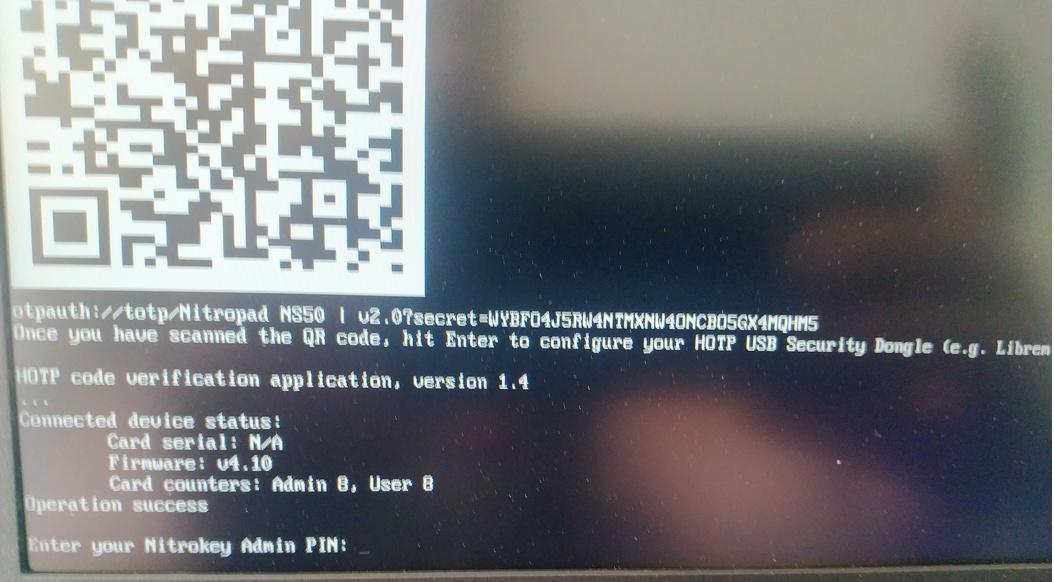
Paspauskite „Enter“ ir prasidės automatinis įkrovimas.
Dabar turėsite pasirinkti numatytąją įkrovą, pasirinkti pirmąją parinktį ir padaryti ją numatytąja.
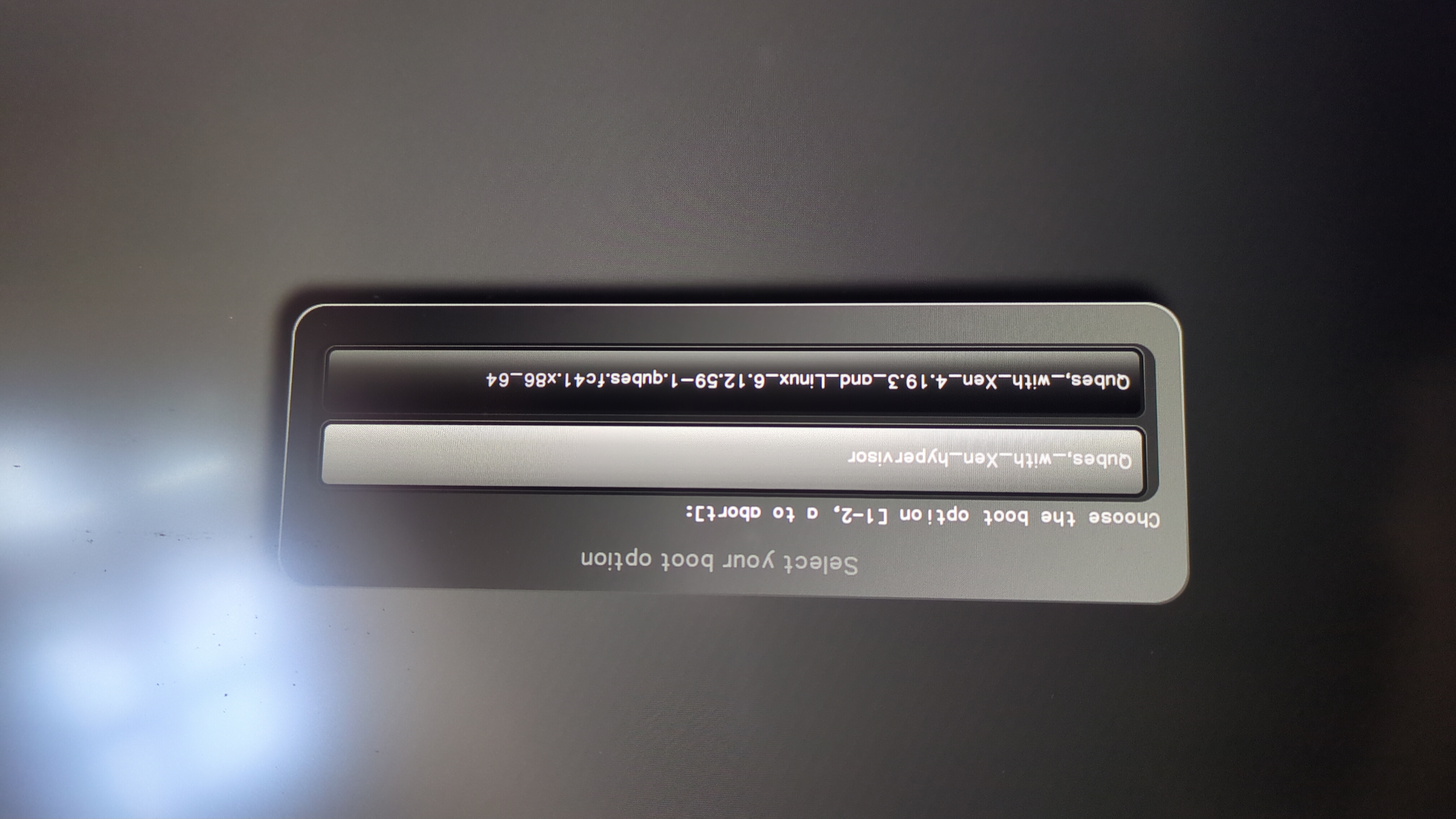
Pasirodys šis raginimas:
Do you wish to add a disk encryption key to the TPM [y/N]:
Hit enter to choose the default option (N).
Please confirm that your GPG card is inserted [Y/n]:
Here also hit enter for the default option (Y).
It will ask for the Admin PIN which is by default (123456).
Iš naujo nustatymas atliktas ir paleidžiama įdiegta operacinė sistema.
Prijunkite „Nitrokey“ prie „NitroPad“.
Įjunkite „NitroPad“.
Pasirinkite „Parinktys“.
Pasirinkite „OEM-Factory Reset /Re-Ownership“.
Patvirtinkite „Reset“, paspausdami „Continue“.
The integrity of your setup will be tested. Depending on your reason to perform the reset this can fail; continue with „OK“ anyway.
Į visus šiuos klausimus galima atsakyti naudojant numatytąją reikšmę. Tiesiog paspauskite Enter, jei norite tik iš naujo nustatyti įrenginį.
Would you like to change the current LUKS Disk Recovery Key passphrase?
(Highly recommended if you didn't install the Operating System yourself, so that past provisioned passphrase would not permit to access content.
Note that without re-encrypting disk, a backuped header could be restored to access encrypted content with old passphrase) [y/N]: N

Would you like to re-encrypt LUKS encrypted container and generate new Disk Recovery key?
(Highly recommended if you didn't install the operating system yourself: this would prevent any LUKS backuped header to be restored to access encrypted data) [y/N]: N

The following security components will be provisioned with defaults or chosen PINs/passwords:

TPM Ownership password
GPG Admin PIN
GPG User PIN

Would you like to set a single custom password that will be provisioned to previously stated security components? [y/N]: N

Would you like to set distinct PINs/passwords to be provisioned to previously stated security components? [y/N]: N

Would you like to set custom user Information for the GnPG key?[y/N]: N

Would you like to set custom user information for the GnuPG key? [y/N]: N

Checking for USB Security Dongle...

Detecting and setting boot device...

Boot device set to /dev/nvme0n1p2

Resetting TPM...

Resetting GPG Key...
(this will take around 3 minuts...)

Changing default GPG Admin PIN

Changing default GPG User PIN

Reading current firmware
(this will take a minute or two)

Adding generated key to current firmware and re-flashing...

Signing boot files and generating checksums
Bus rodomi numatytieji GPG PIN kodai ir TPM slaptažodis.
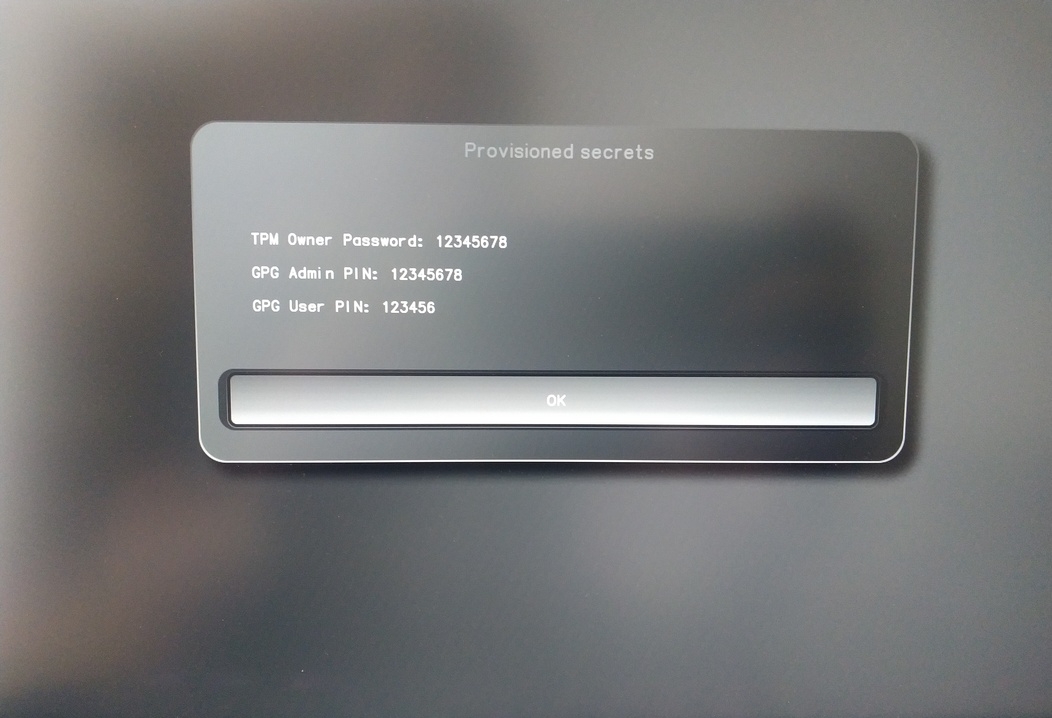
Confirm the subsequent restart.
Iš naujo paleidus turi būti sukurta OTP paslaptis. Procesą patvirtinkite klavišu Enter.
Įveskite TPM slaptažodį (numatytasis: 12345678)
Scan the QR code with your phone to import the TOTP secret (optional) and hit Enter.
When prompted, enter the Admin PIN of your Nitrokey (Default:
12345678) and hit Enter.
Tada turėtumėte pasiekti pradžios meniu.
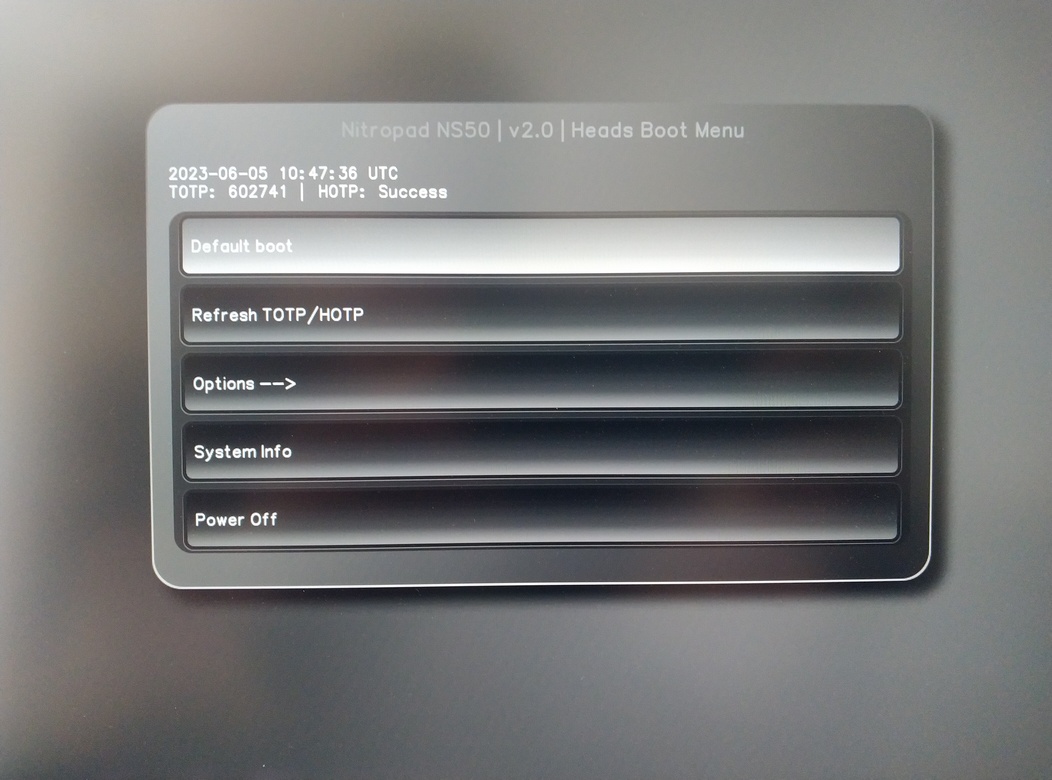
Paspauskite Enter, kad pradėtumėte „Default Boot“.
Pastaba
If you see the message that no default exists yet, please follow the procedure described in default boot.