Factory Reset Heads v2.0+
A gyári beállítások visszaállításának okai
Az Ön Nitrokey-je zárolt (pl. többszöri helytelen PIN-bejegyzés miatt).
Elvesztette a Nitrokey-jét (ebben az esetben először is új kulcsra lesz szüksége).
Ön maga telepítette az operációs rendszert (pl. a merevlemez cseréje után).
Az operációs rendszer nem indul el
Figyelem
All GPG keys of your Nitrokey will be deleted during this procedure.
Eljárás
Csatlakoztassa a Nitrokey-t a NitroPadhez.
Turn on the NitroPad and interrupt the automatic boot by pressing any key.
Válassza a „Beállítások” lehetőséget.
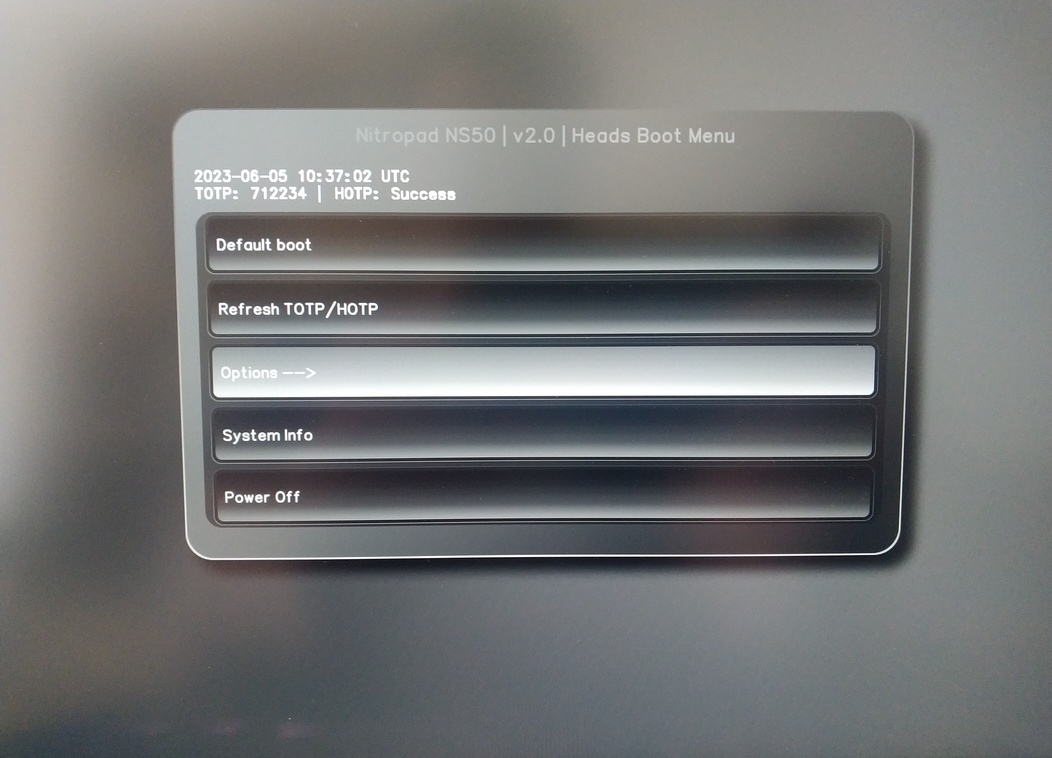
Válassza ki az „OEM-gyári visszaállítás/visszaállítás” lehetőséget.
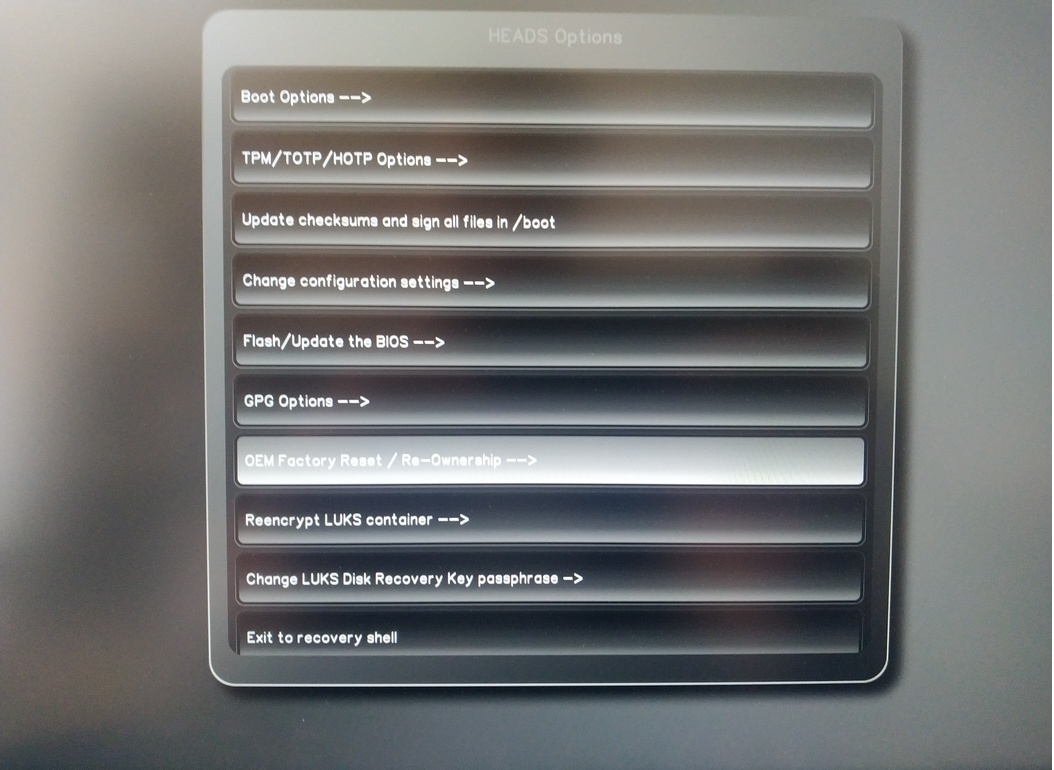
Confirm reset with “Continue”.
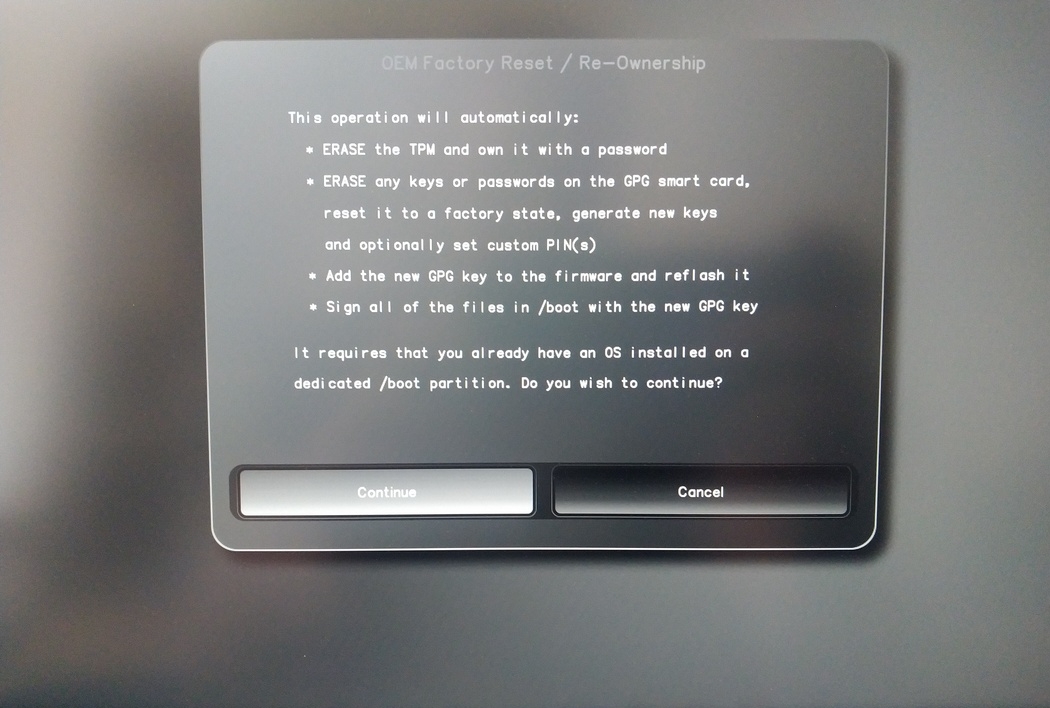
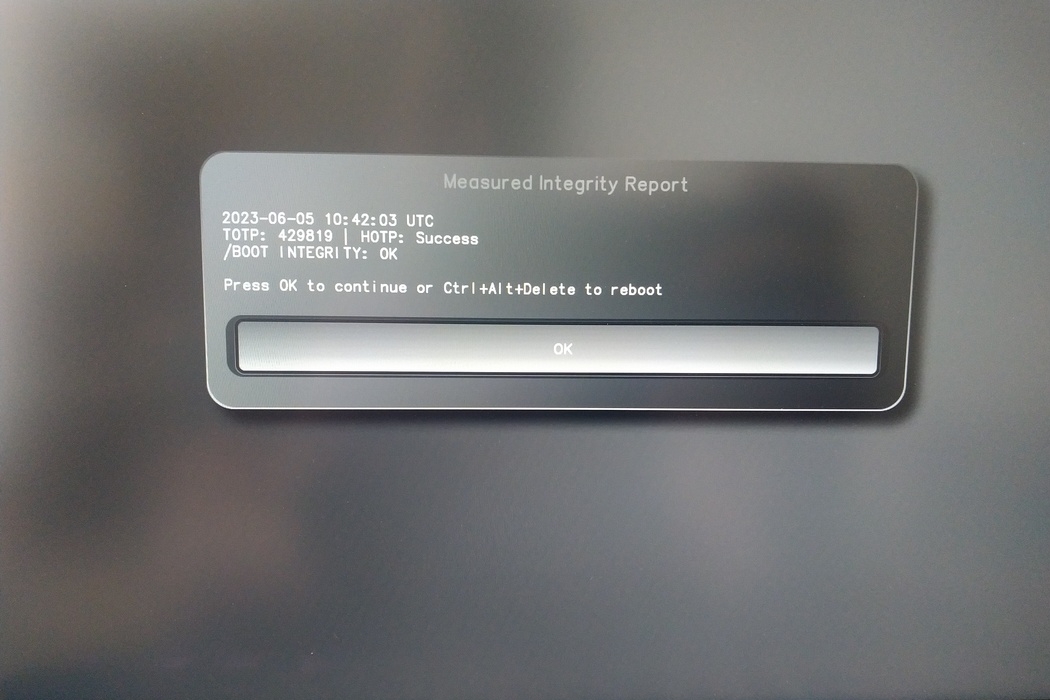
The integrity of your setup will be tested. Depending on your reason to perform the reset this can fail; continue with „OK” anyway.
You will be prompted with:
Would you like to use default configuration option?
If N, you will be prompted for each option [Y/n]:

You can hit enter for the default option (Y).
Egy második felszólítás jelenik meg:
Would you like to export your public key to an USB drive? [y/N]:
Válassza ki az alapértelmezett opciót (N) is az enter billentyűvel.
A folyamat során kérésre hozzá kell érintenie a Nitrokey-t.
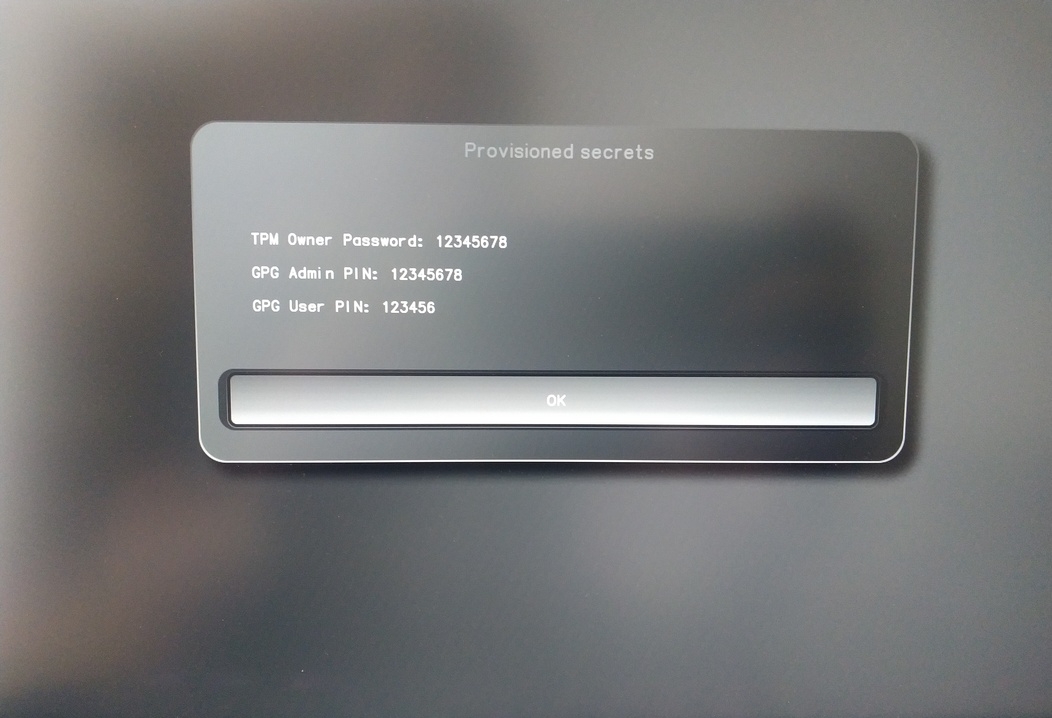
Most már a Fejek által használt összes PIN-kódot mutatja:
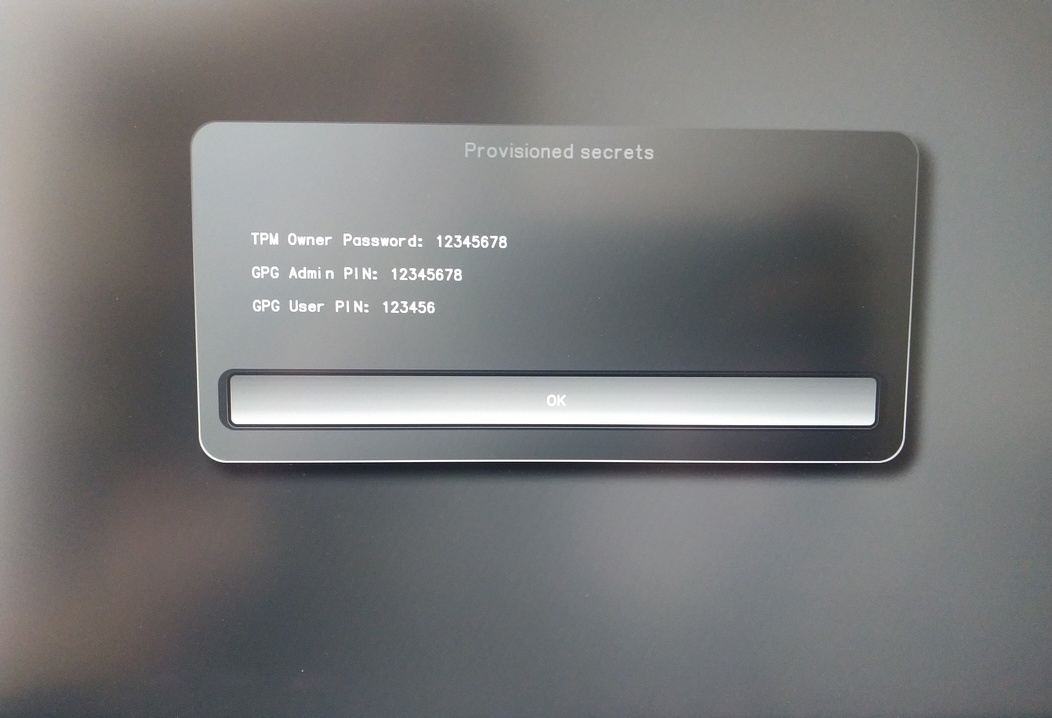
Bizonyos eljárásokhoz szükséged lesz rájuk, ezért mindenképpen emlékezz rájuk.
Confirm the subsequent restart.
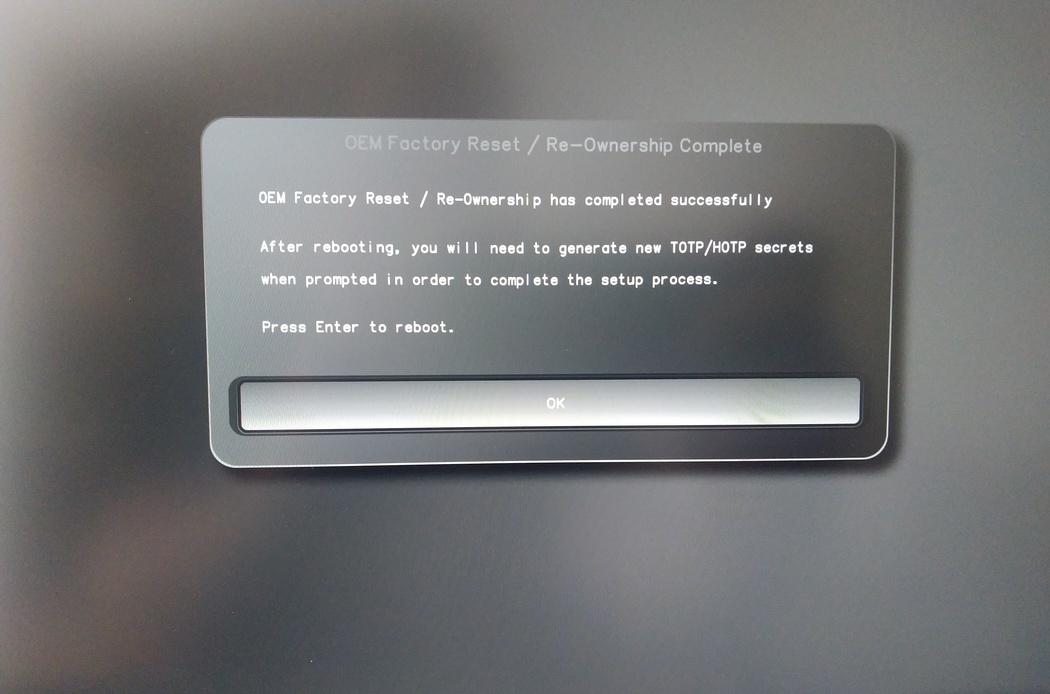
Az újraindítás után létre kell hozni az OTP-titkot. Erősítse meg a folyamatot az Enter billentyűvel.
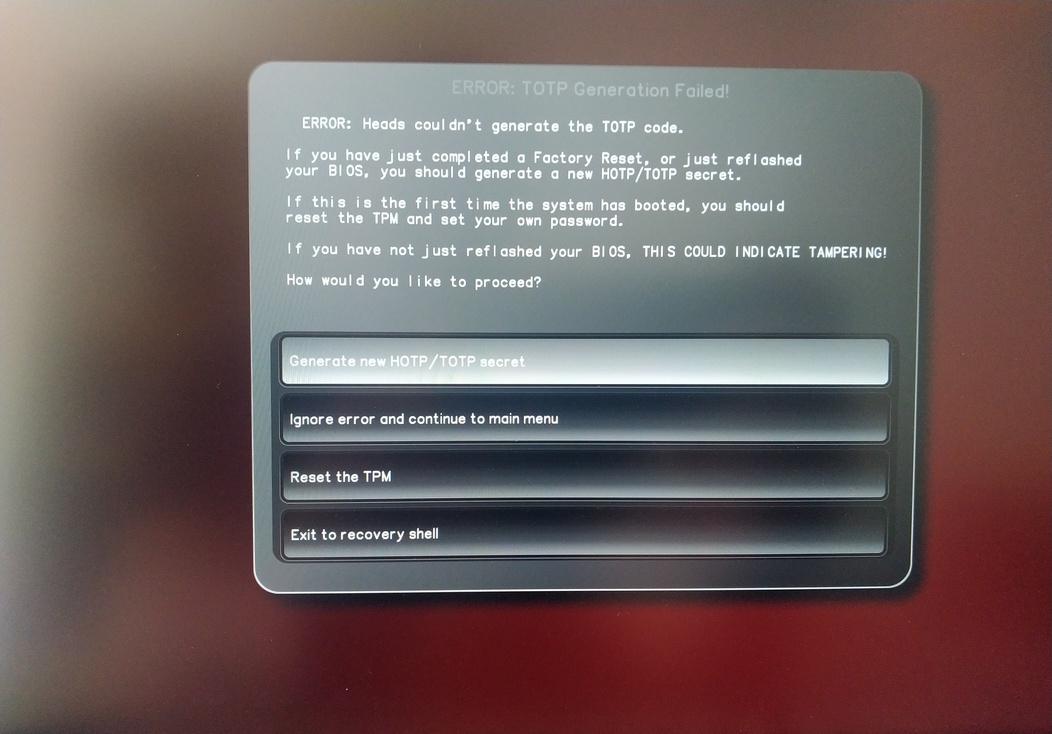
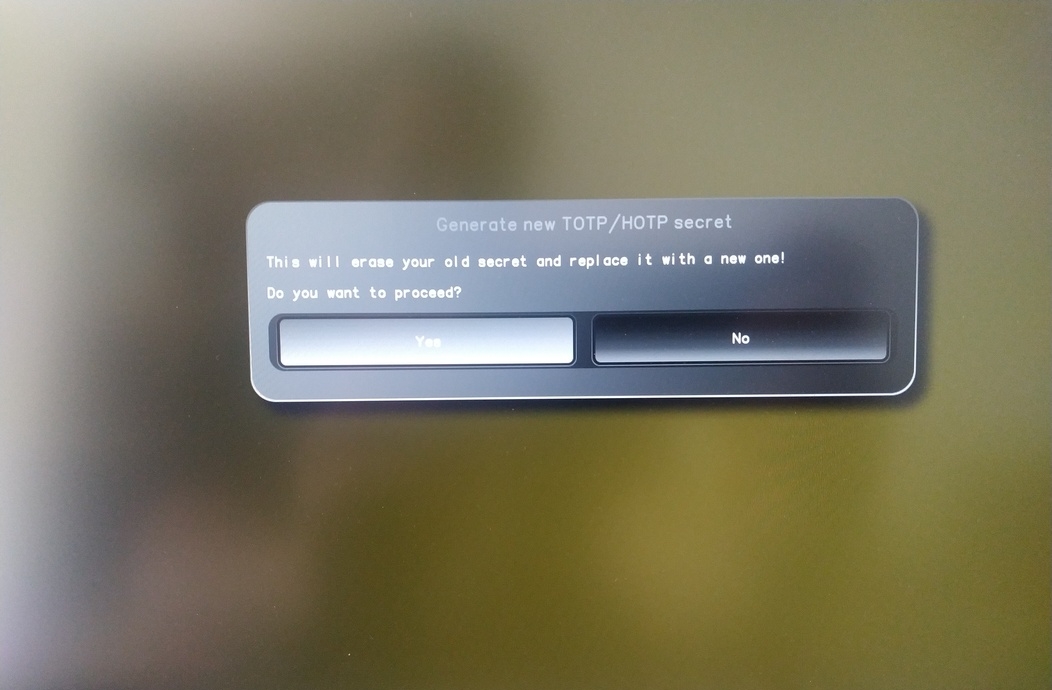
Enter TPM Owner Password (Default:
12345678)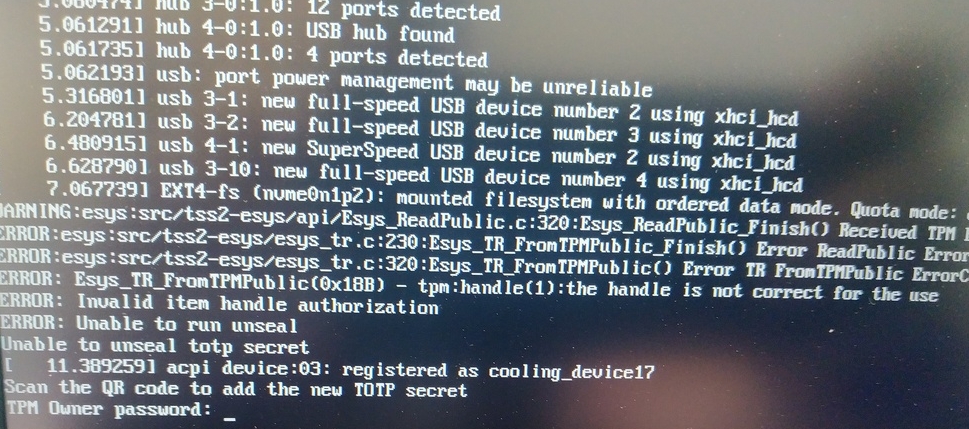
Scan QR code with Phone to import TOTP Secret (optional) and hit Enter
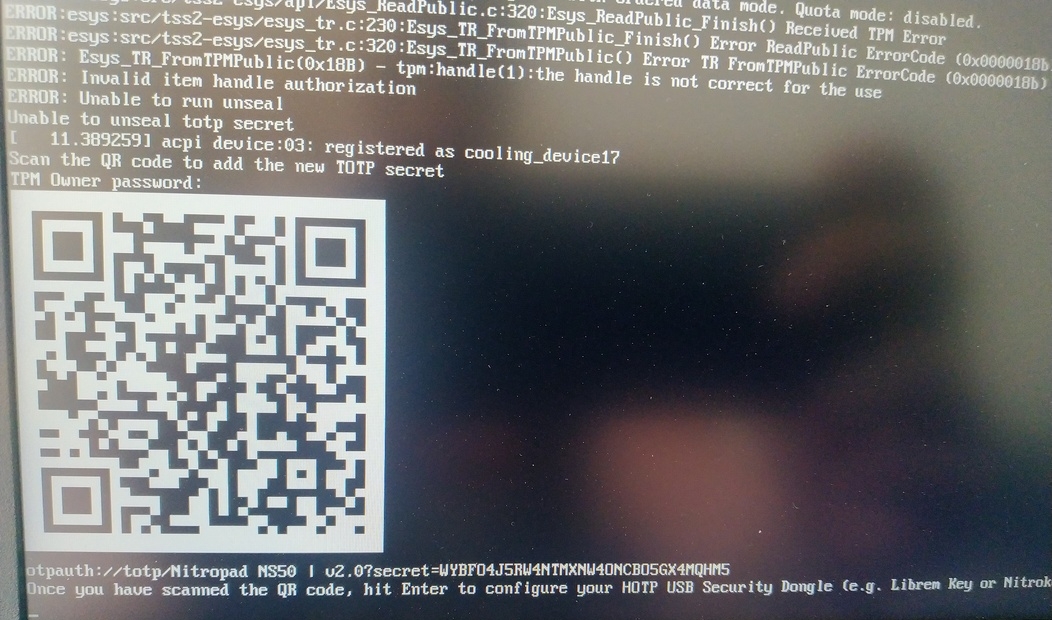
When asked touch your Nitrokey.
When prompted, enter the Secret App PIN of your Nitrokey (Default: 12345678) and hit Enter
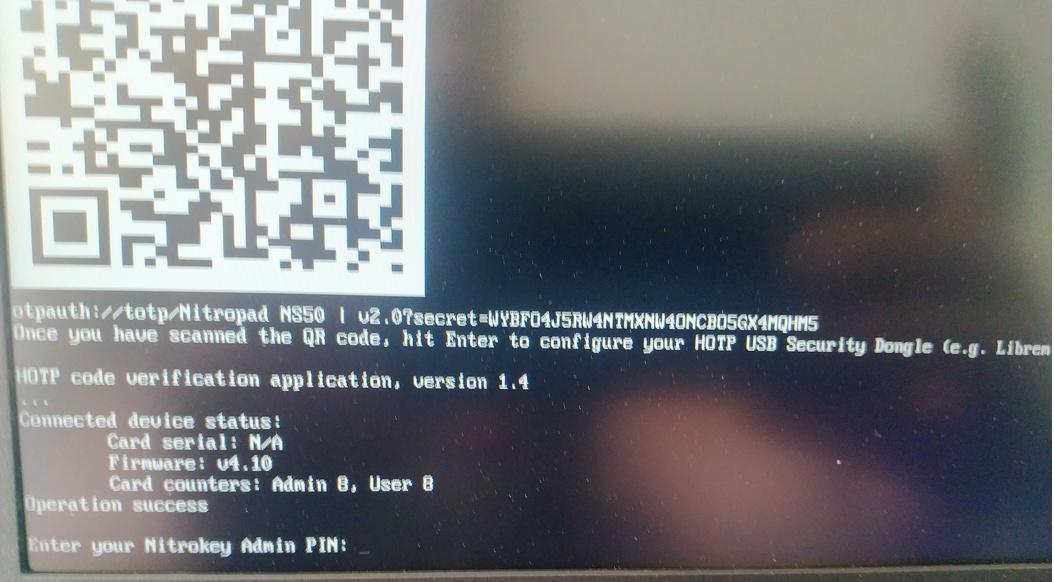
Nyomja meg az enter billentyűt, és az automatikus rendszerindítás elindul.
Most ki kell választania az alapértelmezett rendszerindítást, válassza ki az első lehetőséget, és tegye alapértelmezetté.
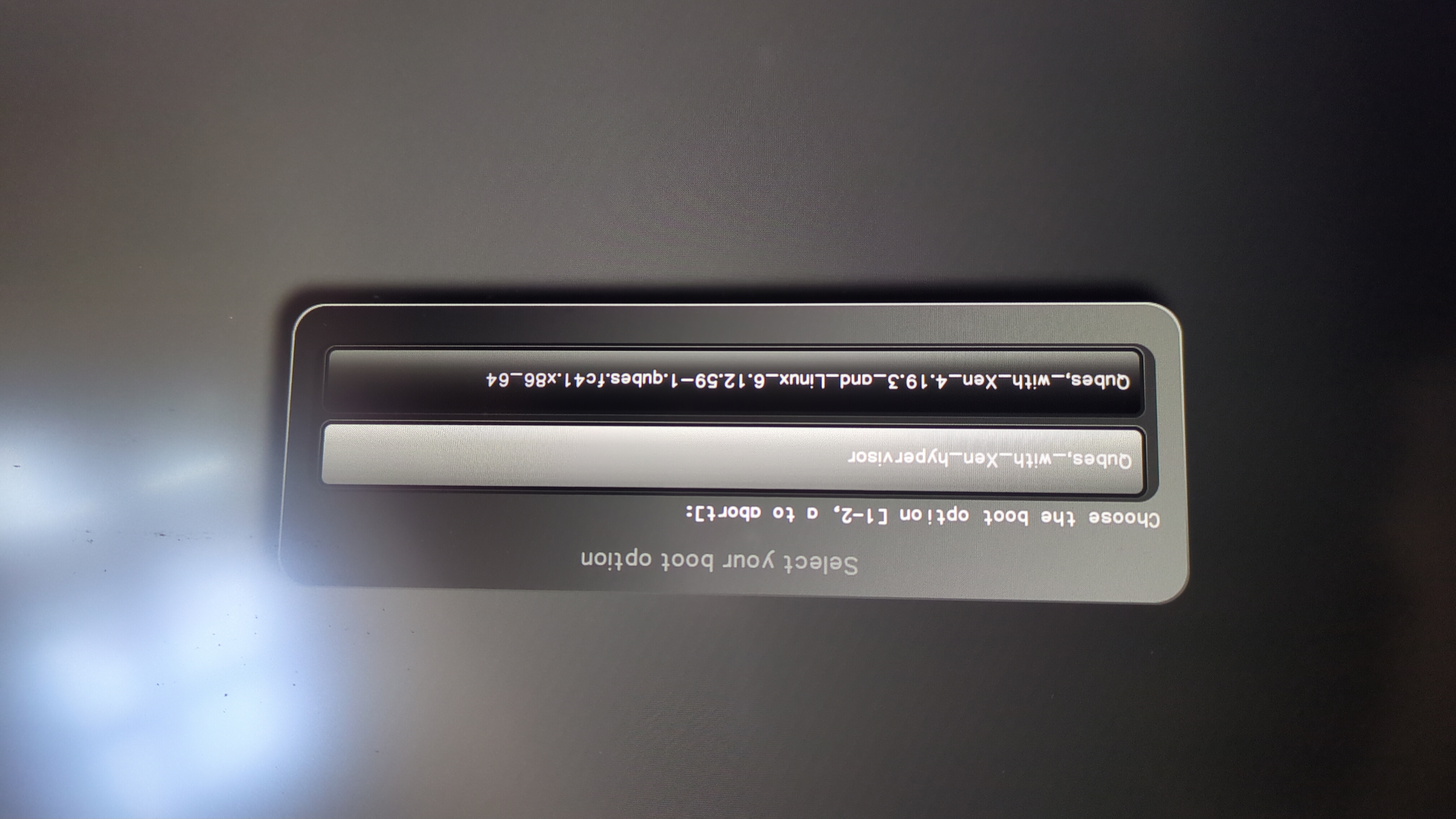
Ez a kérés jelenik meg:
Do you wish to add a disk encryption key to the TPM [y/N]:
Hit enter to choose the default option (N).
Please confirm that your GPG card is inserted [Y/n]:
Here also hit enter for the default option (Y).
It will ask for the Admin PIN which is by default (123456).
Az alaphelyzetbe állítás megtörtént, és a telepített operációs rendszert indítja el.
Csatlakoztassa a Nitrokey-t a NitroPadhez.
Kapcsolja be a NitroPadet.
Válassza a „Beállítások” lehetőséget.
Válassza ki az „OEM-gyári visszaállítás/visszaállítás” lehetőséget.
Erősítse meg az alaphelyzetbe állítást a „Continue” (Folytatás) gomb megnyomásával.
The integrity of your setup will be tested. Depending on your reason to perform the reset this can fail; continue with „OK” anyway.
A következő kérdésekre mindegyiket meg lehet válaszolni a Default segítségével. Csak nyomja meg az Entert, ha csak vissza szeretné állítani a készüléket.
Would you like to change the current LUKS Disk Recovery Key passphrase?
(Highly recommended if you didn't install the Operating System yourself, so that past provisioned passphrase would not permit to access content.
Note that without re-encrypting disk, a backuped header could be restored to access encrypted content with old passphrase) [y/N]: N

Would you like to re-encrypt LUKS encrypted container and generate new Disk Recovery key?
(Highly recommended if you didn't install the operating system yourself: this would prevent any LUKS backuped header to be restored to access encrypted data) [y/N]: N

The following security components will be provisioned with defaults or chosen PINs/passwords:

TPM Ownership password
GPG Admin PIN
GPG User PIN

Would you like to set a single custom password that will be provisioned to previously stated security components? [y/N]: N

Would you like to set distinct PINs/passwords to be provisioned to previously stated security components? [y/N]: N

Would you like to set custom user Information for the GnPG key?[y/N]: N

Would you like to set custom user information for the GnuPG key? [y/N]: N

Checking for USB Security Dongle...

Detecting and setting boot device...

Boot device set to /dev/nvme0n1p2

Resetting TPM...

Resetting GPG Key...
(this will take around 3 minuts...)

Changing default GPG Admin PIN

Changing default GPG User PIN

Reading current firmware
(this will take a minute or two)

Adding generated key to current firmware and re-flashing...

Signing boot files and generating checksums
Megjelenik az alapértelmezett GPG PINS és a TPM jelszó.
Confirm the subsequent restart.
Az újraindítás után létre kell hozni az OTP-titkot. Erősítse meg a folyamatot az Enter billentyűvel.
TPM-jelszó megadása (alapértelmezett: 12345678)
Scan the QR code with your phone to import the TOTP secret (optional) and hit Enter.
When prompted, enter the Admin PIN of your Nitrokey (Default:
12345678) and hit Enter.
Ezután el kell érnie a Start menüt.
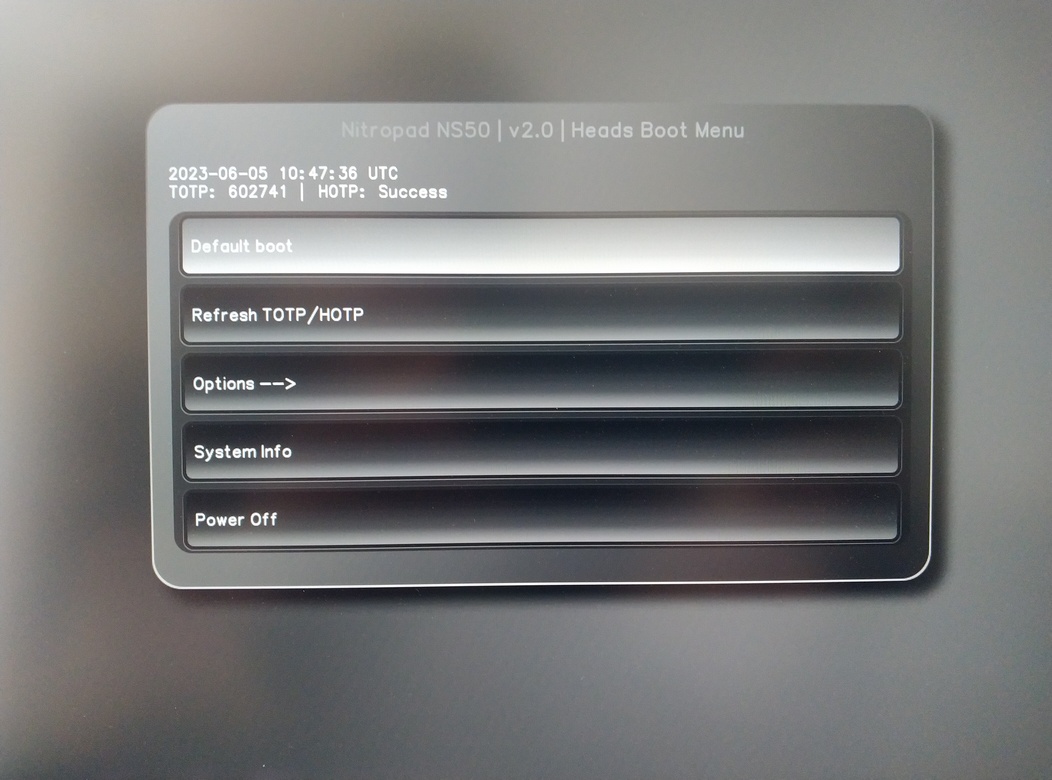
Nyomja meg az Entert az „Alapértelmezett indítás” elindításához.
Megjegyzés
If you see the message that no default exists yet, please follow the procedure described in default boot.