Factory Reset Heads v2.0+
Tehasesätete lähtestamise põhjused
Teie Nitrokey on lukustatud (nt mitme vale PIN-koodi sisestamise tõttu).
Te olete kaotanud oma Nitrokey (sellisel juhul vajate kõigepealt uut).
Te olete ise paigaldanud operatsioonisüsteemi (nt pärast kõvaketta vahetamist).
Teie operatsioonisüsteem ei käivitu
Hoiatus
All GPG keys of your Nitrokey will be deleted during this procedure.
Menetlus
Ühendage oma Nitrokey NitroPadiga.
Turn on the NitroPad and interrupt the automatic boot by pressing any key.
Valige „Valikud“.
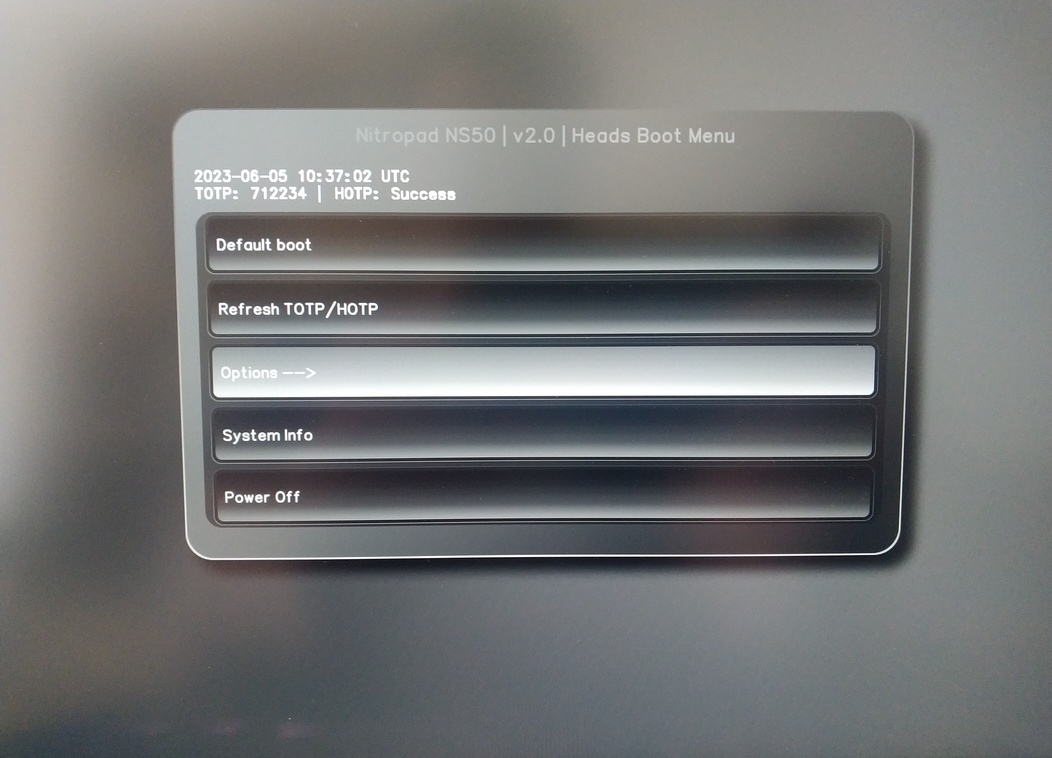
Valige „OEM-Factory Reset /Re-Omanership“.
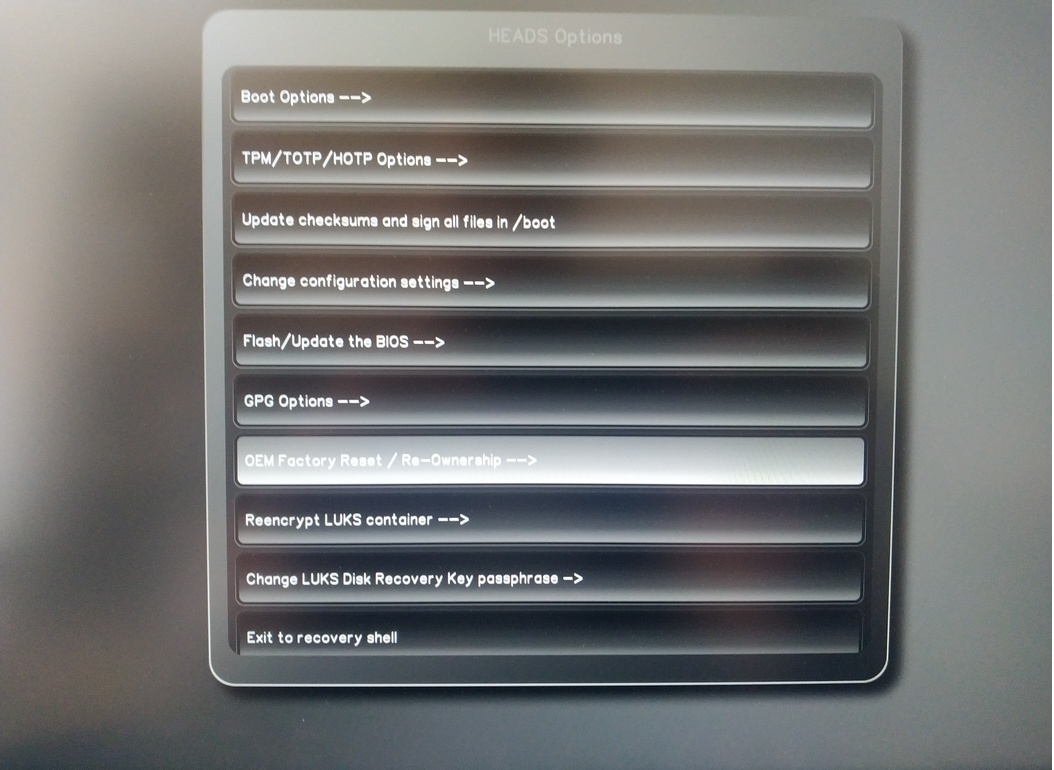
Confirm reset with “Continue”.
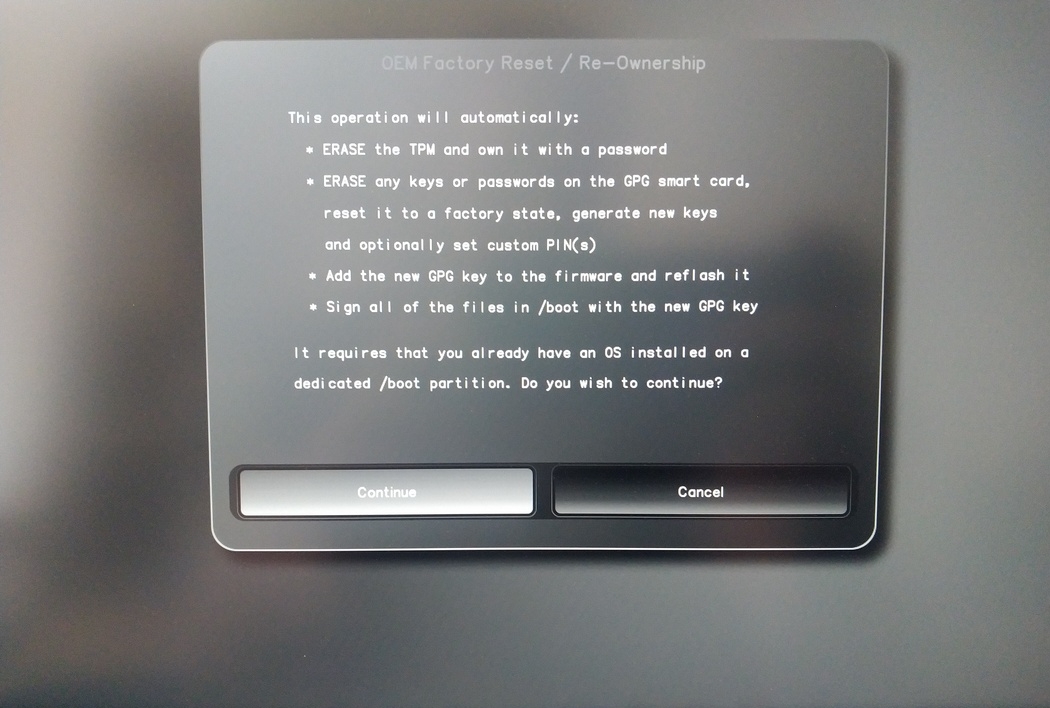
The integrity of your setup will be tested. Depending on your reason to perform the reset this can fail; continue with „OK“ anyway.
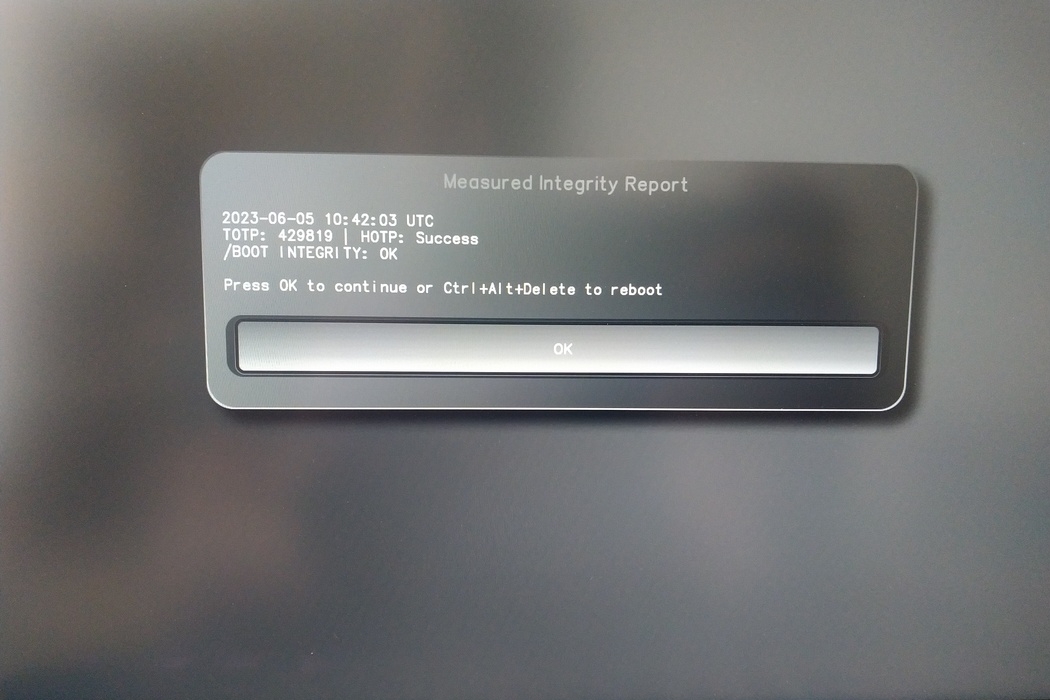
You will be prompted with:
Would you like to use default configuration option?
If N, you will be prompted for each option [Y/n]:

You can hit enter for the default option (Y).
Kuvatakse teine ekraaniprogramm:
Would you like to export your public key to an USB drive? [y/N]:
Valige ka vaikimisi valik (N), vajutades enter.
Selle protsessi ajal peate puudutama oma Nitrokey’t, kui seda küsitakse.
Nüüd näitab see kõiki PIN-koode, mida pead kasutavad:
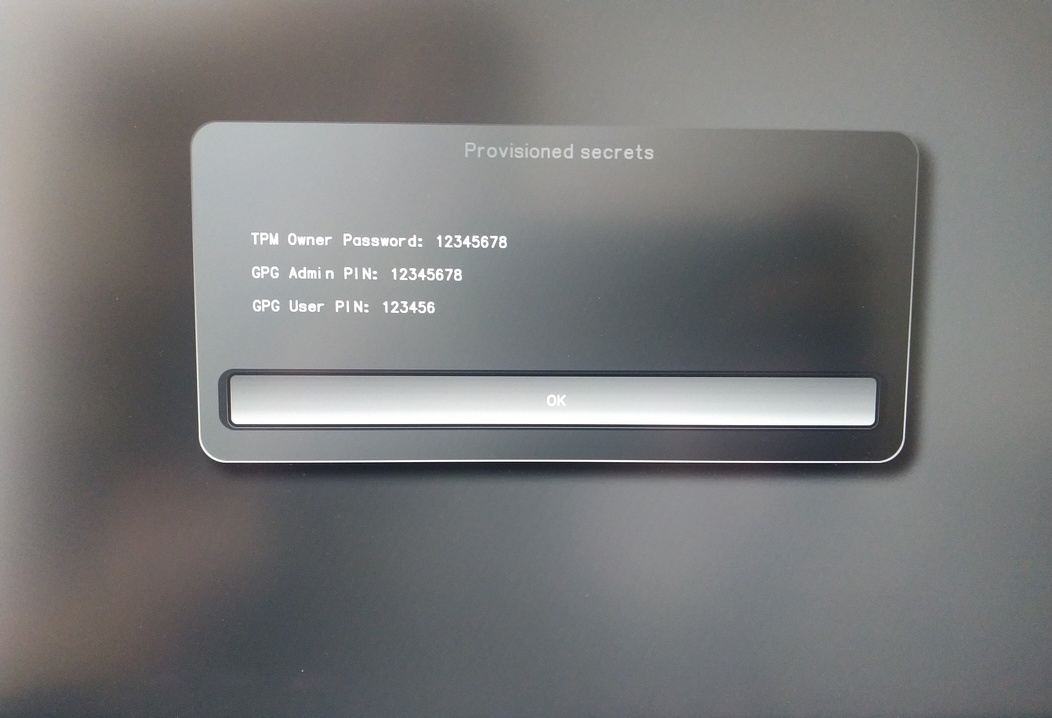
Te vajate neid teatud protseduuride jaoks, seega pidage need kindlasti meeles.
Confirm the subsequent restart.
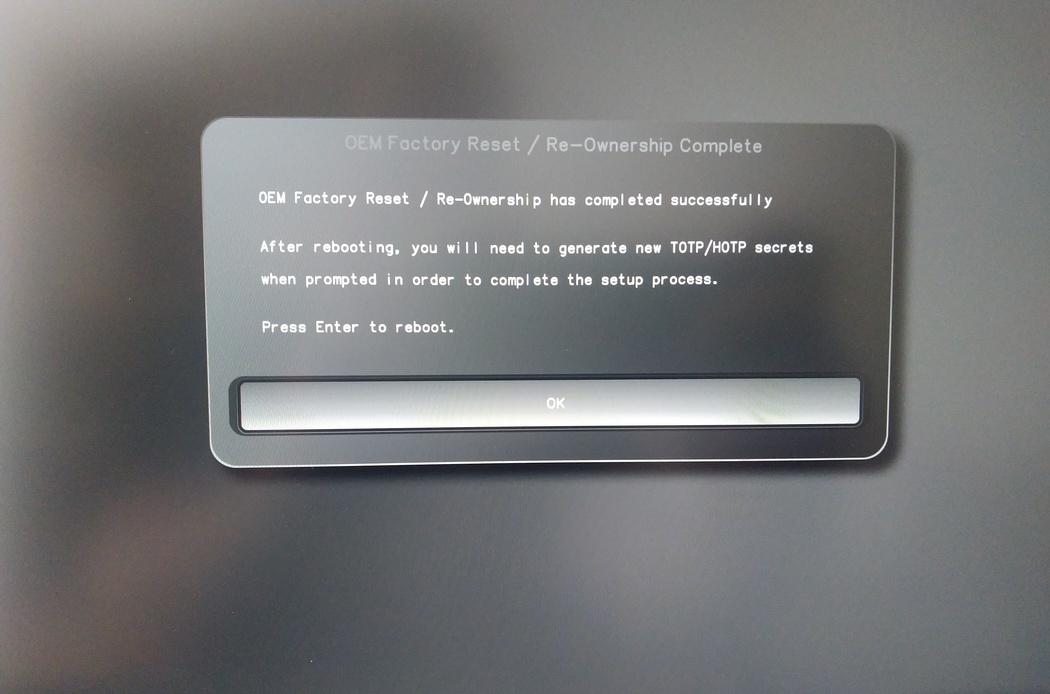
Pärast taaskäivitamist tuleb luua OTP-saladus. Kinnitage protsess Enteriga.
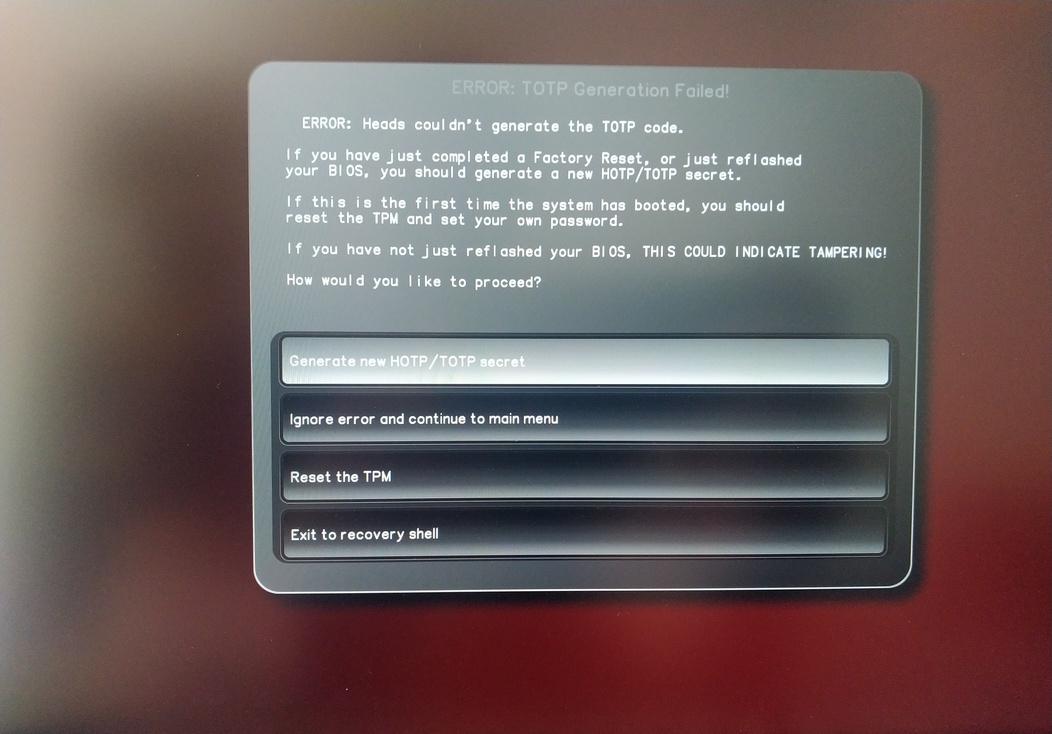
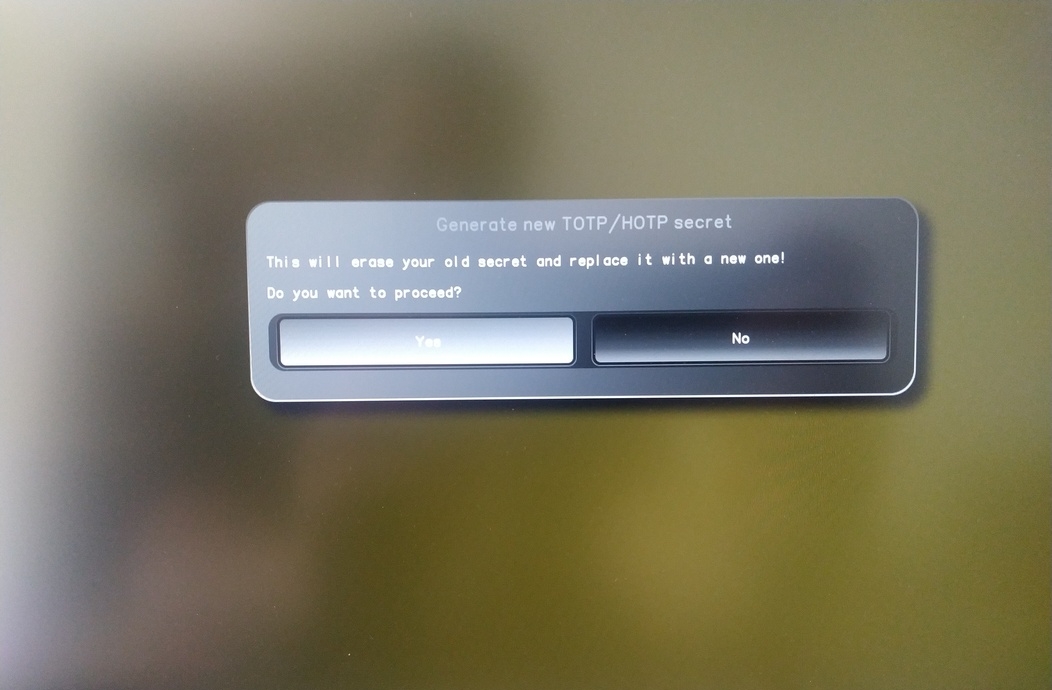
Enter TPM Owner Password (Default:
12345678)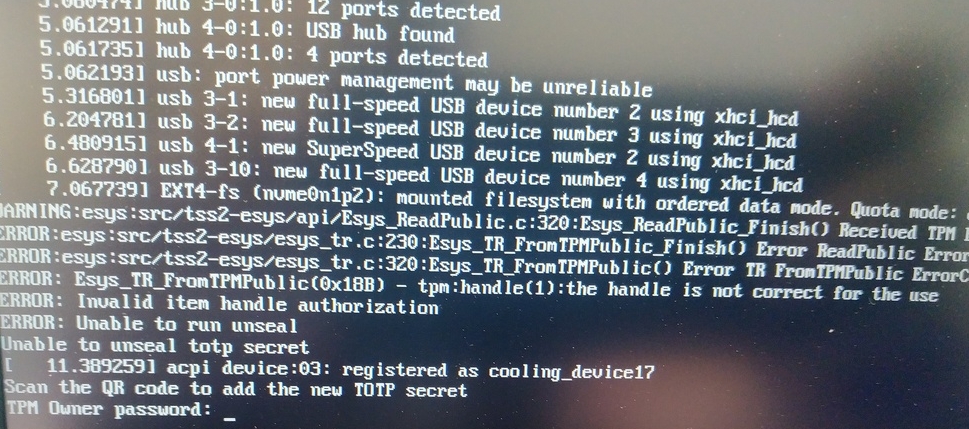
Scan QR code with Phone to import TOTP Secret (optional) and hit Enter
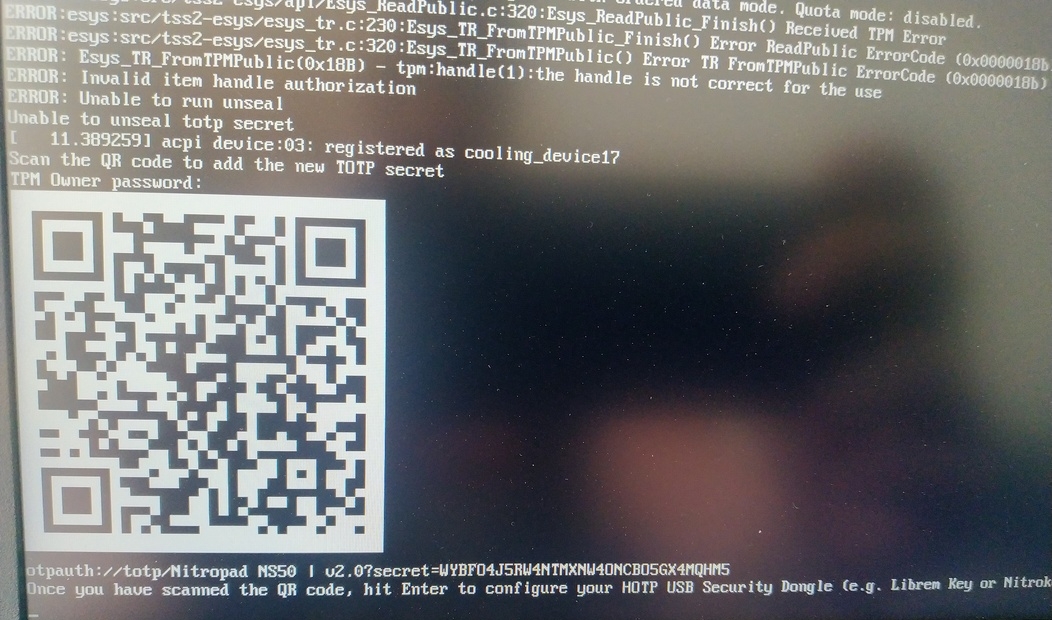
When asked touch your Nitrokey.
When prompted, enter the Secret App PIN of your Nitrokey (Default: 12345678) and hit Enter
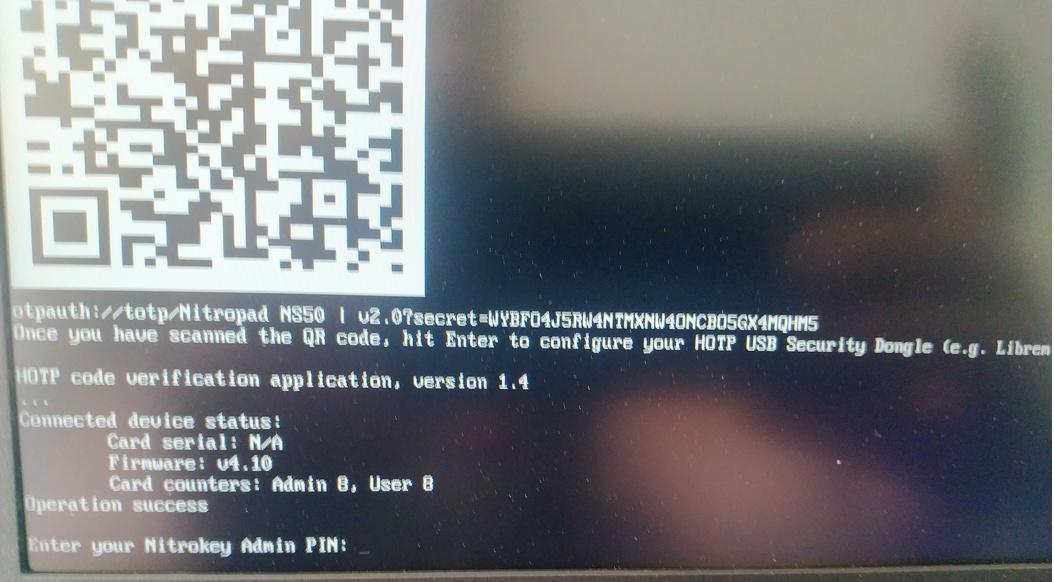
Vajutage enter ja automaatne käivitamine algab.
Nüüd peate valima oma vaikimisi algkäivituse, valige esimene valik ja tehke see vaikimisi.
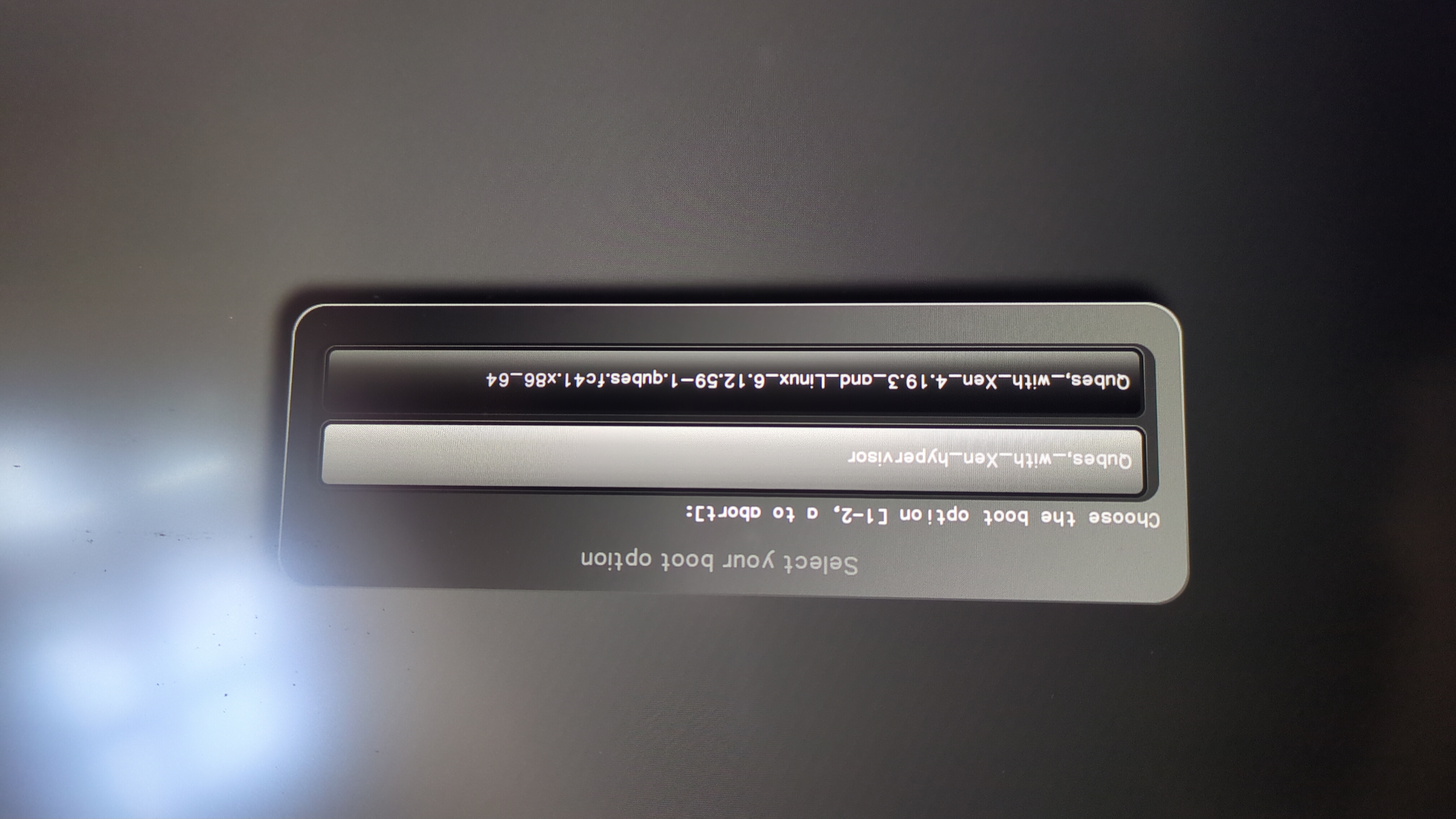
Ilmub see üleskutse:
Do you wish to add a disk encryption key to the TPM [y/N]:
Hit enter to choose the default option (N).
Please confirm that your GPG card is inserted [Y/n]:
Here also hit enter for the default option (Y).
It will ask for the Admin PIN which is by default (123456).
Lähtestamine on tehtud ja te käivitate oma paigaldatud operatsioonisüsteemi.
Ühendage oma Nitrokey NitroPadiga.
Lülitage NitroPad sisse.
Valige „Valikud“.
Valige „OEM-Factory Reset /Re-Omanership“.
Kinnitage nullimine klahviga „Jätka“.
The integrity of your setup will be tested. Depending on your reason to perform the reset this can fail; continue with „OK“ anyway.
Järgnevale küsimusele saab vastata vaikimisi. Vajutage lihtsalt Enter, kui soovite ainult seadme lähtestamist.
Would you like to change the current LUKS Disk Recovery Key passphrase?
(Highly recommended if you didn't install the Operating System yourself, so that past provisioned passphrase would not permit to access content.
Note that without re-encrypting disk, a backuped header could be restored to access encrypted content with old passphrase) [y/N]: N

Would you like to re-encrypt LUKS encrypted container and generate new Disk Recovery key?
(Highly recommended if you didn't install the operating system yourself: this would prevent any LUKS backuped header to be restored to access encrypted data) [y/N]: N

The following security components will be provisioned with defaults or chosen PINs/passwords:

TPM Ownership password
GPG Admin PIN
GPG User PIN

Would you like to set a single custom password that will be provisioned to previously stated security components? [y/N]: N

Would you like to set distinct PINs/passwords to be provisioned to previously stated security components? [y/N]: N

Would you like to set custom user Information for the GnPG key?[y/N]: N

Would you like to set custom user information for the GnuPG key? [y/N]: N

Checking for USB Security Dongle...

Detecting and setting boot device...

Boot device set to /dev/nvme0n1p2

Resetting TPM...

Resetting GPG Key...
(this will take around 3 minuts...)

Changing default GPG Admin PIN

Changing default GPG User PIN

Reading current firmware
(this will take a minute or two)

Adding generated key to current firmware and re-flashing...

Signing boot files and generating checksums
See näitab vaikimisi GPG PIN-koode ja TPM-i parooli.
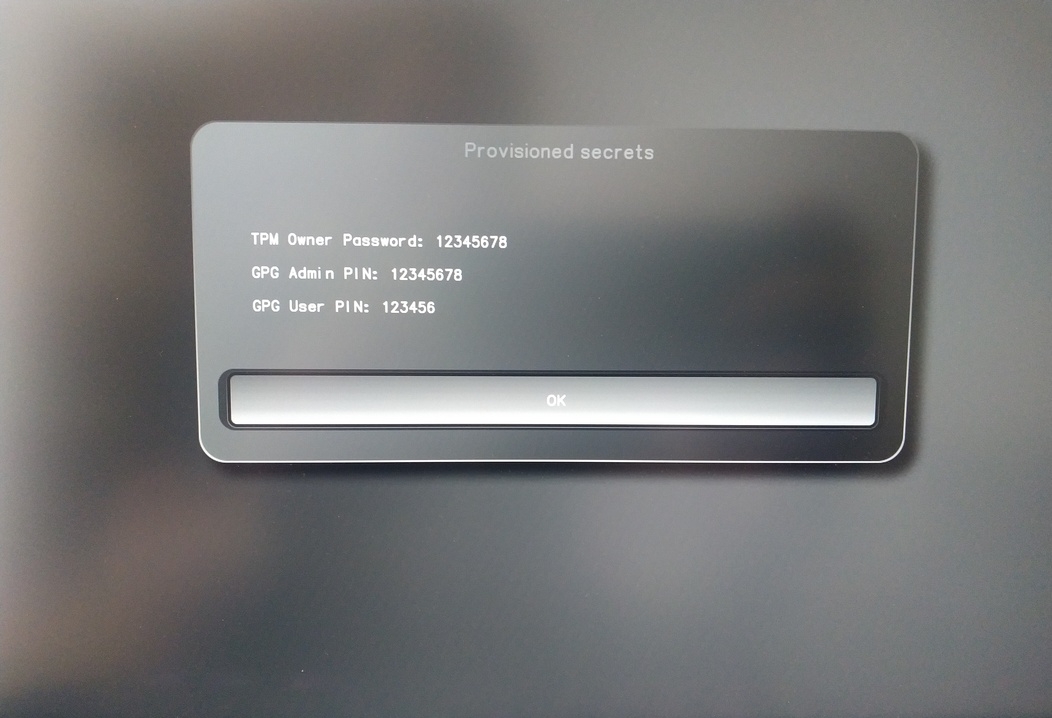
Confirm the subsequent restart.
Pärast taaskäivitamist tuleb luua OTP-saladus. Kinnitage protsess Enteriga.
Sisestage TPM-i parool (vaikimisi: 12345678)
Scan the QR code with your phone to import the TOTP secret (optional) and hit Enter.
When prompted, enter the Admin PIN of your Nitrokey (Default:
12345678) and hit Enter.
Seejärel peaksite jõudma menüüsse Start.
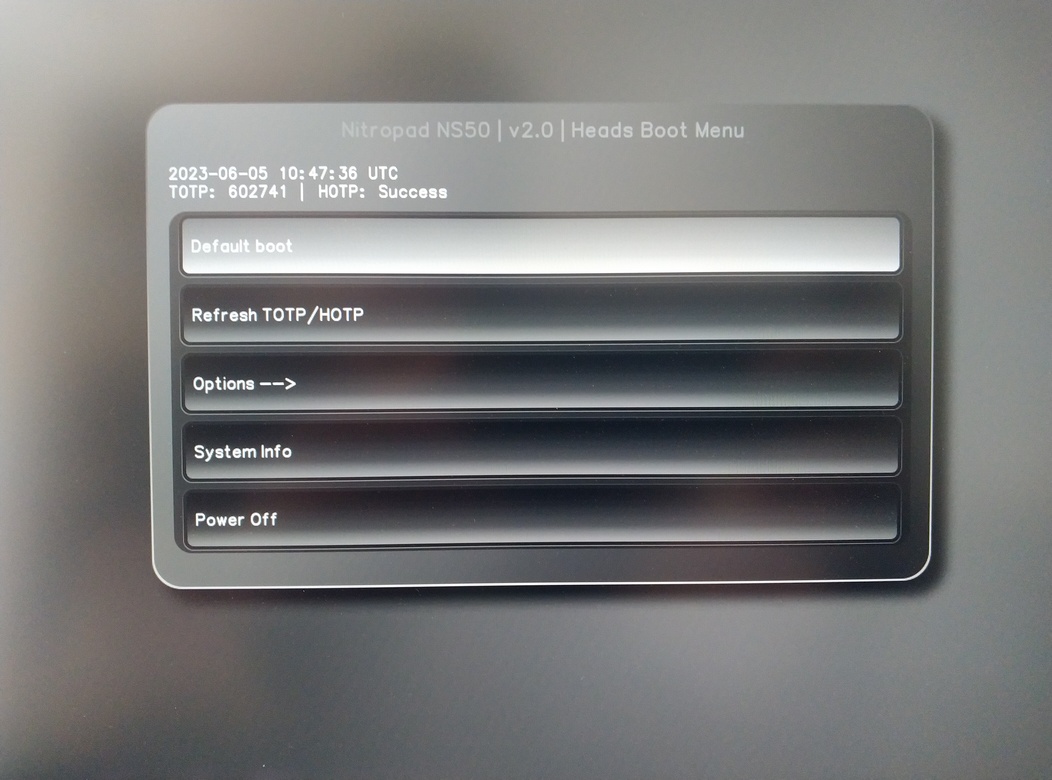
Vajutage Enter, et käivitada „Default Boot“.
Märkus
If you see the message that no default exists yet, please follow the procedure described in default boot.