Factory Reset Heads v2.0+
Motivi per ripristinare le impostazioni di fabbrica
Your Nitrokey is locked (e.g. due to multiple incorrect PIN entries)
Hai perso la tua Nitrokey (in questo caso avrai bisogno di una nuova chiave)
You have installed an operating system yourself (e.g. after changing the hard disk)
Il sistema operativo non si avvia
Avvertimento
All GPG keys of your Nitrokey will be deleted during this procedure.
Procedura
Collega la tua Nitrokey al NitroPad.
Turn on the NitroPad and interrupt the automatic boot by pressing any key.
Selezionare «Opzioni».
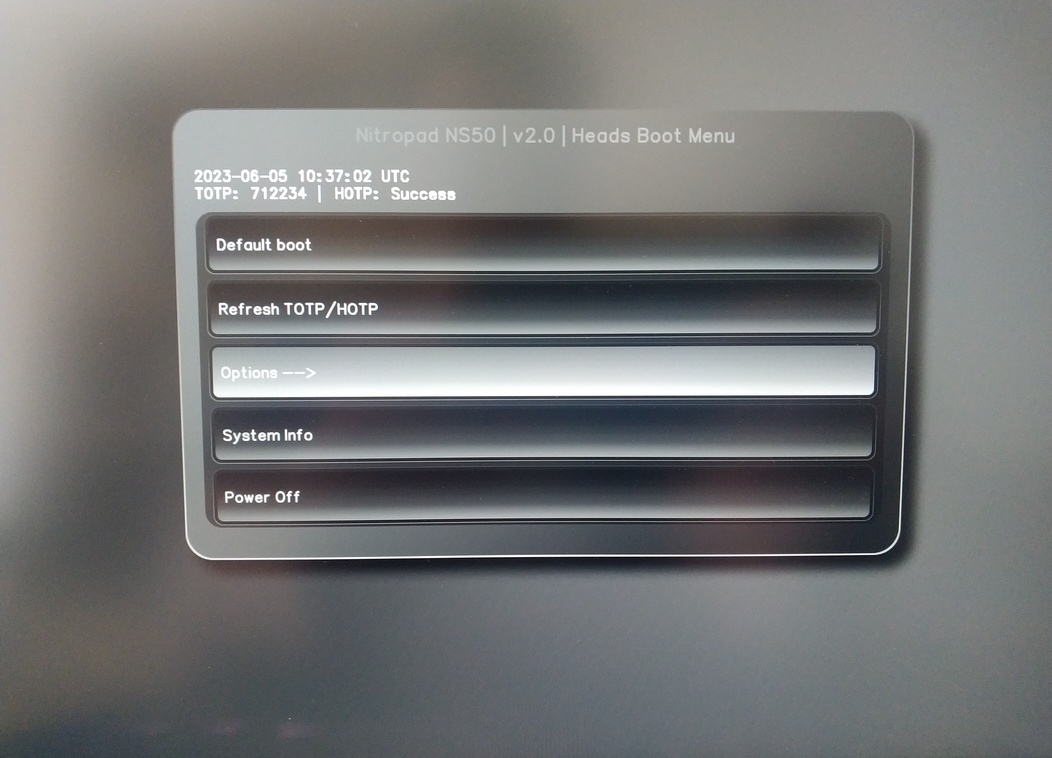
Selezionare «OEM-Ripristino di fabbrica/Ripristino di proprietà».
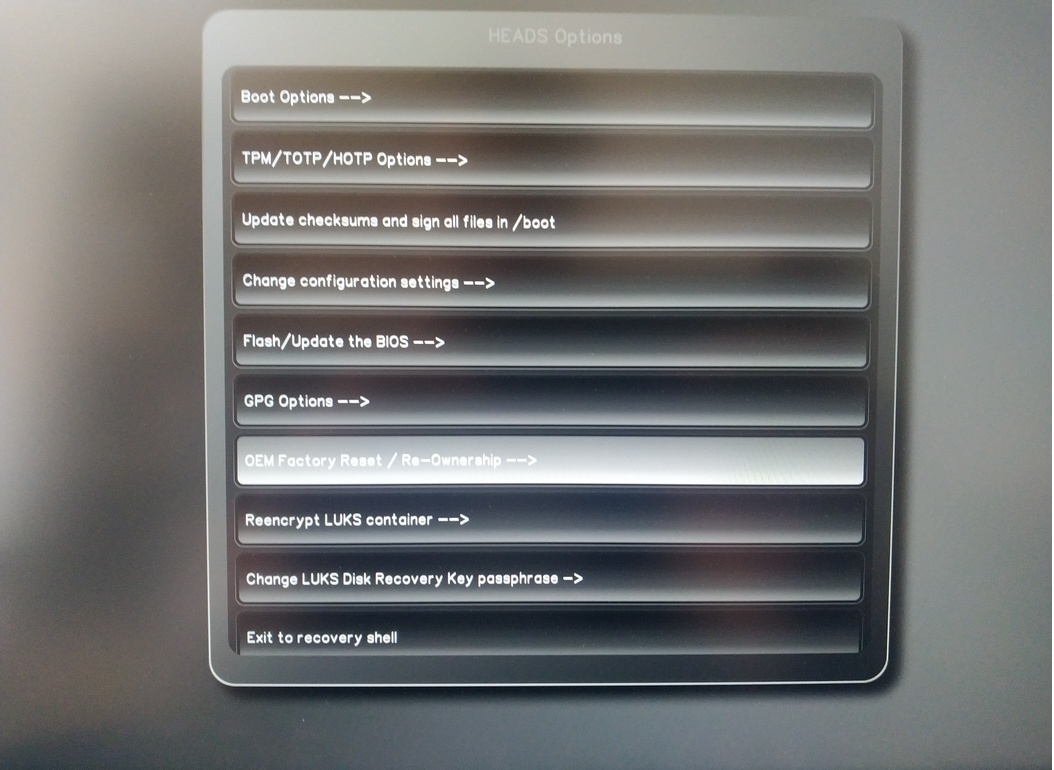
Confirm reset with “Continue”.
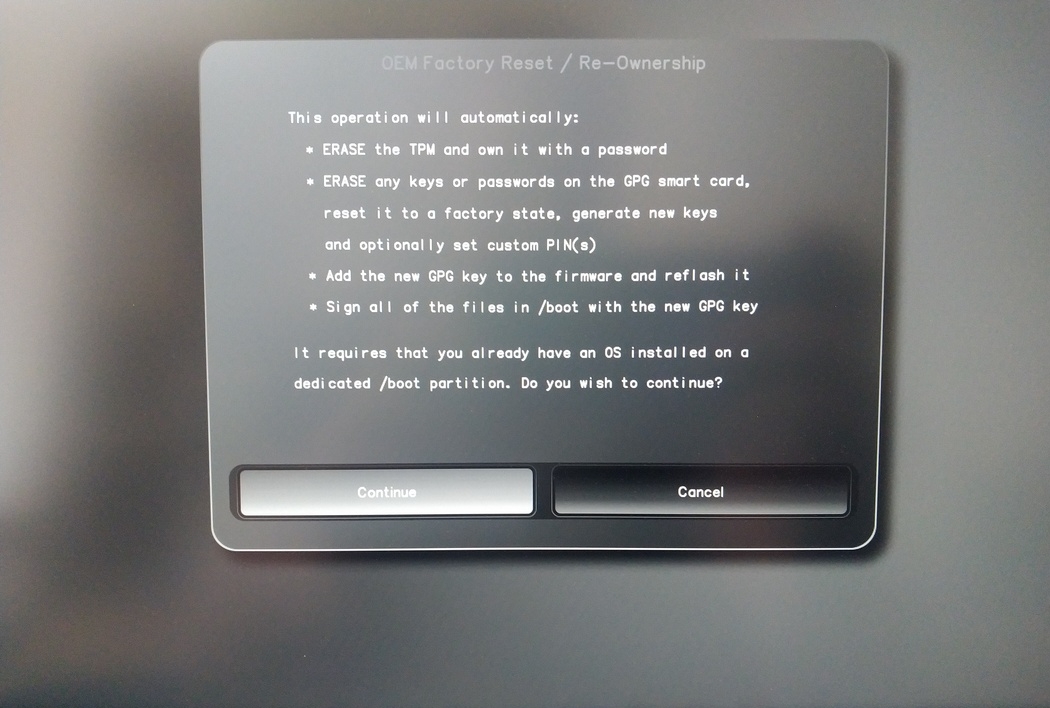
The integrity of your setup will be tested. Depending on your reason to perform the reset this can fail; continue with «OK» anyway.
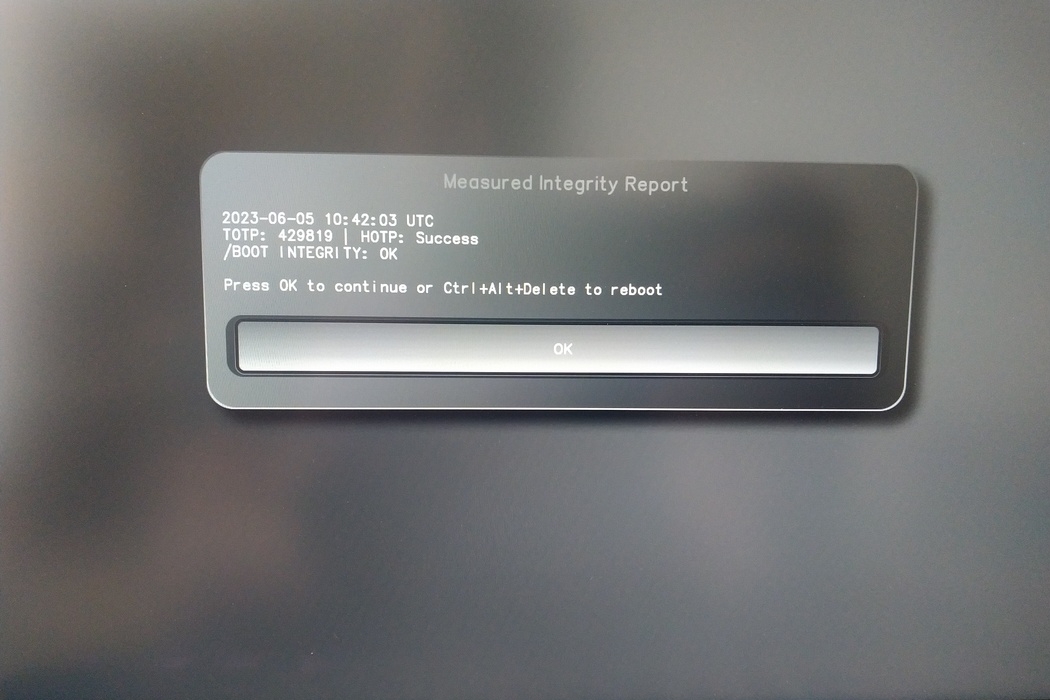
You will be prompted with:
Would you like to use default configuration option?
If N, you will be prompted for each option [Y/n]:

You can hit enter for the default option (Y).
Viene visualizzato un secondo messaggio:
Would you like to export your public key to an USB drive? [y/N]:
Scegliete anche l’opzione predefinita (N) premendo invio.
Durante questo processo è necessario toccare la Nitrokey quando viene richiesto.
Ora mostra tutti i PIN utilizzati da Heads:
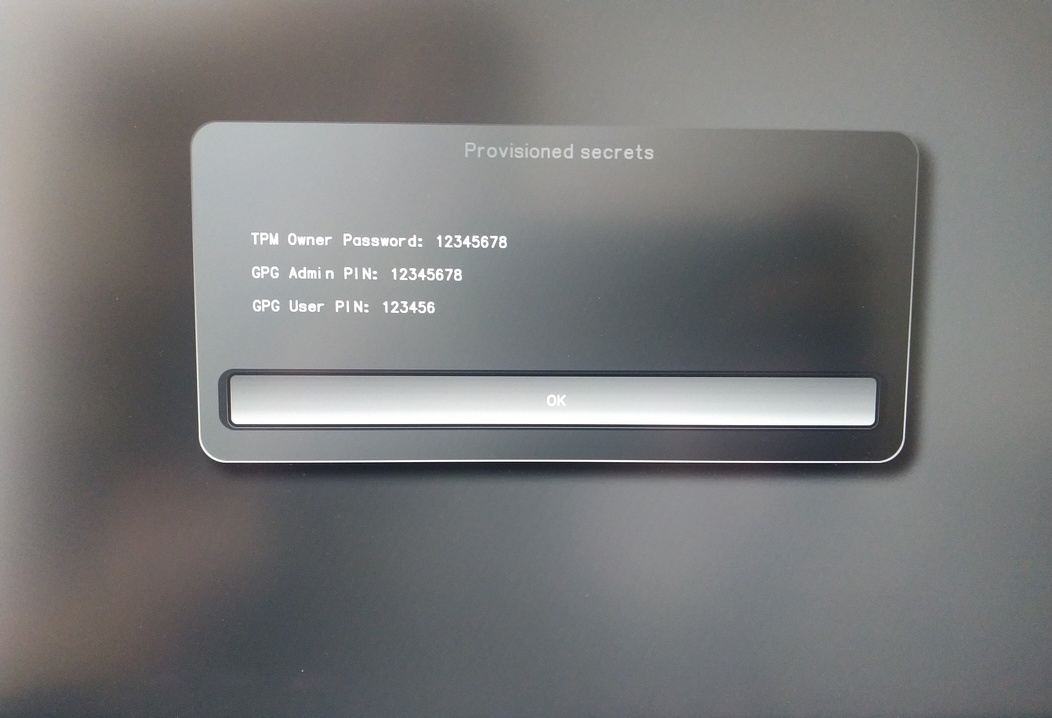
I dati sono necessari per determinate procedure, quindi assicuratevi di ricordarli.
Confirm the subsequent restart.
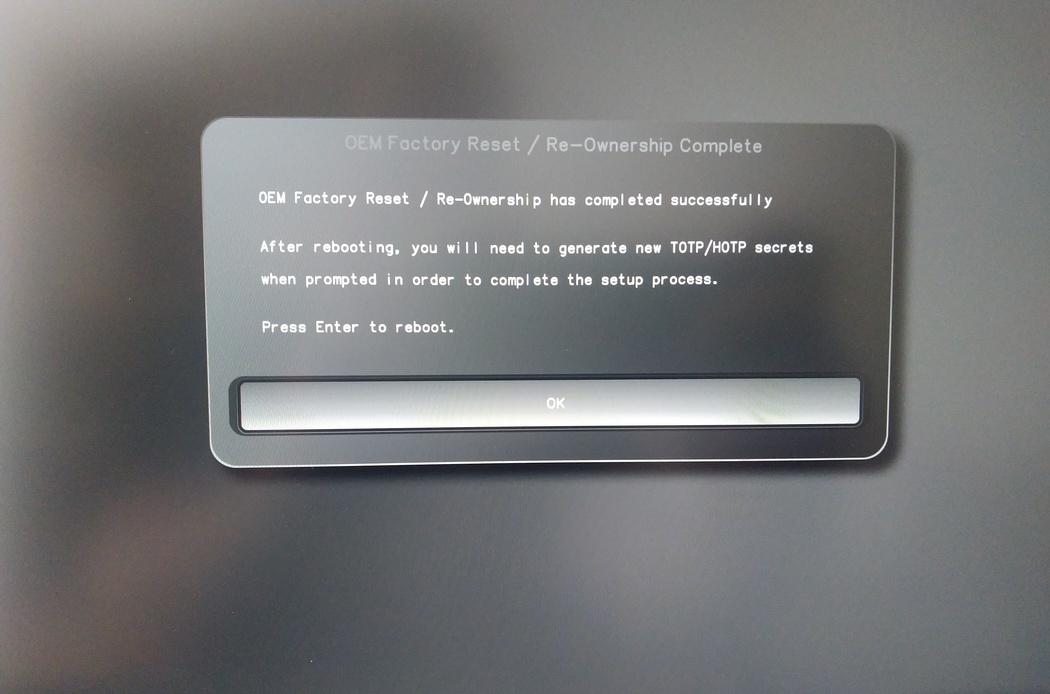
Dopo il riavvio deve essere creato il segreto OTP. Confermare il processo con Enter.
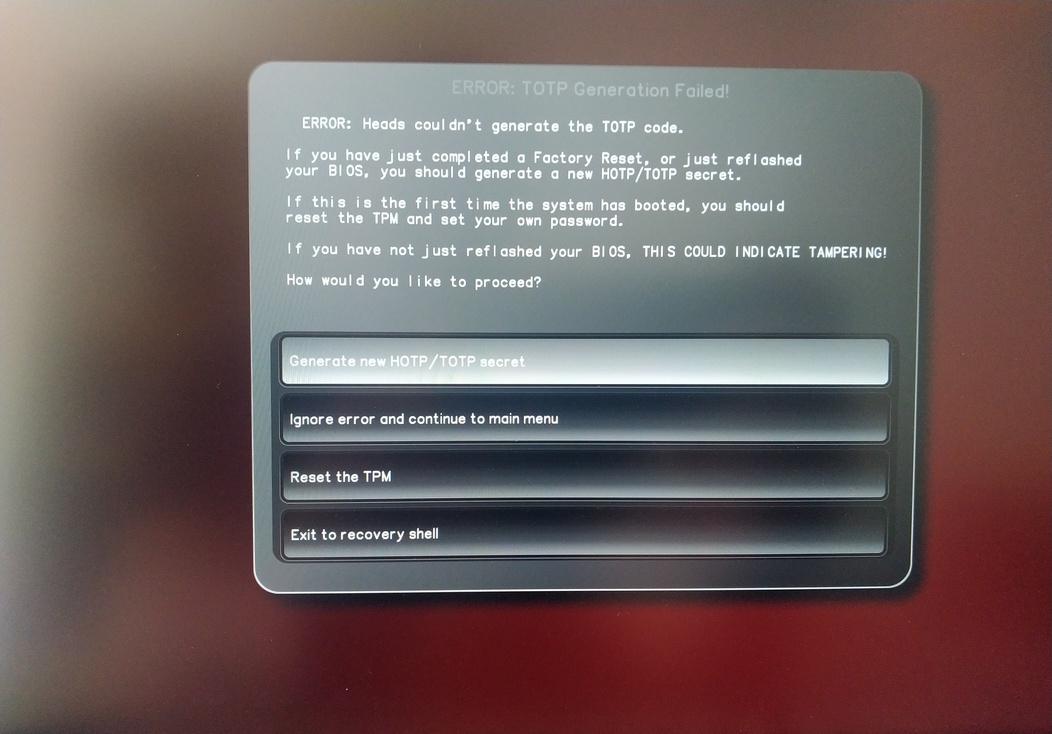
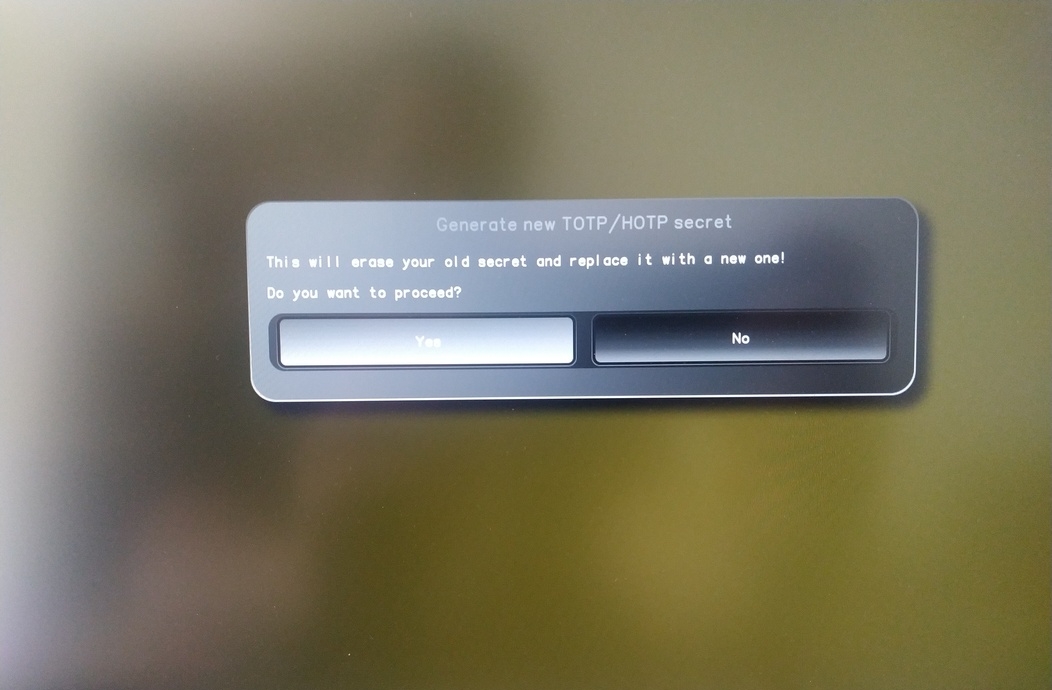
Enter TPM Owner Password (Default:
12345678)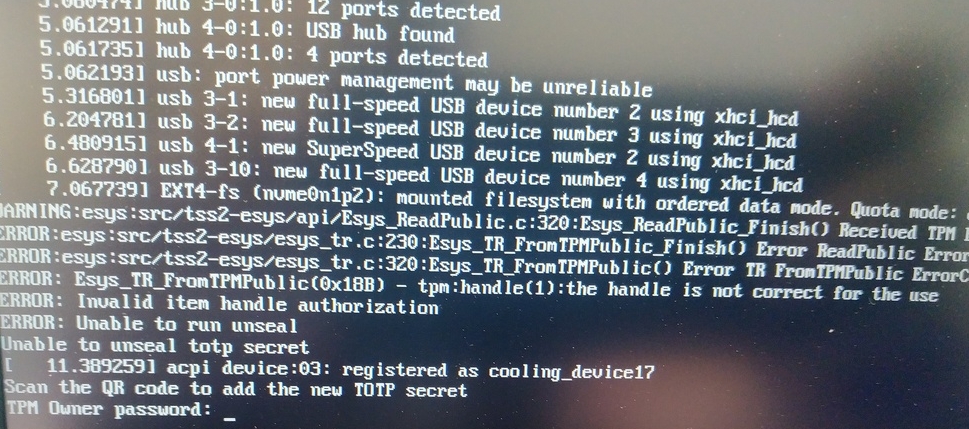
Scan QR code with Phone to import TOTP Secret (optional) and hit Enter
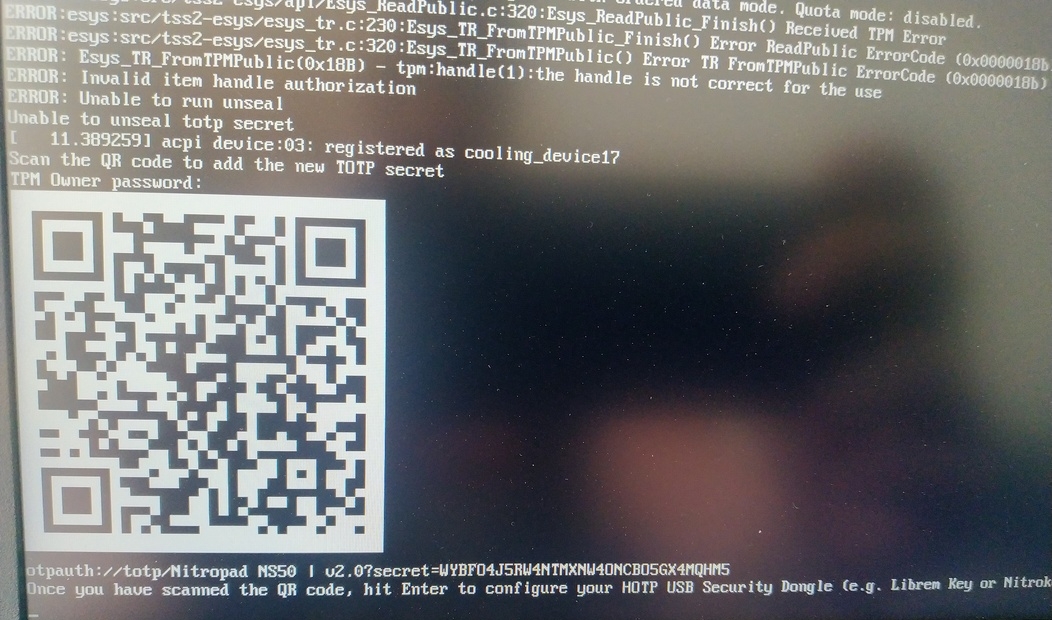
When asked touch your Nitrokey.
When prompted, enter the Secret App PIN of your Nitrokey (Default: 12345678) and hit Enter
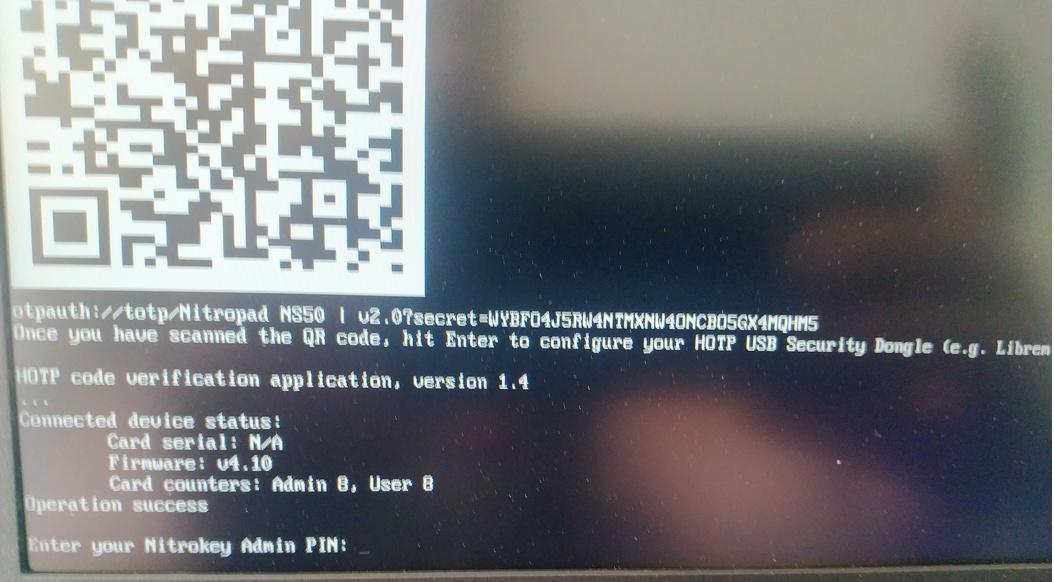
Premete invio e si avvierà l’avvio automatico.
Ora è necessario selezionare l’avvio predefinito, scegliere la prima opzione e renderla predefinita.
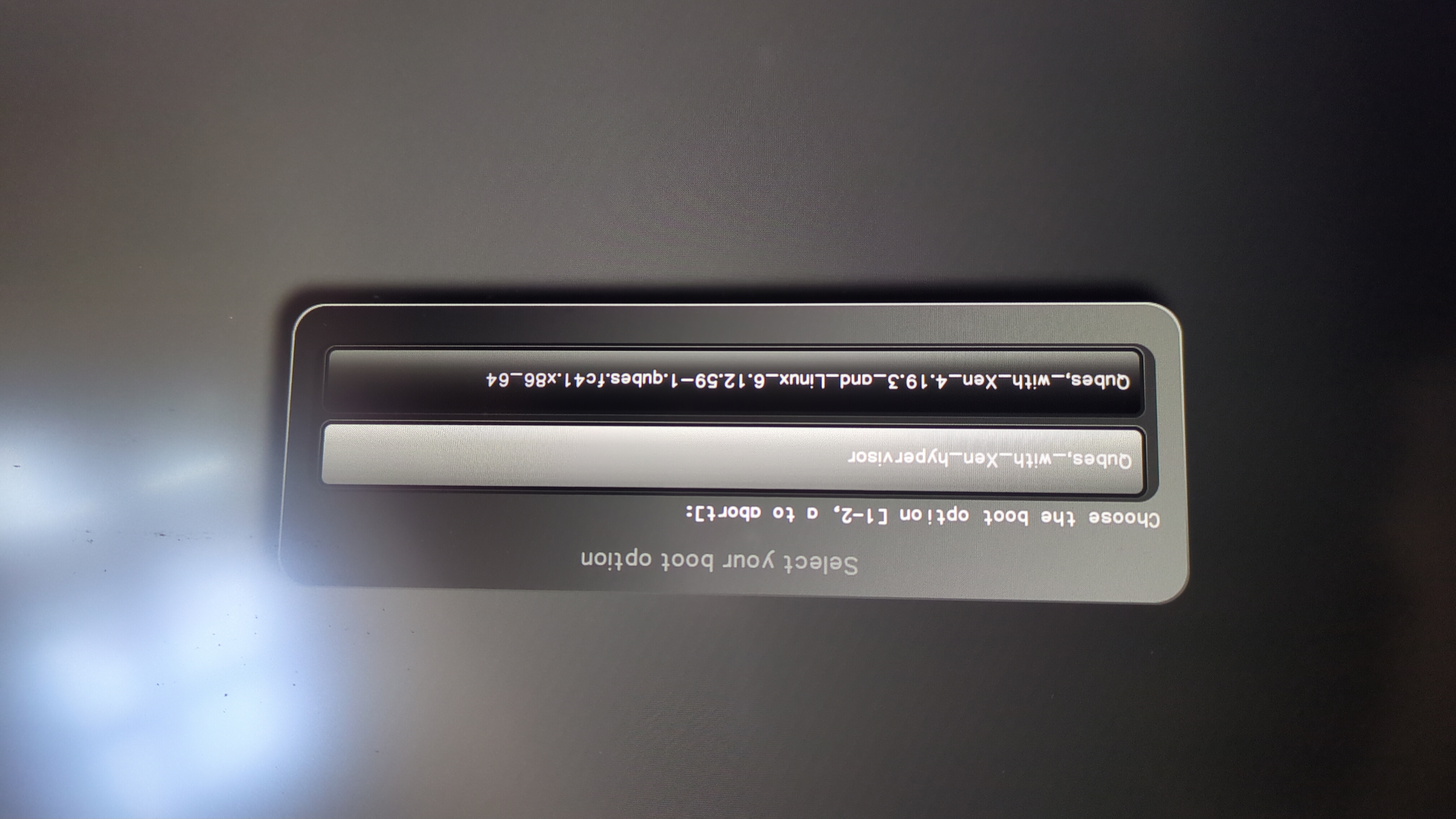
Viene visualizzato questo messaggio:
Do you wish to add a disk encryption key to the TPM [y/N]:
Hit enter to choose the default option (N).
Please confirm that your GPG card is inserted [Y/n]:
Here also hit enter for the default option (Y).
It will ask for the Admin PIN which is by default (123456).
Il ripristino è stato eseguito e si sta avviando il sistema operativo installato.
Collega la tua Nitrokey al NitroPad.
Accendere il NitroPad.
Selezionare «Opzioni».
Selezionare «OEM-Ripristino di fabbrica/Ripristino di proprietà».
Confermare il reset con «Continua».
The integrity of your setup will be tested. Depending on your reason to perform the reset this can fail; continue with «OK» anyway.
Le seguenti domande possono essere tutte risolte con l’opzione Default. Basta premere invio se si vuole solo resettare il dispositivo.
Would you like to change the current LUKS Disk Recovery Key passphrase?
(Highly recommended if you didn't install the Operating System yourself, so that past provisioned passphrase would not permit to access content.
Note that without re-encrypting disk, a backuped header could be restored to access encrypted content with old passphrase) [y/N]: N

Would you like to re-encrypt LUKS encrypted container and generate new Disk Recovery key?
(Highly recommended if you didn't install the operating system yourself: this would prevent any LUKS backuped header to be restored to access encrypted data) [y/N]: N

The following security components will be provisioned with defaults or chosen PINs/passwords:

TPM Ownership password
GPG Admin PIN
GPG User PIN

Would you like to set a single custom password that will be provisioned to previously stated security components? [y/N]: N

Would you like to set distinct PINs/passwords to be provisioned to previously stated security components? [y/N]: N

Would you like to set custom user Information for the GnPG key?[y/N]: N

Would you like to set custom user information for the GnuPG key? [y/N]: N

Checking for USB Security Dongle...

Detecting and setting boot device...

Boot device set to /dev/nvme0n1p2

Resetting TPM...

Resetting GPG Key...
(this will take around 3 minuts...)

Changing default GPG Admin PIN

Changing default GPG User PIN

Reading current firmware
(this will take a minute or two)

Adding generated key to current firmware and re-flashing...

Signing boot files and generating checksums
Verranno mostrati i PIN GPG e la password TPM predefiniti.
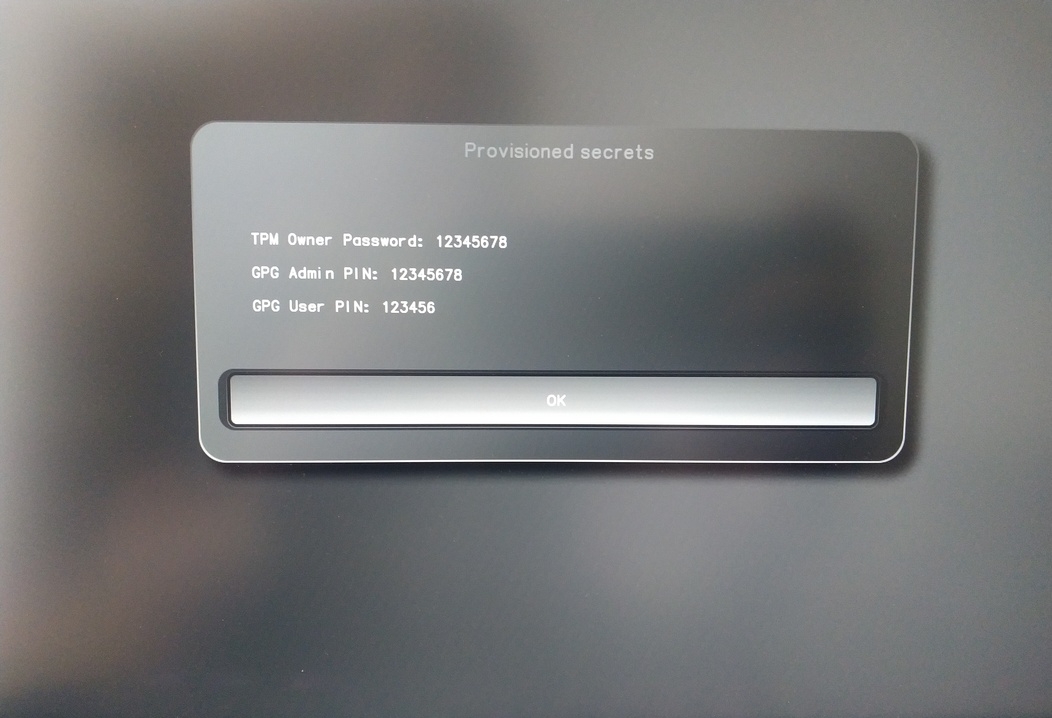
Confirm the subsequent restart.
Dopo il riavvio deve essere creato il segreto OTP. Confermare il processo con Enter.
Inserire la password del TPM (predefinita: 12345678)
Scan the QR code with your phone to import the TOTP secret (optional) and hit Enter.
When prompted, enter the Admin PIN of your Nitrokey (Default:
12345678) and hit Enter.
Si dovrebbe quindi raggiungere il menu Start.
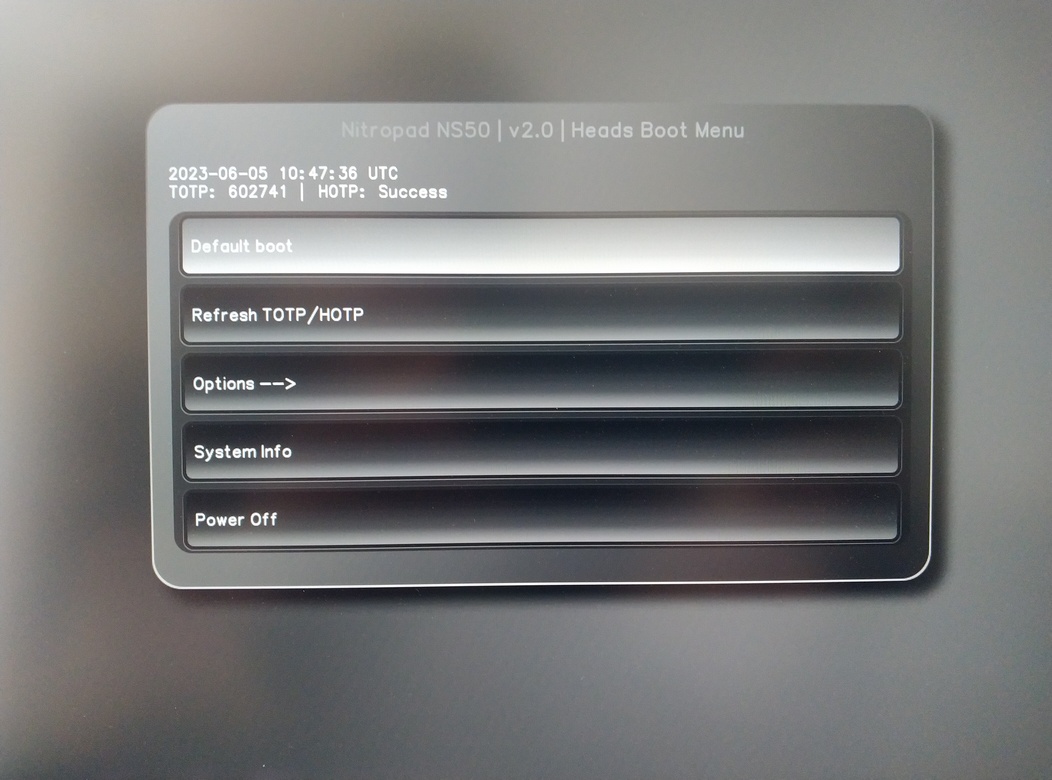
Premere Invio per avviare il «Default Boot».
Nota
If you see the message that no default exists yet, please follow the procedure described in default boot.