Firmware bijwerken
Voor de algemene firmware update volg deze gids. Daarna moeten we blue-merle opnieuw installeren:
Make sure the NW750 has a working Internet connection.
Connect with the WiFi and login to the alternative OpenWrt web interface at https://192.168.8.1/cgi-bin/luci/ using username
rootand the same password used for the other web interface.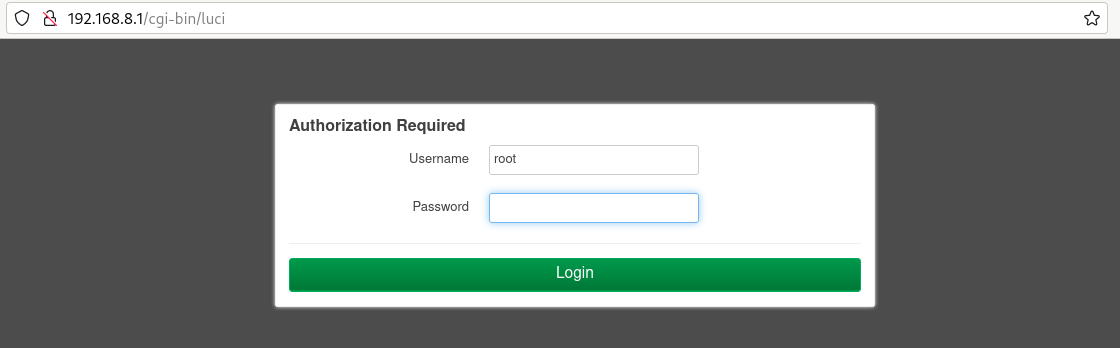
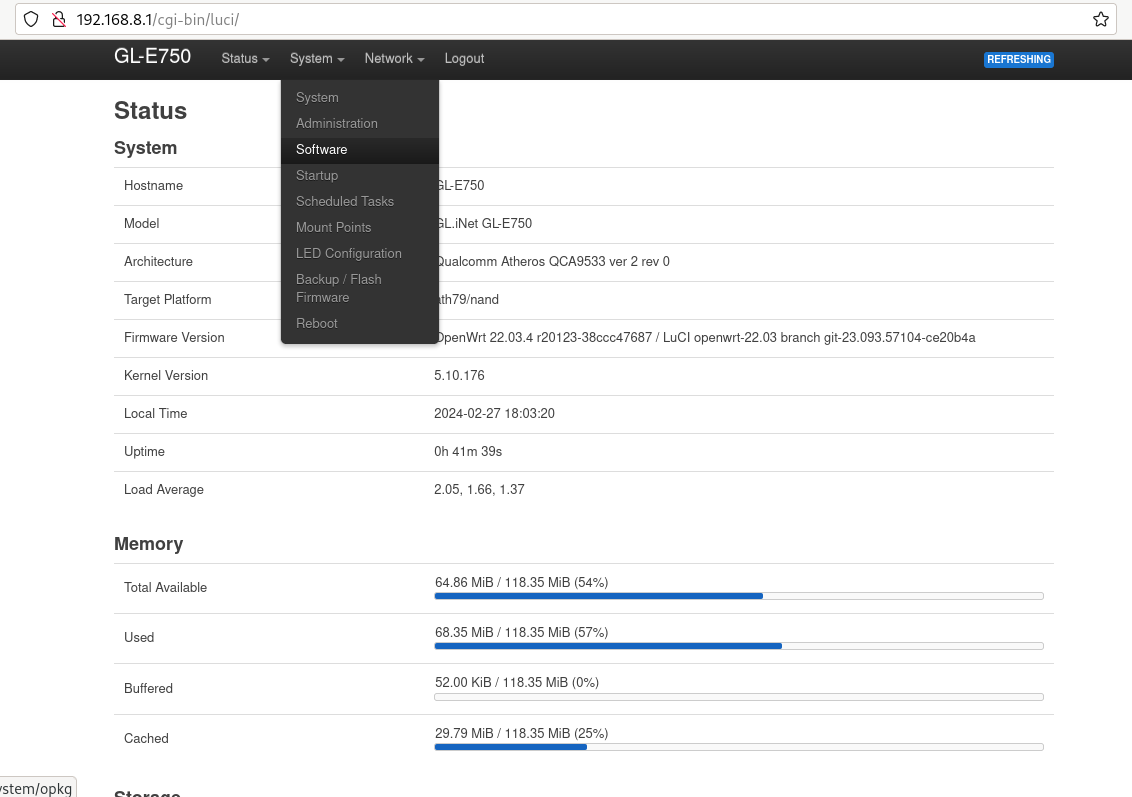
Go to “System” -> “Software”.
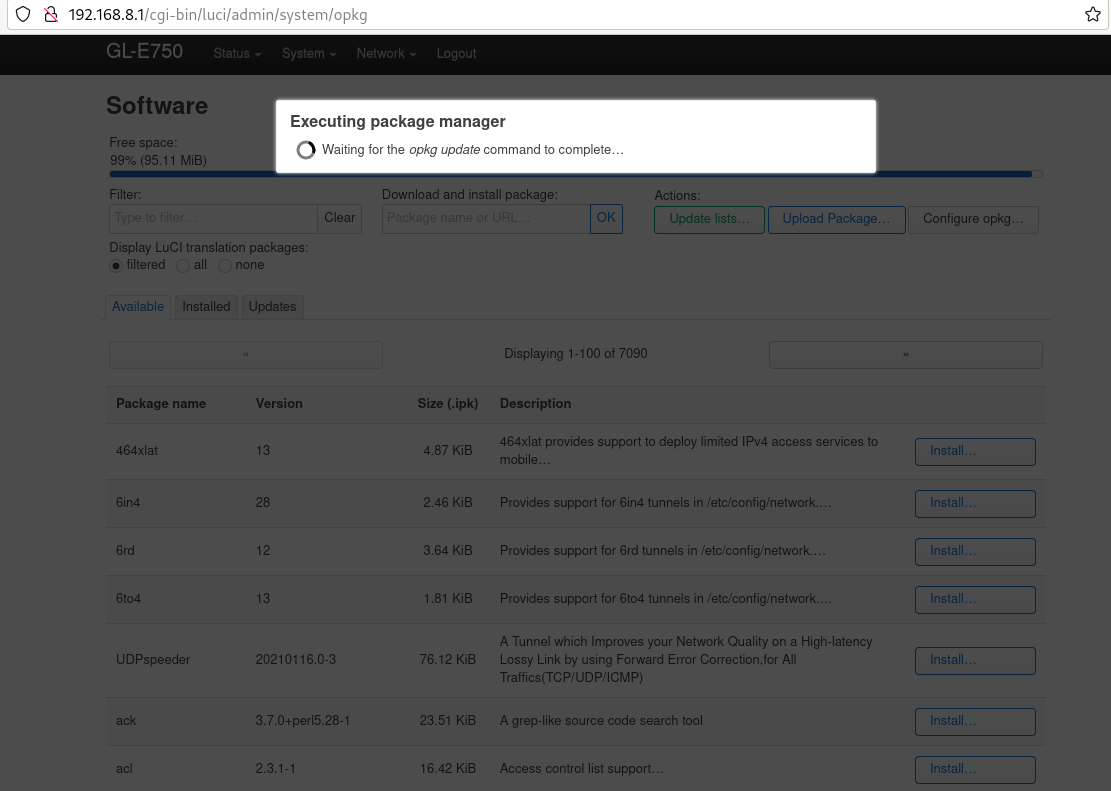
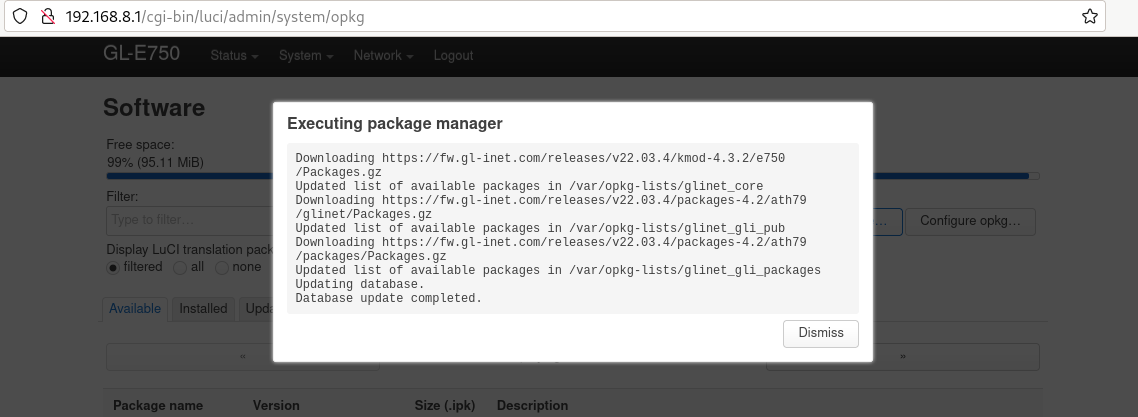
Klik op “lijst bijwerken”. Dit kan even duren, maar als het mislukt betekent dit dat je geen internetverbinding hebt.
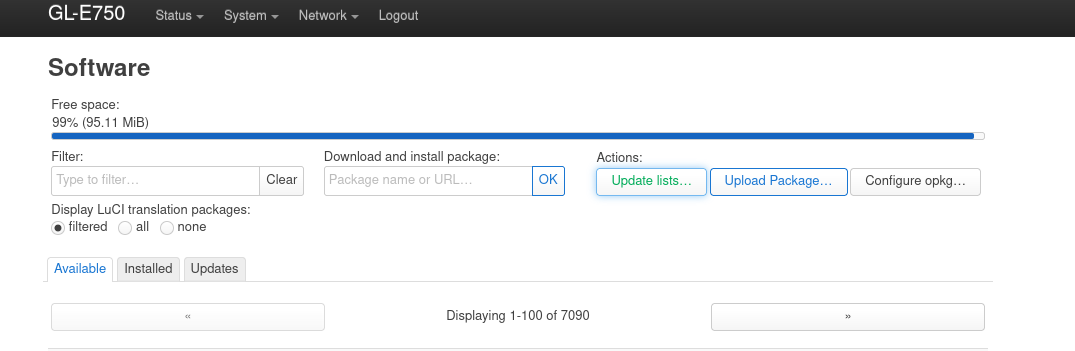
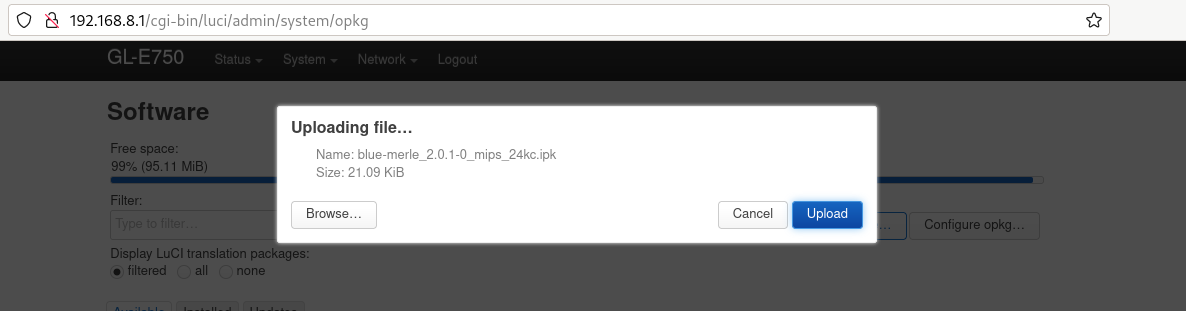
Click “upload package” and upload blue-merle.
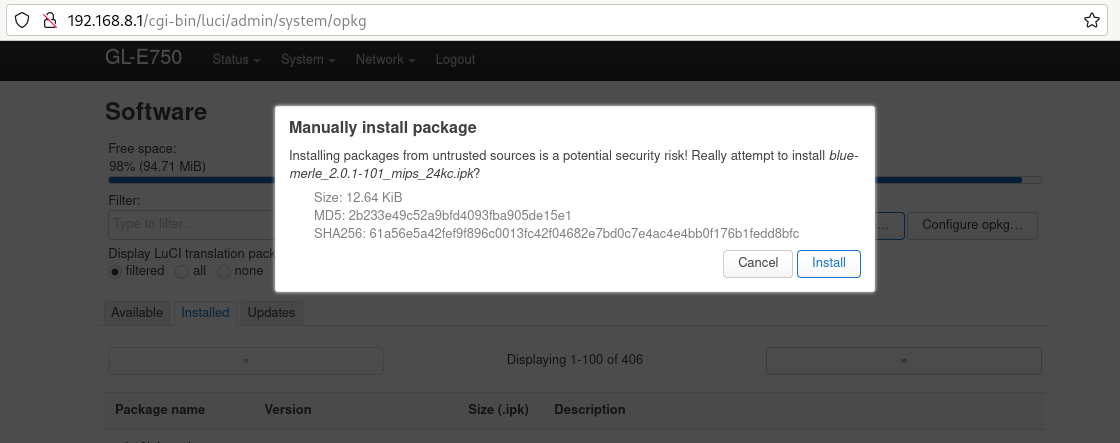
Click “install”.
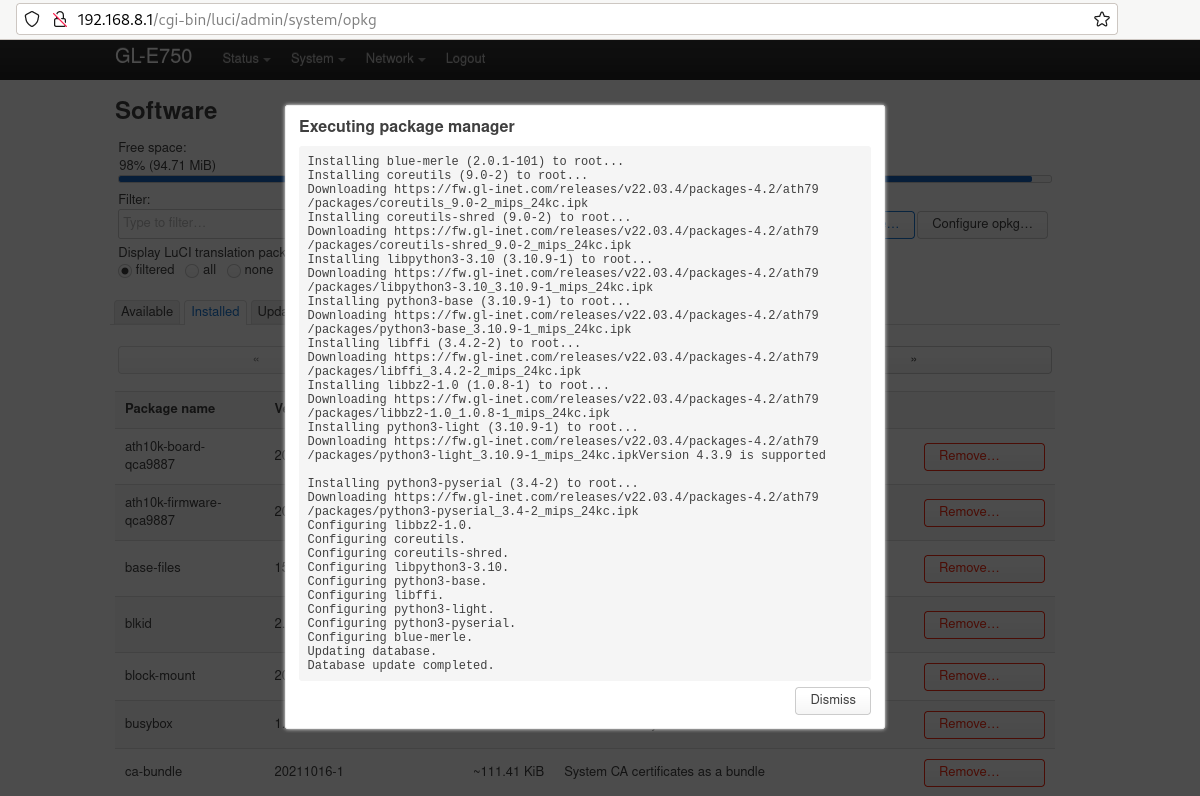
Uw firmware is met succes bijgewerkt.