Factory Reset Heads v2.0+
Razones para restablecer la configuración de fábrica
Su Nitrokey está bloqueada (por ejemplo, debido a varias entradas incorrectas del PIN).
Has perdido tu Nitrokey (en cuyo caso necesitarás primero una nueva)
Ha instalado usted mismo un sistema operativo (por ejemplo, después de cambiar el disco duro).
Su sistema operativo no se inicia
Advertencia
All GPG keys of your Nitrokey will be deleted during this procedure.
Procedimiento
Conecte su Nitrokey al NitroPad.
Encienda el NitroPad e interrumpa el arranque automático pulsando cualquier tecla.
Seleccione «Opciones».
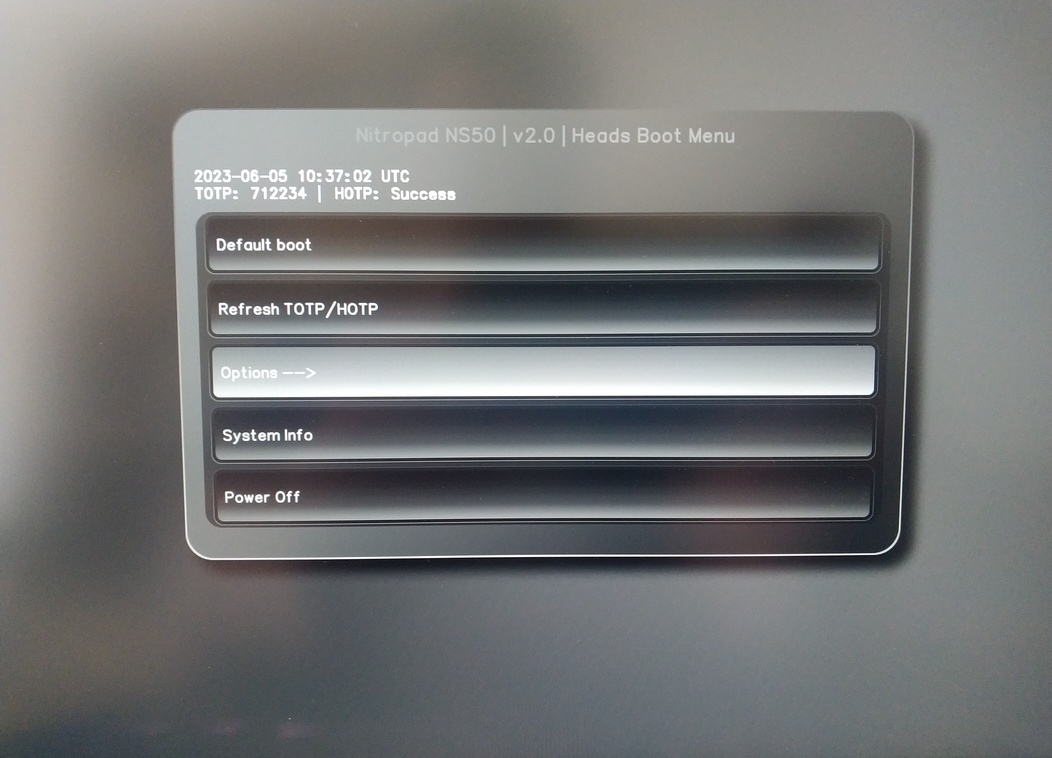
Seleccione «OEM-Factory Reset /Re-Ownership».
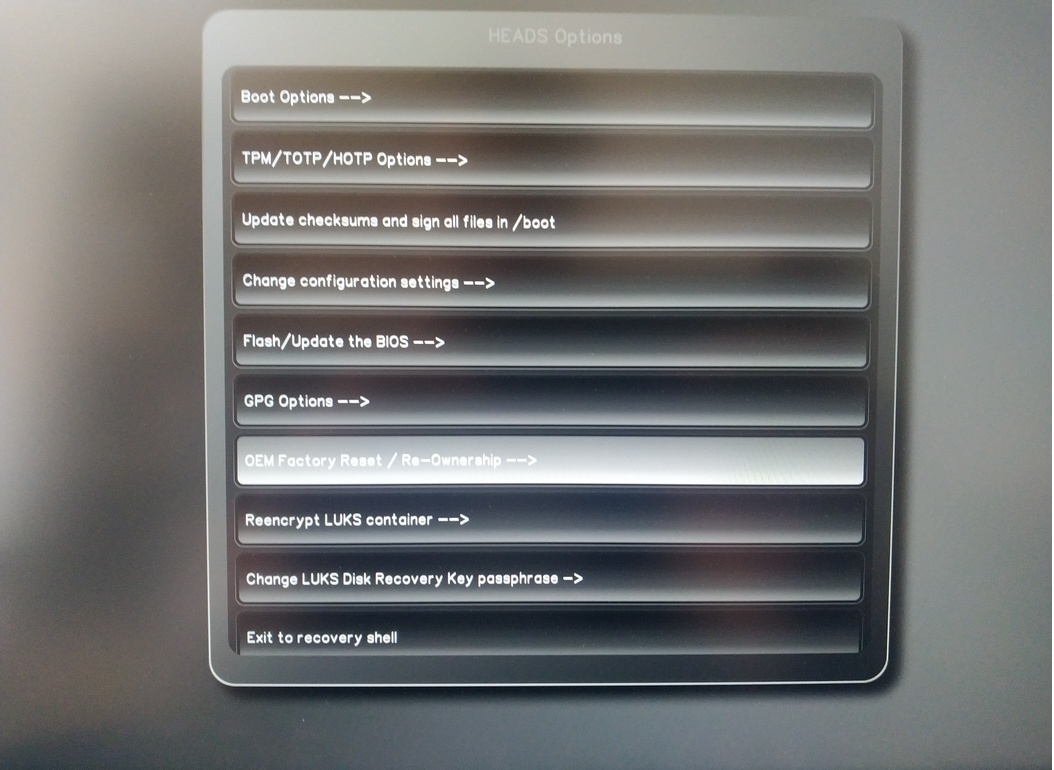
Confirm reset with “Continue”.
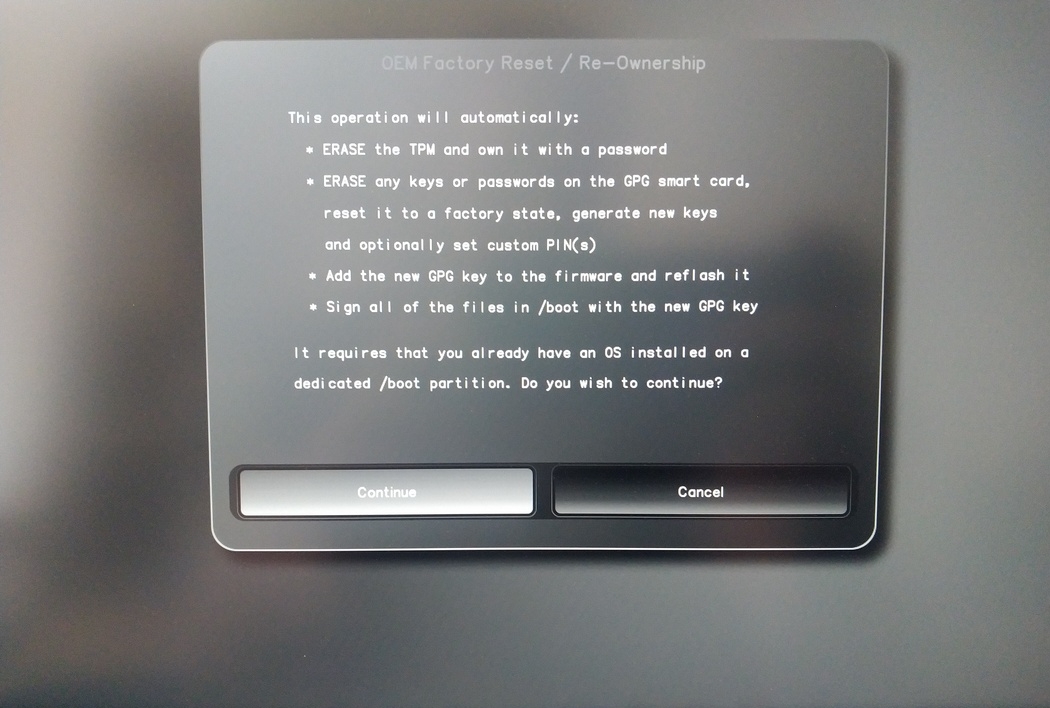
The integrity of your setup will be tested, deppending on your reason to perform the reset this can fail continue with ok anyways
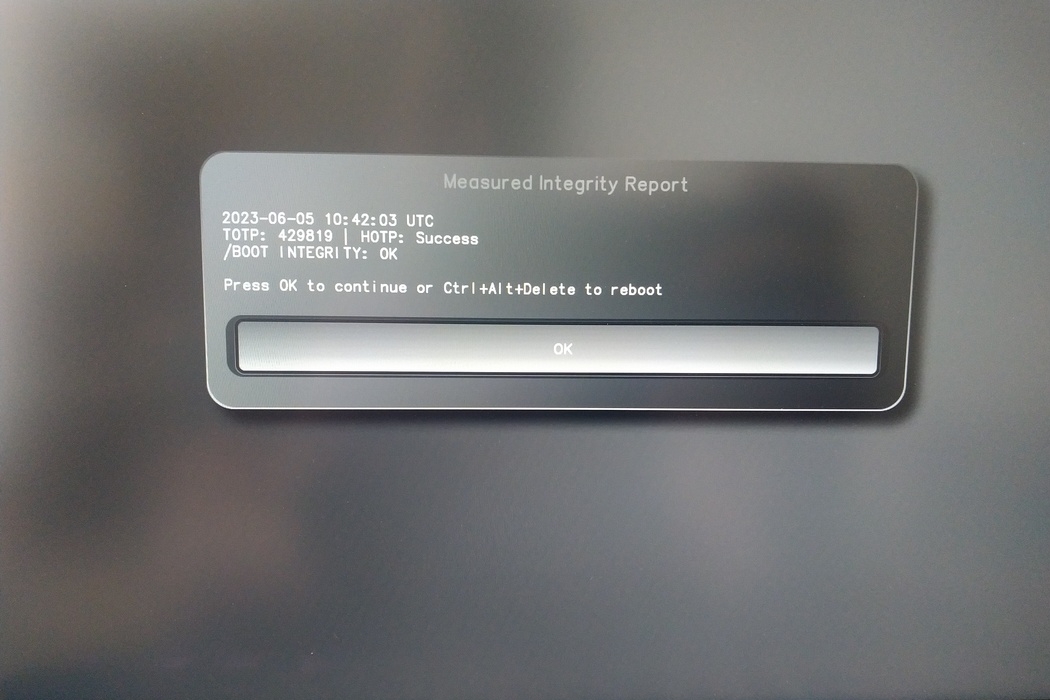
You will be prompted with:
Would you like to use default configuration option?
If N, you will be prompted for each option [Y/n]:

You can hit enter for the default option (Y).
Aparecerá un segundo aviso:
Would you like to export your public key to an USB drive? [y/N]:
Elija también la opción por defecto (N) pulsando intro.
Tendrá que tocar su Nitrokey durante este proceso cuando se le pida.
Ahora muestra todos los PIN utilizados por Heads:
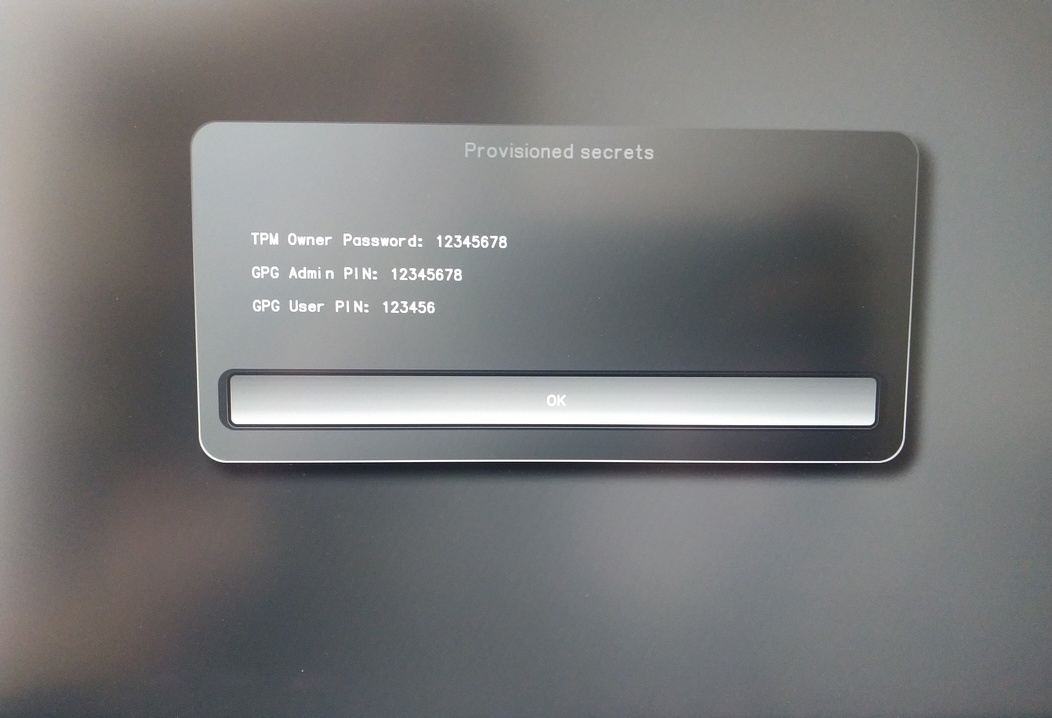
Los necesitará para determinados procedimientos, así que asegúrese de recordarlos.
Confirm the subsequent restart.
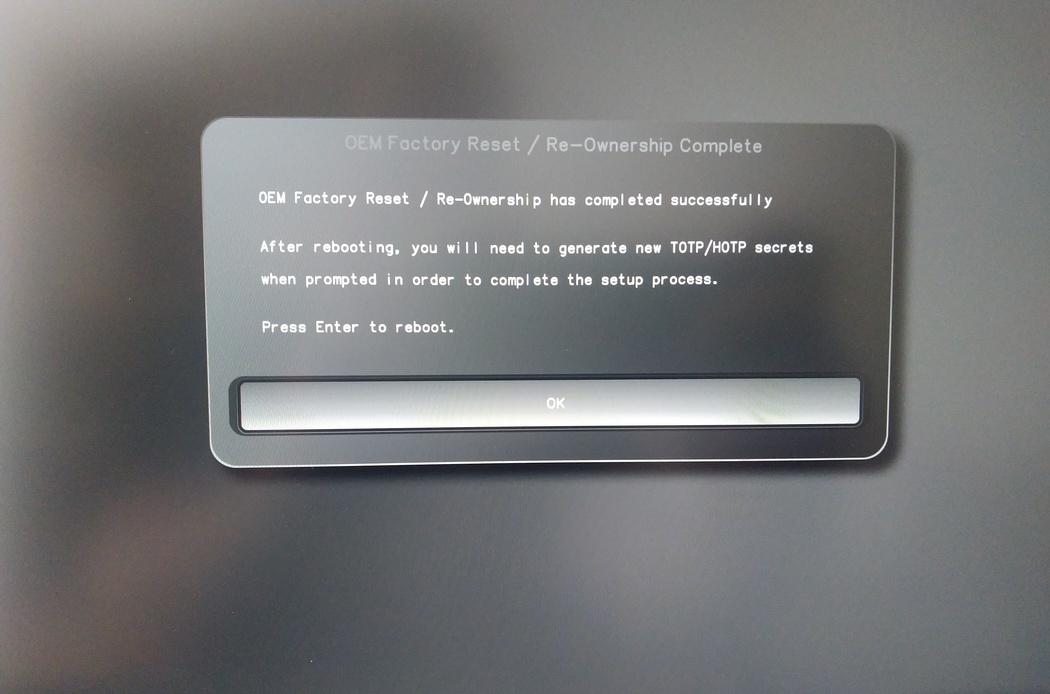
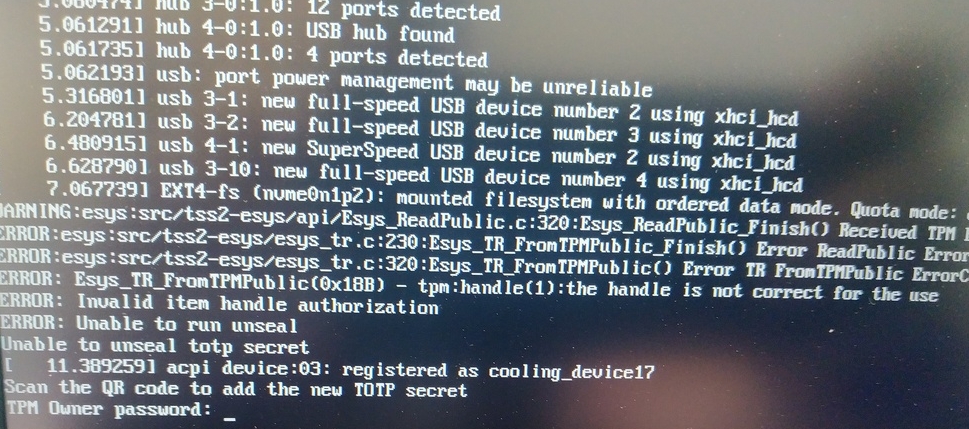
Tras el reinicio se debe crear el secreto OTP. Confirme el proceso con Enter.
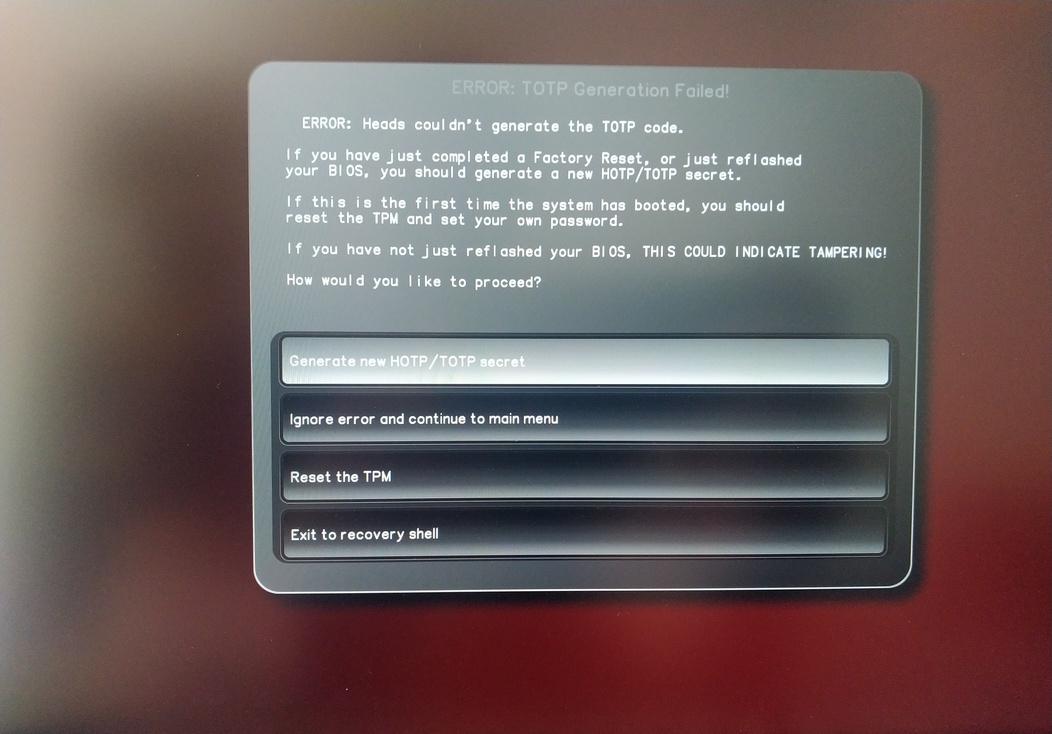
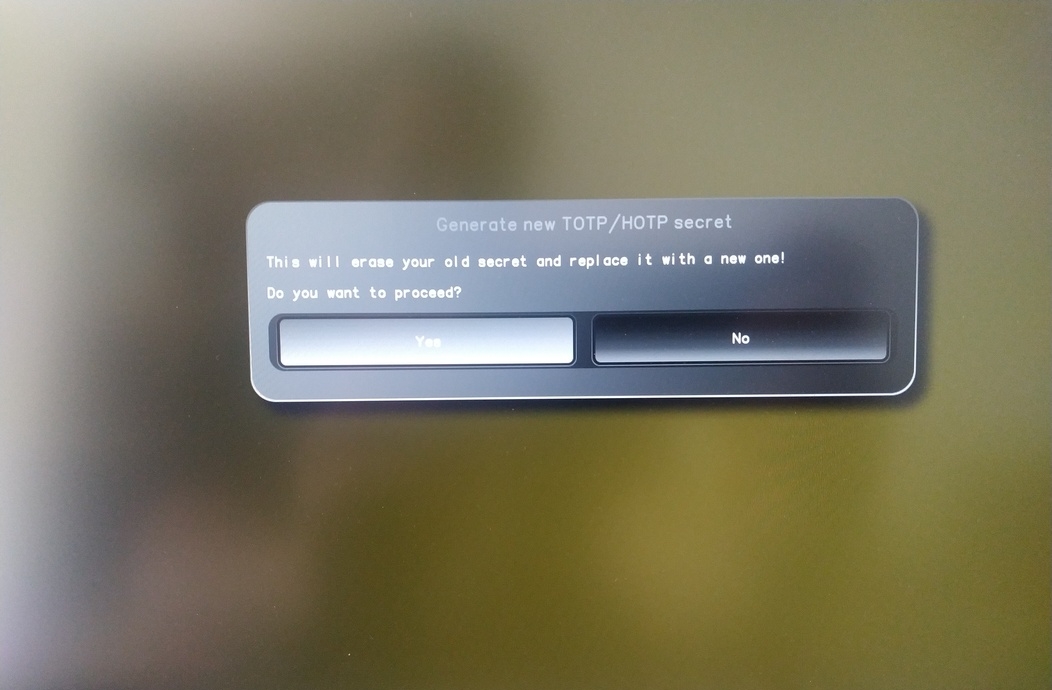
Enter TPM Owner Password (Default: 12345678)
Scan QR code with Phone to inport TOTP Seceret (Optional) and hit Enter
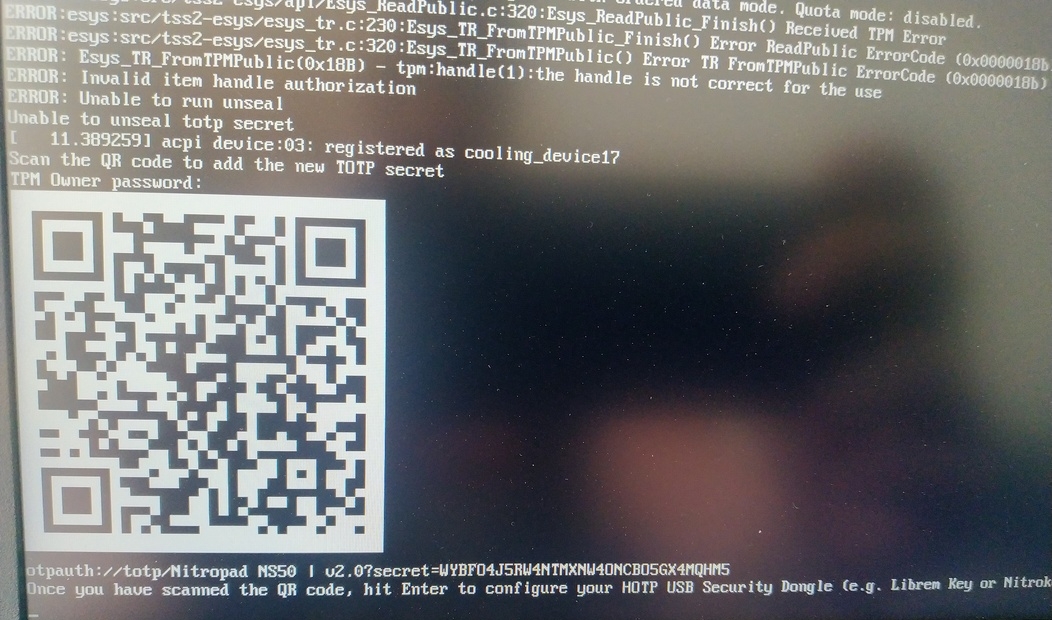
When asked touch your Nitrokey.
When prompted, enter the Secret App PIN of your Nitrokey (Default: 12345678) and hit Enter
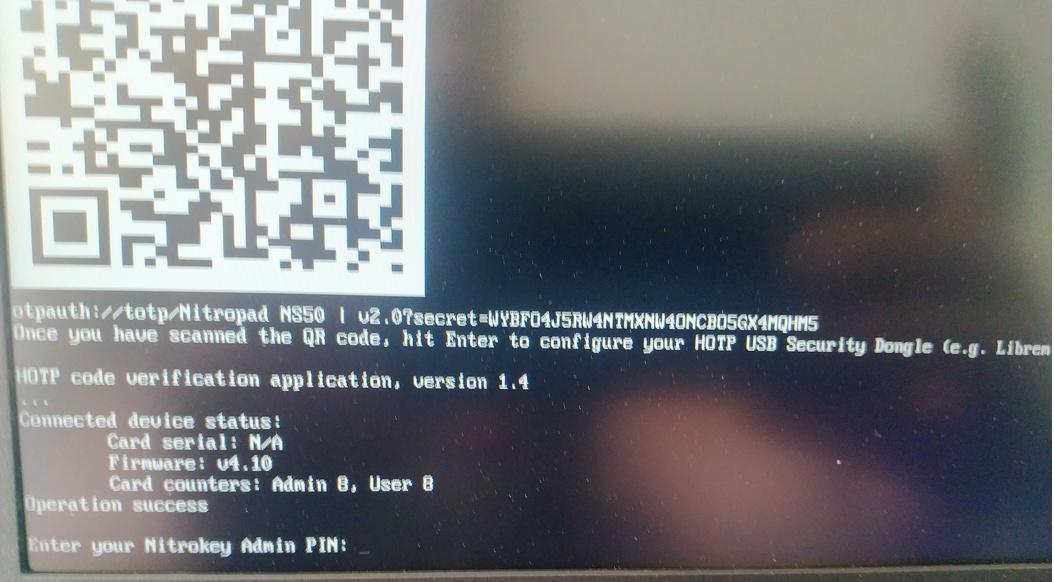
Pulsa intro y se iniciará el arranque automático.
Ahora tendrá que seleccionar su arranque por defecto, elija la primera opción y conviértala en predeterminada.
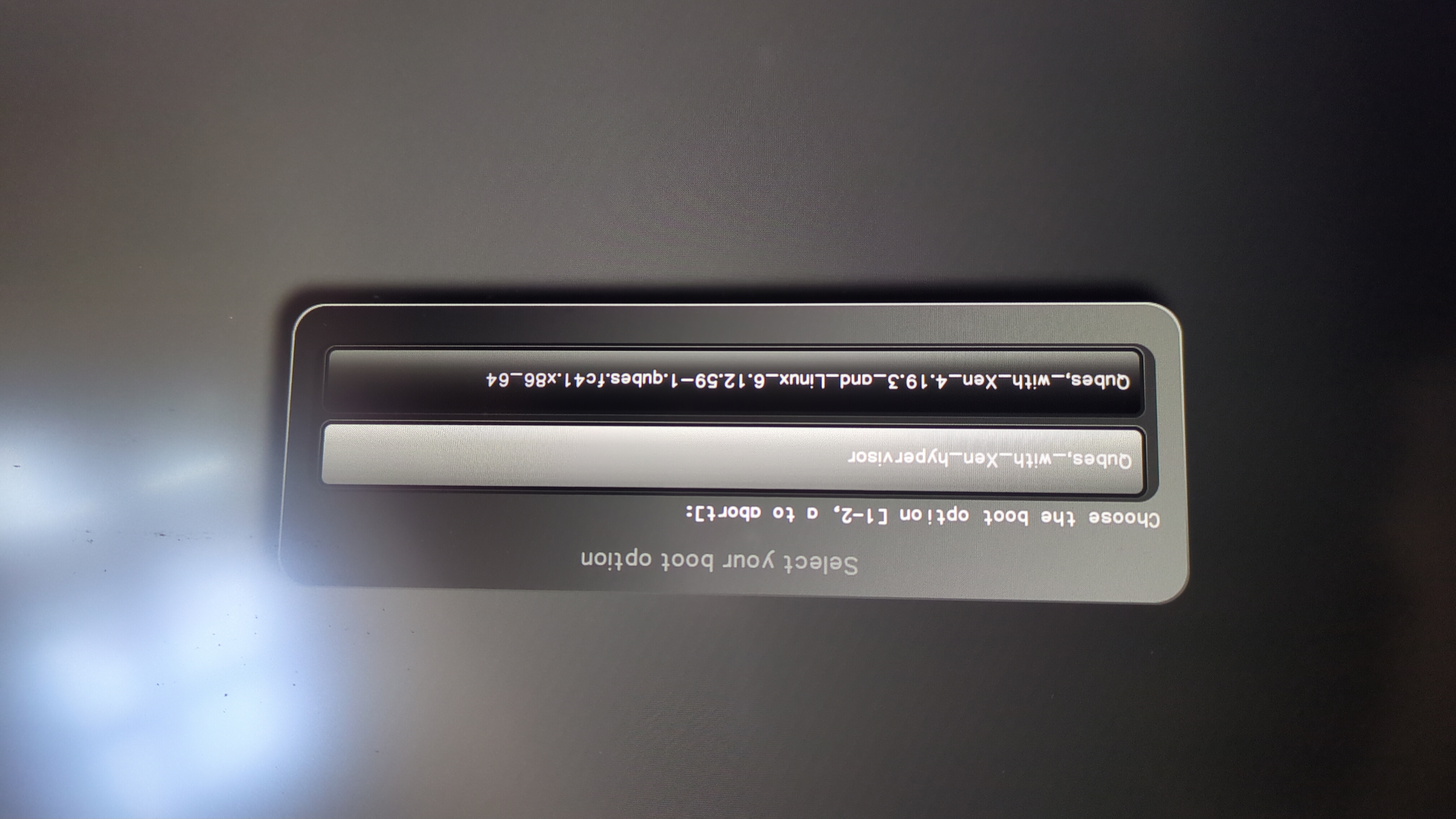
Aparecerá este mensaje:
Do you wish to add a disk encryption key to the TPM [y/N]:
Hit enter to choose the default option (N).
Please confirm that your GPG card is inserted [Y/n]:
Here also hit enter for the default option (Y).
It will ask for the Admin PIN which is by default (123456).
El reinicio está hecho y está arrancando en su sistema operativo instalado.
Conecte su Nitrokey al NitroPad.
Encienda el NitroPad.
Seleccione «Opciones».
Seleccione «OEM-Factory Reset /Re-Ownership».
Confirme el reinicio con «Continuar».
La integridad de su instalación será probada, dependiendo de su razón para realizar el reinicio esto puede fallar continuar con ok de todos modos.
Todas las preguntas siguientes pueden responderse con la opción Predeterminado. Sólo tienes que pulsar enter si sólo desea restablecer el dispositivo.
Would you like to change the current LUKS Disk Recovery Key passphrase?
(Highly recommended if you didn't install the Operating System yourself, so that past provisioned passphrase would not permit to access content.
Note that without re-encrypting disk, a backuped header could be restored to access encrypted content with old passphrase) [y/N]: N

Would you like to re-encrypt LUKS encrypted container and generate new Disk Recovery key?
(Highly recommended if you didn't install the operating system yourself: this would prevent any LUKS backuped header to be restored to access encrypted data) [y/N]: N

The following security components will be provisioned with defaults or chosen PINs/passwords:

TPM Ownership password
GPG Admin PIN
GPG User PIN

Would you like to set a single custom password that will be provisioned to previously stated security components? [y/N]: N

Would you like to set distinct PINs/passwords to be provisioned to previously stated security components? [y/N]: N

Would you like to set custom user Information for the GnPG key?[y/N]: N

Would you like to set custom user information for the GnuPG key? [y/N]: N

Checking for USB Security Dongle...

Detecting and setting boot device...

Boot device set to /dev/nvme0n1p2

Resetting TPM...

Resetting GPG Key...
(this will take around 3 minuts...)

Changing default GPG Admin PIN

Changing default GPG User PIN

Reading current firmware
(this will take a minute or two)

Adding generated key to current firmware and re-flashing...

Signing boot files and generating checksums
Mostrará los PINs GPG por defecto y la contraseña TPM
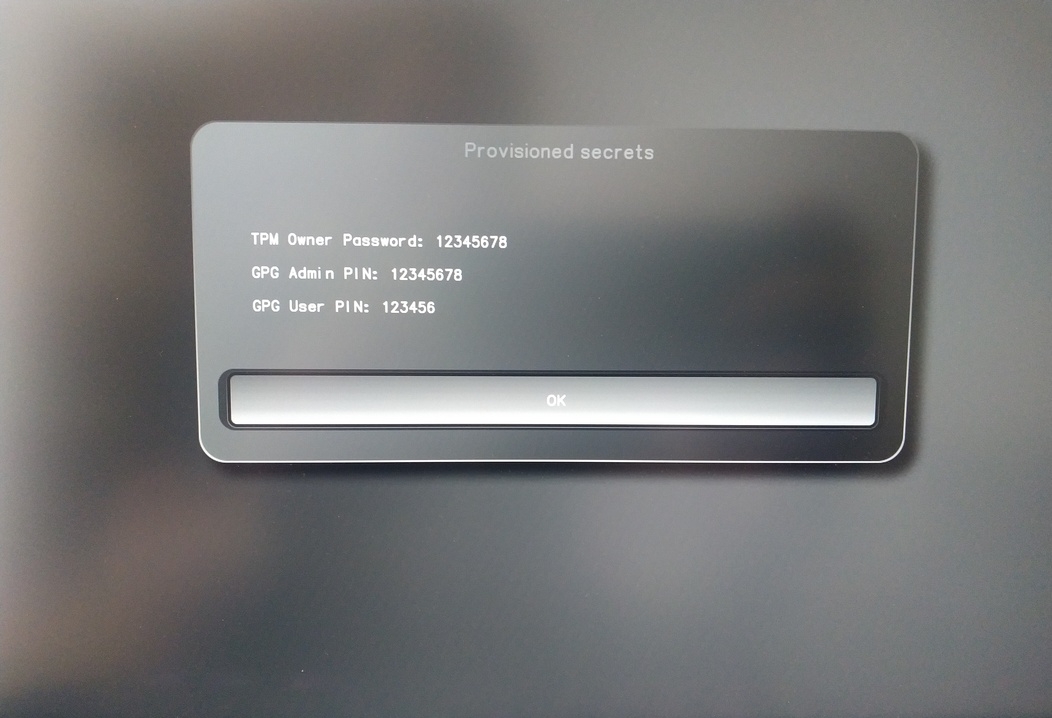
Confirm the subsequent restart.
Tras el reinicio se debe crear el secreto OTP. Confirme el proceso con Enter.
Introduzca la contraseña del TPM (predeterminada: 12345678)
Escanea el código QR con tu teléfono para entrar en la seceret TOTP (opcional) y pulsa Enter.
Cuando se le solicite, introduzca el PIN de administrador de su Nitrokey (predeterminado: 12345678) y pulse Intro.
A continuación, debería llegar al menú Inicio.
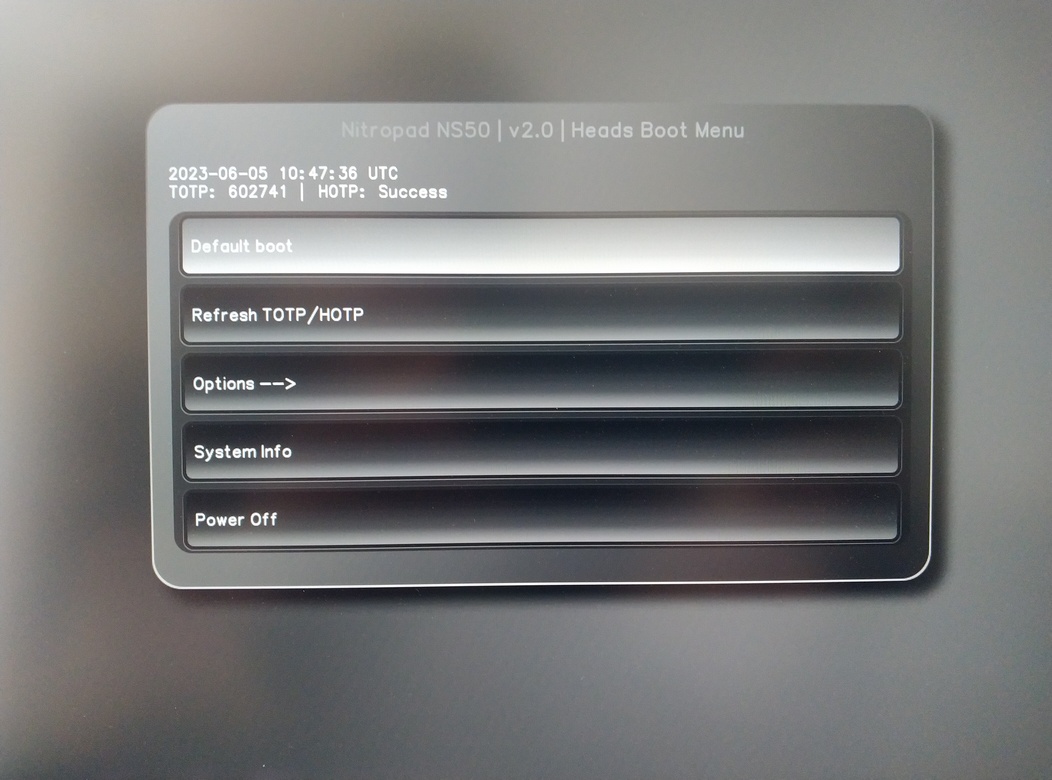
Pulse Enter para iniciar el «Arranque por defecto».
Nota
If you see the message that no default exists yet, please follow the procedure described in default boot.