Active DirectoryによるWindowsログオンとS/MIMEメールの暗号化
Compatible Nitrokeys |
|||||||
|---|---|---|---|---|---|---|---|
✓ active |
⨯ inactive |
⨯ inactive |
✓ active |
⨯ inactive |
✓ active |
✓ active |
⨯ inactive |
このドライバーはまだ開発/テスト中であることをご了承ください。あなたの経験を私たちに教えてください。私たちの`コンタクトページ<https://www.nitrokey.com/contact>`_をご覧ください。
前提条件
This guide assumes that an Active Directory server with role Active Directory Certificate Services is installed and running on a server. These instructions are based on Nitrokey Storage 2 and Nitrokey Pro 2 only.
OpenPGP-CSPのインストール
This step is needed for clients to use the OpenPGP-CSP driver.
Download and install the latest version of the installer file SetupOpenPGPCsp for your system architecture; for example SetupOpenPGPCsp_x64.msi for 64-bit systems.
テンプレートでこのドライバーの使用を強制するために、サーバーにもドライバーをインストールしておくとよいでしょう(下記参照)。
サーバー側での証明書テンプレートの作成
On Active Directory Server open certsrv.msc to manage your certificate templates. Right click on Certificate Templates and choose Manage.
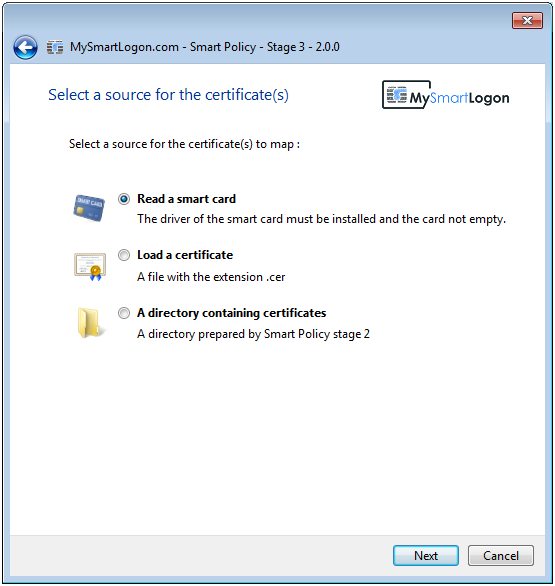
Now right click on Smartcard Logon template and click Duplicate, to create a new template on basis of this standard template. Rename template to OpenPGP Card Logon and Email or alike.
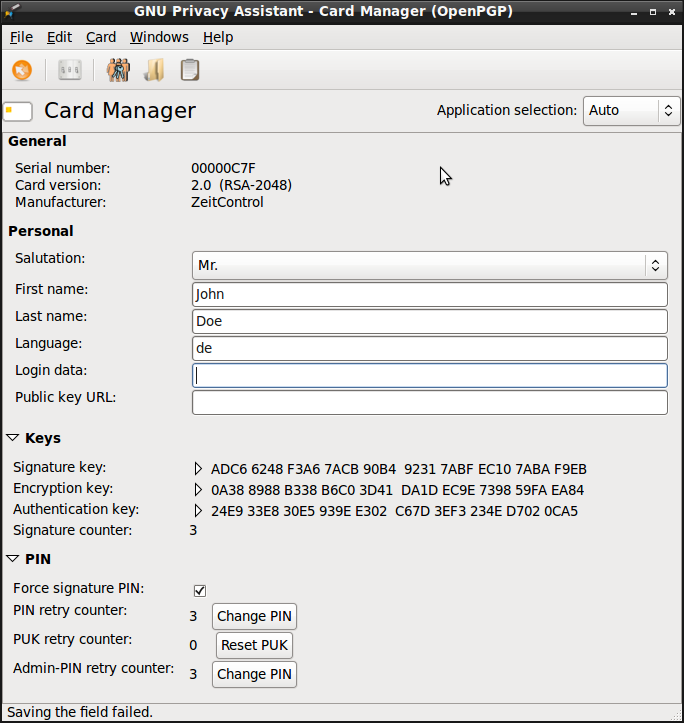
Under Request Handling, you can choose the OpenPGP-CSP as the one and only Cryptography Service Provider (click the Button labeled CSPs…). For this to work, you need to install the driver on the server as well and you have to insert a Nitrokey beforehand. This is optional. You can let the user choose, which CSP to use.
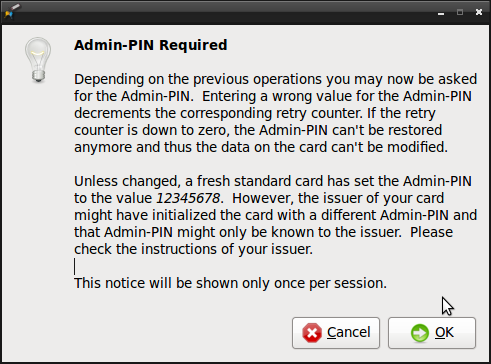
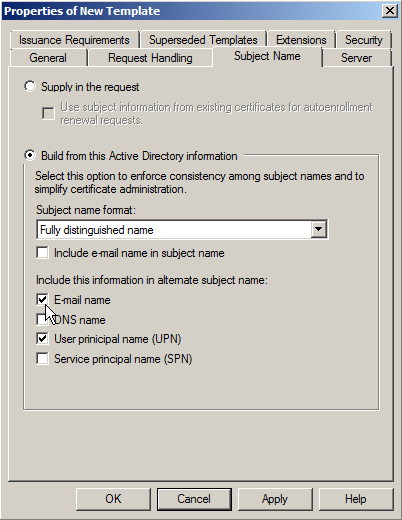
For enabling S/MIME email encryption go to Subject name. Tick the checkbox E-Mail name (note: You must save the mail addresses of your users in the corresponding Active Directory field!).
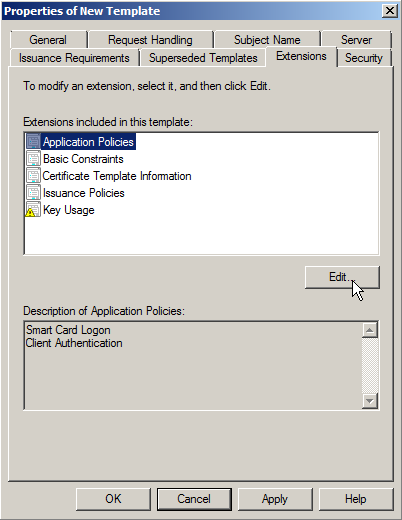
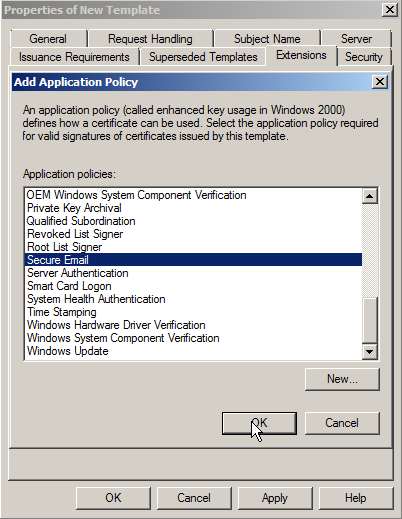
Then go to Extensions, there you edit the applications guideline and add Secure Email.
クライアント(ドメインメンバー)に証明書を要求する
To request a certificate for a domain member, you have to open certmgr.msc. Right click on folder Personal -> Certificates and click
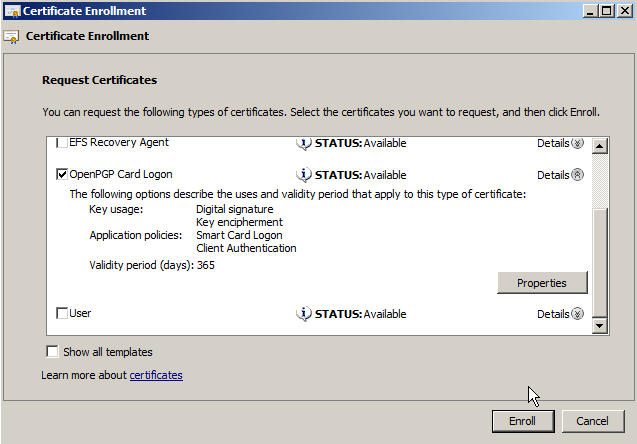
All Tasks -> Request New Certificate and choose the template you created on the AD.
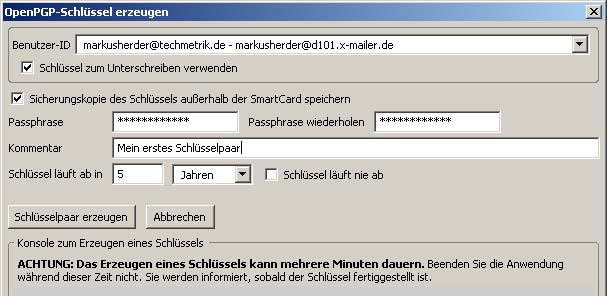
OpenPGP-CSPの使用を強制していない場合は、ここで選択する必要があります。
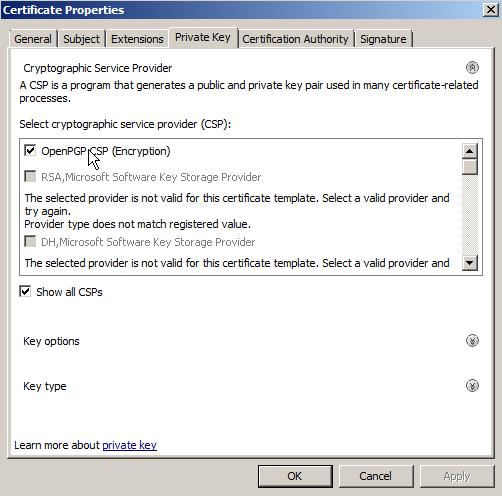
次に、証明書の認証スロットを選択します。
You are now ready to logon on the computer with the Nitrokey instead of your password and you can use S/MIME email encryption/signing with the Nitrokey. The driver has to be installed on every computer you want to use the certificate on.