Factory Reset Heads v2.0+
Razlogi za ponastavitev na tovarniške nastavitve
Your Nitrokey is locked (e.g. due to multiple incorrect PIN entries)
izgubili ste ključ Nitrokey (v tem primeru boste najprej potrebovali novega).
You have installed an operating system yourself (e.g. after changing the hard disk)
Operacijski sistem se ne zažene
Opozorilo
All GPG keys of your Nitrokey will be deleted during this procedure.
Postopek
Povežite ključ Nitrokey z napravo NitroPad.
Turn on the NitroPad and interrupt the automatic boot by pressing any key.
Izberite „Možnosti“.
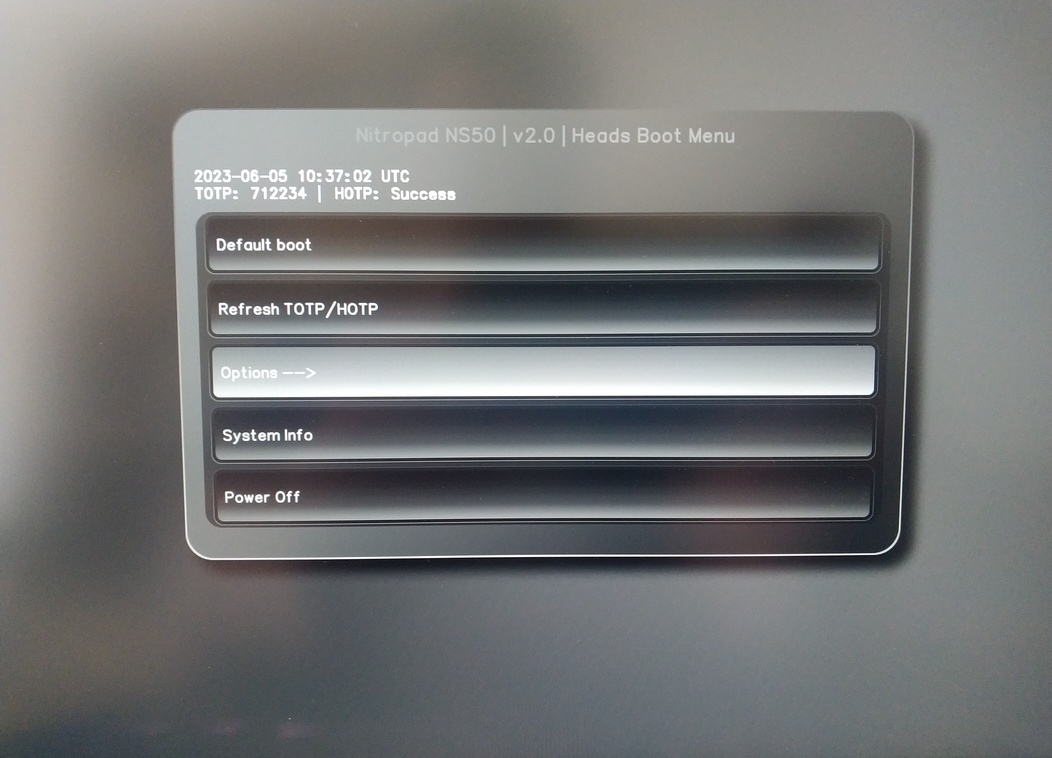
Izberite „OEM-Factory Reset /Re-Ownership“.
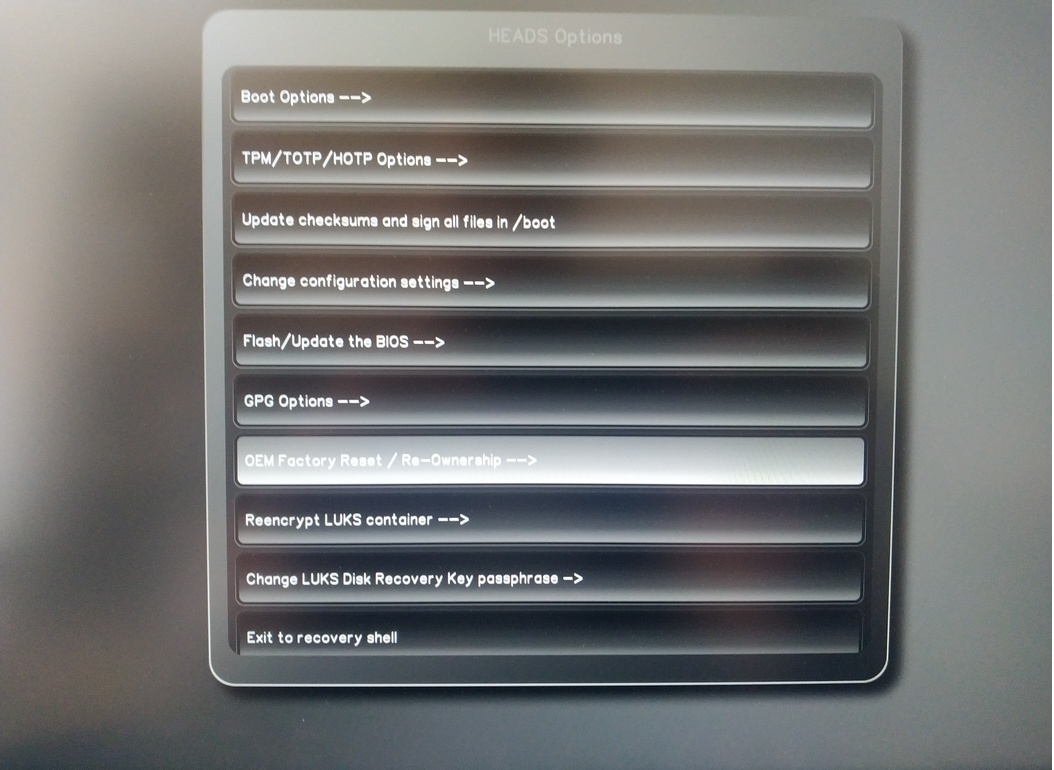
Confirm reset with “Continue”.
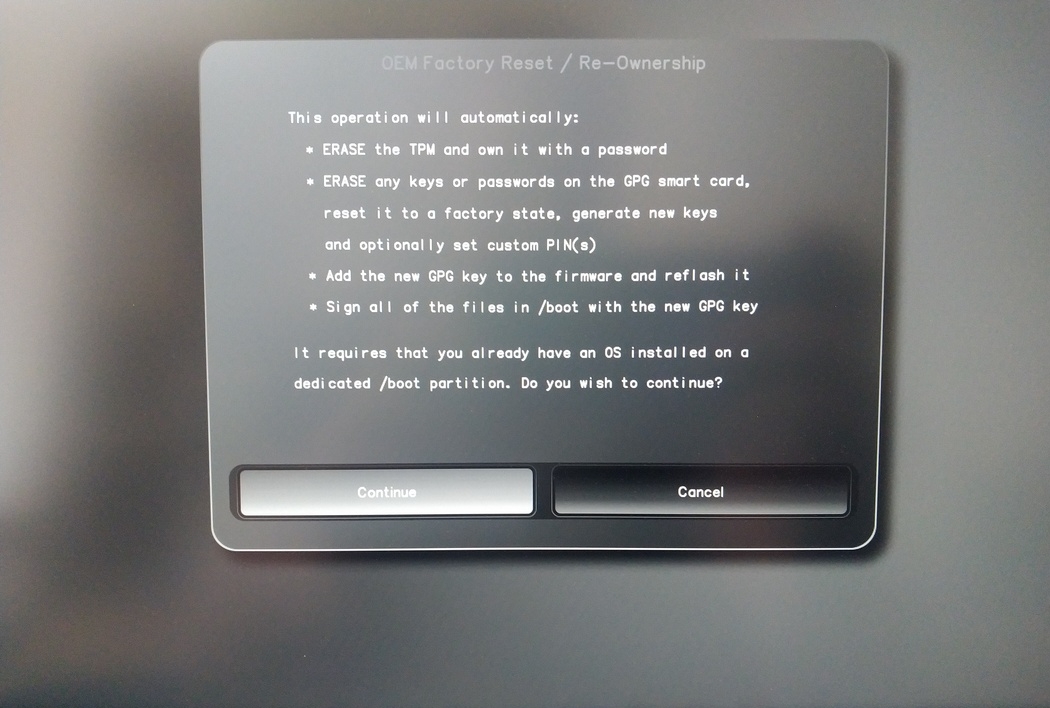
The integrity of your setup will be tested. Depending on your reason to perform the reset this can fail; continue with „OK“ anyway.
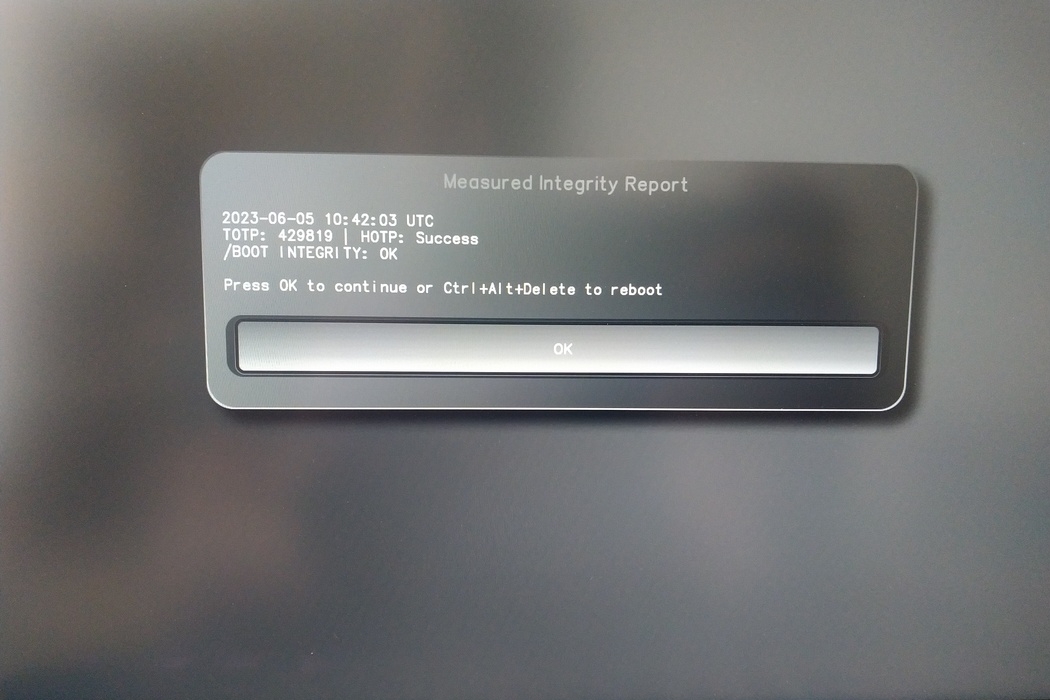
You will be prompted with:
Would you like to use default configuration option?
If N, you will be prompted for each option [Y/n]:

You can hit enter for the default option (Y).
Prikazal se bo drugi poziv:
Would you like to export your public key to an USB drive? [y/N]:
Izberite tudi privzeto možnost (N) in pritisnite enter.
Med tem postopkom se boste morali na zahtevo dotakniti ključa Nitrokey.
Zdaj prikazuje vse kode PIN, ki jih uporabljajo glave:
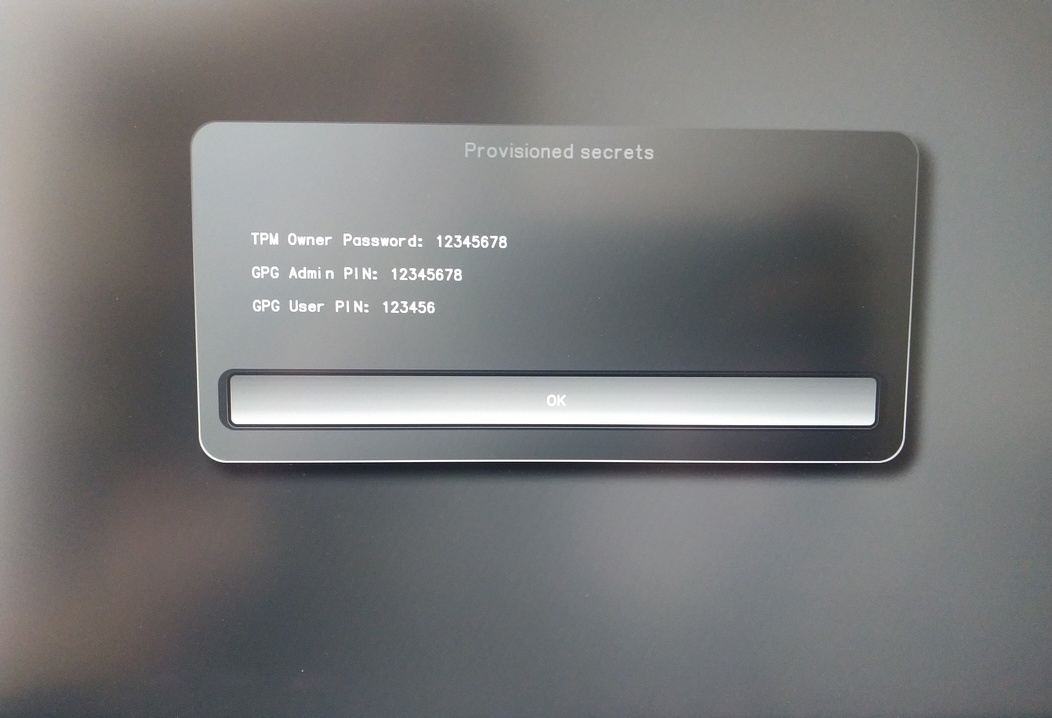
Potrebovali jih boste za določene postopke, zato si jih zapomnite.
Confirm the subsequent restart.
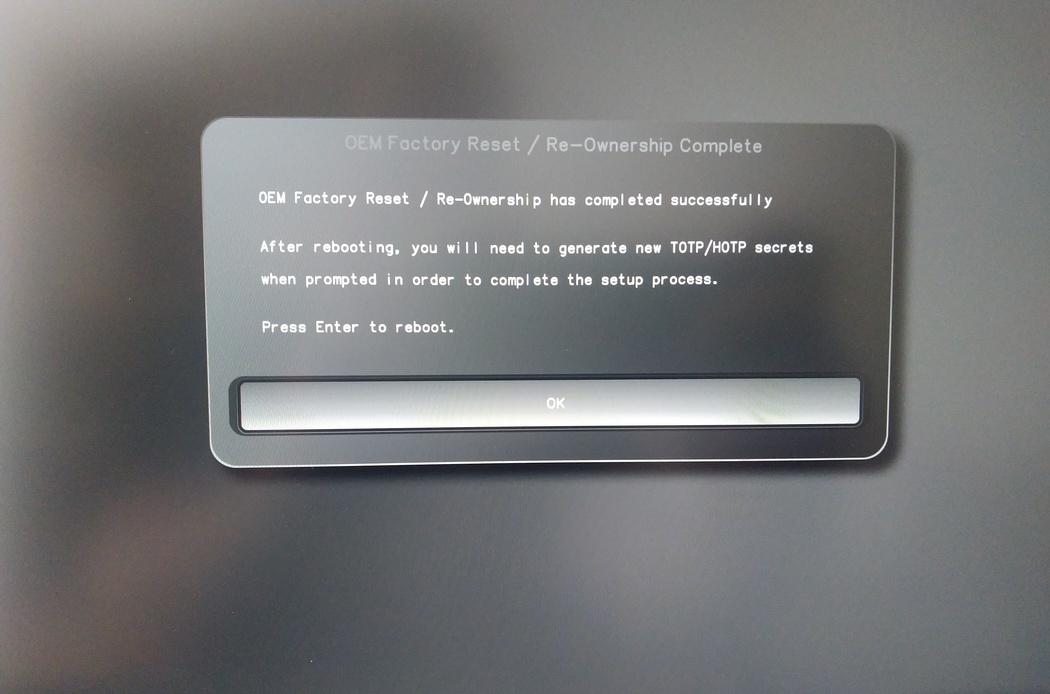
Po ponovnem zagonu je treba ustvariti skrivnost OTP. Postopek potrdite z Enter.
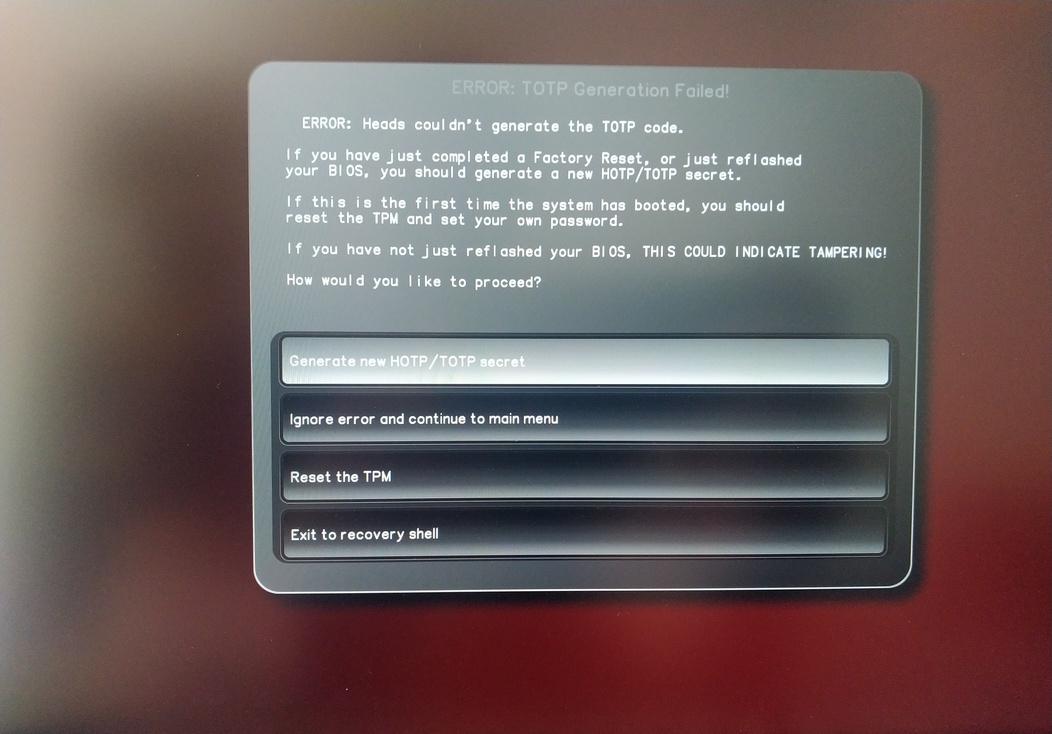
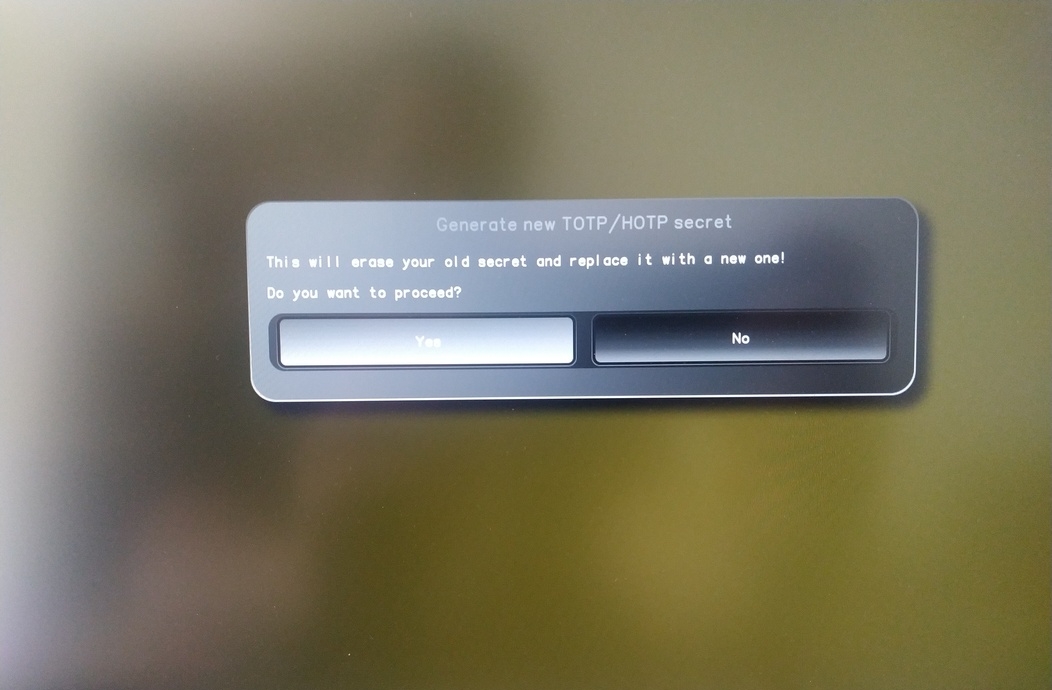
Enter TPM Owner Password (Default:
12345678)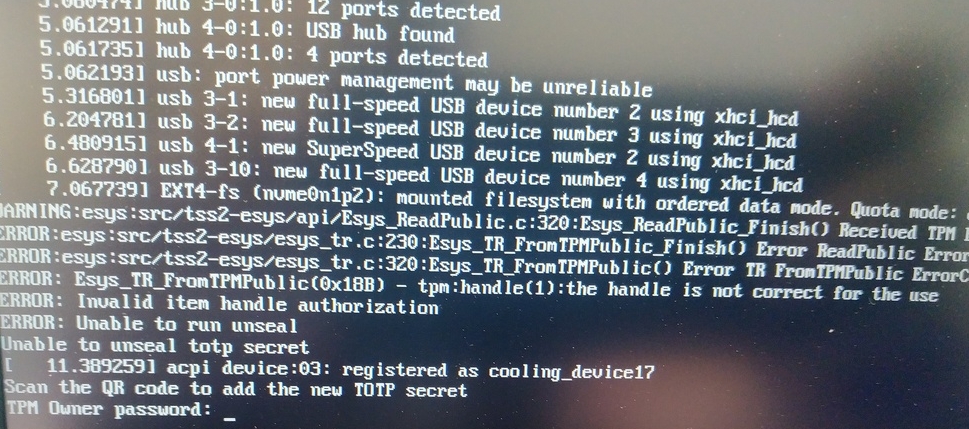
Scan QR code with Phone to import TOTP Secret (optional) and hit Enter
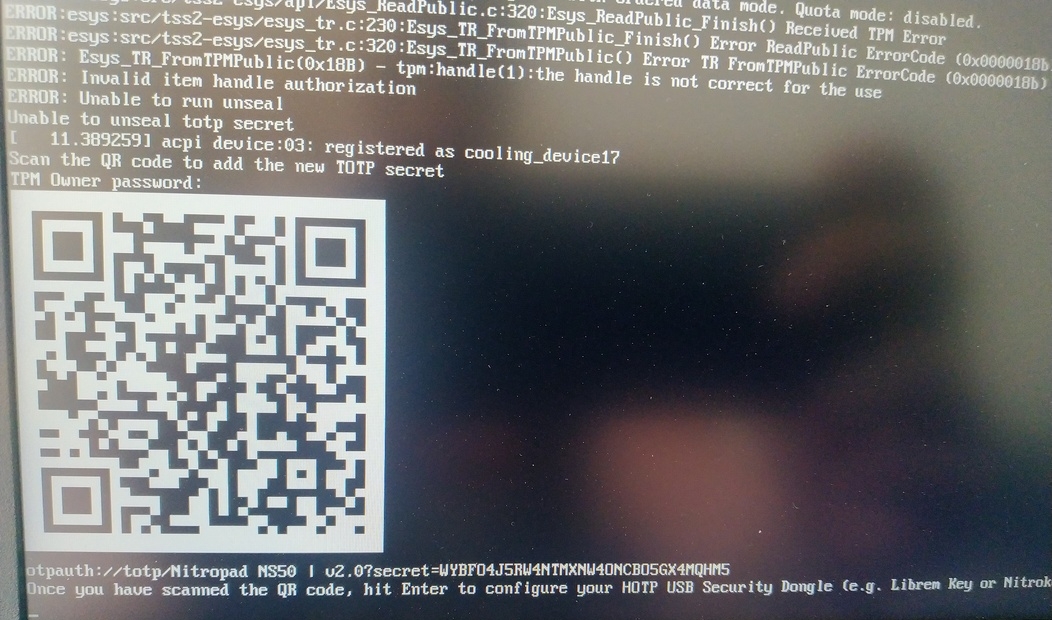
When asked touch your Nitrokey.
When prompted, enter the Secret App PIN of your Nitrokey (Default: 12345678) and hit Enter
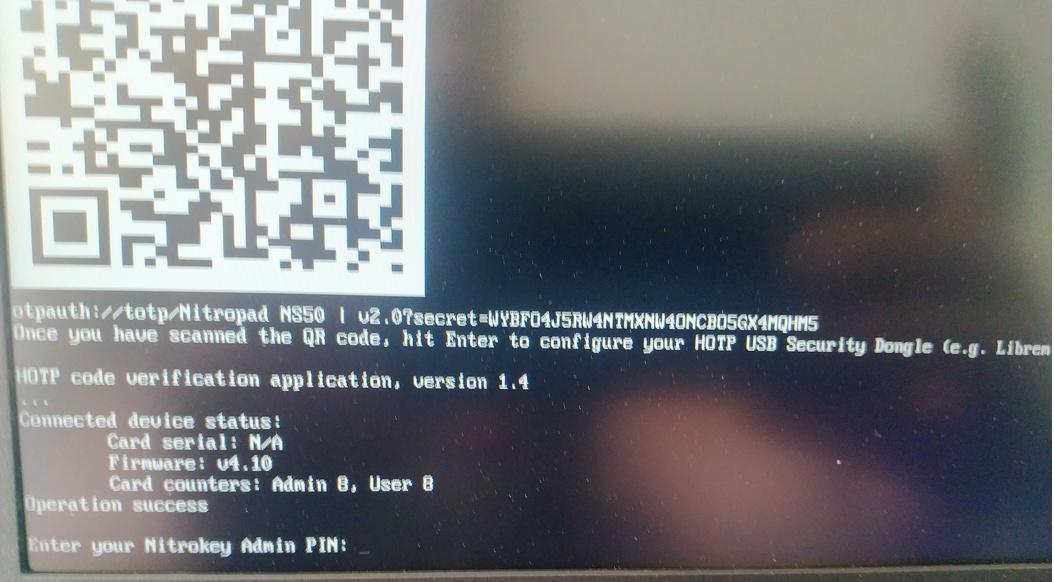
Pritisnite enter in samodejni zagon se bo začel.
Zdaj morate izbrati privzeti zagon, izbrati prvo možnost in jo nastaviti kot privzeto.
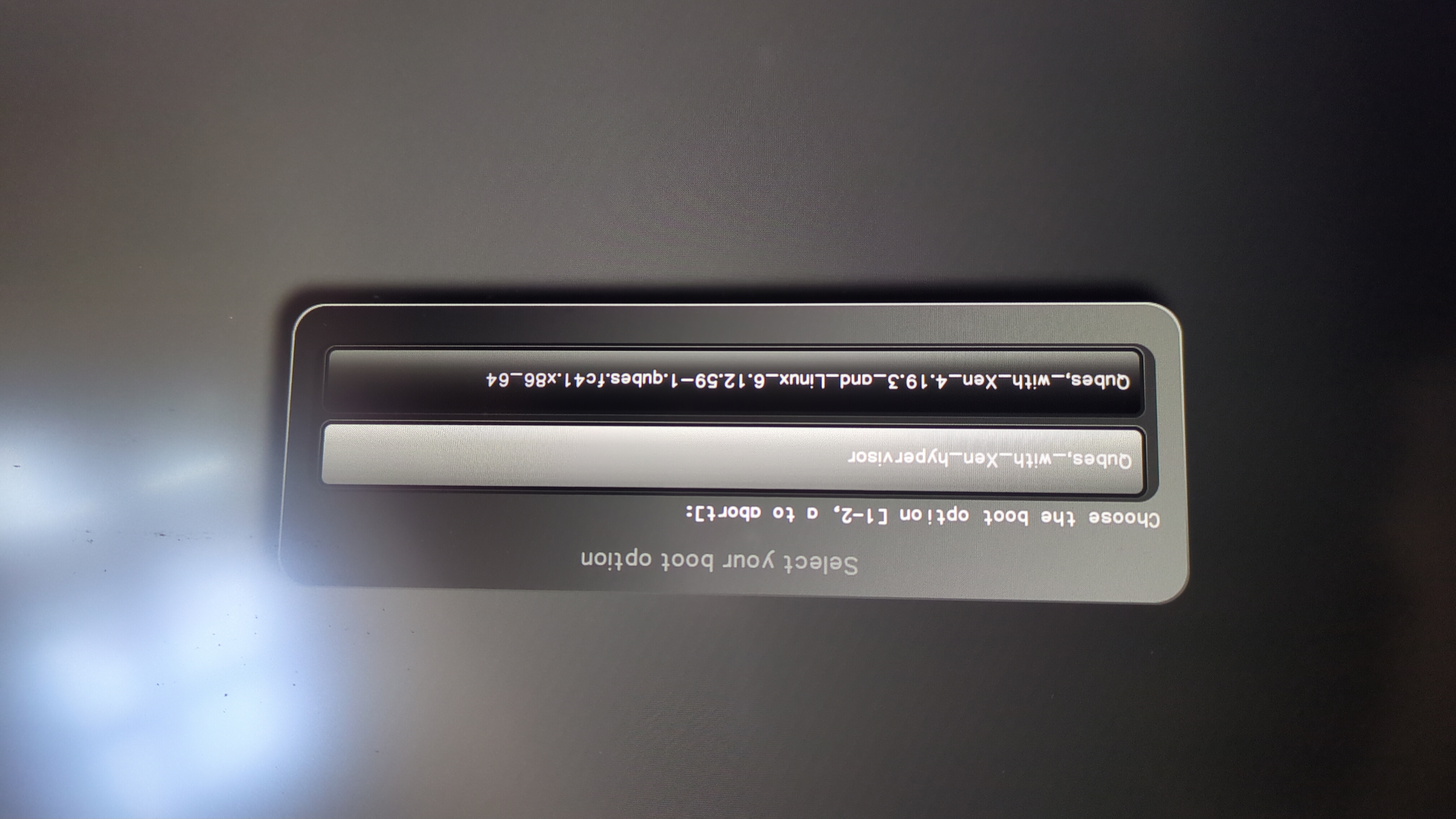
Pojavi se ta poziv:
Do you wish to add a disk encryption key to the TPM [y/N]:
Hit enter to choose the default option (N).
Please confirm that your GPG card is inserted [Y/n]:
Here also hit enter for the default option (Y).
It will ask for the Admin PIN which is by default (123456).
Ponastavitev je opravljena in zaženete nameščeni operacijski sistem.
Povežite ključ Nitrokey z napravo NitroPad.
Vklopite napravo NitroPad.
Izberite „Možnosti“.
Izberite „OEM-Factory Reset /Re-Ownership“.
Ponastavitev potrdite z „Nadaljuj“.
The integrity of your setup will be tested. Depending on your reason to perform the reset this can fail; continue with „OK“ anyway.
Na naslednja vprašanja je mogoče odgovoriti s privzeto vrednostjo. Če želite samo ponastaviti napravo, pritisnite Enter.
Would you like to change the current LUKS Disk Recovery Key passphrase?
(Highly recommended if you didn't install the Operating System yourself, so that past provisioned passphrase would not permit to access content.
Note that without re-encrypting disk, a backuped header could be restored to access encrypted content with old passphrase) [y/N]: N

Would you like to re-encrypt LUKS encrypted container and generate new Disk Recovery key?
(Highly recommended if you didn't install the operating system yourself: this would prevent any LUKS backuped header to be restored to access encrypted data) [y/N]: N

The following security components will be provisioned with defaults or chosen PINs/passwords:

TPM Ownership password
GPG Admin PIN
GPG User PIN

Would you like to set a single custom password that will be provisioned to previously stated security components? [y/N]: N

Would you like to set distinct PINs/passwords to be provisioned to previously stated security components? [y/N]: N

Would you like to set custom user Information for the GnPG key?[y/N]: N

Would you like to set custom user information for the GnuPG key? [y/N]: N

Checking for USB Security Dongle...

Detecting and setting boot device...

Boot device set to /dev/nvme0n1p2

Resetting TPM...

Resetting GPG Key...
(this will take around 3 minuts...)

Changing default GPG Admin PIN

Changing default GPG User PIN

Reading current firmware
(this will take a minute or two)

Adding generated key to current firmware and re-flashing...

Signing boot files and generating checksums
Prikazala bo privzete kode PIN GPG in geslo TPM.
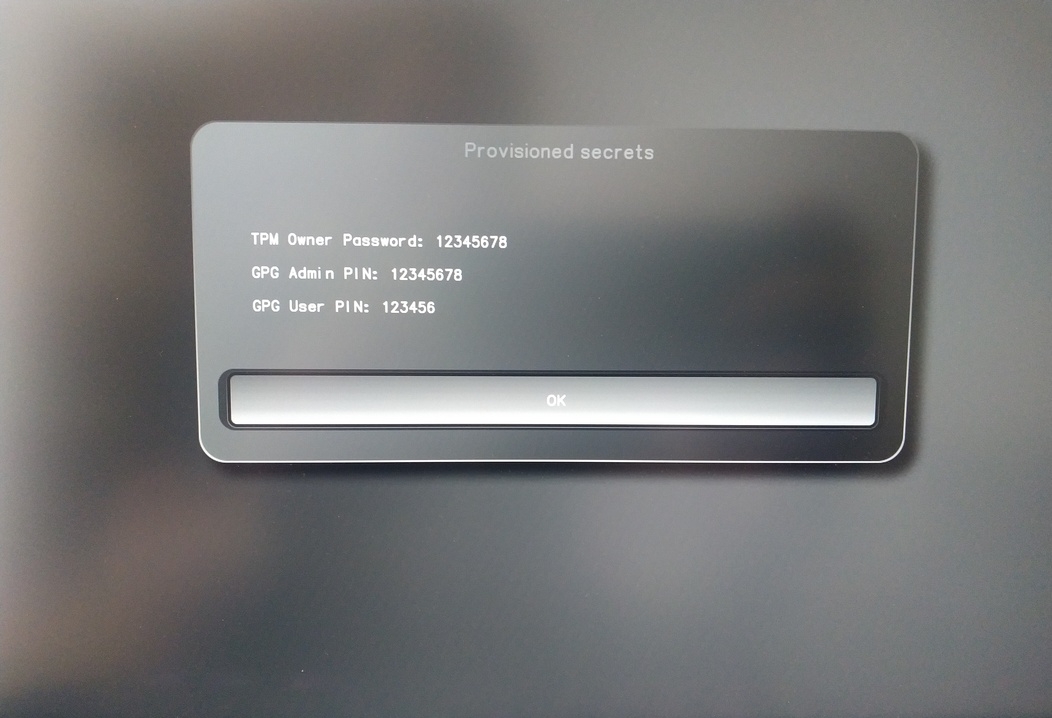
Confirm the subsequent restart.
Po ponovnem zagonu je treba ustvariti skrivnost OTP. Postopek potrdite z Enter.
Vnesite geslo TPM (privzeto: 12345678)
Scan the QR code with your phone to import the TOTP secret (optional) and hit Enter.
When prompted, enter the Admin PIN of your Nitrokey (Default:
12345678) and hit Enter.
Nato se prikaže meni Start.
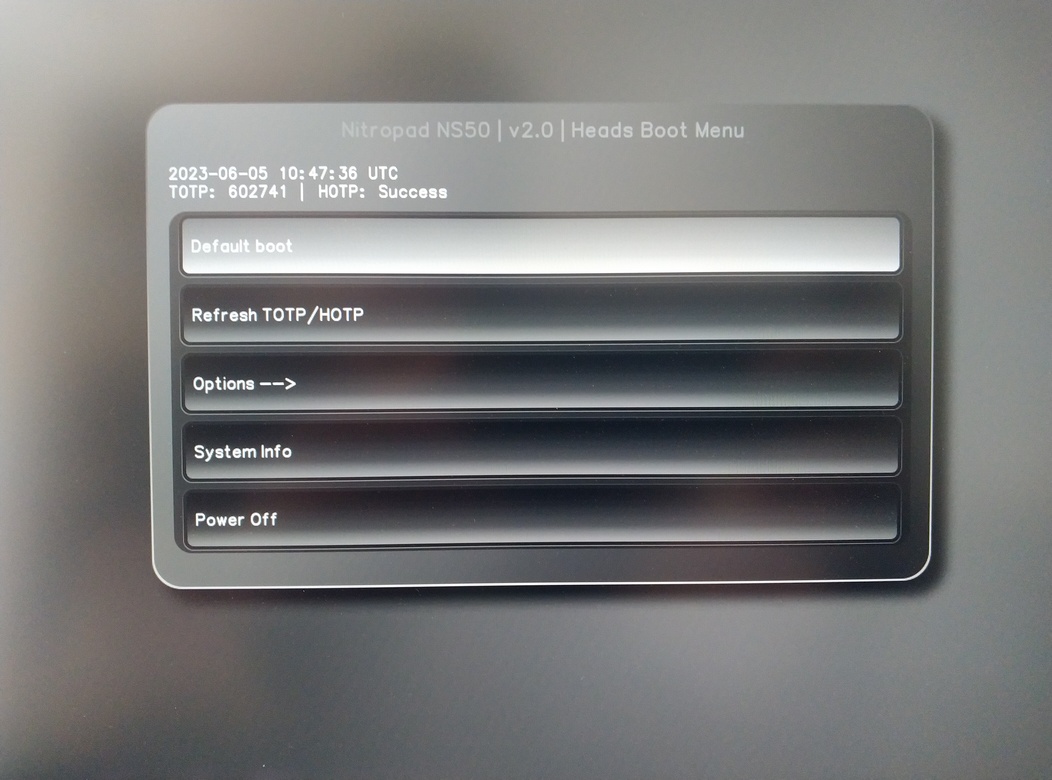
Pritisnite Enter, da zaženete „privzeti zagon“.
Opomba
If you see the message that no default exists yet, please follow the procedure described in default boot.