Κρυπτογράφηση σύνδεσης στα Windows και κρυπτογράφηση ηλεκτρονικού ταχυδρομείου S/MIME με Active Directory
Compatible Nitrokeys |
|||||||
|---|---|---|---|---|---|---|---|
✓ active |
⨯ inactive |
⨯ inactive |
✓ active |
⨯ inactive |
✓ active |
✓ active |
⨯ inactive |
Σημειώστε ότι αυτό το πρόγραμμα οδήγησης βρίσκεται ακόμη σε στάδιο ανάπτυξης/δοκιμών. Παρακαλούμε πείτε μας τις εμπειρίες σας! Δείτε τη σελίδα επικοινωνίας.
Προαπαιτούμενα
This guide assumes that an Active Directory server with role Active Directory Certificate Services is installed and running on a server. These instructions are based on Nitrokey Storage 2 and Nitrokey Pro 2 only.
Εγκατάσταση του OpenPGP-CSP
This step is needed for clients to use the OpenPGP-CSP driver.
Download and install the latest version of the installer file SetupOpenPGPCsp for your system architecture; for example SetupOpenPGPCsp_x64.msi for 64-bit systems.
Ίσως να θέλετε να εγκαταστήσετε το πρόγραμμα οδήγησης και στο διακομιστή για να μπορείτε να επιβάλλετε τη χρήση αυτού του προγράμματος οδήγησης στο πρότυπο (βλ. παρακάτω).
Δημιουργία προτύπου πιστοποιητικού στην πλευρά του διακομιστή
On Active Directory Server open certsrv.msc to manage your certificate templates. Right click on Certificate Templates and choose Manage.
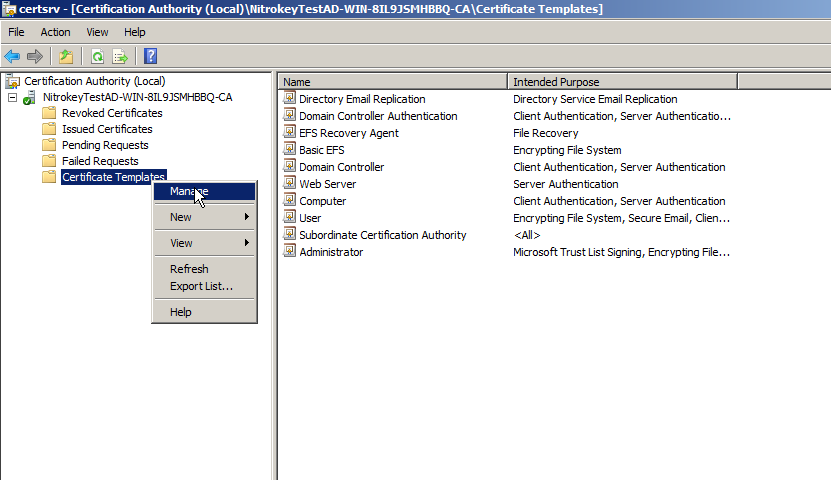
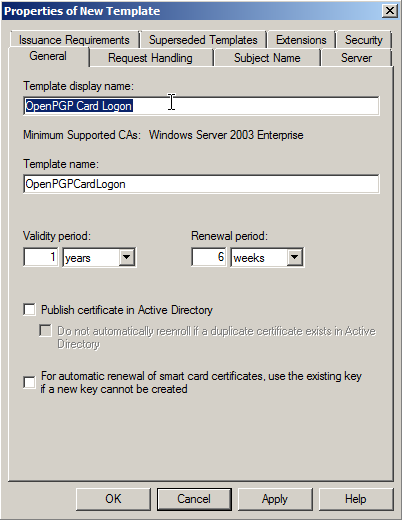
Now right click on Smartcard Logon template and click Duplicate, to create a new template on basis of this standard template. Rename template to OpenPGP Card Logon and Email or alike.
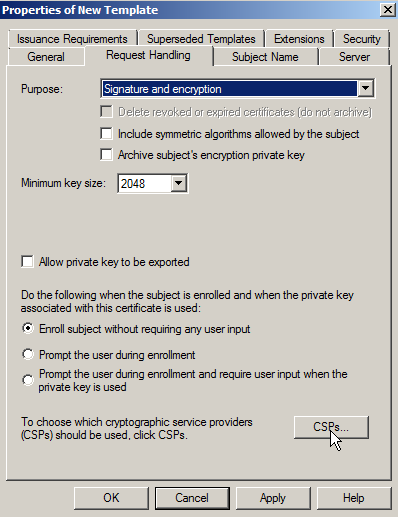
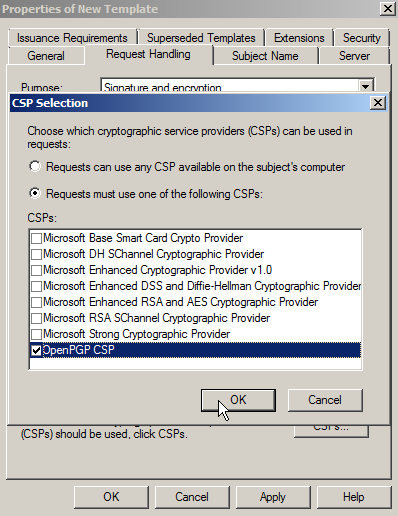
Under Request Handling, you can choose the OpenPGP-CSP as the one and only Cryptography Service Provider (click the Button labeled CSPs…). For this to work, you need to install the driver on the server as well and you have to insert a Nitrokey beforehand. This is optional. You can let the user choose, which CSP to use.
For enabling S/MIME email encryption go to Subject name. Tick the checkbox E-Mail name (note: You must save the mail addresses of your users in the corresponding Active Directory field!).
Then go to Extensions, there you edit the applications guideline and add Secure Email.
Αίτηση πιστοποιητικού στον πελάτη (μέλος τομέα)
To request a certificate for a domain member, you have to open certmgr.msc. Right click on folder Personal -> Certificates and click
All Tasks -> Request New Certificate and choose the template you created on the AD.
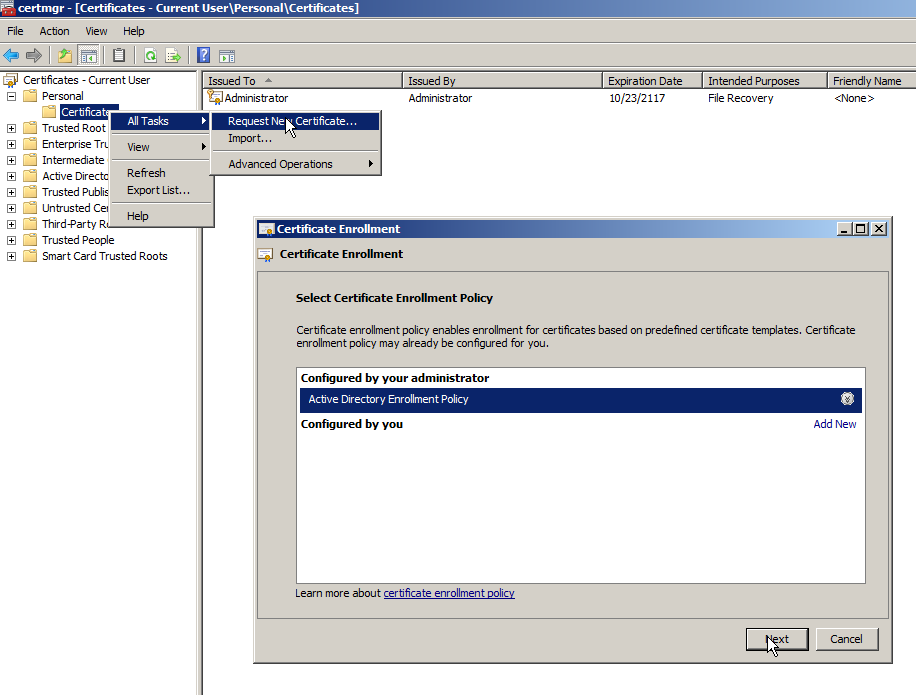
Αν δεν έχετε επιβάλει τη χρήση του OpenPGP-CSP, θα πρέπει να το επιλέξετε εδώ τώρα.
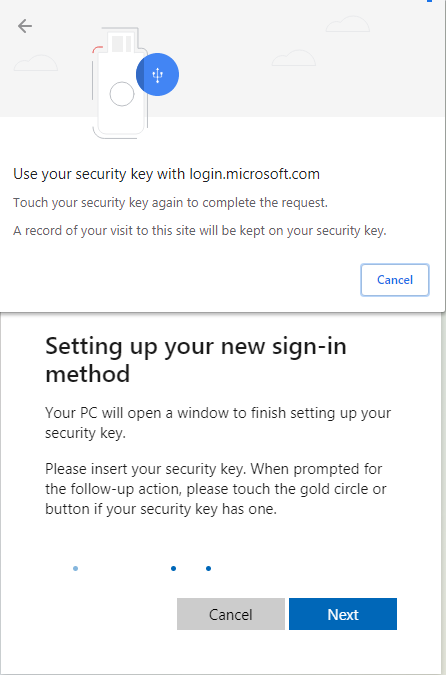
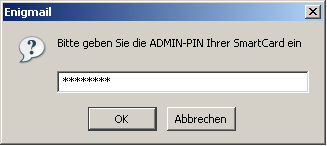
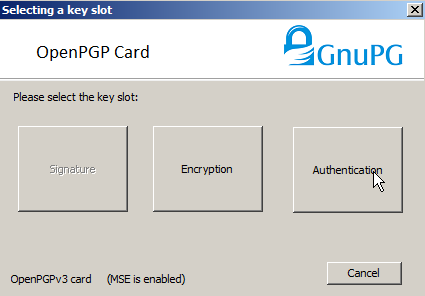
Στη συνέχεια επιλέγετε την υποδοχή ελέγχου ταυτότητας για το πιστοποιητικό.
You are now ready to logon on the computer with the Nitrokey instead of your password and you can use S/MIME email encryption/signing with the Nitrokey. The driver has to be installed on every computer you want to use the certificate on.