Factory Reset Heads v2.0+
Důvody obnovení továrního nastavení
Your Nitrokey is locked (e.g. due to multiple incorrect PIN entries)
Ztratili jste klíč Nitrokey (v takovém případě budete nejprve potřebovat nový).
You have installed an operating system yourself (e.g. after changing the hard disk)
Operační systém se nespustí
Varování
All GPG keys of your Nitrokey will be deleted during this procedure.
Postup
Připojte klíč Nitrokey k zařízení NitroPad.
Turn on the NitroPad and interrupt the automatic boot by pressing any key.
Vyberte možnost „Možnosti“.
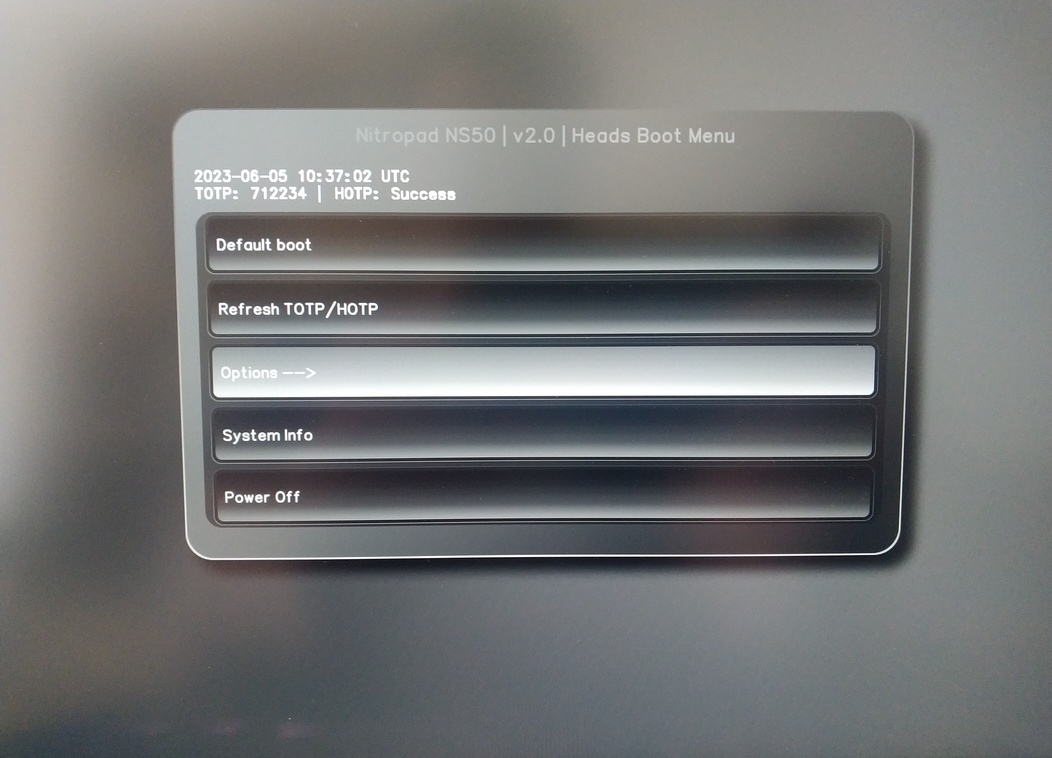
Vyberte možnost „OEM-Factory Reset /Re-Ownership“.
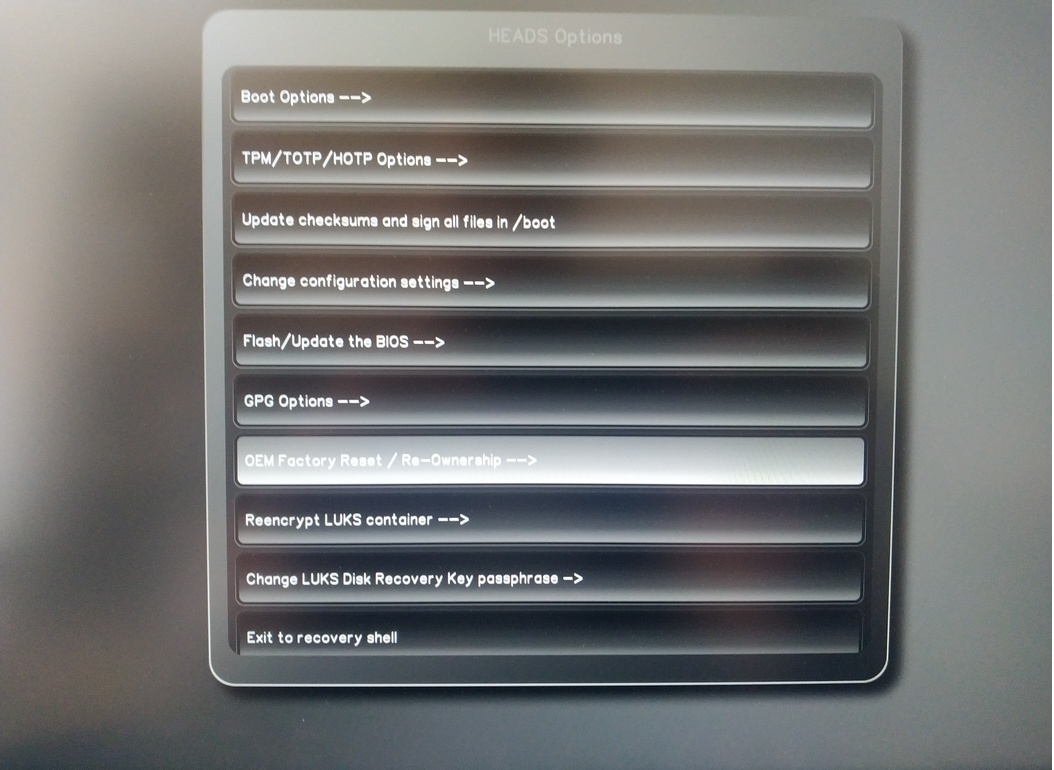
Confirm reset with “Continue”.
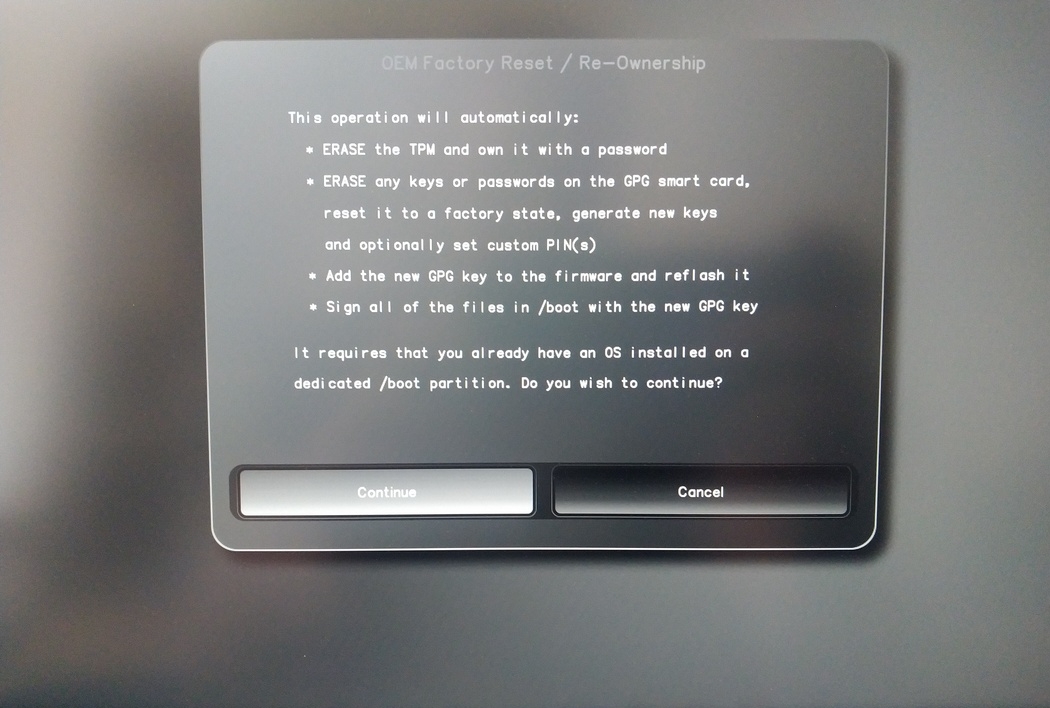
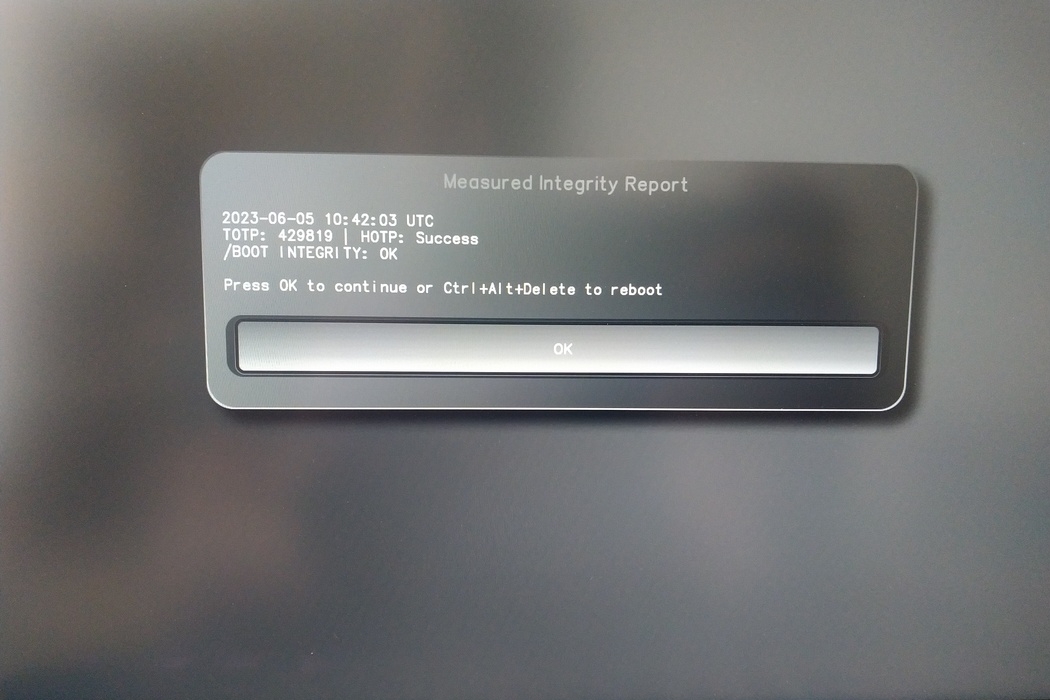
The integrity of your setup will be tested. Depending on your reason to perform the reset this can fail; continue with „OK“ anyway.
You will be prompted with:
Would you like to use default configuration option?
If N, you will be prompted for each option [Y/n]:

You can hit enter for the default option (Y).
Zobrazí se druhá výzva:
Would you like to export your public key to an USB drive? [y/N]:
Stisknutím klávesy enter vyberte také výchozí možnost (N).
Během tohoto procesu se musíte na požádání dotknout klíče Nitrokey.
Nyní se zobrazují všechny kódy PIN použité hlavami:
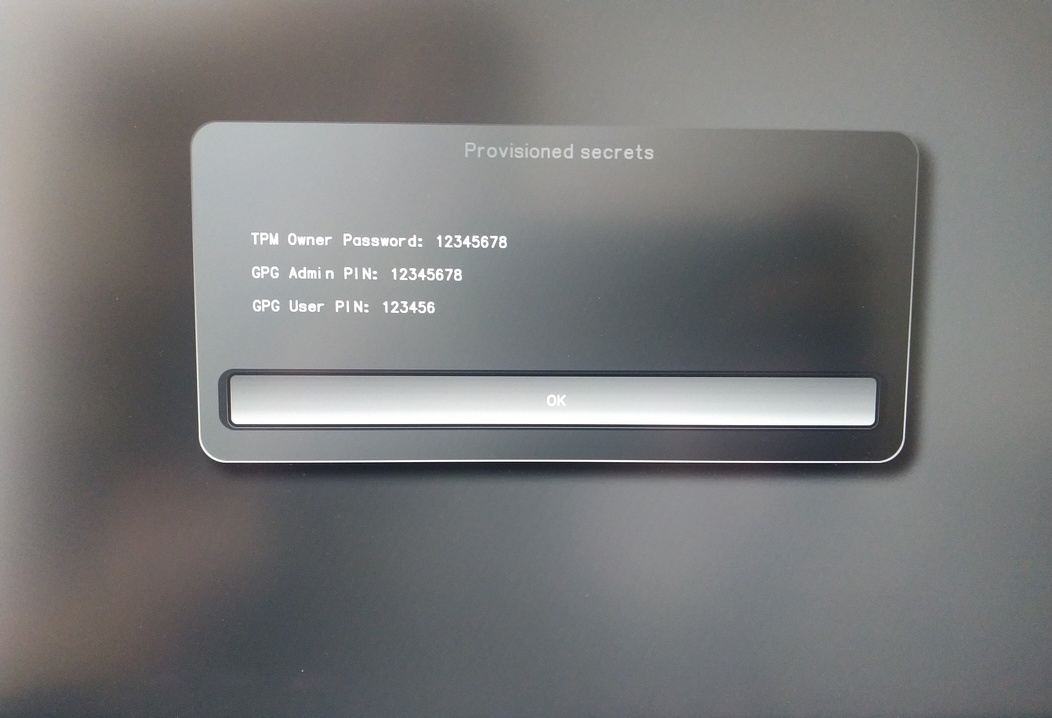
Budete je potřebovat pro určitý postup, takže si je dobře zapamatujte.
Confirm the subsequent restart.
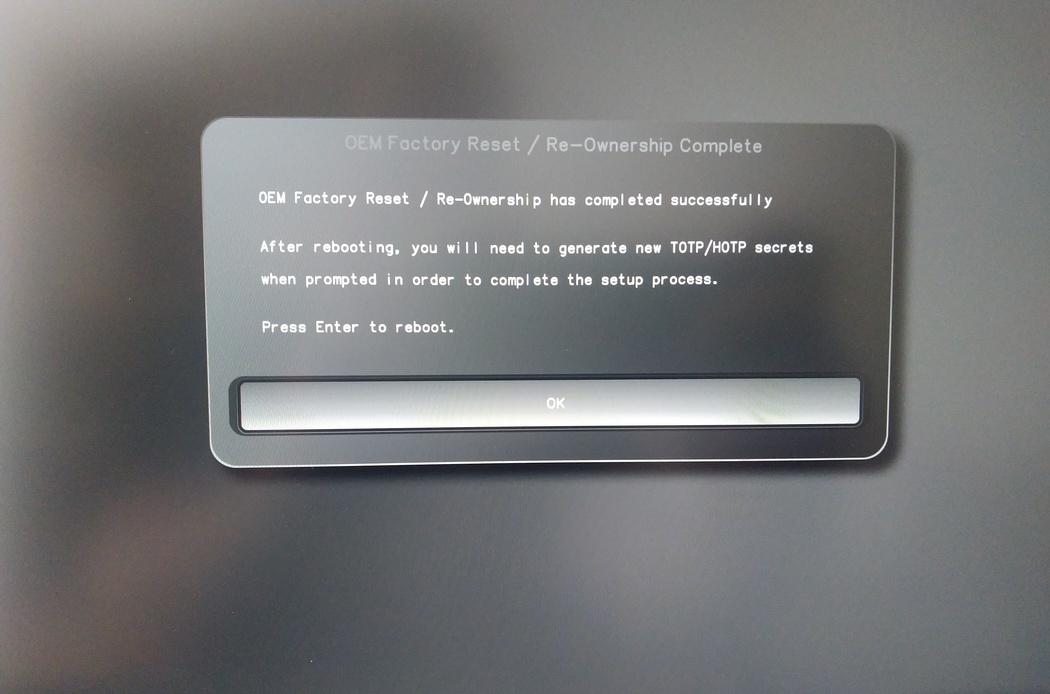
Po restartu musí být vytvořen tajný kód OTP. Proces potvrďte klávesou Enter.
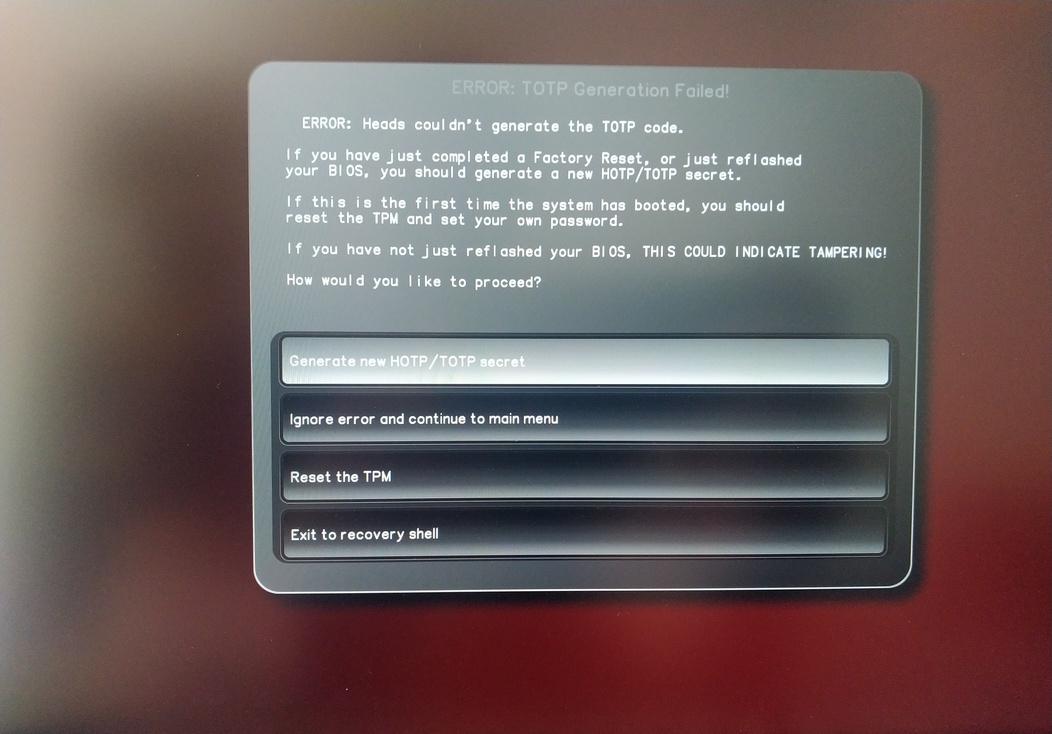
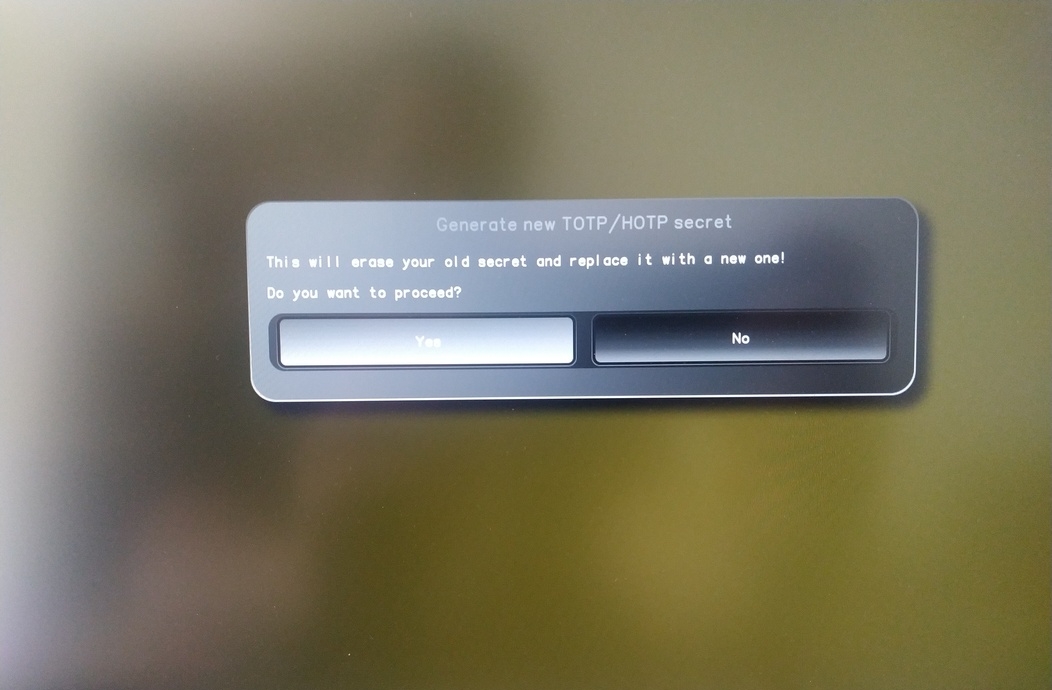
Enter TPM Owner Password (Default:
12345678)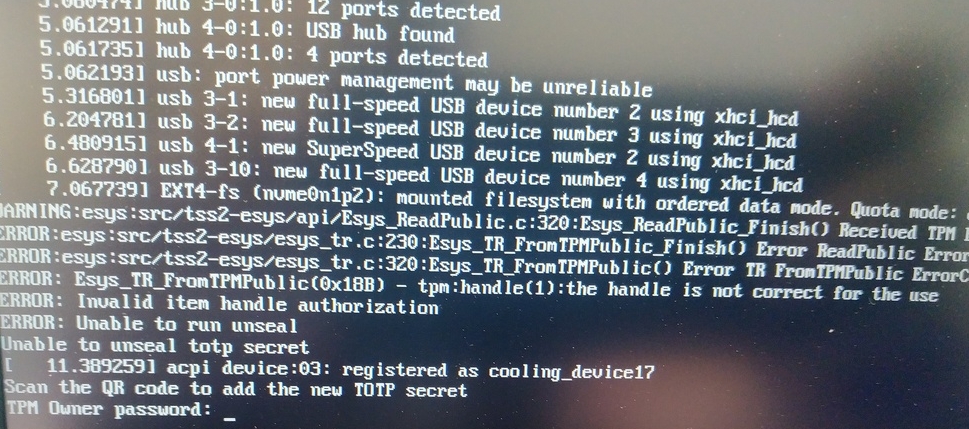
Scan QR code with Phone to import TOTP Secret (optional) and hit Enter
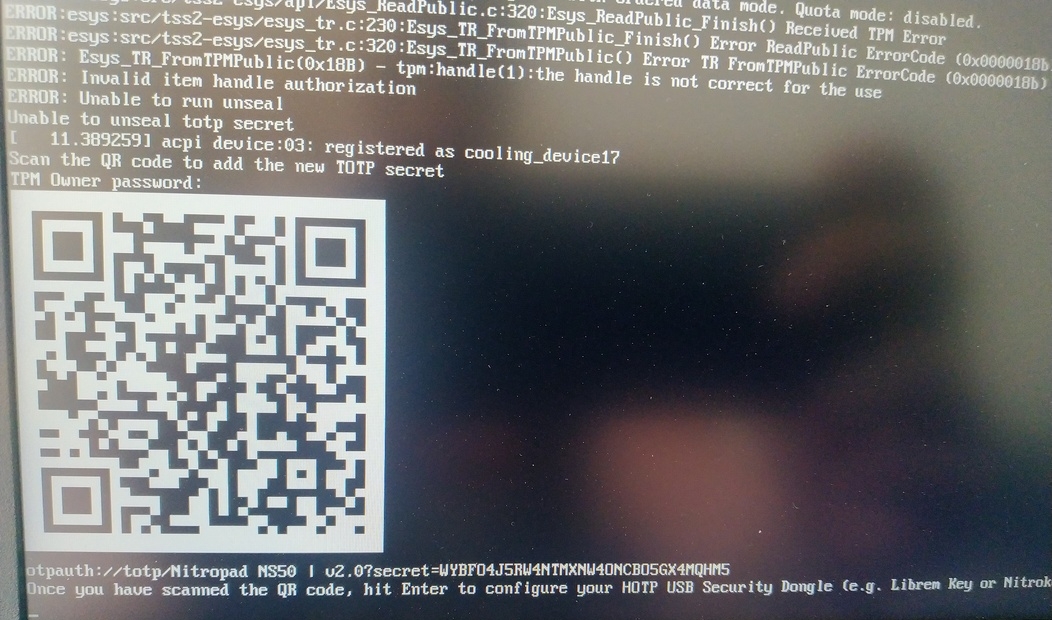
When asked touch your Nitrokey.
When prompted, enter the Secret App PIN of your Nitrokey (Default: 12345678) and hit Enter
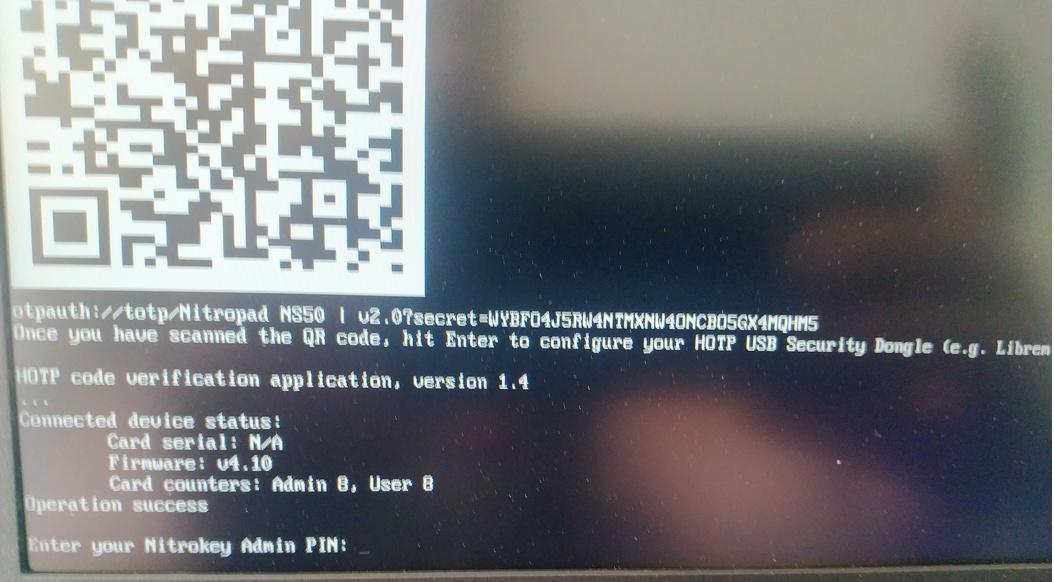
Stiskněte enter a spustí se automatické spouštění.
Nyní je třeba vybrat výchozí spouštění, vybrat první možnost a nastavit ji jako výchozí.
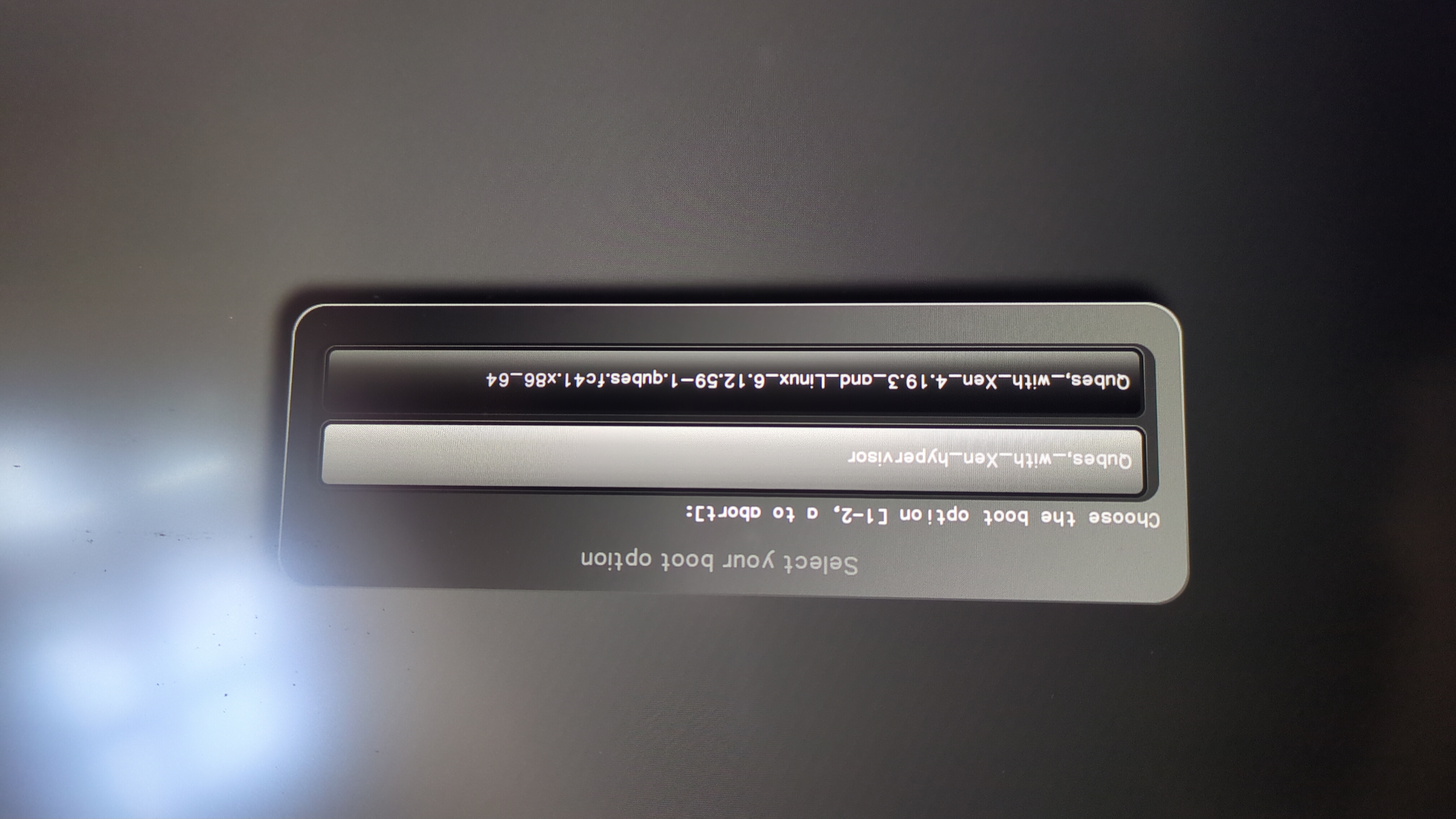
Zobrazí se tato výzva:
Do you wish to add a disk encryption key to the TPM [y/N]:
Hit enter to choose the default option (N).
Please confirm that your GPG card is inserted [Y/n]:
Here also hit enter for the default option (Y).
It will ask for the Admin PIN which is by default (123456).
Resetování je dokončeno a vy nastartujete nainstalovaný operační systém.
Připojte klíč Nitrokey k zařízení NitroPad.
Zapněte zařízení NitroPad.
Vyberte možnost „Možnosti“.
Vyberte možnost „OEM-Factory Reset /Re-Ownership“.
Potvrďte resetování tlačítkem „Pokračovat“.
The integrity of your setup will be tested. Depending on your reason to perform the reset this can fail; continue with „OK“ anyway.
Následující otázku lze zodpovědět pomocí výchozího nastavení. Pokud chcete zařízení pouze resetovat, stačí stisknout enter.
Would you like to change the current LUKS Disk Recovery Key passphrase?
(Highly recommended if you didn't install the Operating System yourself, so that past provisioned passphrase would not permit to access content.
Note that without re-encrypting disk, a backuped header could be restored to access encrypted content with old passphrase) [y/N]: N

Would you like to re-encrypt LUKS encrypted container and generate new Disk Recovery key?
(Highly recommended if you didn't install the operating system yourself: this would prevent any LUKS backuped header to be restored to access encrypted data) [y/N]: N

The following security components will be provisioned with defaults or chosen PINs/passwords:

TPM Ownership password
GPG Admin PIN
GPG User PIN

Would you like to set a single custom password that will be provisioned to previously stated security components? [y/N]: N

Would you like to set distinct PINs/passwords to be provisioned to previously stated security components? [y/N]: N

Would you like to set custom user Information for the GnPG key?[y/N]: N

Would you like to set custom user information for the GnuPG key? [y/N]: N

Checking for USB Security Dongle...

Detecting and setting boot device...

Boot device set to /dev/nvme0n1p2

Resetting TPM...

Resetting GPG Key...
(this will take around 3 minuts...)

Changing default GPG Admin PIN

Changing default GPG User PIN

Reading current firmware
(this will take a minute or two)

Adding generated key to current firmware and re-flashing...

Signing boot files and generating checksums
Zobrazí se výchozí kódy PIN GPG a heslo TPM.
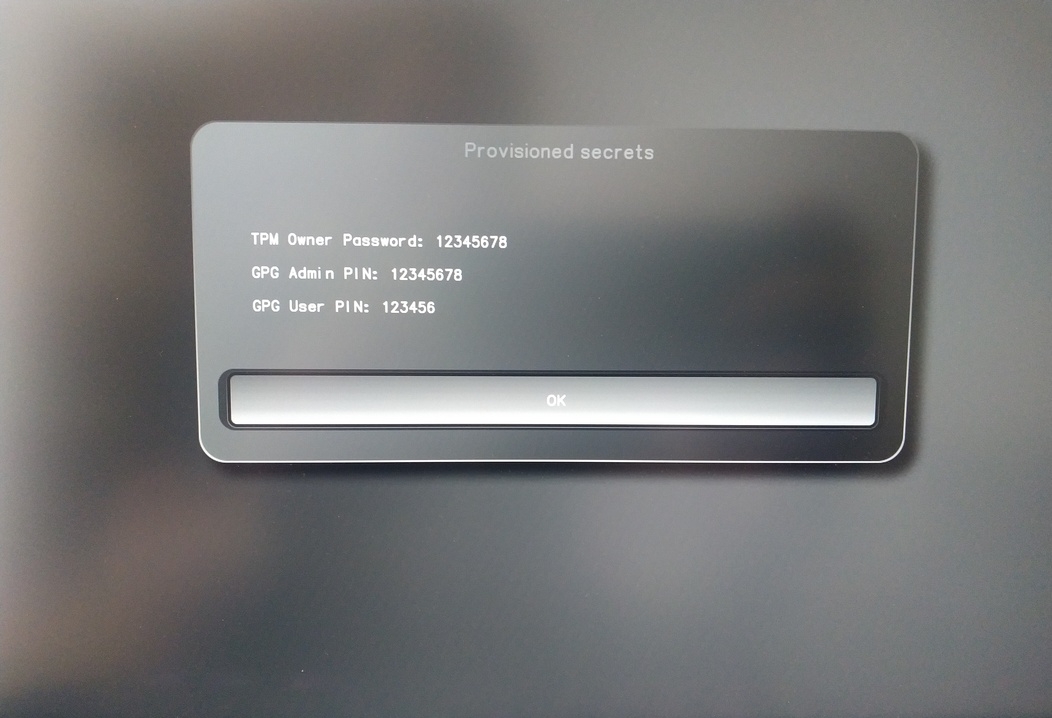
Confirm the subsequent restart.
Po restartu musí být vytvořen tajný kód OTP. Proces potvrďte klávesou Enter.
Zadejte heslo TPM (výchozí: 12345678)
Scan the QR code with your phone to import the TOTP secret (optional) and hit Enter.
When prompted, enter the Admin PIN of your Nitrokey (Default:
12345678) and hit Enter.
Poté byste se měli dostat do nabídky Start.
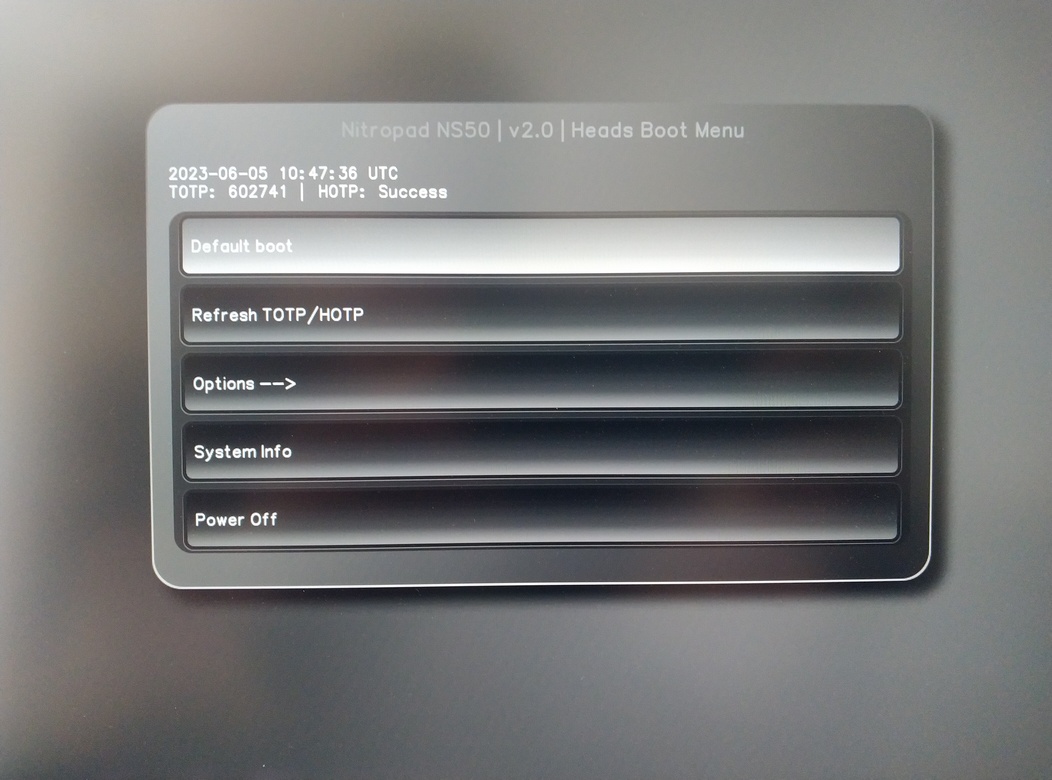
Stisknutím klávesy Enter spustíte „Default Boot“.
Poznámka
If you see the message that no default exists yet, please follow the procedure described in default boot.