Ändra användar- och administratörs-PIN
Compatible Nitrokeys |
|||||||
|---|---|---|---|---|---|---|---|
✓ active |
⨯ inactive |
⨯ inactive |
✓ active |
⨯ inactive |
✓ active |
✓ active |
⨯ inactive |
Användarens PIN-kod
The user PIN is at least 6-digits long and is used to get access to the content of the Nitrokey. This is the PIN you will use a lot in every day use e.g. for decrypting messages, for unlocking your encrypted storage (NK Storage only) etc.
You can change the user PIN with the Nitrokey App if using a Nitrokey Pro or Nitrokey Storage. In the Nitrokey App open Menu ->
Configure -> Change User PIN to open the dialog to change the PIN.
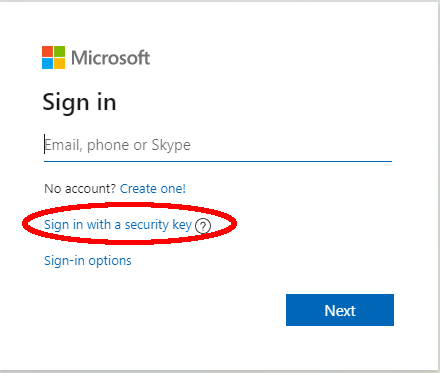
Du kan ändra användar-PIN-koden i dialogfönstret nu.
The user PIN can have up to 20 digits and other characters (e.g. alphabetic and special characters). But as the user PIN is blocked as soon three wrong PIN attempts were done, it is sufficiently secure to only have a 6 digits PIN. The default PIN is 123456.
PIN-kod för administratör
Admin-PIN-koden är minst 8 siffror lång och används för att ändra innehåll/inställningar i Nitrokey. Det vill säga efter initialisering av Nitrokey kommer du förmodligen inte att behöva den här PIN-koden alltför ofta (t.ex. om du vill lägga till ett annat lösenord till lösenordssäkringen i Nitrokey Pro eller Nitrokey Storage).
You can change the admin PIN with the Nitrokey App if using a Nitrokey Pro or Nitrokey Storage. In the Nitrokey App open Menu -> Configure ->
Change Admin PIN to open the dialog to change the PIN.
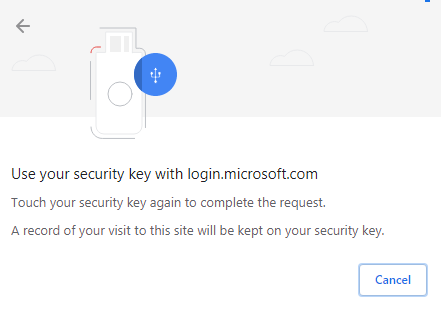
Du kan nu ändra administratörens PIN-kod i dialogfönstret.
The admin PIN can have up to 20 digits and other characters (e.g. alphabetic and special characters). But as the admin PIN is blocked as soon three wrong PIN attempts were done, it is sufficiently secure to only have 8 digits PIN. The default PIN is 12345678.