Factory Reset Heads v2.0+
Dôvody obnovenia výrobných nastavení
Your Nitrokey is locked (e.g. due to multiple incorrect PIN entries)
Stratili ste kľúč Nitrokey (v takom prípade budete potrebovať nový kľúč).
You have installed an operating system yourself (e.g. after changing the hard disk)
Váš operačný systém sa nespustí
Varovanie
All GPG keys of your Nitrokey will be deleted during this procedure.
Postup
Pripojte kľúč Nitrokey k zariadeniu NitroPad.
Turn on the NitroPad and interrupt the automatic boot by pressing any key.
Vyberte položku „Možnosti“.
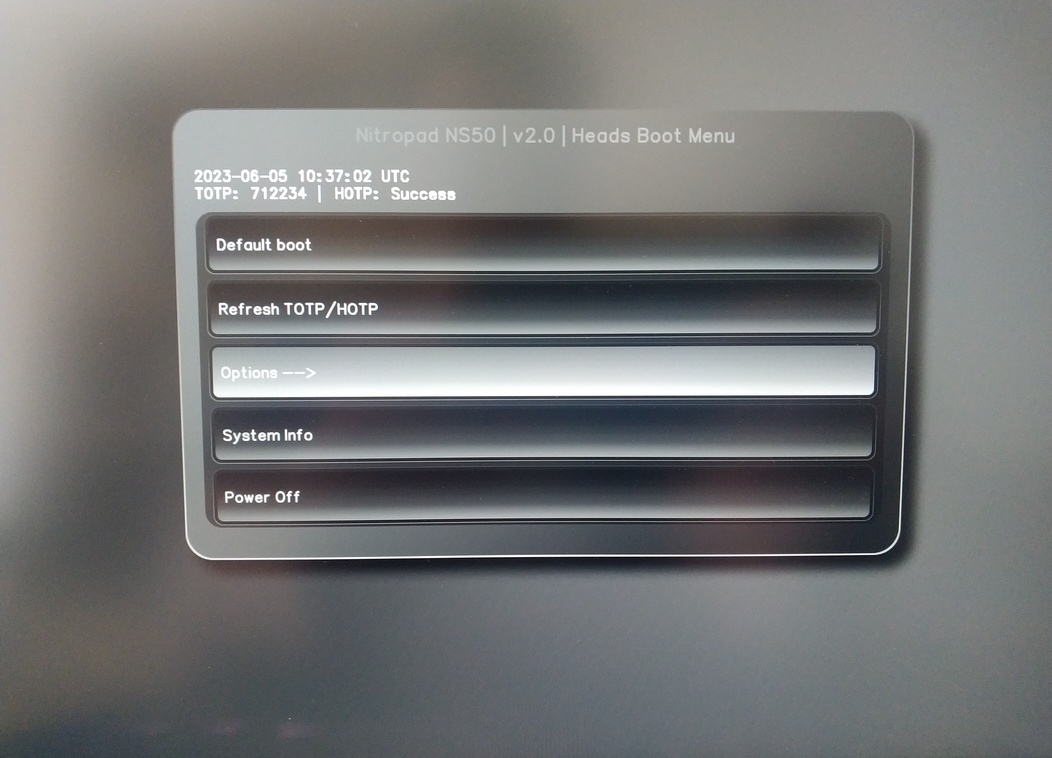
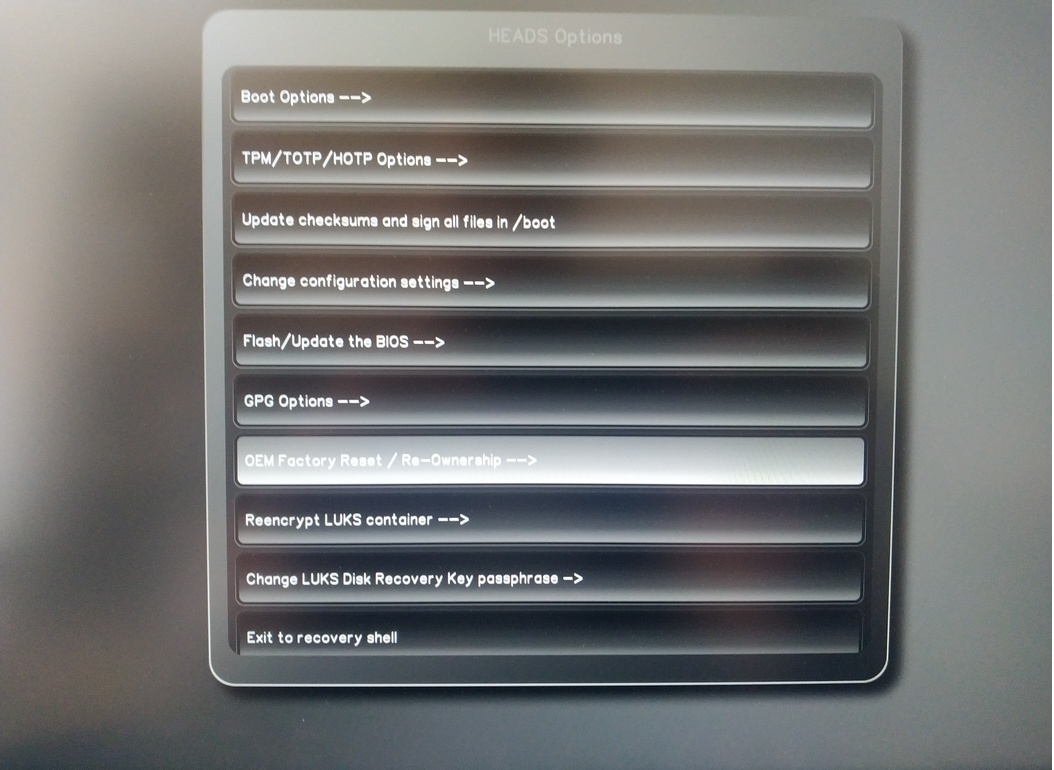
Vyberte možnosť „OEM-Factory Reset /Re-Ownership“.
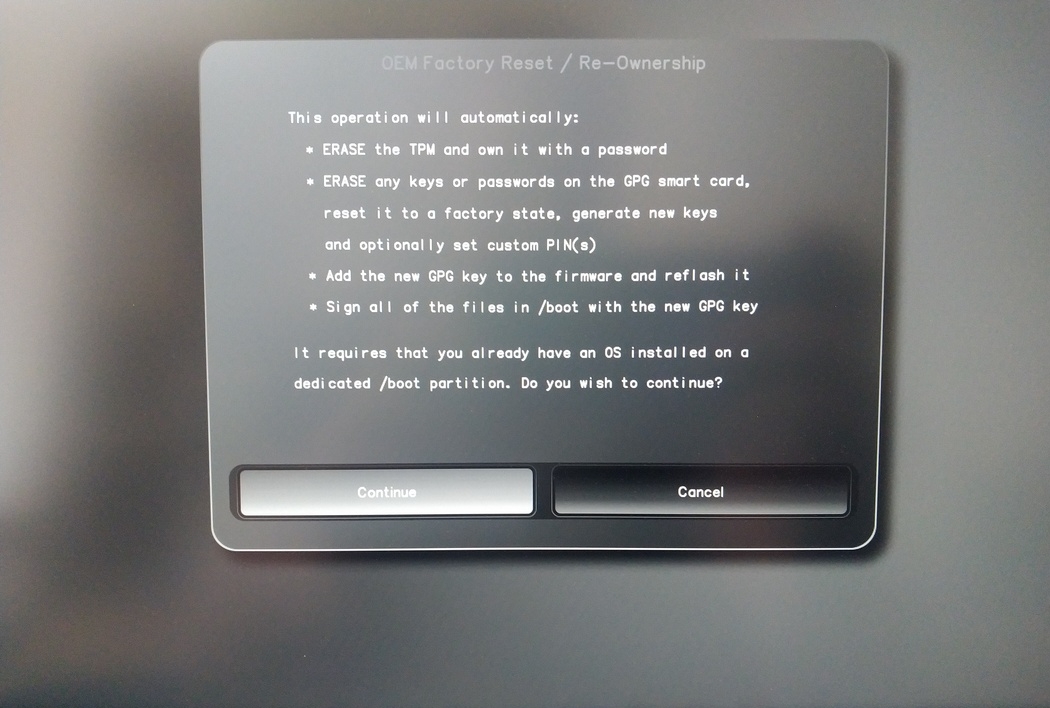
Confirm reset with “Continue”.
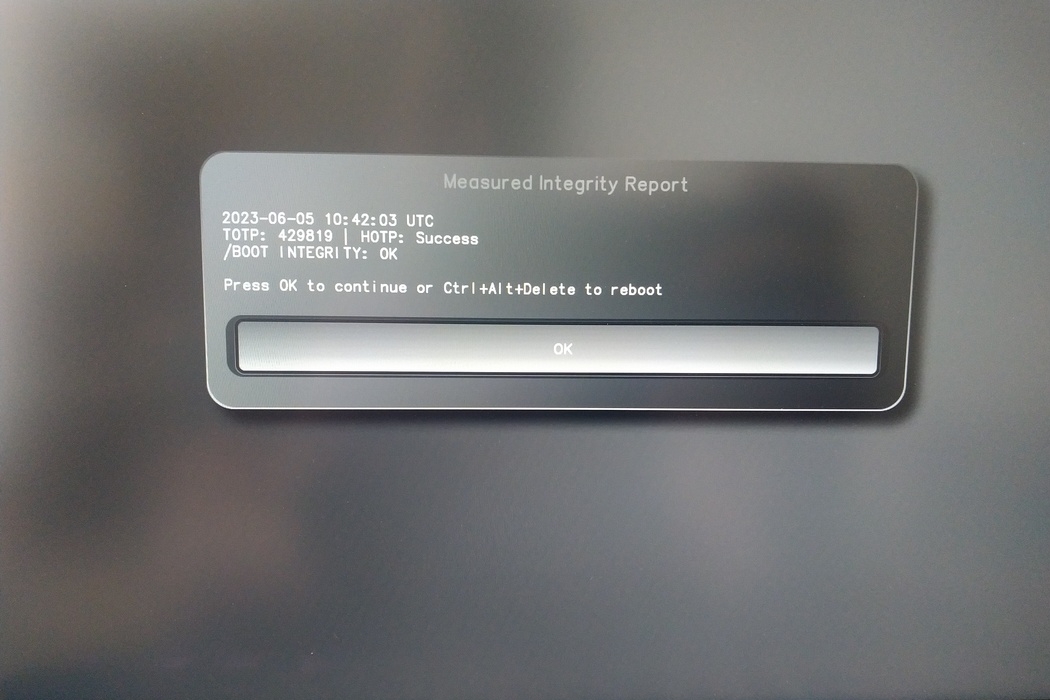
The integrity of your setup will be tested. Depending on your reason to perform the reset this can fail; continue with „OK“ anyway.
You will be prompted with:
Would you like to use default configuration option?
If N, you will be prompted for each option [Y/n]:

You can hit enter for the default option (Y).
Zobrazí sa druhá výzva:
Would you like to export your public key to an USB drive? [y/N]:
Stlačením klávesu enter vyberte aj predvolenú možnosť (N).
Počas tohto procesu sa budete musieť na požiadanie dotknúť kľúča Nitrokey.
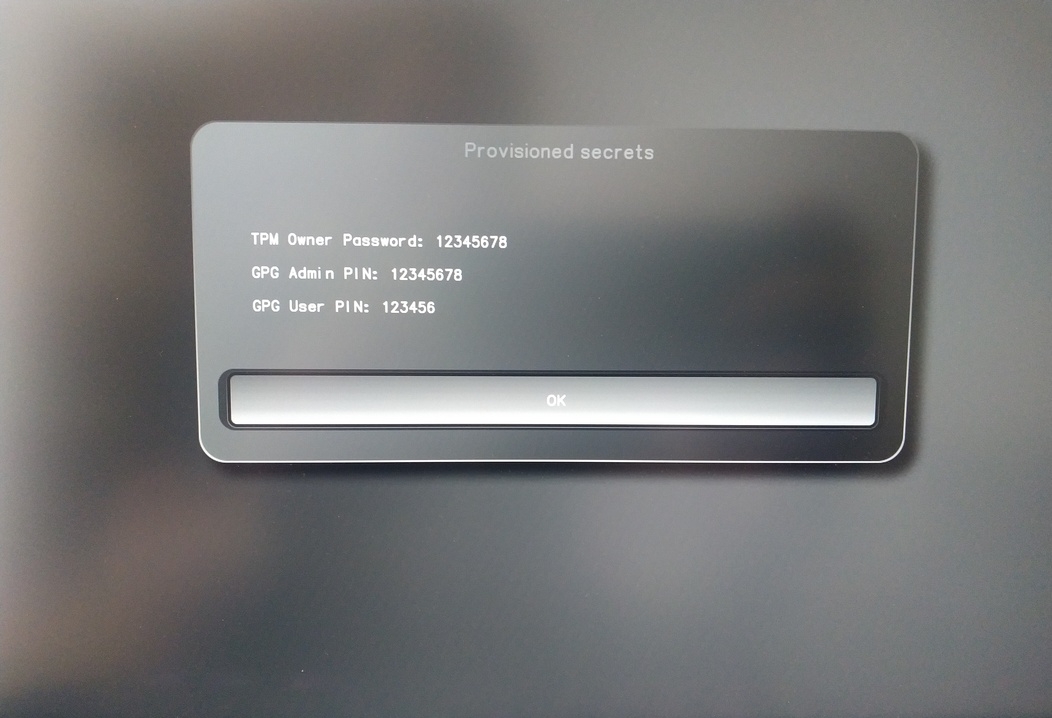
Teraz sa zobrazujú všetky kódy PIN, ktoré používajú hlavy:
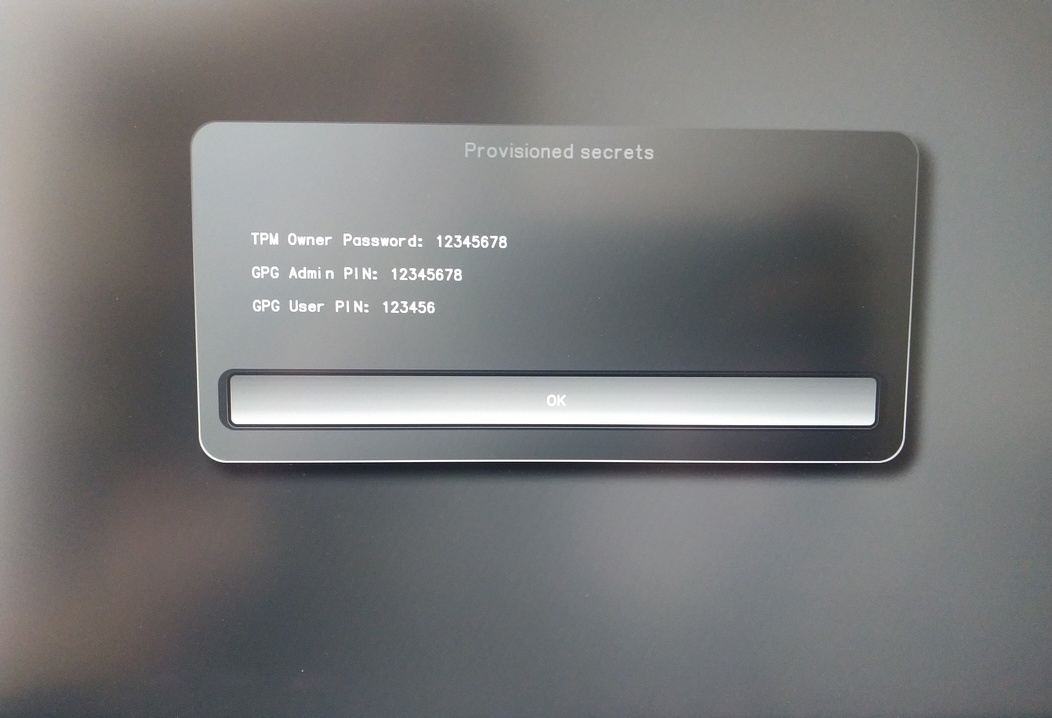
Budete ich potrebovať pri určitých postupoch, preto si ich nezabudnite.
Confirm the subsequent restart.
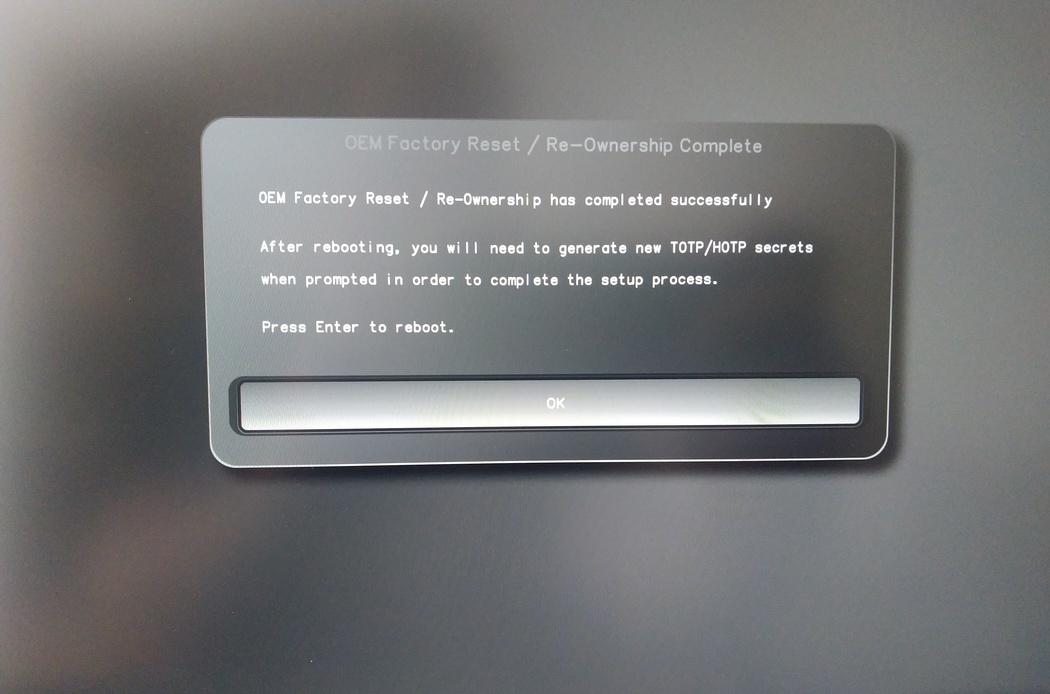
Po reštarte sa musí vytvoriť OTP tajomstvo. Proces potvrďte klávesom Enter.
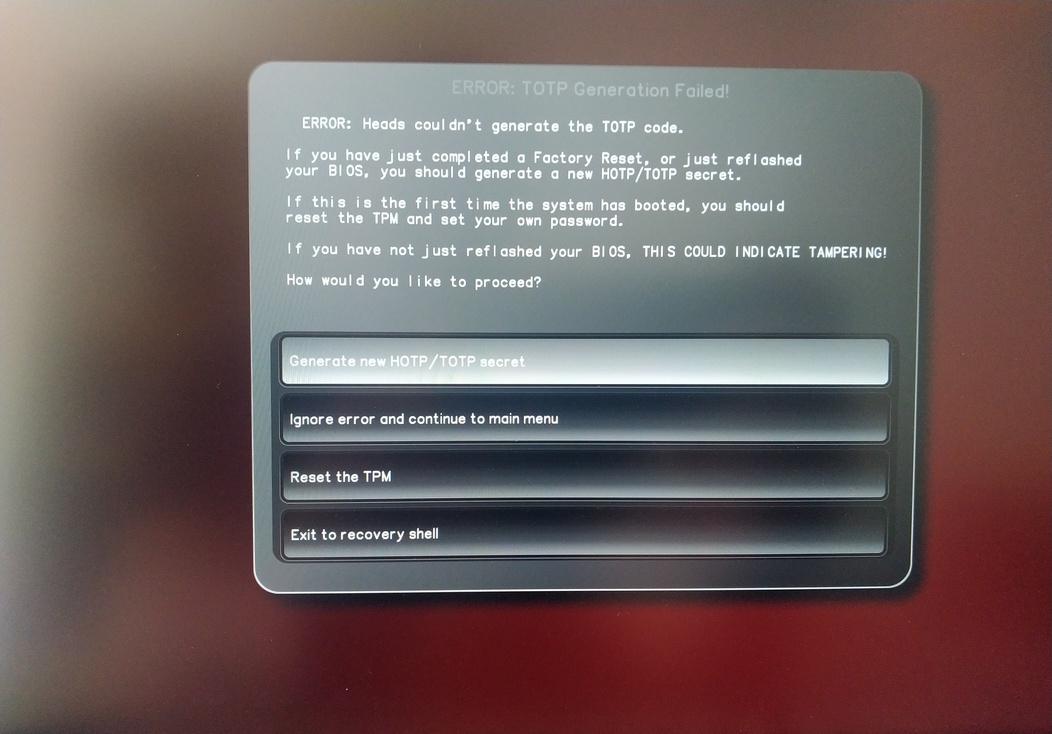
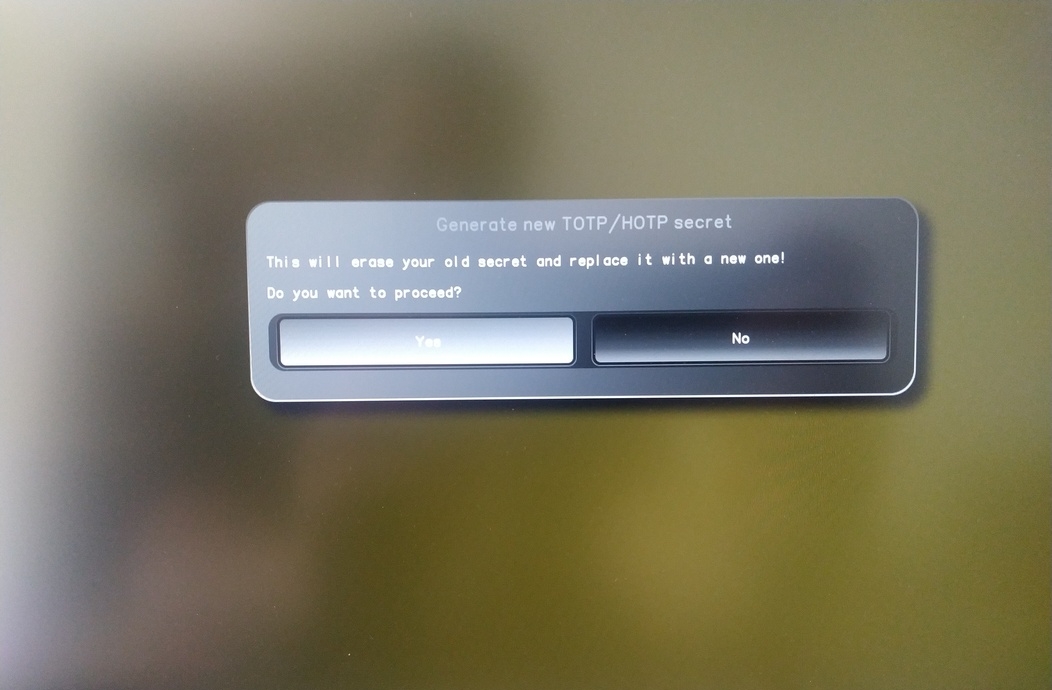
Enter TPM Owner Password (Default:
12345678)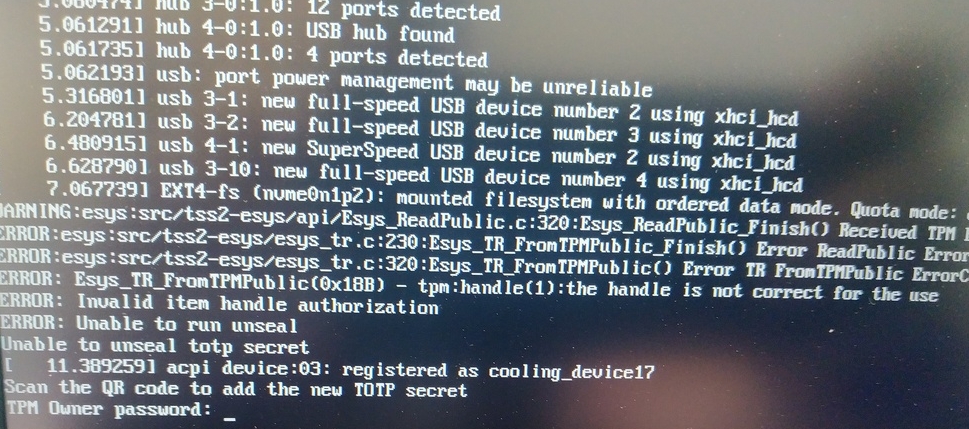
Scan QR code with Phone to import TOTP Secret (optional) and hit Enter
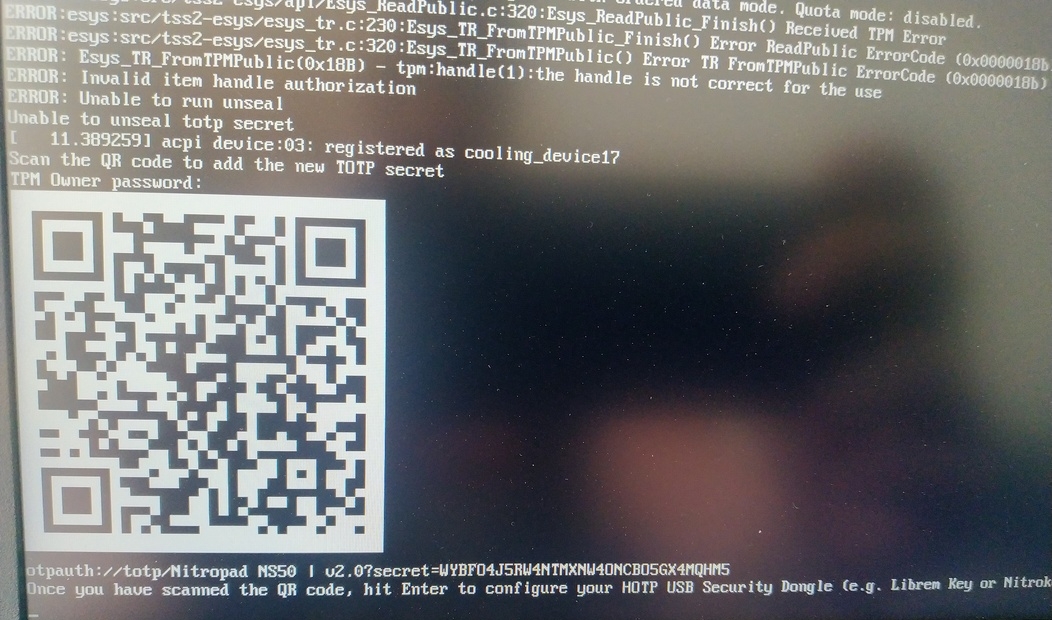
When asked touch your Nitrokey.
When prompted, enter the Secret App PIN of your Nitrokey (Default: 12345678) and hit Enter
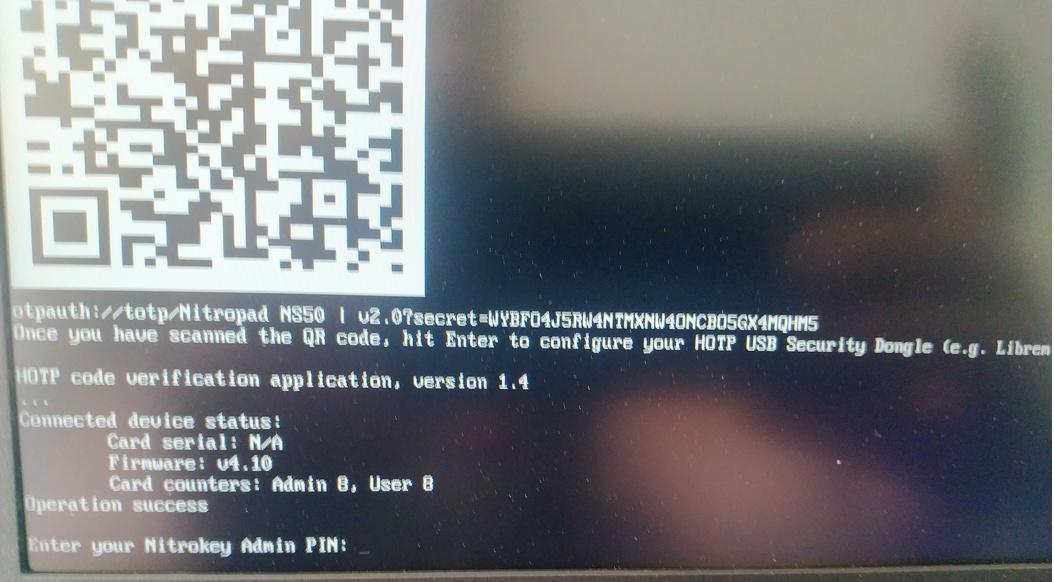
Stlačte enter a spustí sa automatické spúšťanie.
Teraz musíte vybrať predvolené spustenie, vybrať prvú možnosť a nastaviť ju ako predvolenú.
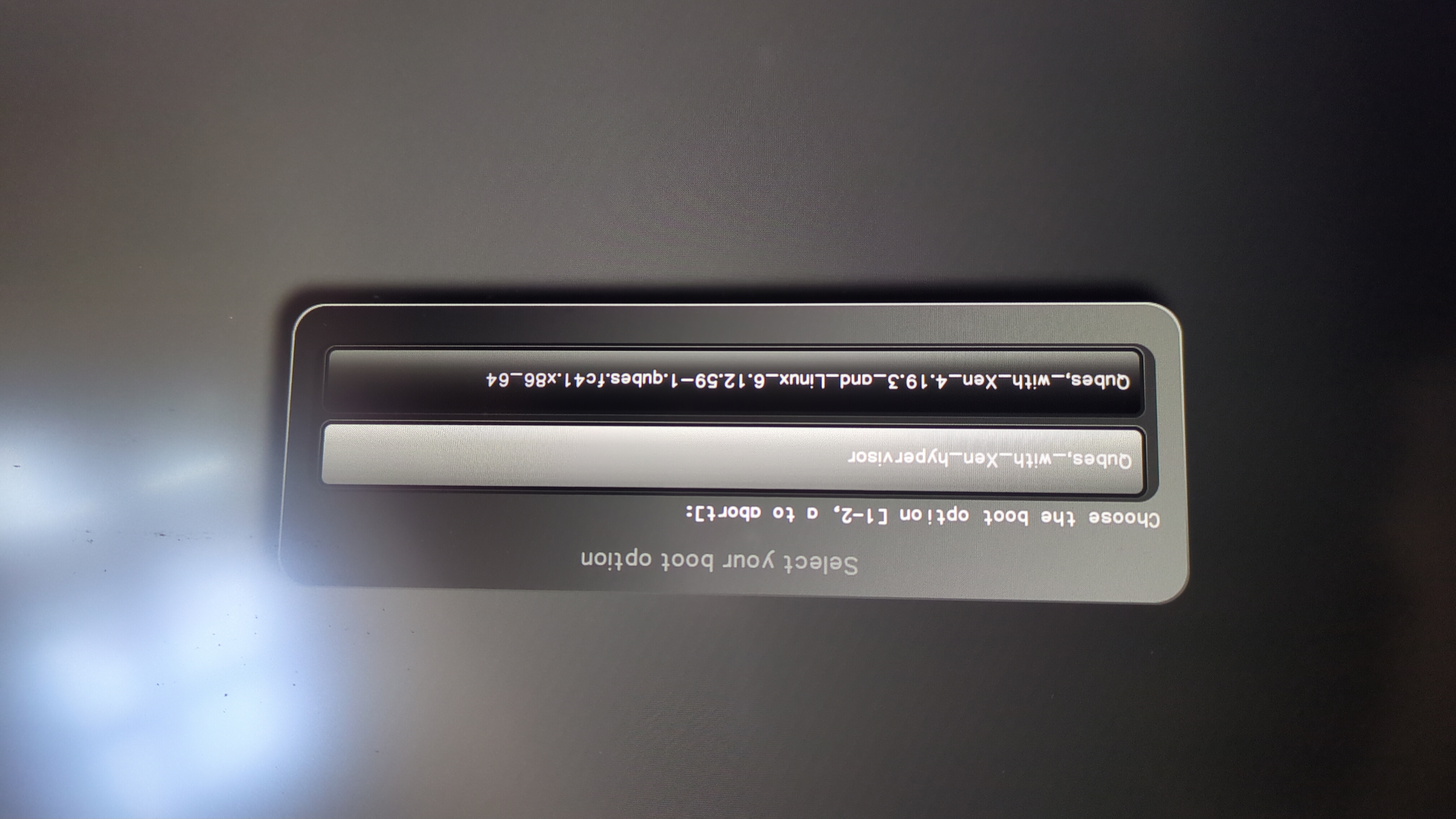
Zobrazí sa táto výzva:
Do you wish to add a disk encryption key to the TPM [y/N]:
Hit enter to choose the default option (N).
Please confirm that your GPG card is inserted [Y/n]:
Here also hit enter for the default option (Y).
It will ask for the Admin PIN which is by default (123456).
Resetovanie sa vykoná a vy spustíte nainštalovaný operačný systém.
Pripojte kľúč Nitrokey k zariadeniu NitroPad.
Zapnite zariadenie NitroPad.
Vyberte položku „Možnosti“.
Vyberte možnosť „OEM-Factory Reset /Re-Ownership“.
Potvrďte resetovanie tlačidlom „Pokračovať“.
The integrity of your setup will be tested. Depending on your reason to perform the reset this can fail; continue with „OK“ anyway.
Na všetky nasledujúce otázky možno odpovedať pomocou predvoleného nastavenia. Stačí stlačiť enter, ak chcete iba resetovať zariadenie.
Would you like to change the current LUKS Disk Recovery Key passphrase?
(Highly recommended if you didn't install the Operating System yourself, so that past provisioned passphrase would not permit to access content.
Note that without re-encrypting disk, a backuped header could be restored to access encrypted content with old passphrase) [y/N]: N

Would you like to re-encrypt LUKS encrypted container and generate new Disk Recovery key?
(Highly recommended if you didn't install the operating system yourself: this would prevent any LUKS backuped header to be restored to access encrypted data) [y/N]: N

The following security components will be provisioned with defaults or chosen PINs/passwords:

TPM Ownership password
GPG Admin PIN
GPG User PIN

Would you like to set a single custom password that will be provisioned to previously stated security components? [y/N]: N

Would you like to set distinct PINs/passwords to be provisioned to previously stated security components? [y/N]: N

Would you like to set custom user Information for the GnPG key?[y/N]: N

Would you like to set custom user information for the GnuPG key? [y/N]: N

Checking for USB Security Dongle...

Detecting and setting boot device...

Boot device set to /dev/nvme0n1p2

Resetting TPM...

Resetting GPG Key...
(this will take around 3 minuts...)

Changing default GPG Admin PIN

Changing default GPG User PIN

Reading current firmware
(this will take a minute or two)

Adding generated key to current firmware and re-flashing...

Signing boot files and generating checksums
Zobrazí predvolené PIN kódy GPG a heslo TPM
Confirm the subsequent restart.
Po reštarte sa musí vytvoriť OTP tajomstvo. Proces potvrďte klávesom Enter.
Zadajte heslo TPM (predvolené: 12345678)
Scan the QR code with your phone to import the TOTP secret (optional) and hit Enter.
When prompted, enter the Admin PIN of your Nitrokey (Default:
12345678) and hit Enter.
Potom by ste sa mali dostať do ponuky Štart.
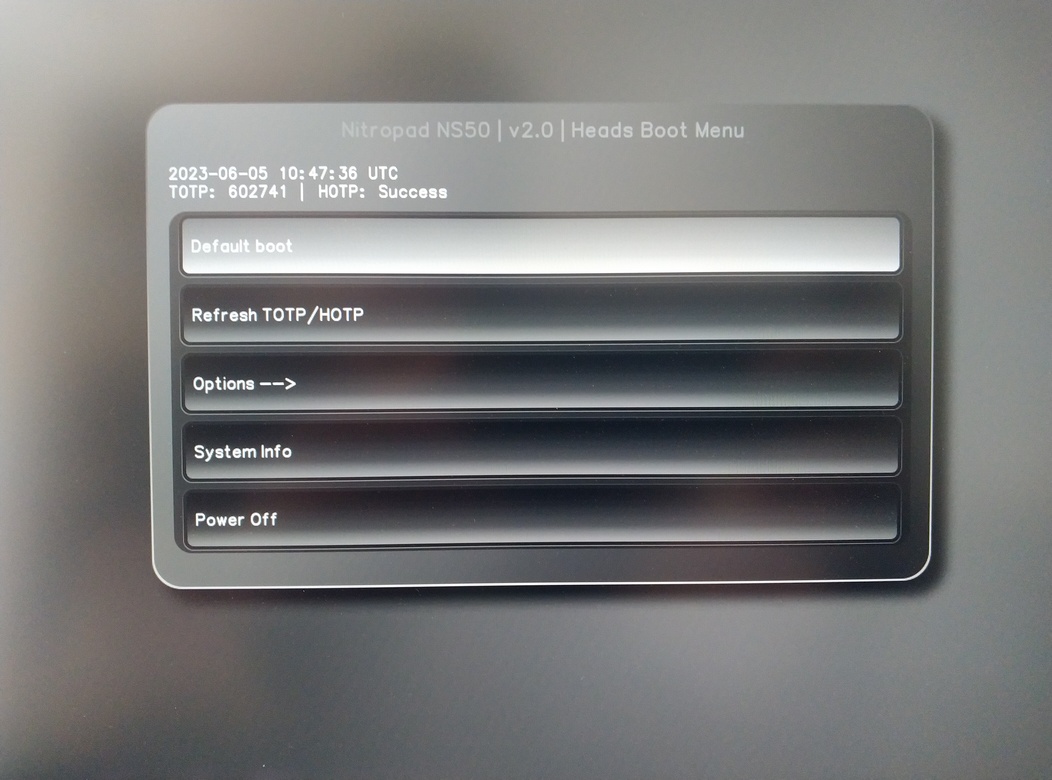
Stlačením tlačidla Enter spustíte „Default Boot“.
Poznámka
If you see the message that no default exists yet, please follow the procedure described in default boot.