Factory Reset Heads v2.0+
Skäl till att återställa till fabriksinställningar
Din Nitrokey är låst (t.ex. på grund av flera felaktiga PIN-koder)
Du har tappat bort din Nitrokey (i så fall behöver du först en ny).
Du har själv installerat ett operativsystem (t.ex. efter byte av hårddisk)
Ditt operativsystem startar inte
Varning
All GPG keys of your Nitrokey will be deleted during this procedure.
Förfarande
Anslut din Nitrokey till NitroPad.
Slå på NitroPad och avbryt den automatiska startprocessen genom att trycka på valfri tangent.
Välj ”Alternativ”.
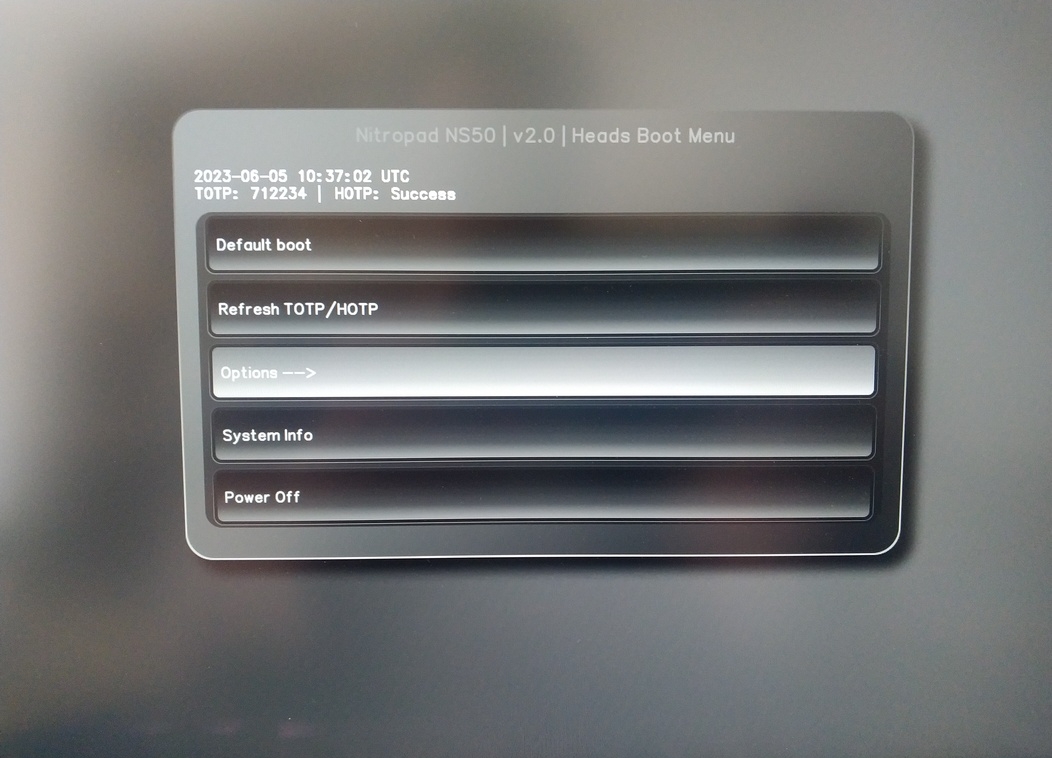
Välj ”OEM-Fabriksåterställning /Re-Ownership”.
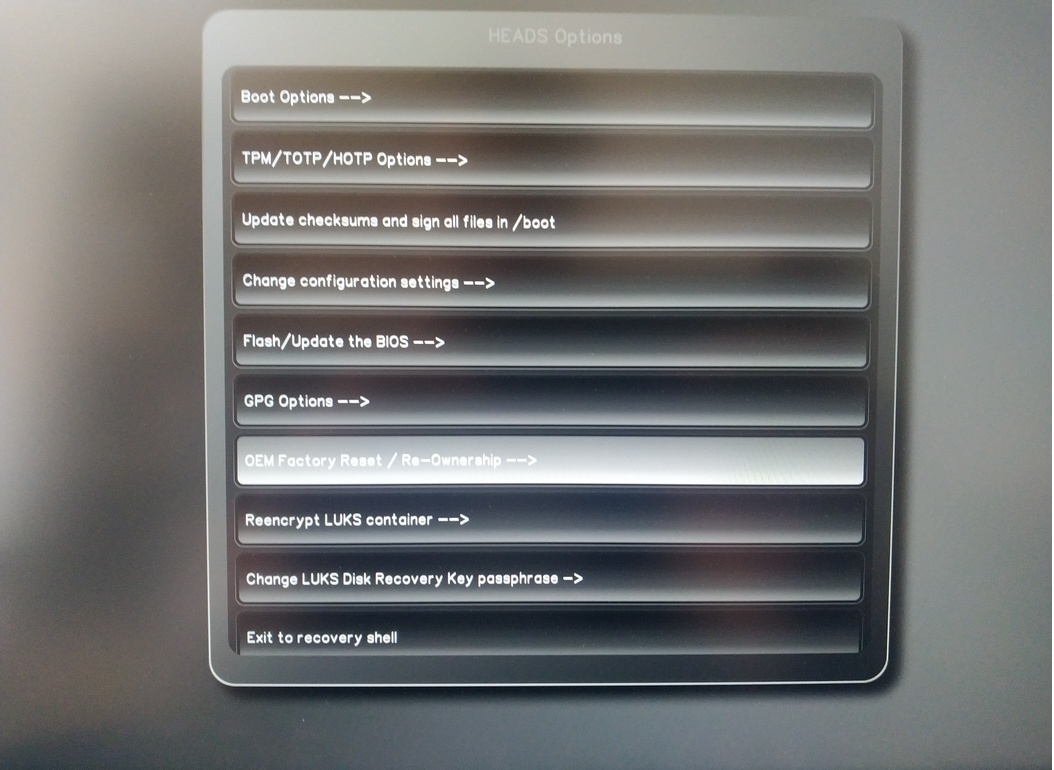
Confirm reset with “Continue”.
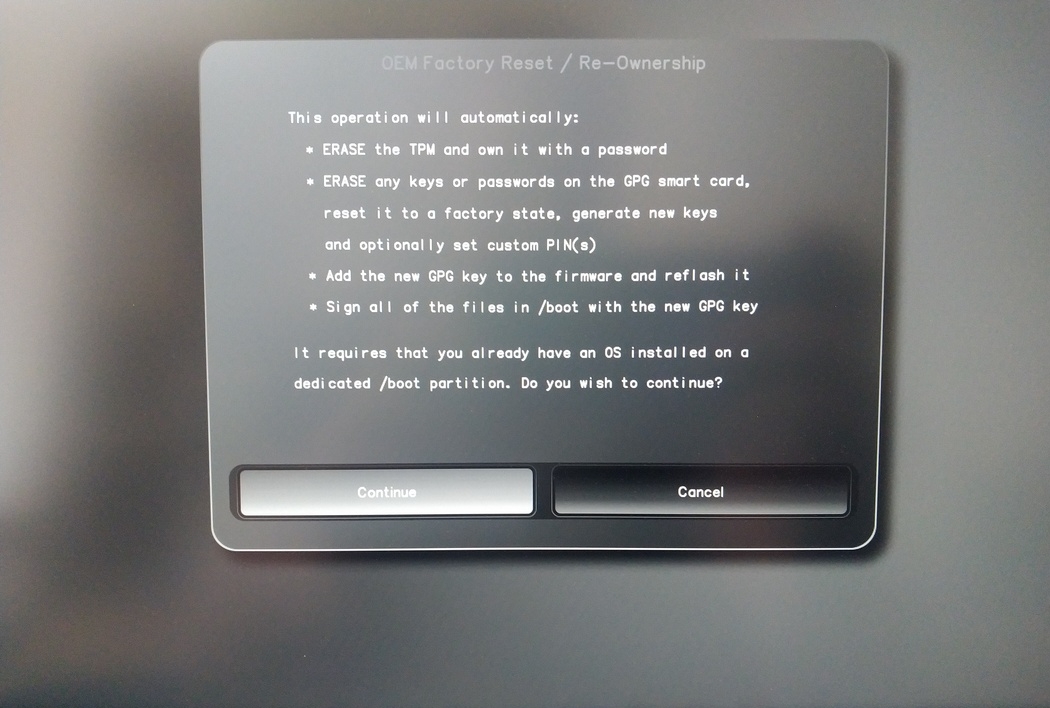
The integrity of your setup will be tested, deppending on your reason to perform the reset this can fail continue with ok anyways
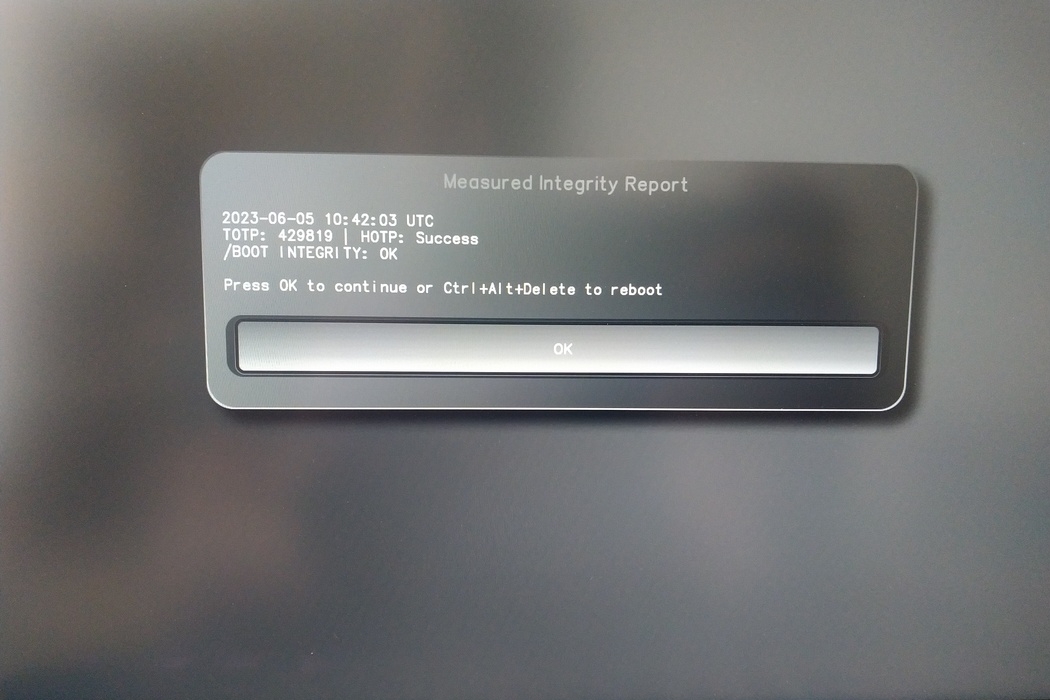
You will be prompted with:
Would you like to use default configuration option?
If N, you will be prompted for each option [Y/n]:

You can hit enter for the default option (Y).
En andra prompt visas:
Would you like to export your public key to an USB drive? [y/N]:
Välj också standardalternativet (N) genom att trycka på Enter.
Du måste röra vid din Nitrokey under denna process när du blir ombedd.
Nu visar den alla PIN-koder som används av Heads:
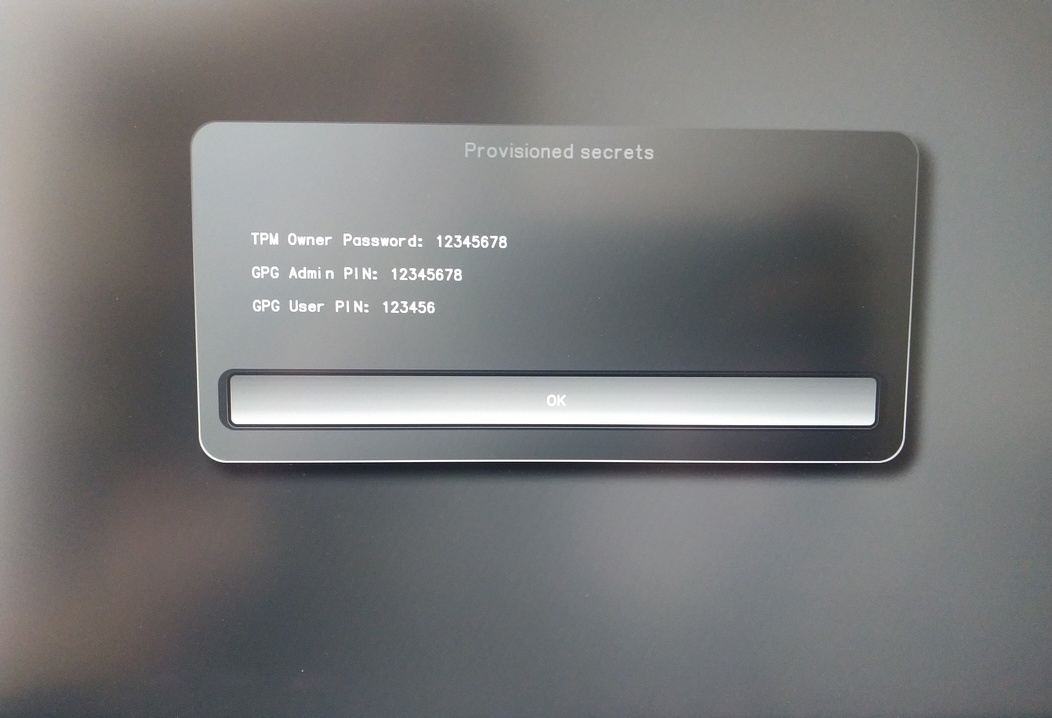
Du kommer att behöva dem för vissa procedurer, så se till att komma ihåg dem.
Confirm the subsequent restart.
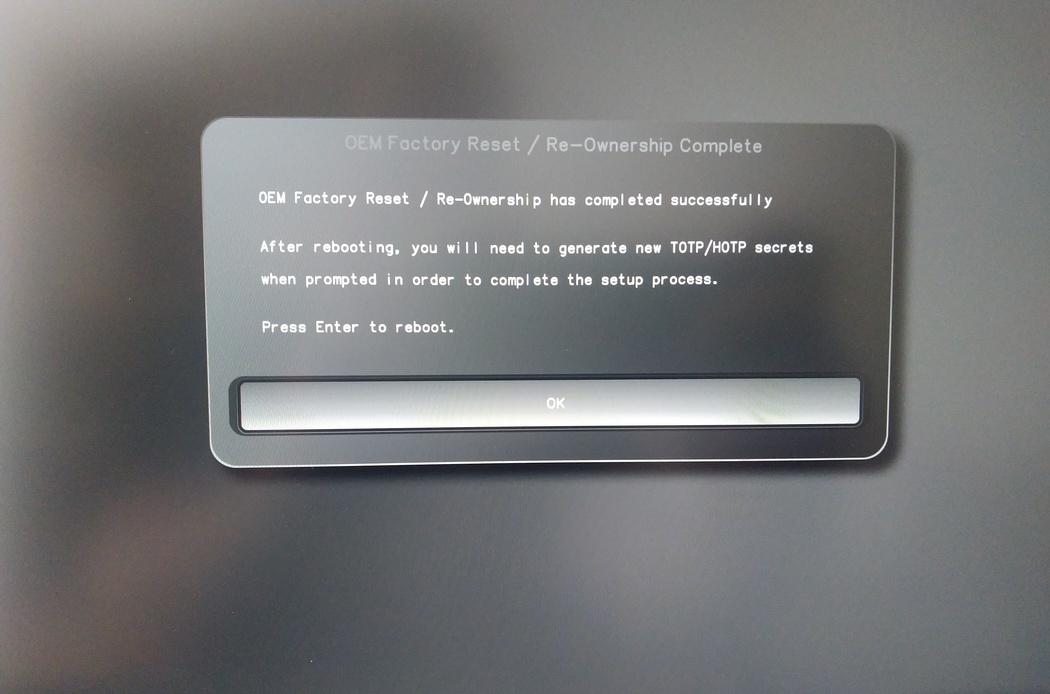
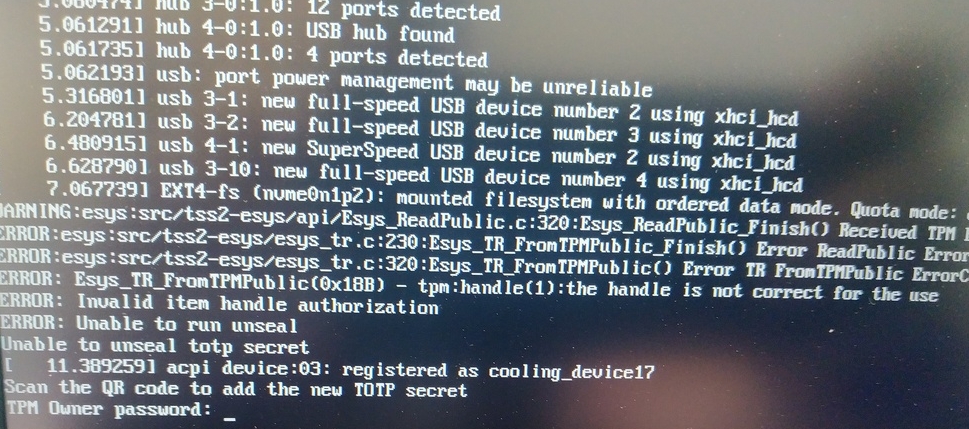
Efter omstarten måste OTP-hemligheten skapas. Bekräfta processen med Enter.
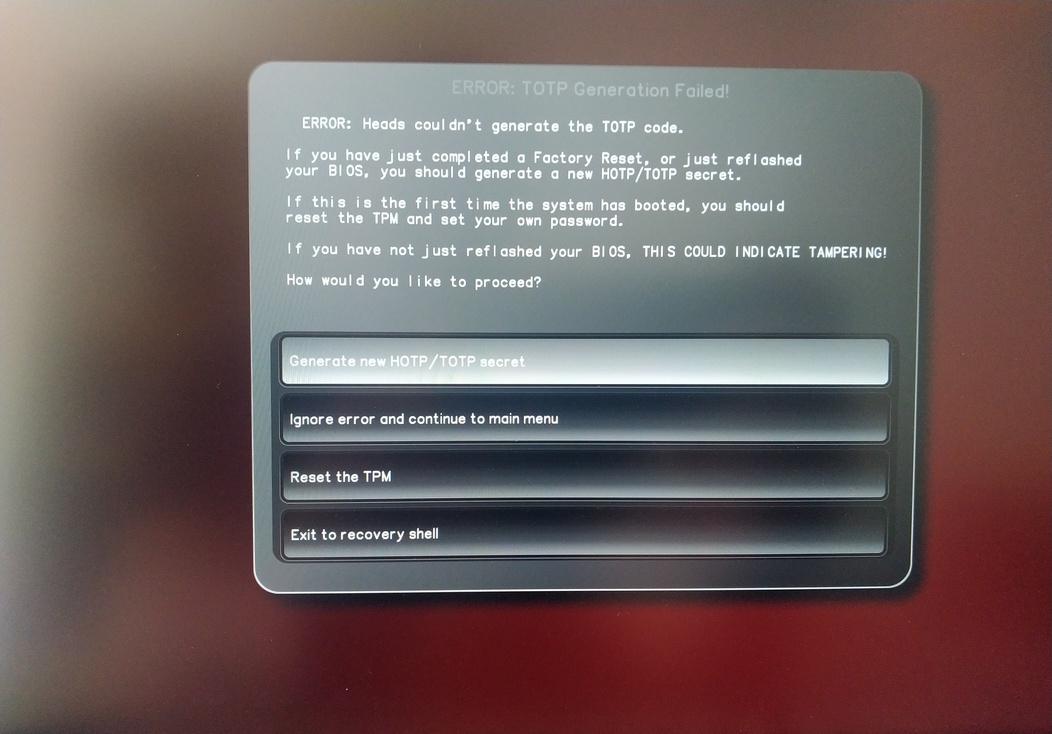
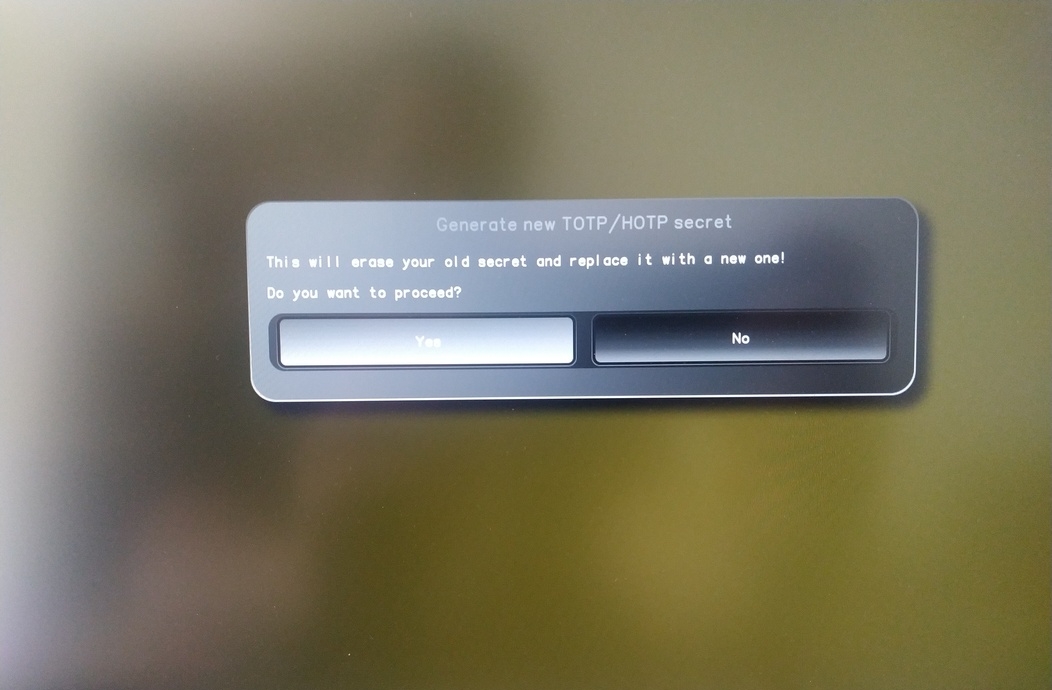
Enter TPM Owner Password (Default: 12345678)
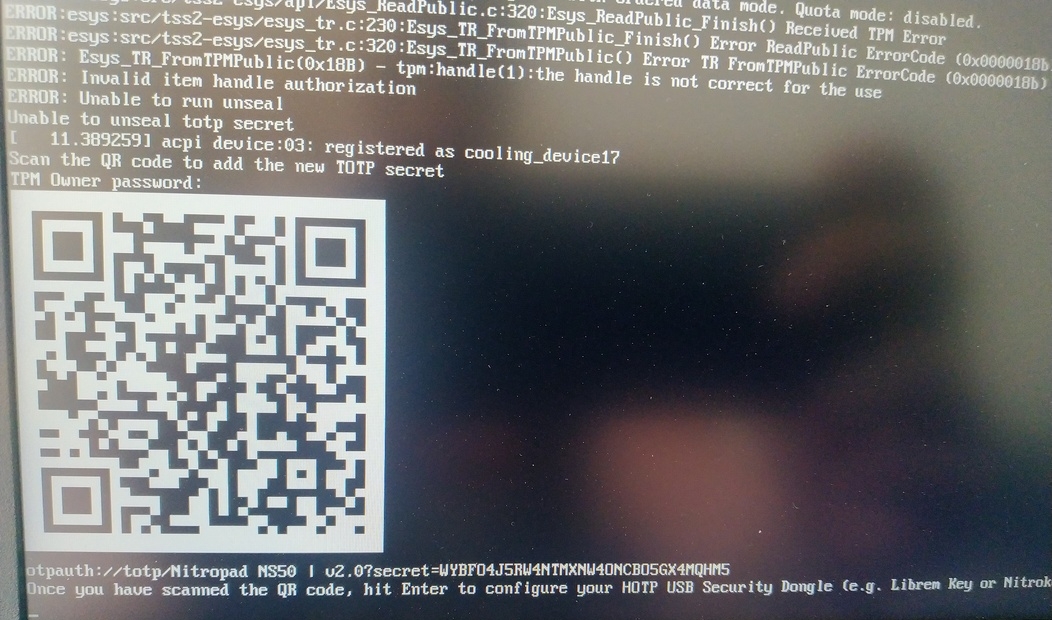
Scan QR code with Phone to inport TOTP Seceret (Optional) and hit Enter
When asked touch your Nitrokey.
When prompted, enter the Secret App PIN of your Nitrokey (Default: 12345678) and hit Enter
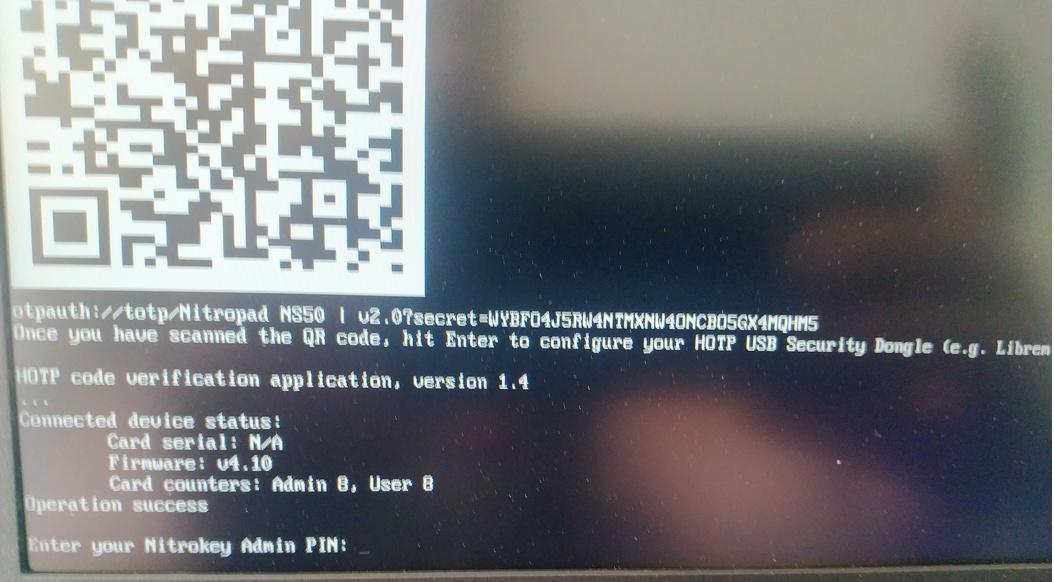
Tryck på Enter och den automatiska startprocessen startar.
Du måste nu välja din standardstart, välj det första alternativet och gör det till standard.
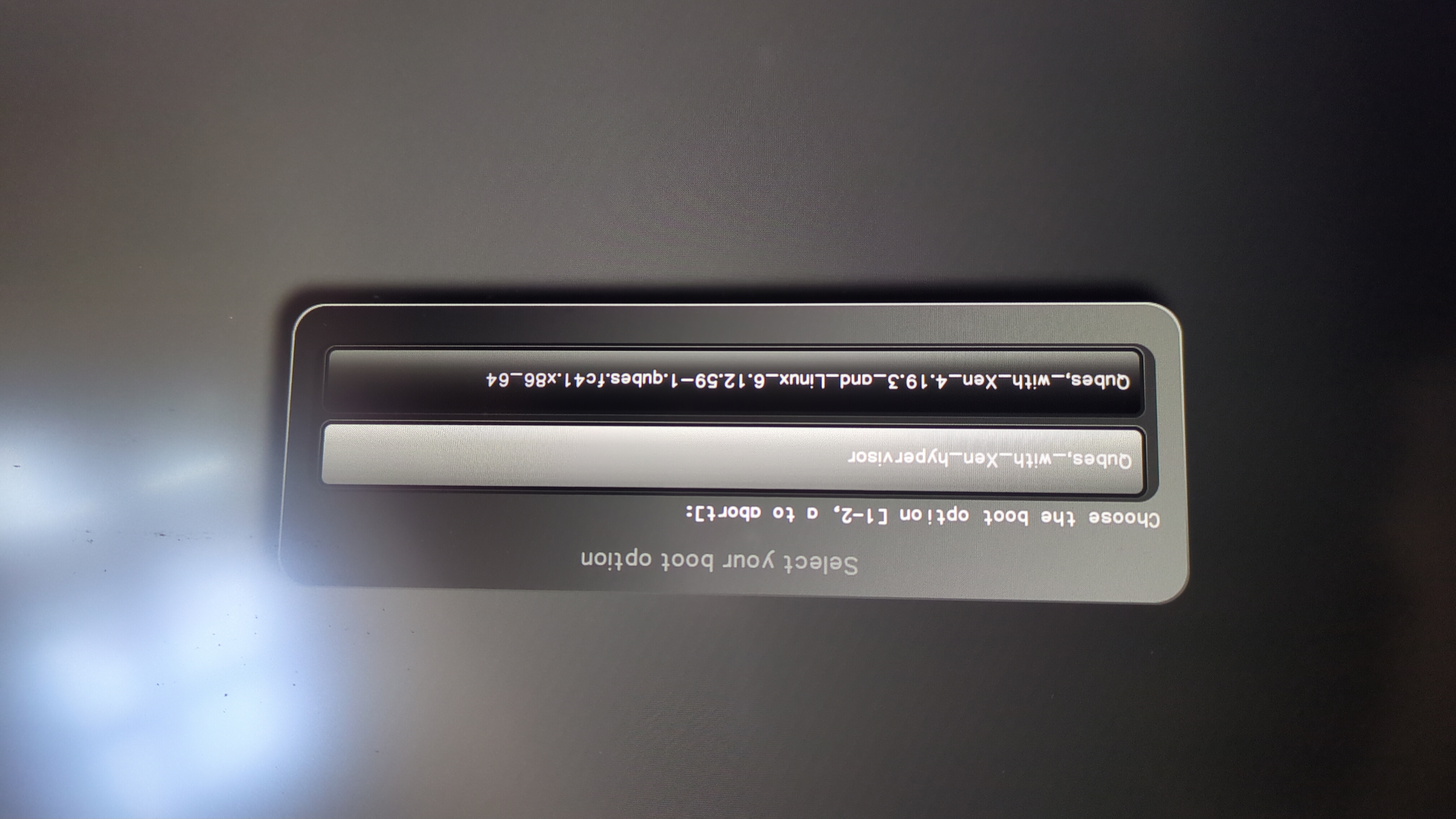
Denna fråga kommer att visas:
Do you wish to add a disk encryption key to the TPM [y/N]:
Hit enter to choose the default option (N).
Please confirm that your GPG card is inserted [Y/n]:
Here also hit enter for the default option (Y).
It will ask for the Admin PIN which is by default (123456).
Återställningen är klar och du startar i ditt installerade operativsystem.
Anslut din Nitrokey till NitroPad.
Slå på NitroPad.
Välj ”Alternativ”.
Välj ”OEM-Fabriksåterställning /Re-Ownership”.
Bekräfta återställningen med ”Fortsätt”.
Integriteten i din Setup kommer att testas, beroende på din anledning att utföra återställningen detta kan misslyckas fortsätt med ok ändå
Följande frågor kan alla besvaras med Standard. Tryck bara på Enter om du bara vill återställa din enhet.
Would you like to change the current LUKS Disk Recovery Key passphrase?
(Highly recommended if you didn't install the Operating System yourself, so that past provisioned passphrase would not permit to access content.
Note that without re-encrypting disk, a backuped header could be restored to access encrypted content with old passphrase) [y/N]: N

Would you like to re-encrypt LUKS encrypted container and generate new Disk Recovery key?
(Highly recommended if you didn't install the operating system yourself: this would prevent any LUKS backuped header to be restored to access encrypted data) [y/N]: N

The following security components will be provisioned with defaults or chosen PINs/passwords:

TPM Ownership password
GPG Admin PIN
GPG User PIN

Would you like to set a single custom password that will be provisioned to previously stated security components? [y/N]: N

Would you like to set distinct PINs/passwords to be provisioned to previously stated security components? [y/N]: N

Would you like to set custom user Information for the GnPG key?[y/N]: N

Would you like to set custom user information for the GnuPG key? [y/N]: N

Checking for USB Security Dongle...

Detecting and setting boot device...

Boot device set to /dev/nvme0n1p2

Resetting TPM...

Resetting GPG Key...
(this will take around 3 minuts...)

Changing default GPG Admin PIN

Changing default GPG User PIN

Reading current firmware
(this will take a minute or two)

Adding generated key to current firmware and re-flashing...

Signing boot files and generating checksums
Det kommer att visa standard GPG PINS och TPM-lösenord
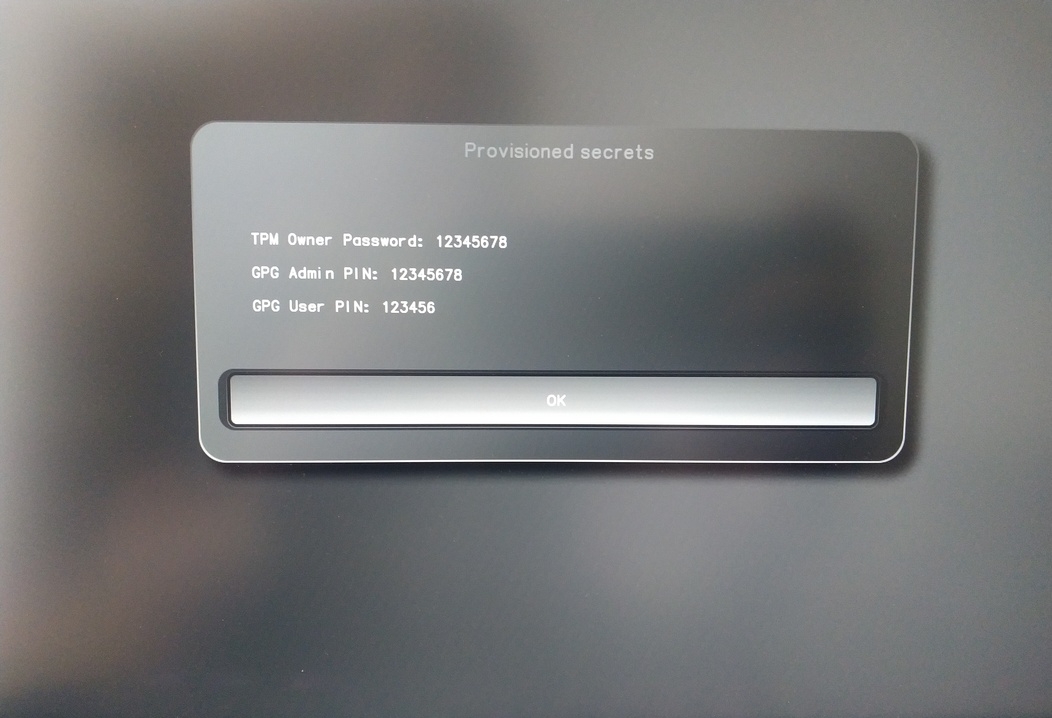
Confirm the subsequent restart.
Efter omstarten måste OTP-hemligheten skapas. Bekräfta processen med Enter.
Ange TPM-lösenord (standard: 12345678)
Skanna QR COde med telefon för att infoga TOTP Seceret (valfritt) och tryck på Enter
När du uppmanas att ange administratörspinkoden för din Nitrokey (standard: 12345678) och tryck på Enter
Därefter bör du nå Start-menyn.
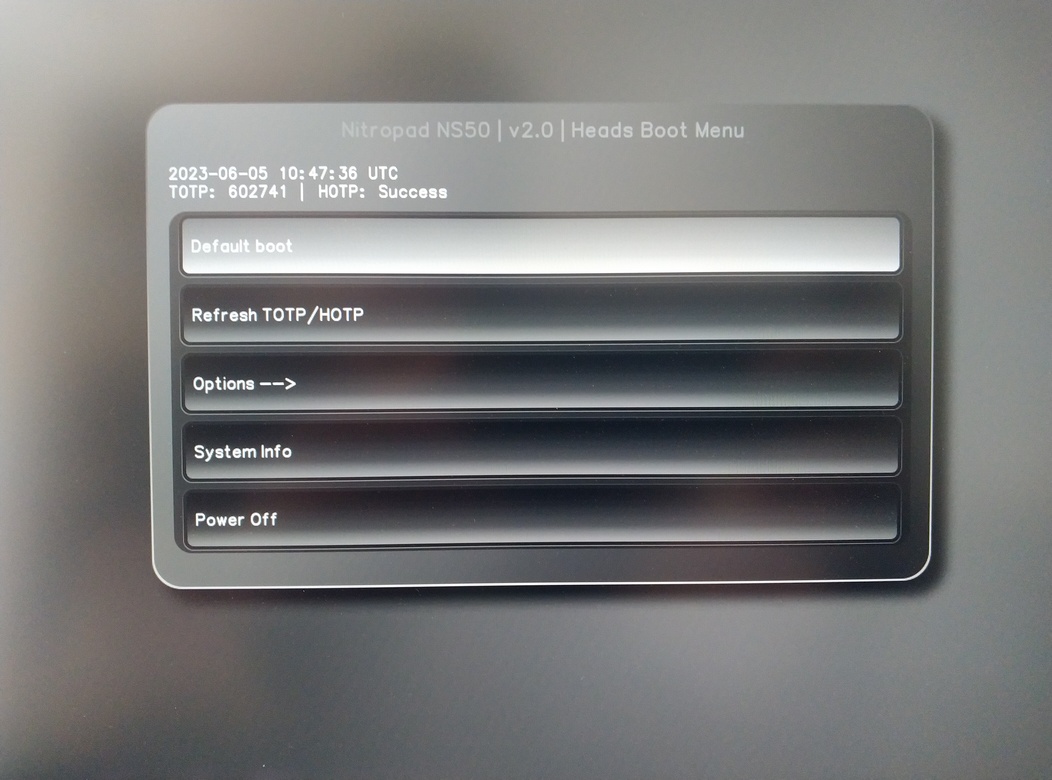
Tryck på Enter för att starta ”Default Boot”.
Observera
If you see the message that no default exists yet, please follow the procedure described in default boot.